Repertoire & performances
Record when a piece was played, see what has not been played for years, and export the work list for the AKM report.
Once it is recorded when each piece was played, SinfoniaOne answers three questions on its own: "Didn't we play that just last year?", "What has been sitting unused in the cabinet?" and "Which works do we have to report?".
Record a performance
There are two ways, and both are equally valid.
Take it from a setlist
The quick way after a performance: instead of entering eighteen pieces one by one, you take the whole program at once.
Open the setlist
Open the setlist that was played and tap "Log as played" in the detail header.
Pick the performance
Choose the appointment at which you played. Date, occasion and location are filled in from it. If there was no appointment — a serenade, or a gig from before you used the app — simply enter a date instead.
Check the preview and log it
Under "This will be logged" you see beforehand which pieces would be recorded and which are already recorded for that appointment. Nothing is written until you tap "Log".
Only performances count
Entries are only taken from appointments in the "Performance" category. A rehearsal is not a performance — otherwise half your rehearsal schedule would end up in the copyright report. If you pick another category, the preview says so in plain words and logs nothing.
If you renamed the "Performance" category (to "Parade", say), this still works. If you created your own category, SinfoniaOne does not recognise it as a performance — for those appointments you add the performance by hand.
You can press the button more than once: pieces already recorded are skipped. Handy when you remember later that there was an encore.
Add one by hand
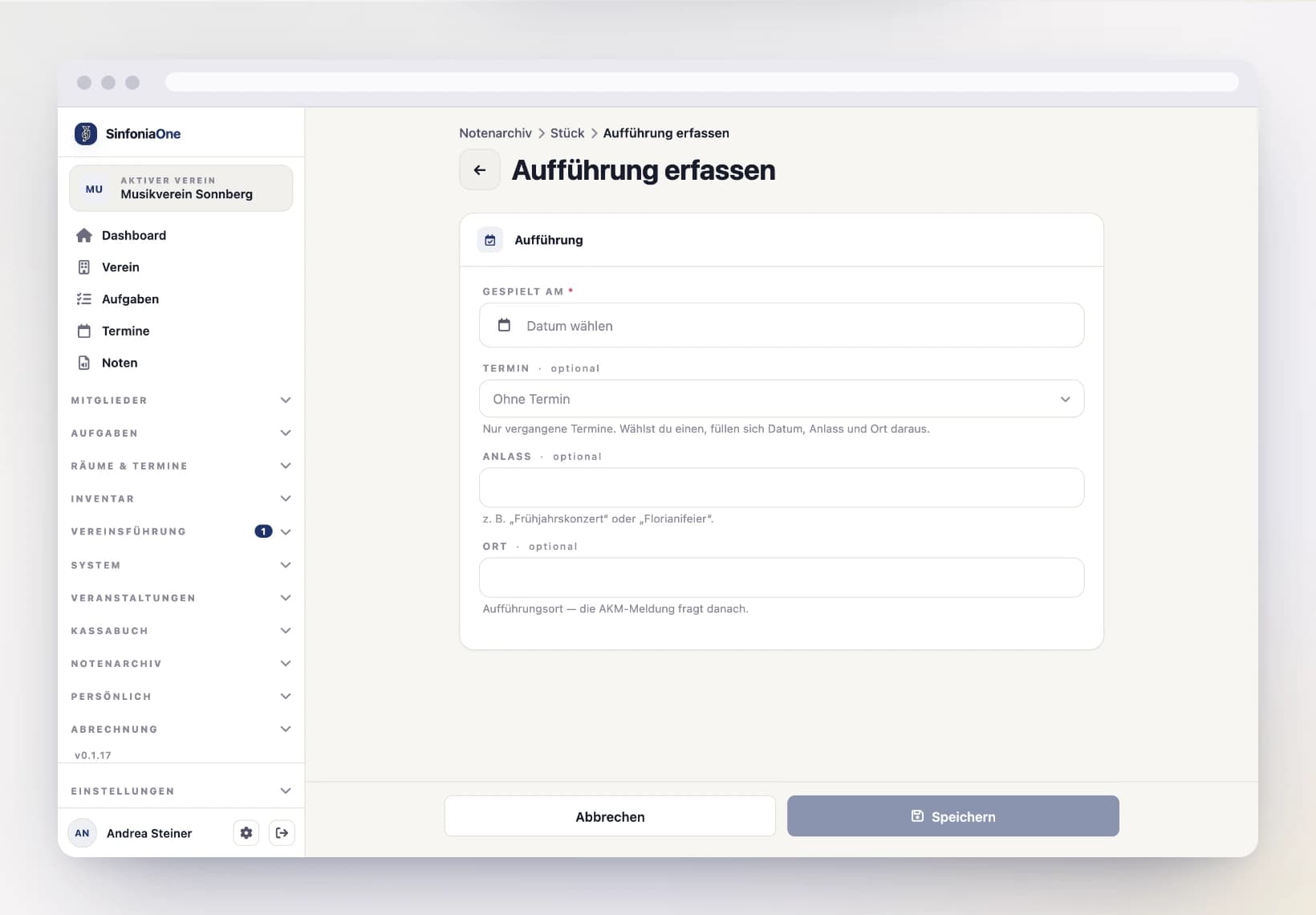
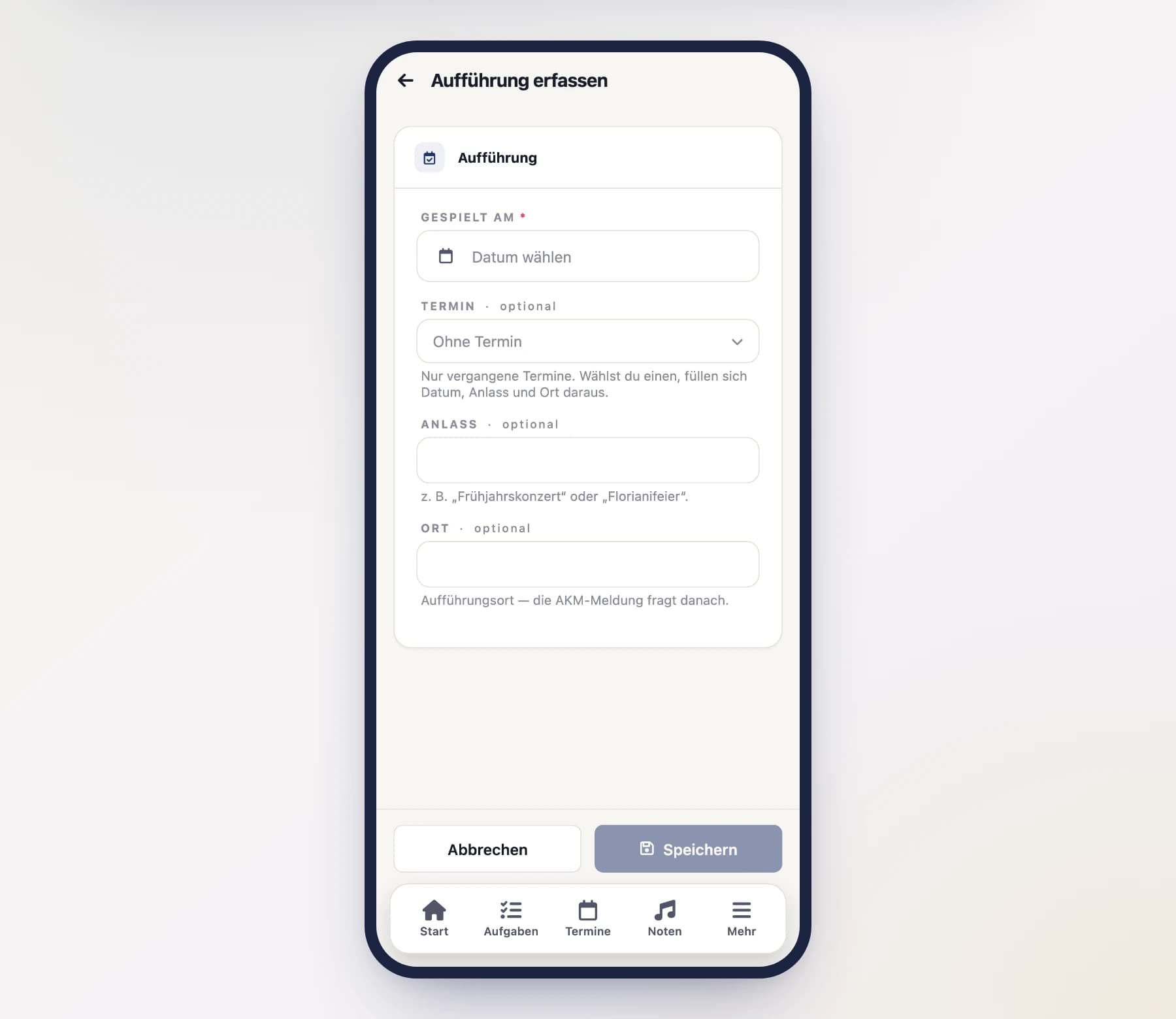
On a piece's detail page you'll find the "Performances" section. The + lets you record a single performance: date (required), optionally a past appointment, plus occasion and location.
This is not a fallback but the second regular route — for everything older than your appointment calendar in the app.
Correcting performances
Every row stands on its own: you edit or delete it individually on the piece's detail page. That is exactly why each piece gets its own row instead of one collective entry per appointment — if a piece wasn't actually played, you remove that one row without touching the whole program.
Each row shows where it came from: taken from a setlist (including the program's name) or entered by hand. That origin stays put even if you correct the row later.
Analysis: what was played recently, what hasn't been
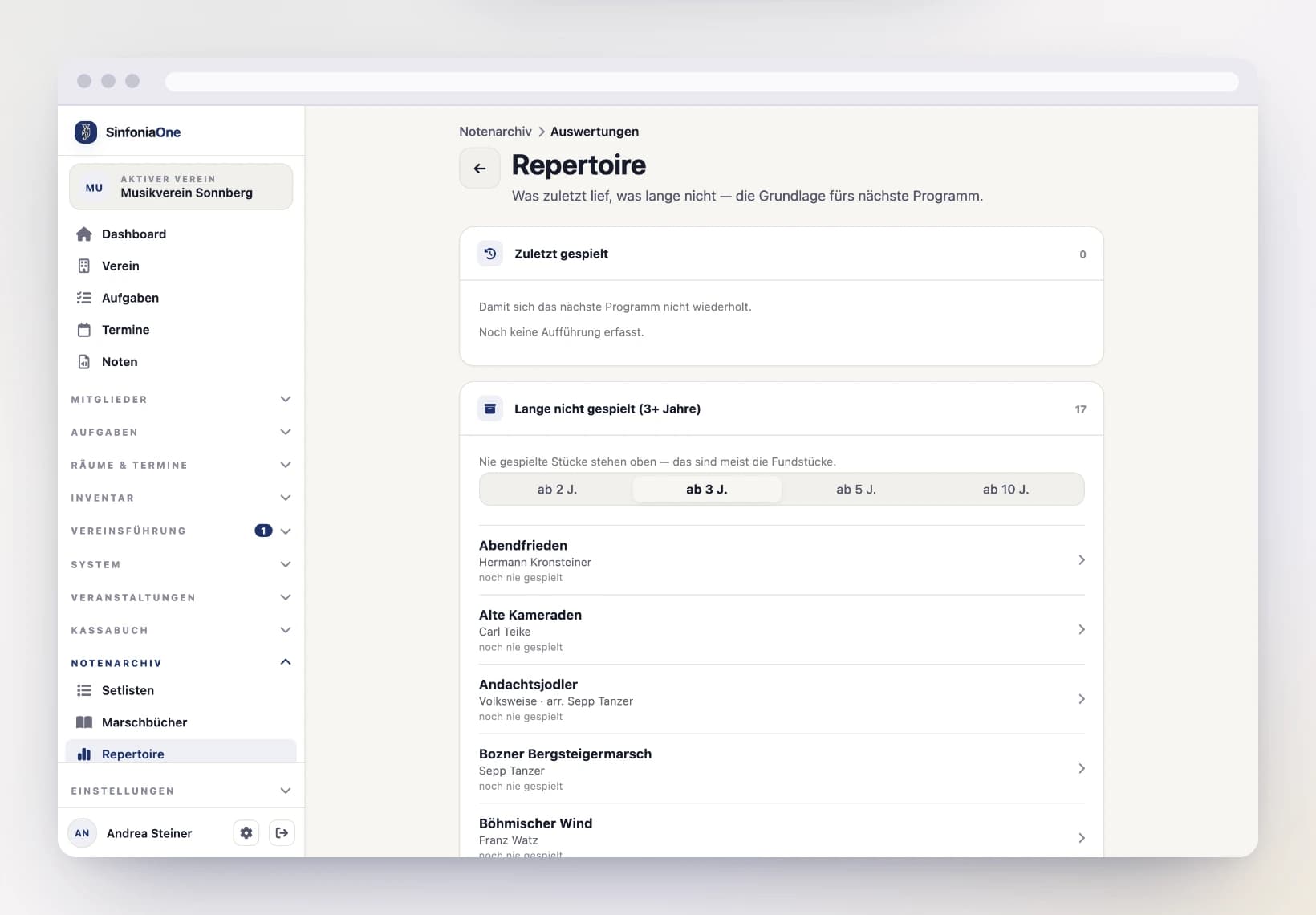
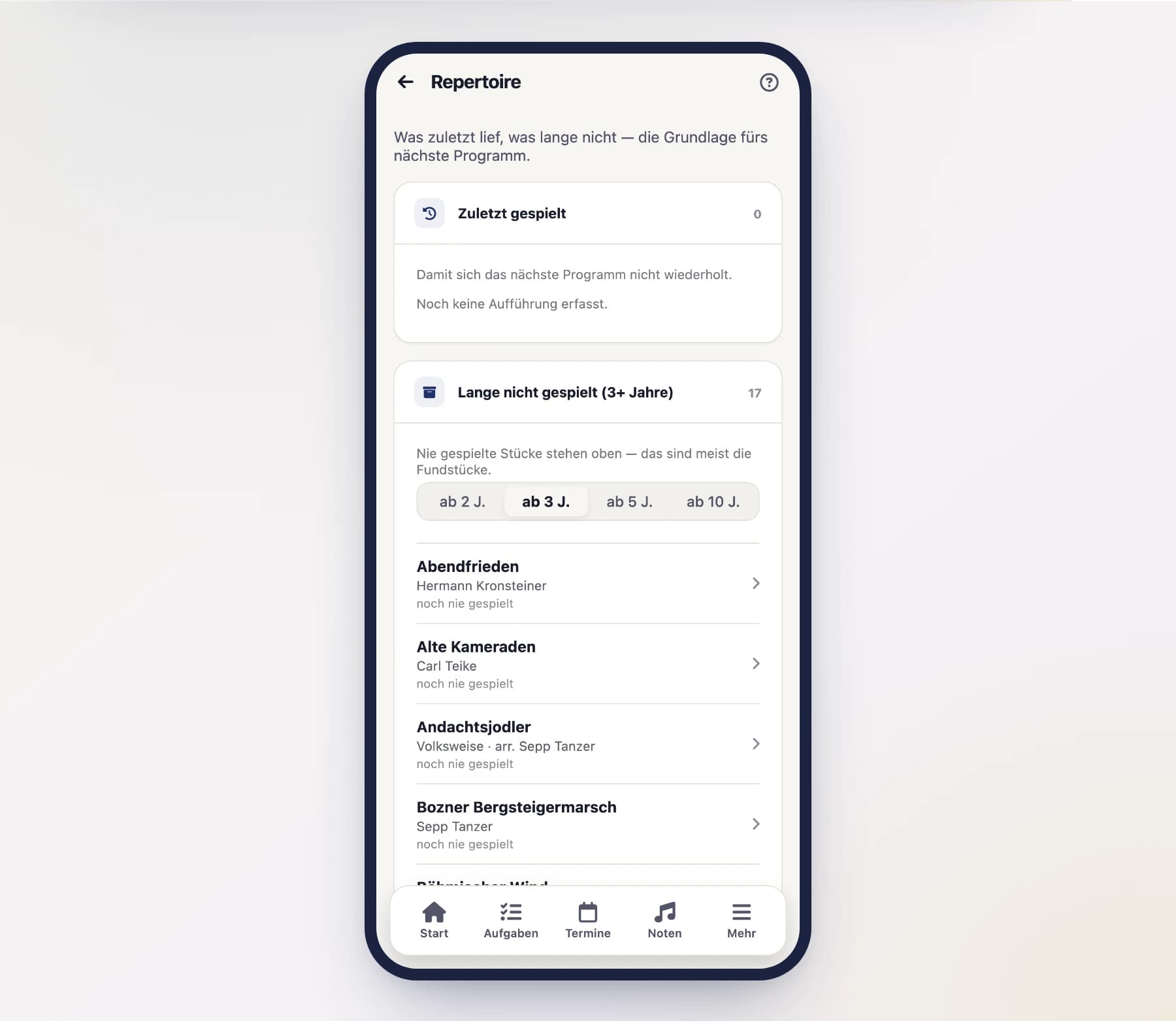
Open “Repertoire” under Sheet music in the menu. Three blocks:
- Recently played — so the next program doesn't repeat itself.
- Not played for a long time — pieces untouched for the number of years you set. Pieces never played are listed first; those are usually the finds.
- Most played — the standards the band knows by heart.
The two bars at the top set the window (3, 5 or 10 years) and the threshold for "a long time".
An observation, not a reprimand
"Not played for four years" is not a failing. Some pieces a band plays once a decade, and that is perfectly fine. That is why there is no warning colour and no exclamation mark here — the list is a pool of ideas for the next program.
The work list for the copyright report
Austrian bands don't report their played repertoire to the AKM directly but through the ÖBV portal (akmmeldung.blasmusik.at). The ÖBV holds the blanket agreement there and passes everything on collectively.
The work list assembles the details the portal asks for — one row per work with title, composer, arranger, publisher, duration, number of performances plus the date and location of each single performance. Searching around turns into typing up; or you simply attach the PDF.
You'll find it on the repertoire screen under "Work list" — View opens the preview, Download gives you the PDF. Without further input it covers the current calendar year.
Who may do this?
The export is a right of its own and by default sits with the conductor, the music archivist, the board and the club management. Every export is logged: who, when, which period. Viewing the analysis is not logged.
Composer or arranger
The AKM requires the composer if known — otherwise the arranger. You maintain both fields on the piece. The publisher is on no mandatory list; the work list carries it anyway, because it is what lets you recognise which work is meant while filling in the form.
Folder history: where the piece was, and when
A piece's detail page has a "Folder history" section showing which setlist or march book this piece was in and when: when it was put in, when it was reordered and when it was taken out — with the date and the person who did it.
The history starts with this version; there are no entries for the time before that.
Titles are no secret, sheet music is
Performances, the repertoire analysis and the folder history show all of the band's pieces with title and composer — even those whose sheets you may not open because of sheet music visibility. What the band plays is known within the band; what is protected is the sheet music, not the program. None of these places ever shows you a sheet.
March book
Generate print-ready march book PDFs per part, with cut lines and correct front/back pairing.
Playing sheet music
The performance player on phone and tablet – show sheet music full screen, turn pages, zoom, put two pages side by side in landscape, listen to the programme and follow the conductor.