Rights for a piece
Where did this piece come from? The answer belongs to every piece — before uploading, when adding by hand, and for the existing library.
Every piece in the archive carries a note about where it came from: bought, borrowed, licensed, public domain. SinfoniaOne asks once per piece and records the answer, together with the date and the person.
A statement, not a check
SinfoniaOne does not verify anything. The answer is your own account of your own library — it helps when someone asks, and it helps you keep track.
The possible answers
| Answer | What it means |
|---|---|
| Original edition purchased | The purchased copies are held by the band. |
| Publisher's permission | There is written permission from the rights holder. |
| Rental material | Borrowed from the publisher and due back. |
| Public domain | The author died long enough ago; the app asks for the year of death. |
| Own work | Composed or arranged within the band. |
| Rights granted | Came to the band by contract or bequest. |
Careful with rental material
Rental material generally may not be digitised. If you have made scans of it, clear that with the publisher before you share them.
Buying is not digitising
If you choose “Original edition purchased”, the app shows a notice. Buying printed sheet music generally does not include the right to scan it and pass it on digitally. Check the publisher's licence terms or obtain permission.
Where you are asked
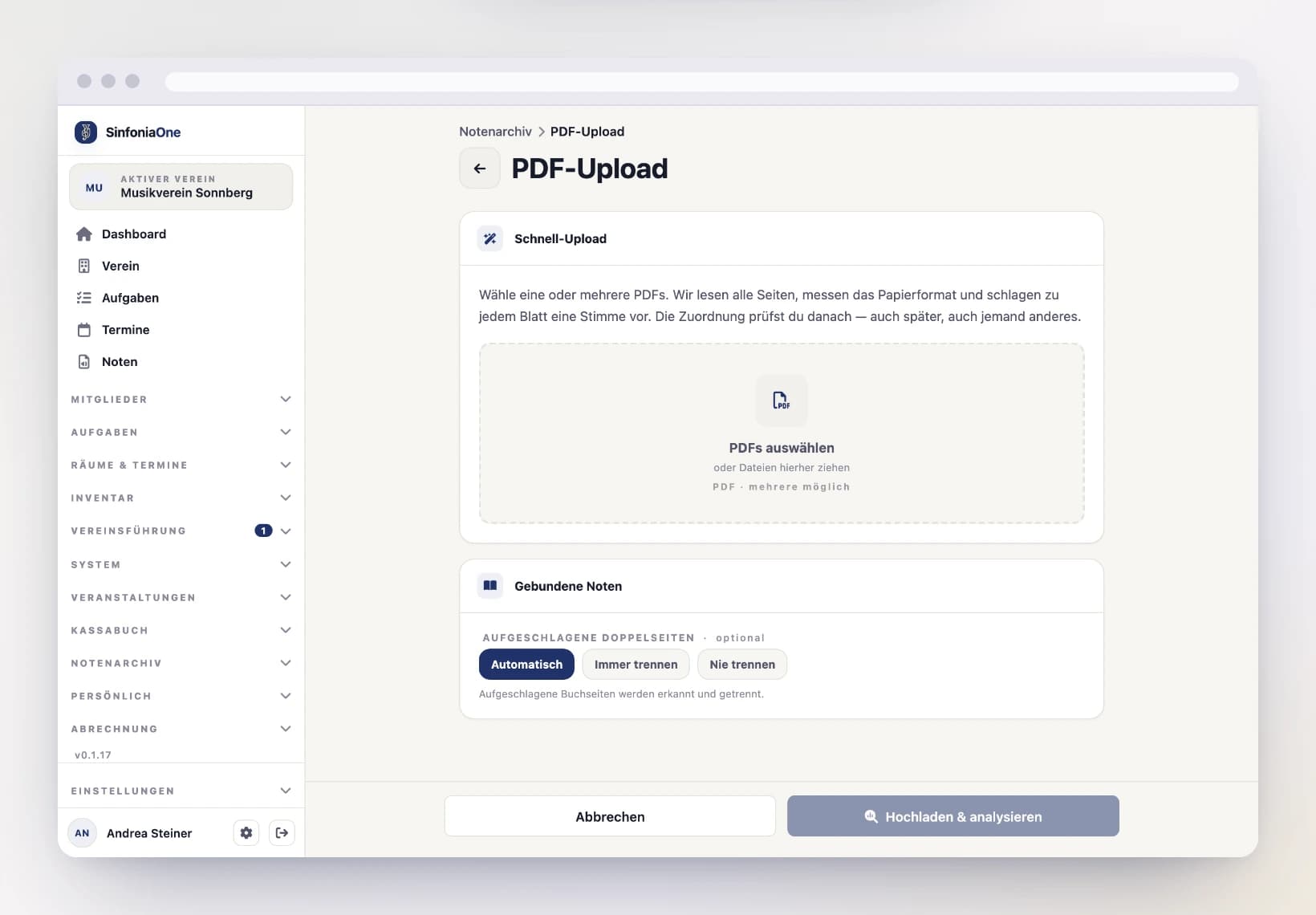
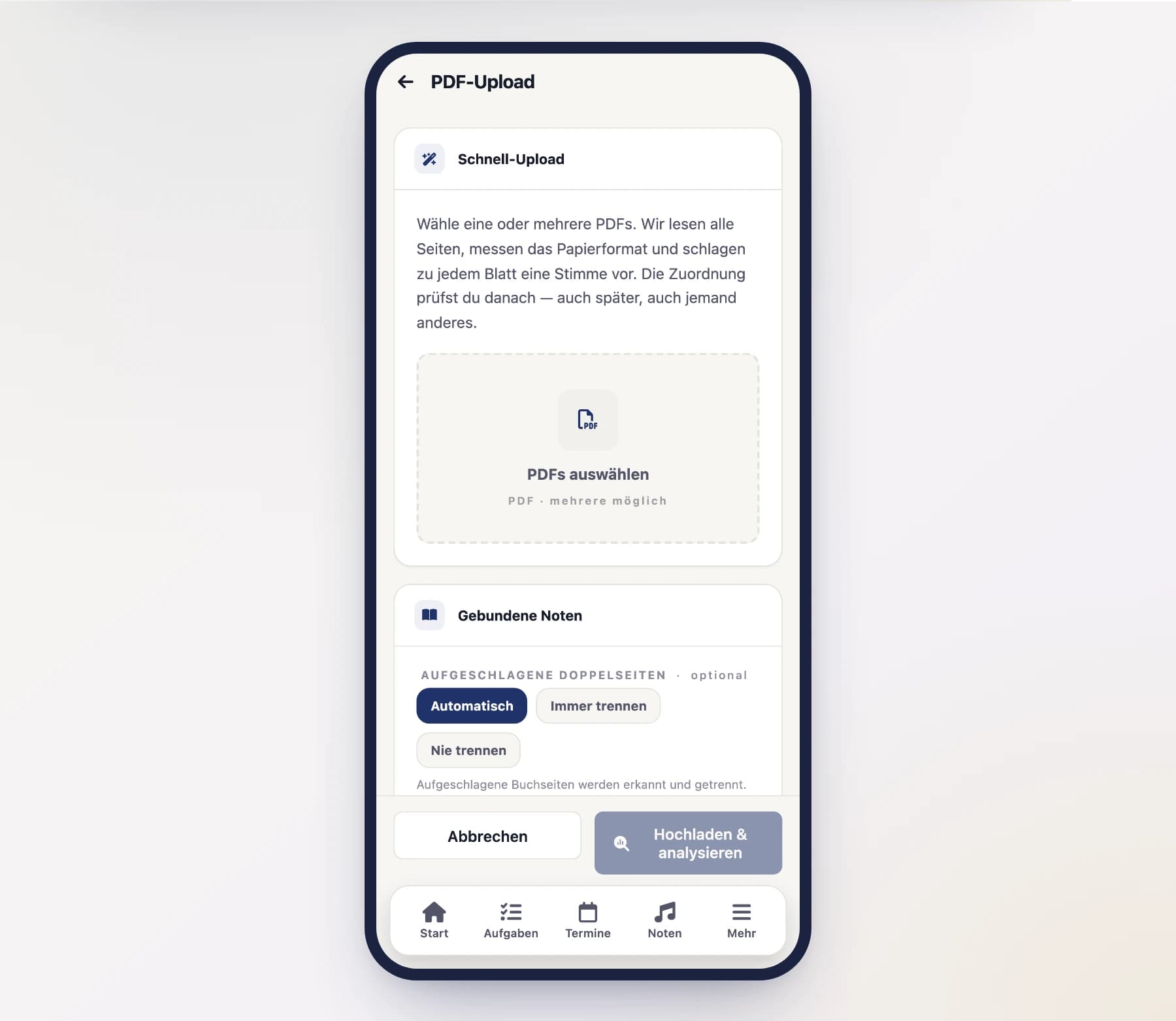
Before uploading — before you pick the PDFs. The file selection only opens once the basis has been chosen and confirmed. The answer applies to the whole upload; individual pieces may differ at the review step.
When adding by hand — in the form under “Rights”, just below the purchase details.
Afterwards for the existing library — in the music list, see below.
No answer, no piece
The answer is required. A piece cannot be added by hand or saved from an import while it is unclear where it came from.
No answer, no export
Pieces without a rights answer cannot be exported — not as a PDF, not in a setlist bundle, not in a march book, not as a .sinone archive. Viewing and playing them still works; only copies leaving the system do not.
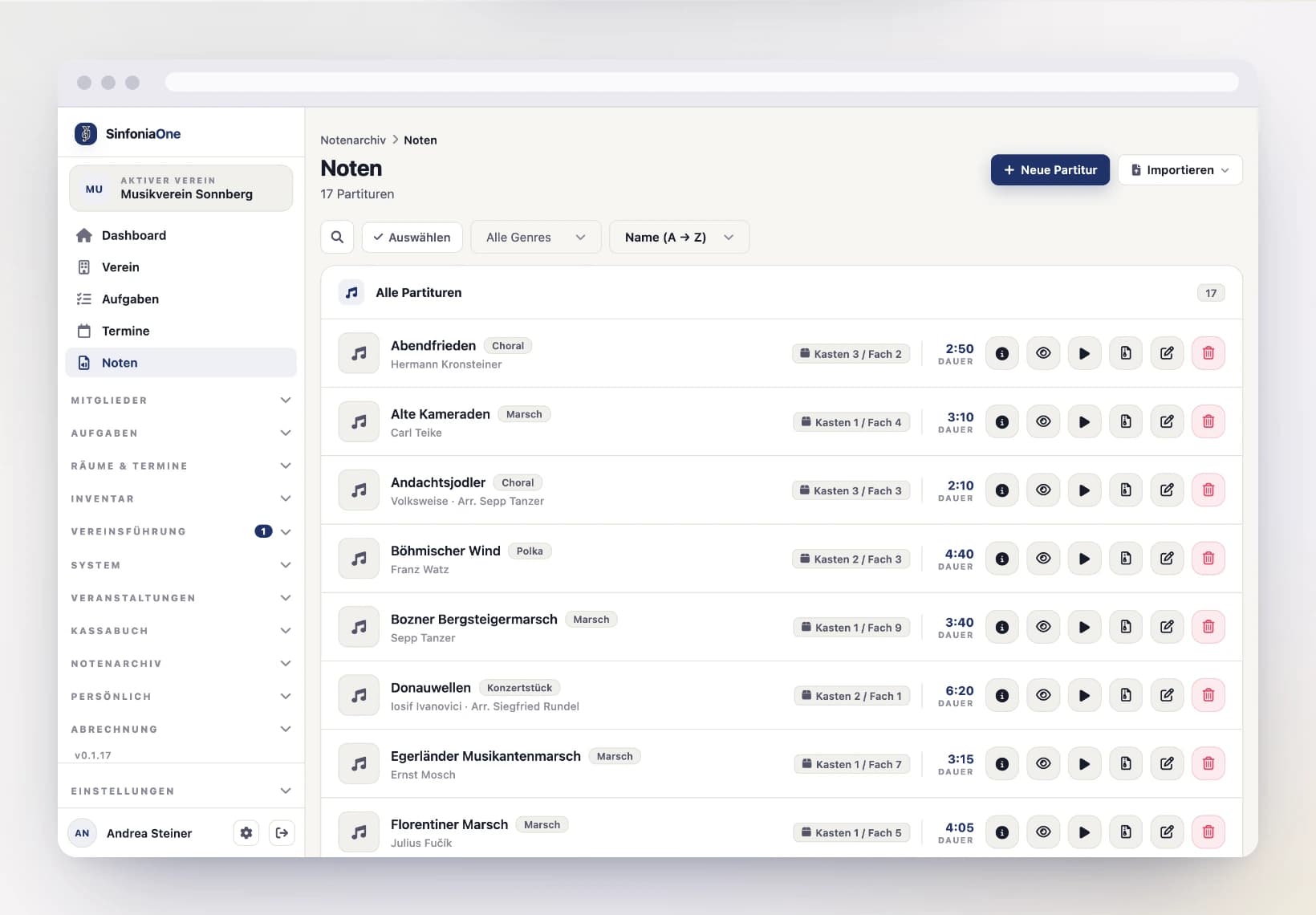
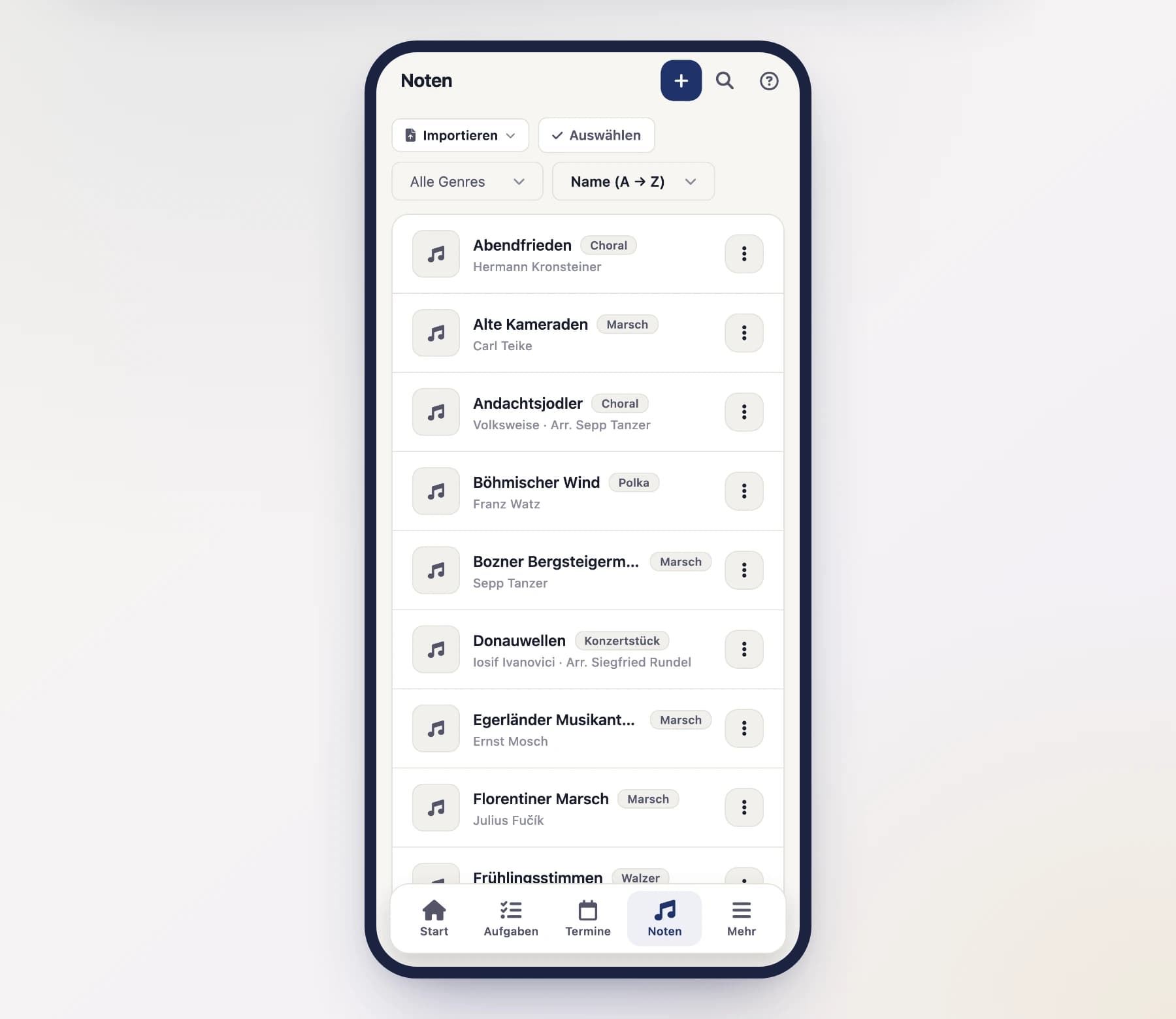
This mainly affects the older part of your library, from before the question existed. So that you do not discover it only at export time, the music list permanently shows how many pieces are still open — tapping it takes you straight to the filtered list.
Catching up on the existing library
Nobody answers eight hundred pieces one at a time. So it works in batches:
Open Music and set the filter to “Without rights info” — or tap the notice at the top of the list.
Tap “Select” and mark everything that belongs together — the whole box of purchased publisher editions, for example.
Tap “Rights” in the bar at the bottom and choose the answer that applies to the whole batch.
Whatever did not fit the batch stays behind — answer it in the next round or individually.
Even in a batch, a separate record is kept for every piece. Only the answer is the same.
Recordings have their own question
A recording carries rights beyond the work itself — those of the performers, of the producer, sometimes personality rights. Your band may legitimately own the sheet music and still not be allowed to use the recording. So the app asks separately there:
| Answer | What it means |
|---|---|
| The band's own recording | Recorded at one of your own performances or rehearsals. |
| Licence or permission held | There is permission to use this recording. |
| Other entitlement | What it rests on belongs in the note — without an explanation the app will not accept it. |
The band's one-time declaration
Before sheet music is released or exported for the first time, the committee confirms once that the rights situation allows it. The prompt appears when the app opens and cannot be skipped — after that, no individual export asks again.
Once per band
The declaration applies to a band, not to an account. If you run several bands, you give it for each one; that is why the band's name is shown in the dialog. Only an owner or band admin can give it.
Who may do this
There are two separate permissions, and the split is deliberate:
- Declaring requires the permission “May declare the rights basis of a piece” — by default Librarian and Administrator.
- Reading who declared what and when additionally covers Conductor and Committee.
The conductor sees the whole archive but does not declare — that is the librarian's job, as with the rest of the library. Both can be reshaped at any time in the role editor.
Whoever adds a piece declares it
When adding a piece, the “declare” permission is not additionally required: whoever adds a piece provides the answer with it. The split only applies to changing an existing declaration later.
Importing another band's archive
If you import a .sinone archive from another band, their answer is not carried over. It was that band's statement about their library — you have neither their invoice nor their licence.
It is not lost either: it lands as a note in the remarks field, and the piece appears in your list under “Without rights info” until you answer for yourself.