March book
Generate print-ready march book PDFs per part, with cut lines and correct front/back pairing.
A march book is the small sheet music folder that musicians carry on their instrument while marching. SinfoniaOne generates one print-ready PDF per part from it – all you have to do is print, cut and tuck in.
What SinfoniaOne generates for you
- Small slips in march book format, two per A4 page.
- Cut lines so you can separate the slips cleanly.
- a numbering that makes sure the front and back match up correctly when printing double-sided (duplex).
- a table of contents of the pieces included.
Create a march book
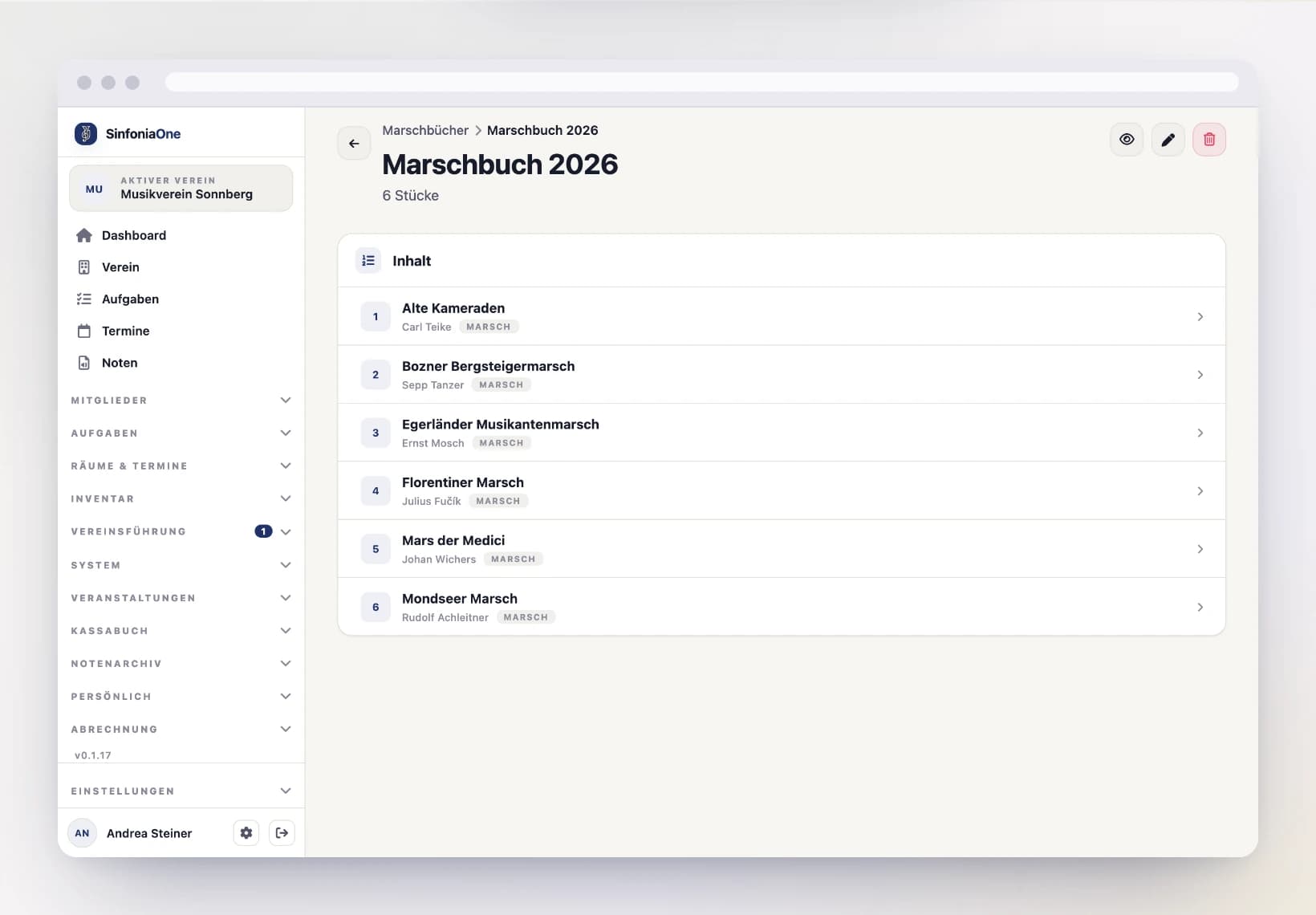
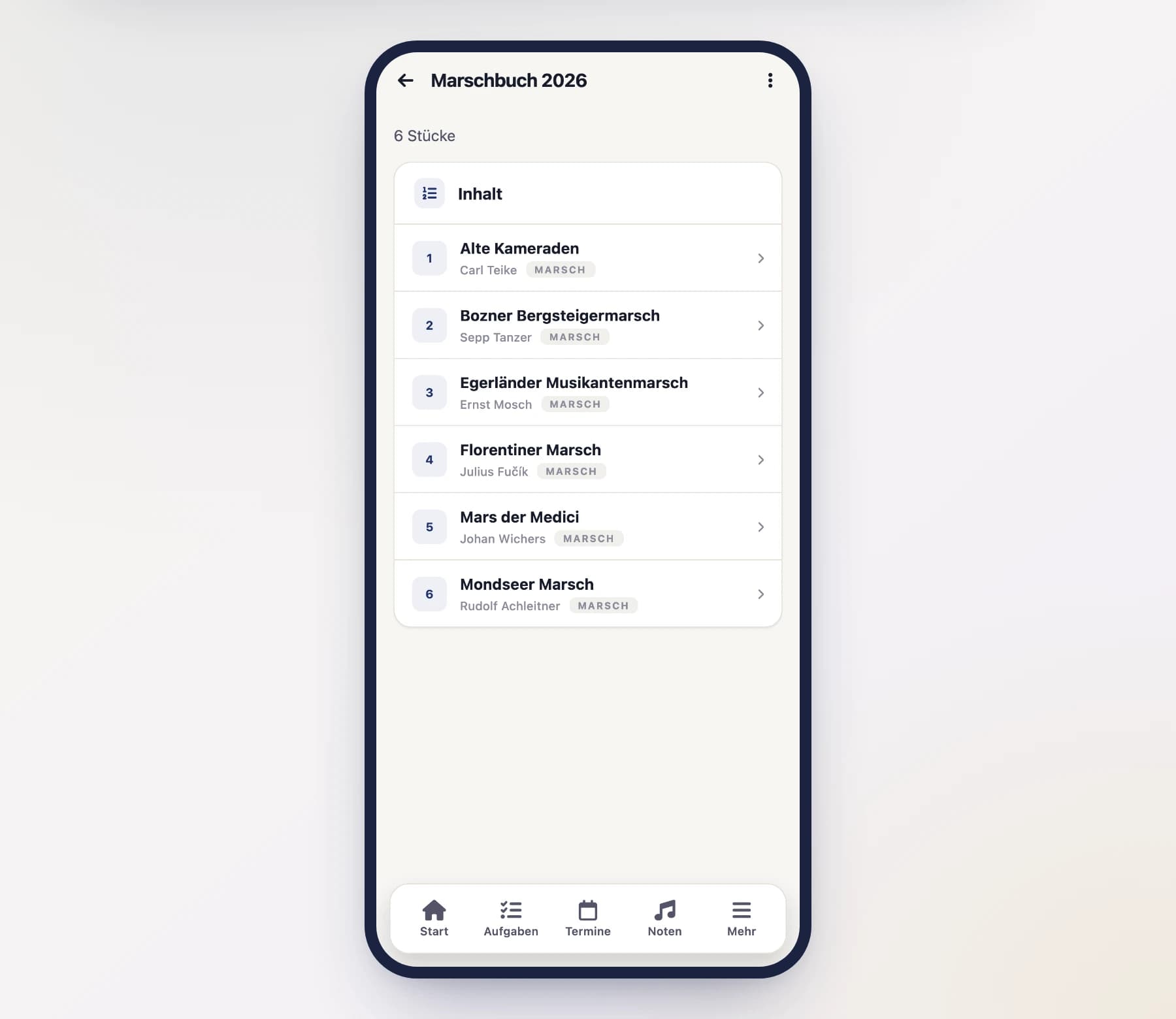
Add and arrange pieces
Add the pieces that should go into the march book.
Order and number are two different things
You can set the order of the pieces in the march book separately from the visible march book number. That way a piece's printed number stays the same over the years, even if you change the order in the book.
You type each piece's number straight into the list. If the numbering has become messy over the years, "Renumber" below it assigns consecutive numbers starting at 1, following the current order.
Renumbering affects printed books
After renumbering, march books already handed out no longer match the app — their printed numbers are the old ones. Use it when you are reprinting the book anyway.
Choose a part and export
Choose the part you want to print the march book for (e.g. "1st trumpet in B♭") and tap "Export". SinfoniaOne generates the print-ready PDF for exactly this part.
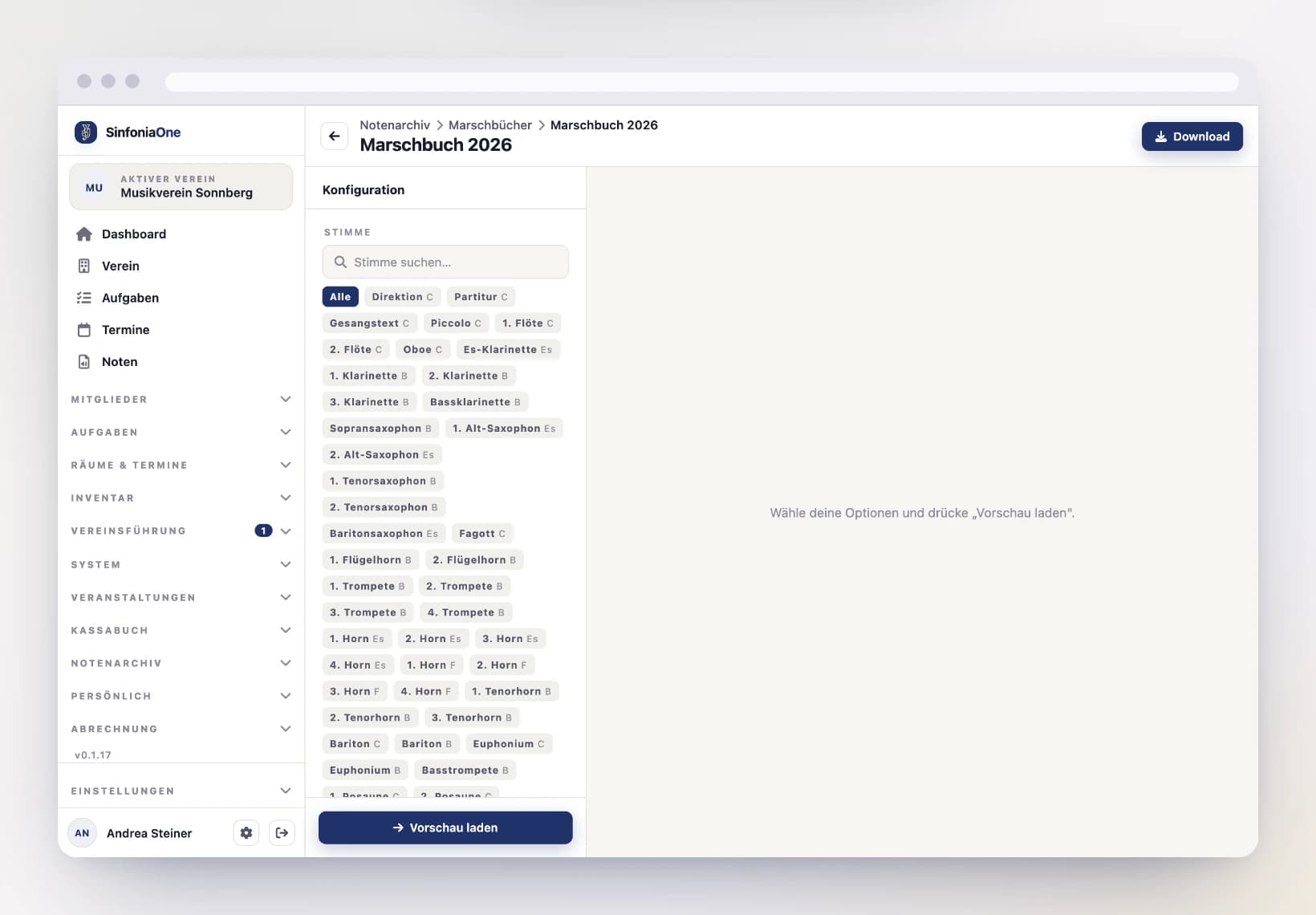
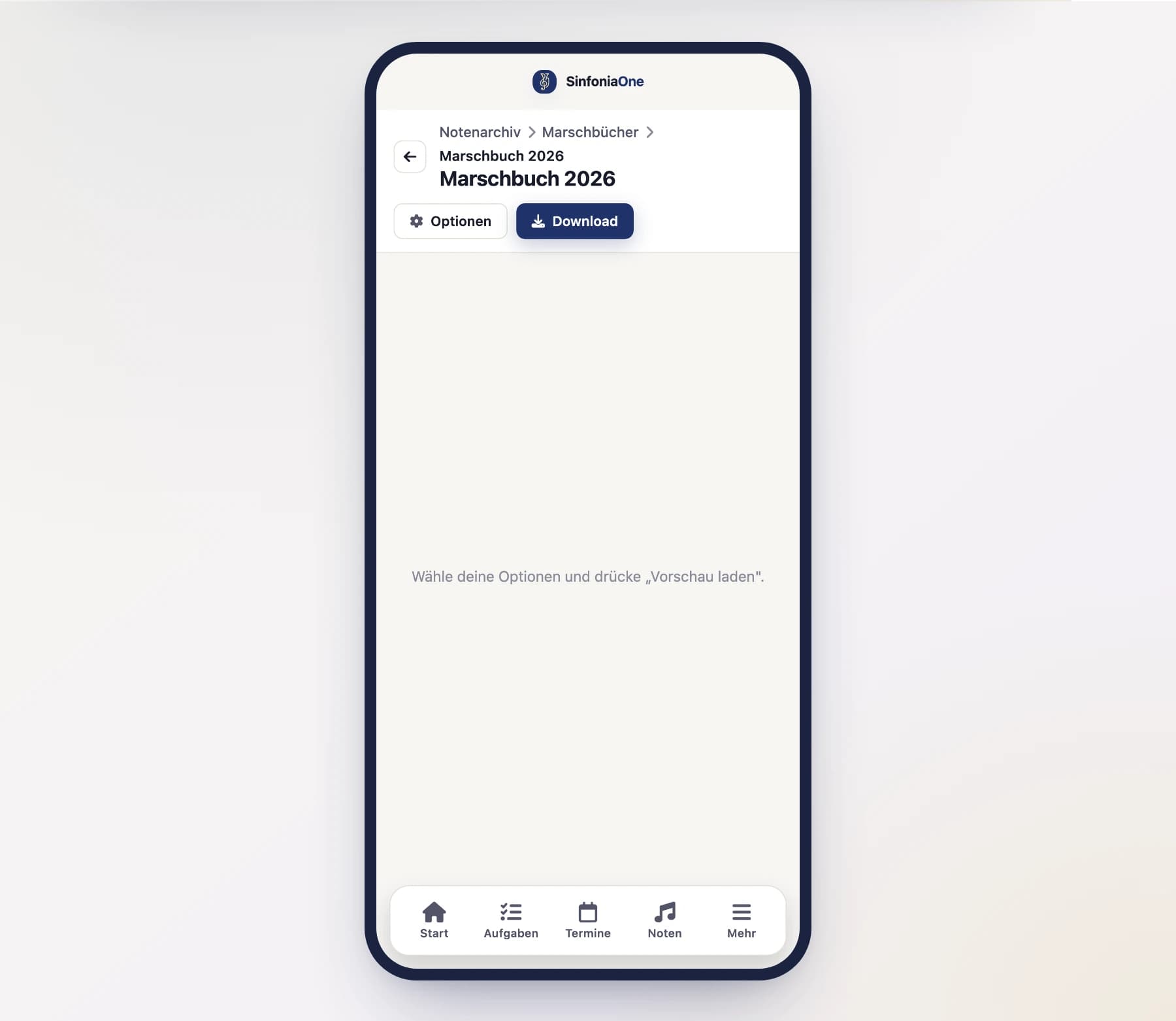
Print and cut
Print the PDF double-sided (duplex), cut along the cut lines – and the march book slips for this part are done. Repeat the export for each additional part.
Tip for duplex printing
Make sure your printer is set to double-sided and flips on the long edge. The front and back of each slip will then line up correctly.
Print multi-page pieces as a spread
A piece that runs over two slip pages normally ends up on the front and back of the same slip in the bound book — so you would have to turn the page in the middle of the piece. While marching, with one hand on the instrument, that is exactly the wrong moment.
That is what the "Print as a spread" section in the march book preview is for: tick the pieces that should lie open in front of you. On export, SinfoniaOne shifts them by one slip so their first two pages sit side by side.
What the shift costs
The shift needs a blank slip in front of it — so your book gets a little thicker. That is why the tick is not set automatically: you decide per piece whether page turns or space matter more to you.
Single-page pieces are left alone; there is nothing to spread there. And because the tick is stored on the piece, the next printout of the same book looks exactly the same again.