Sections, parts & genres
Set up the master data your sheet music archive is built on – sections, parts, genres, composers, arrangers and publishers.
Before you create pieces, it's worth taking a look at the master data. These are the recurring building blocks that you only need to select when creating a piece: parts, genres, composers, arrangers and publishers. Set them up cleanly once, and you'll save yourself a lot of typing later.
A lot is already there
When your club was founded, SinfoniaOne already created standard parts and genres. Often you only need to add what additionally occurs in your club.
Sections & parts
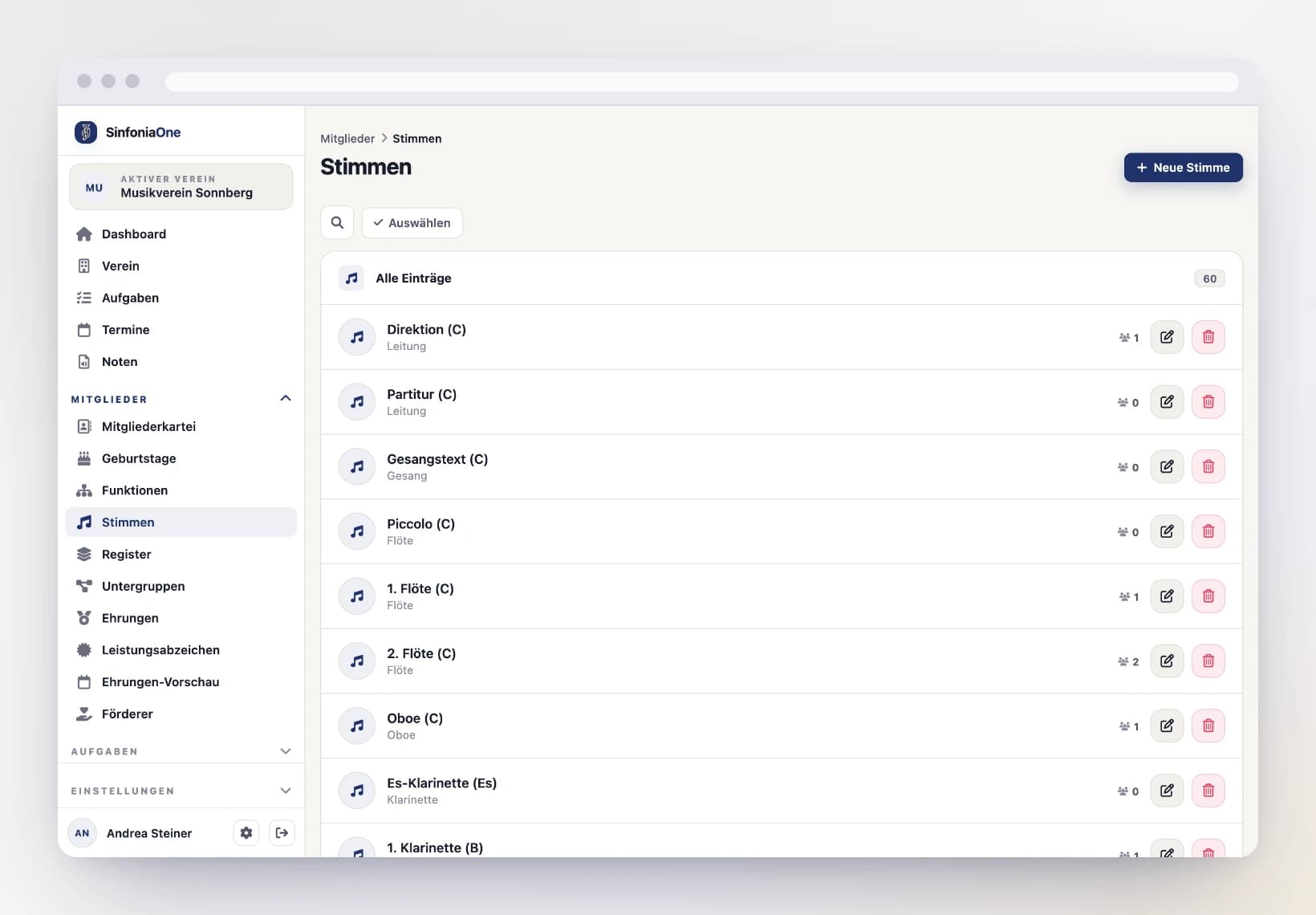
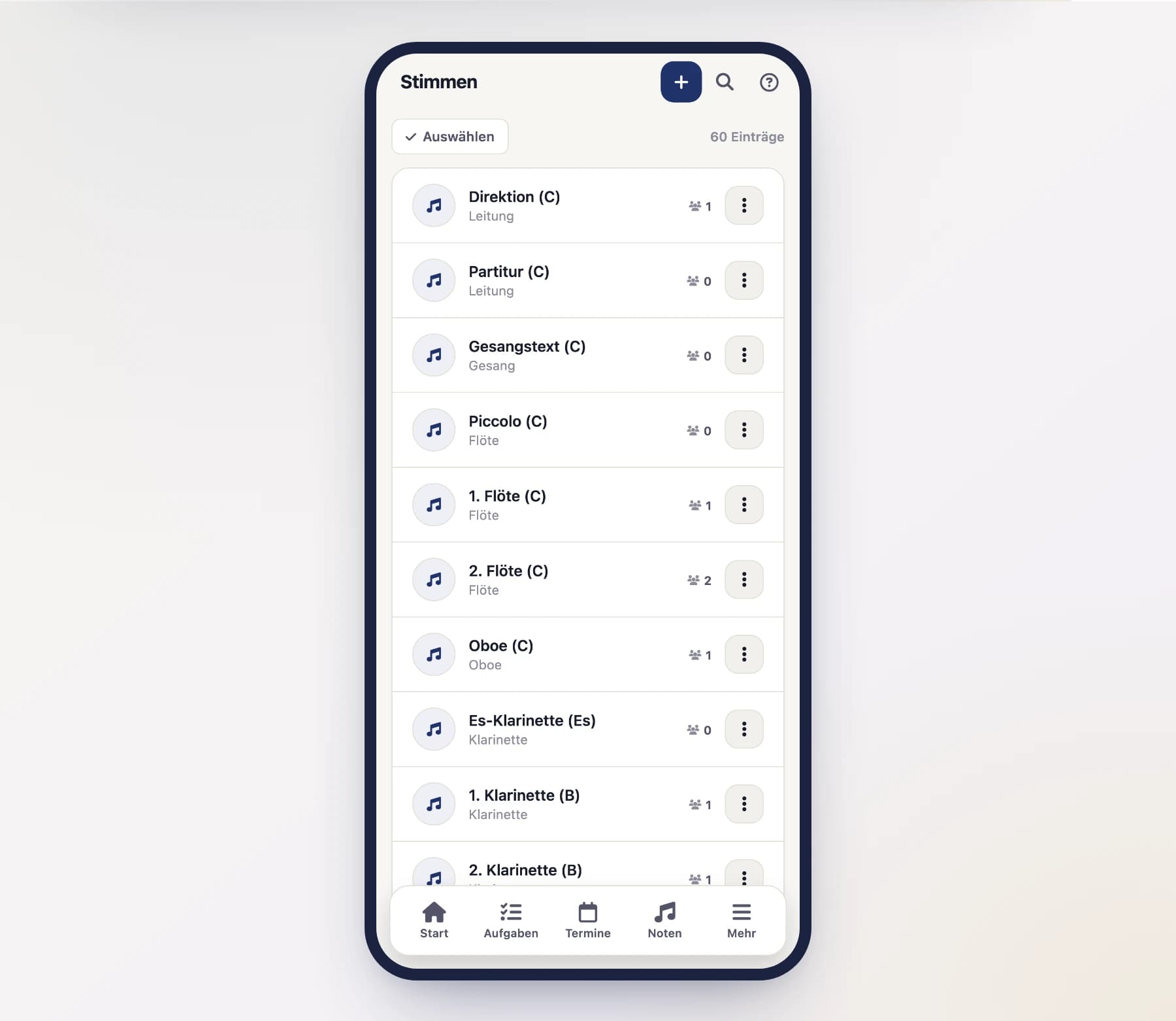
A part is the score of one instrument – for example "Clarinet in B♭" or "1st trumpet in B♭". It's exactly these parts that you later assign to a piece's sheet music PDFs.
A section groups several parts together, just like in the rehearsal room – for example woodwinds, brass or percussion. This helps you when inviting people to events and when putting together ensembles.
The same parts as for the members
Sections and parts are the same ones your members are assigned to. Set them up here and they're available everywhere in the club. You'll find them in the menu under Parts and Sections.
Create a new part
Tap "New", enter the instrument and the tuning (e.g. "Clarinet in B♭") and, if needed, assign the part to a section. Then save.
Maintain sections
You create sections the same way – in the menu under "Sections". Give the section a name (e.g. "Woodwinds") and save.
Genres
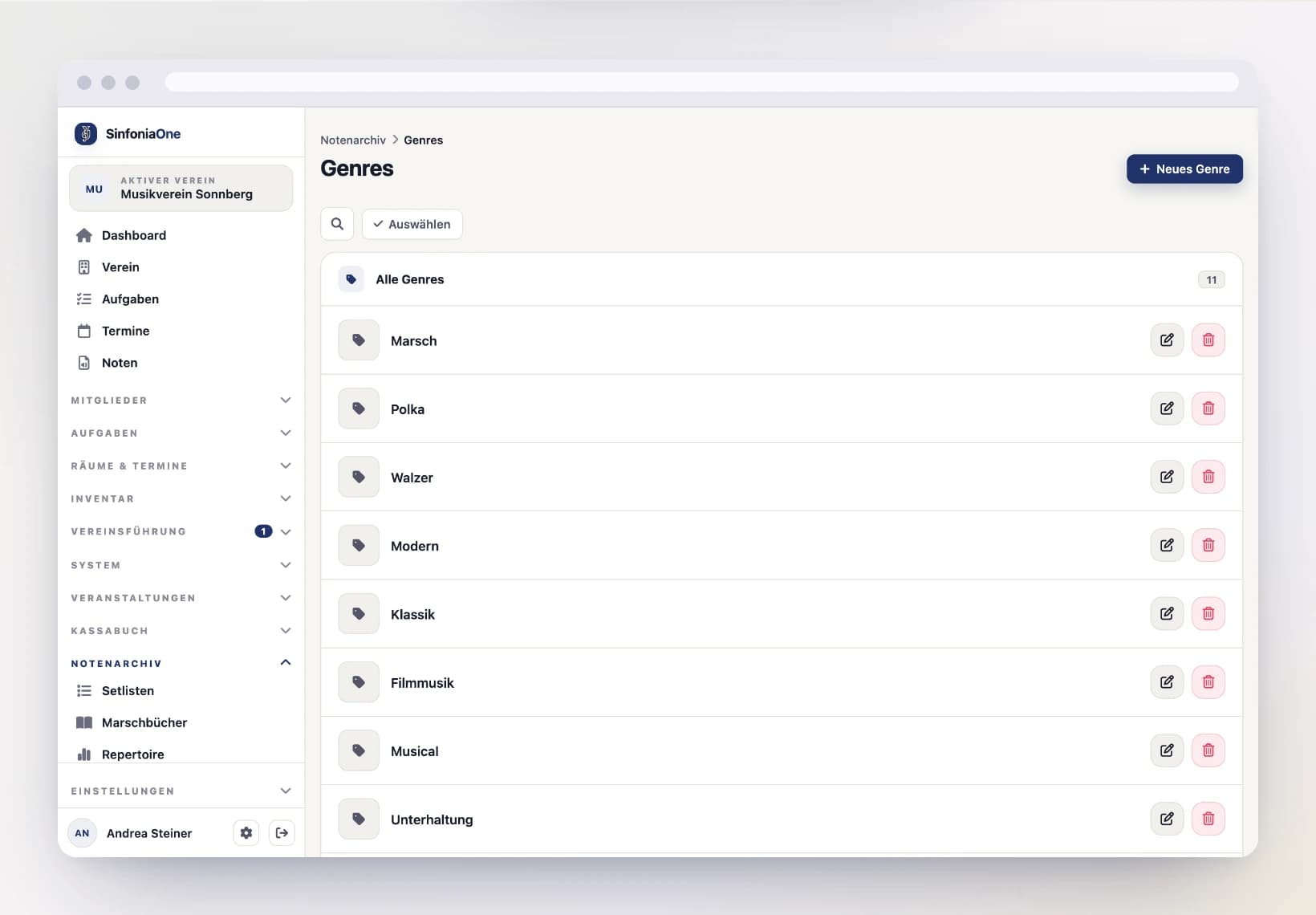
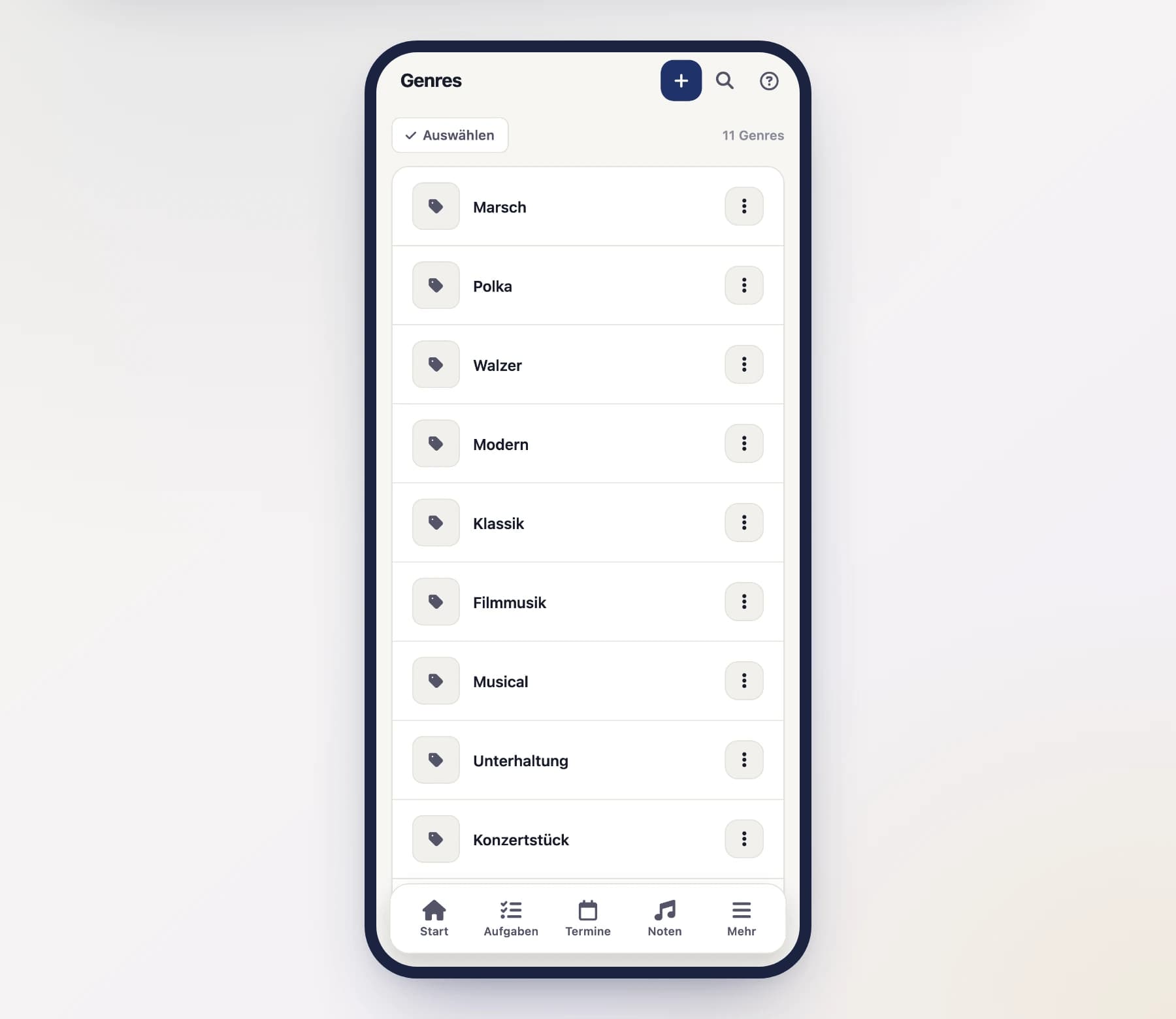
Genres describe the kind of a piece – such as march, polka, concert work or film music. They help you organize the archive and search it faster.
Genres apply only to your club: you can freely create, rename and delete them without affecting other clubs. You'll find them in the menu under "Genres".
Composers & arrangers
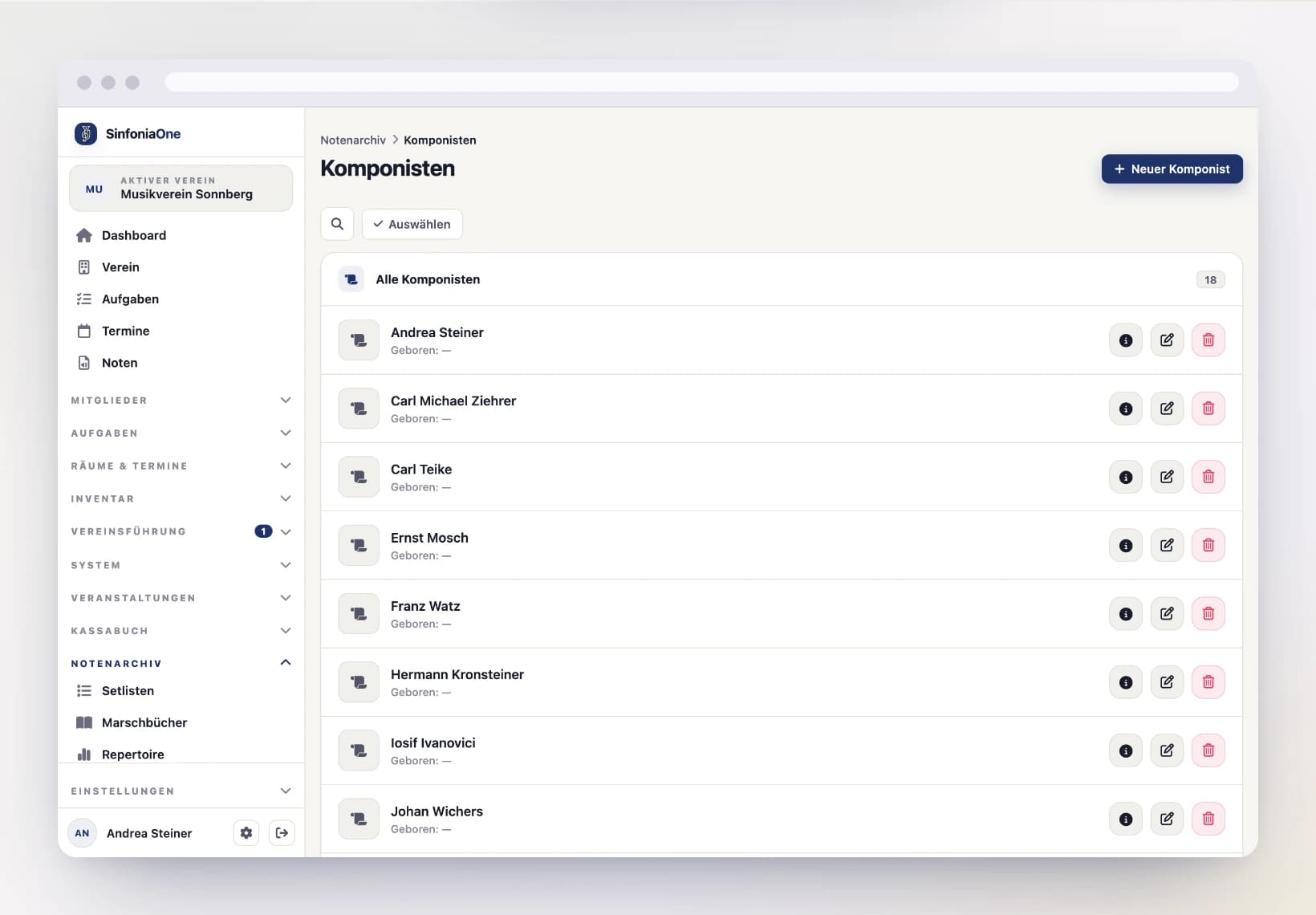
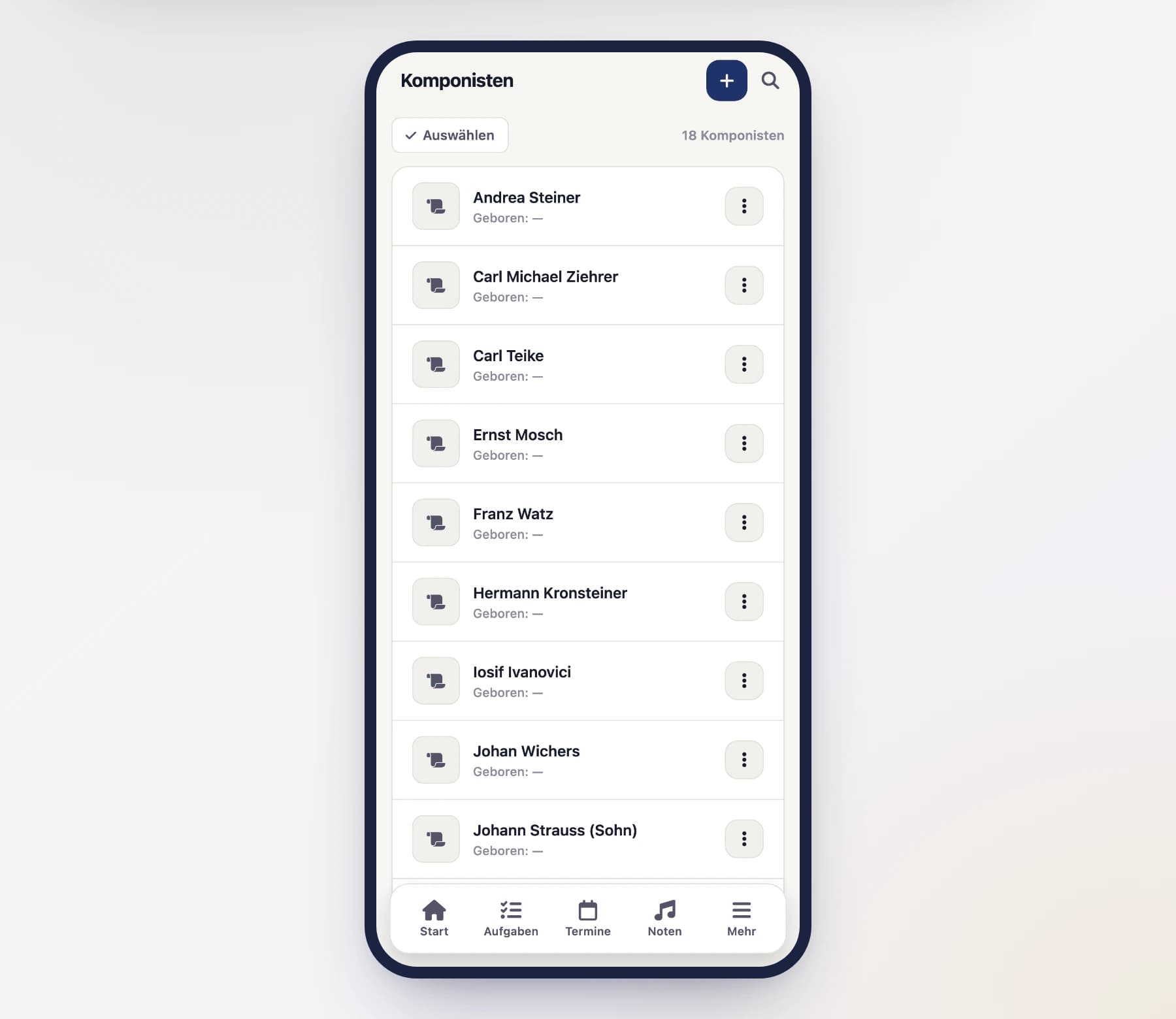
For each piece you can specify a composer (who wrote the work) and an arranger (who adapted it for your ensemble). You create them once – with a name and optionally a date of birth – and after that you just select them for the piece. A composer's detail page shows you all the pieces that come from them.
Composers & arrangers are shared across clubs
Unlike genres, composers and arrangers are shared across all clubs. Well-known names like "Julius Fučík" are therefore often already present – so search first before you create someone new. What you may change is explained below under Who can edit and delete.
Create if not yet present
If the name isn't there, tap "New", enter the name and – if known – the date of birth, and save.
Publishers
A publisher is the music publisher a piece comes from – such as Musikverlag Rundel, Mitropa or De Haske. You create it once and after that you just select it for the piece. A publisher's detail page shows you every piece you bought from them – handy when you want to reorder.
For each publisher you can store a website and a contact email. Both are optional.
Publishers are shared across clubs
Like composers and arrangers, publishers are shared across all clubs – the big houses are the same everywhere. Search first before creating a new publisher.
Open publishers
Open "Publishers" in the menu and search for the name.
Create if not yet present
Tap "New", enter the name and – if you have them – the website and contact email. Then save.
Who can edit and delete
Composers, arrangers and publishers belong to all clubs together. That's why:
- Creating is open to everyone in your club who records pieces.
- Editing and deleting an entry is only possible if your role allows it (for example Sheet music archivist or Administrator) and no other club uses it.
- If other clubs use the entry too, its detail page shows you a note. Instead of "Edit" and "Delete" you get "Report a mistake".
Deleting is permanent
Composers, arrangers and publishers don't go to the trash. The pieces stay – they simply no longer have an entry on file. Entries that were created more than a week ago and aren't used by any piece are cleaned up automatically overnight.
Report a mistake
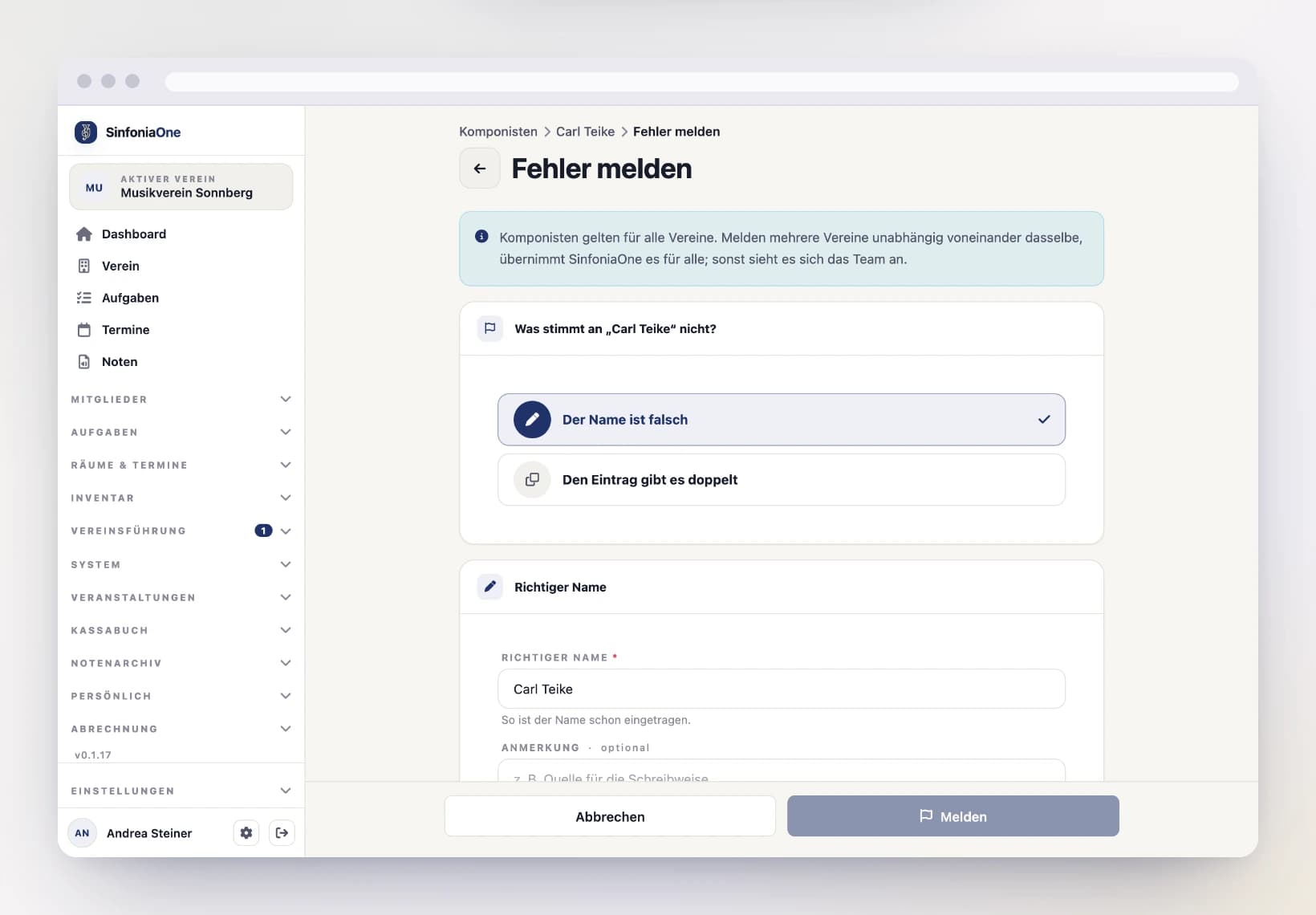
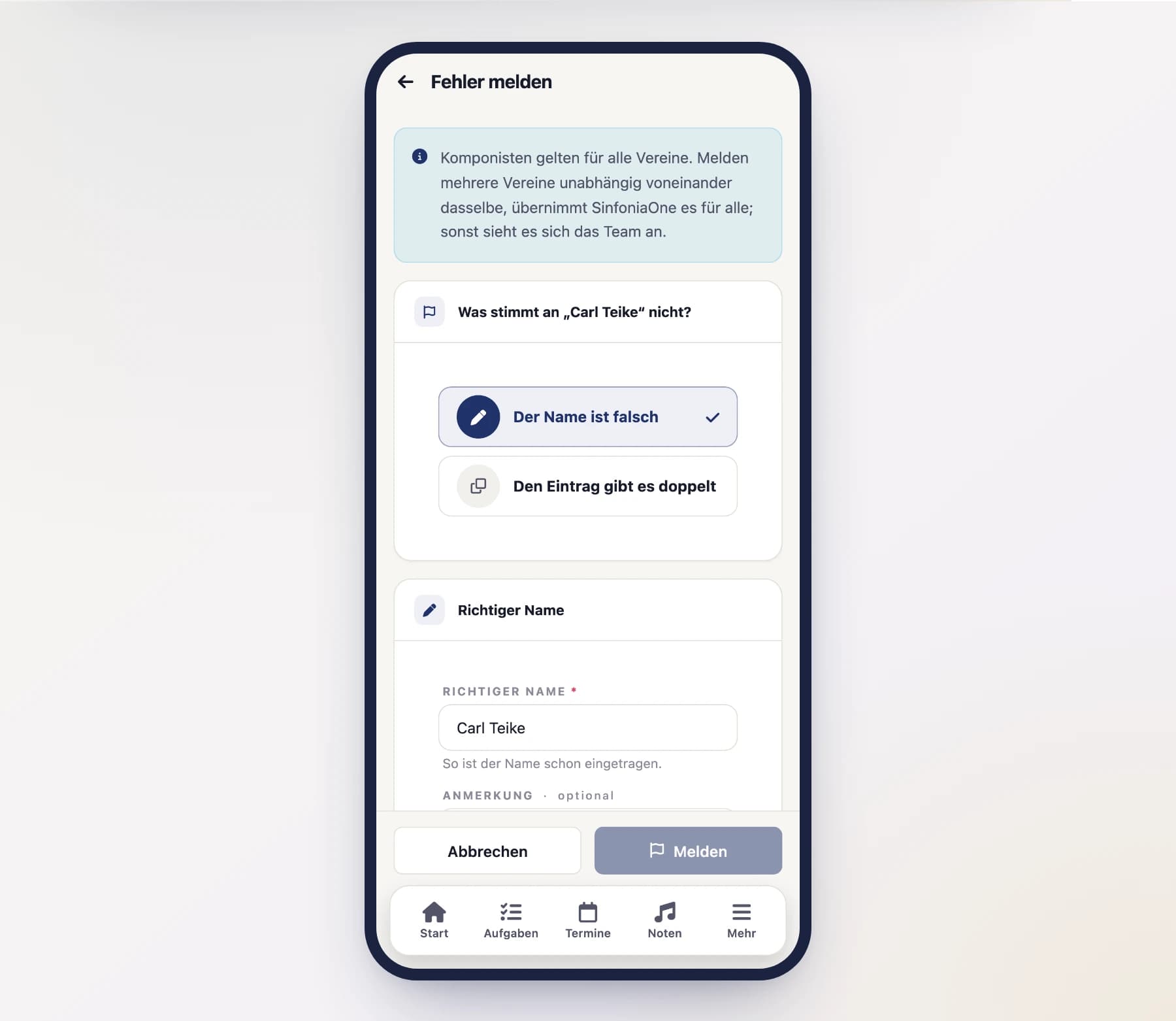
If a name is misspelled or the same composer exists twice, report it – even if you can't change the entry yourself.
Say what's wrong
Choose "The name is wrong" and enter the correct name – or "This entry exists twice" and pick the correct entry from the list. A note is optional.
Report
Tap "Report".
What happens next:
- For a duplicate, your club's pieces use the correct entry right away. Nothing changes for other clubs at first.
- If at least two clubs independently report the same thing – the same name or the same duplicate –, SinfoniaOne applies the correction automatically for all clubs. If the correct name already exists, both entries are merged. Only clubs that use the entry for their own pieces count, and they need to be different people – two clubs of the same person are not a majority.
- The SinfoniaOne team looks at all other reports – including when two entries with the same name have different dates of birth.