Ensembles
Define which parts an ensemble needs – as the basis for preview, setlists and printing.
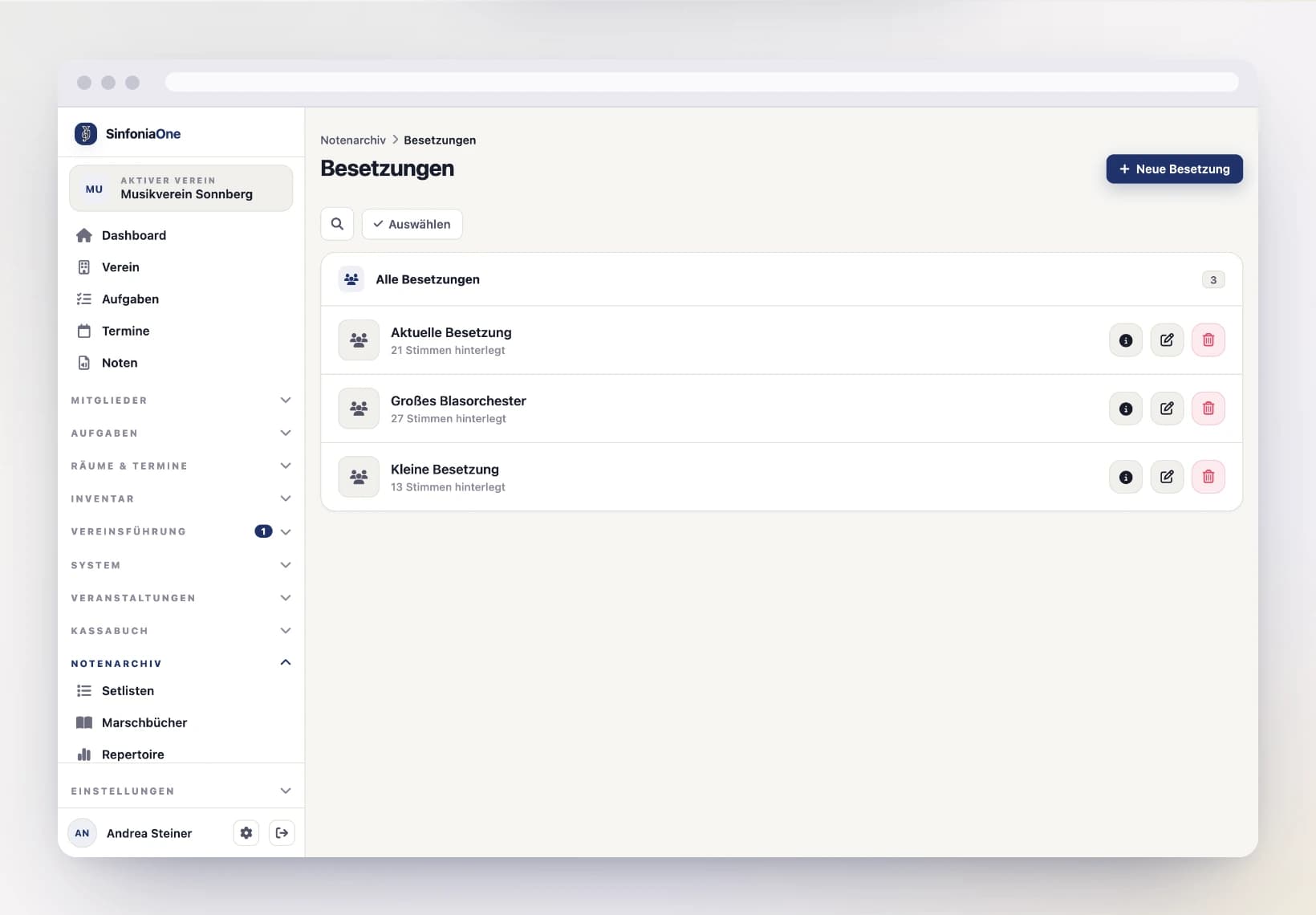
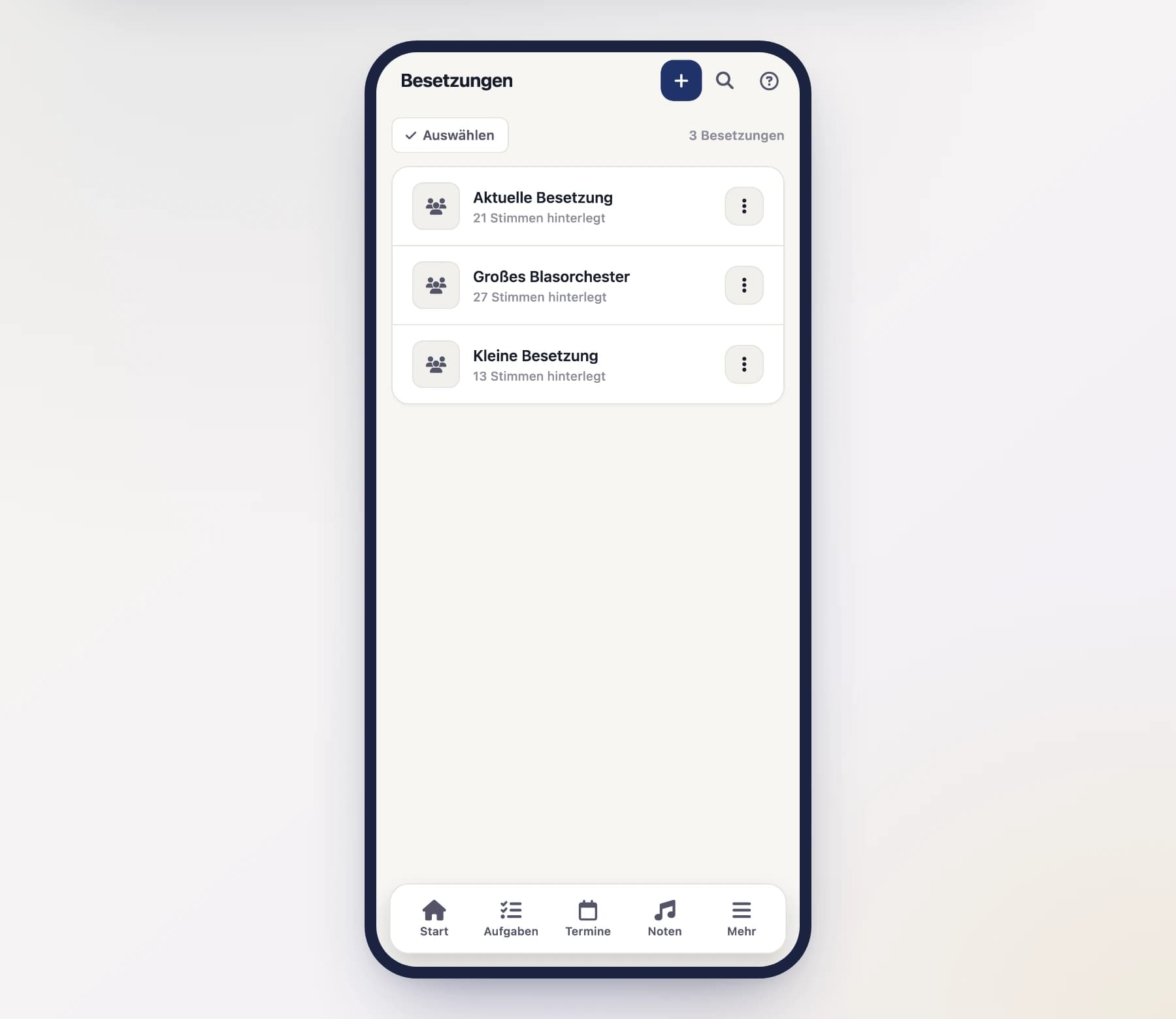
An ensemble describes a group through the parts it needs – for example "Full concert band" or "Small wind group". It is the basis for making sure that when printing or previewing, the right parts come out in the right quantities.
Create an ensemble
Give it a name
Give the ensemble a meaningful name so you can easily recognize it later.
Add parts
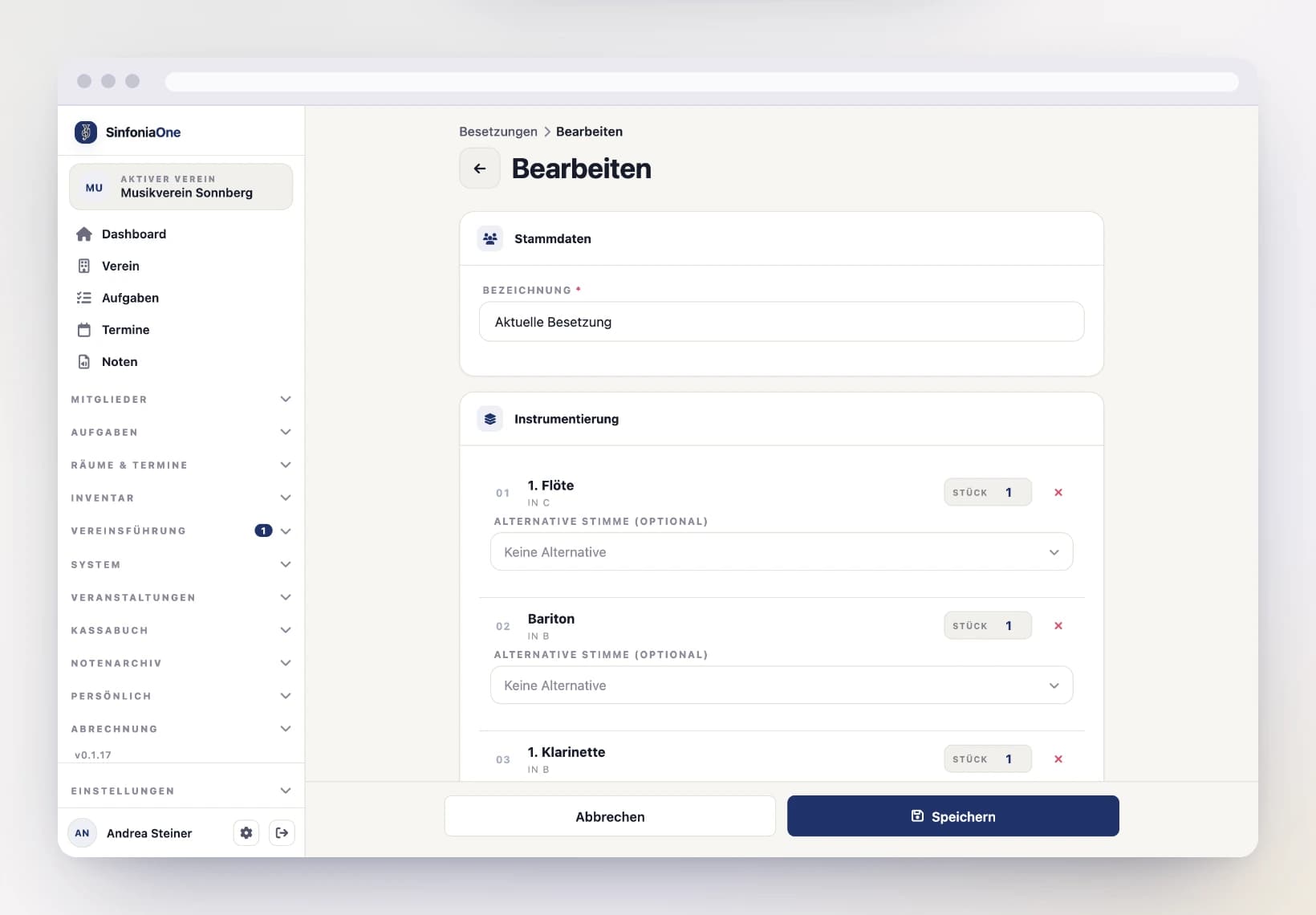
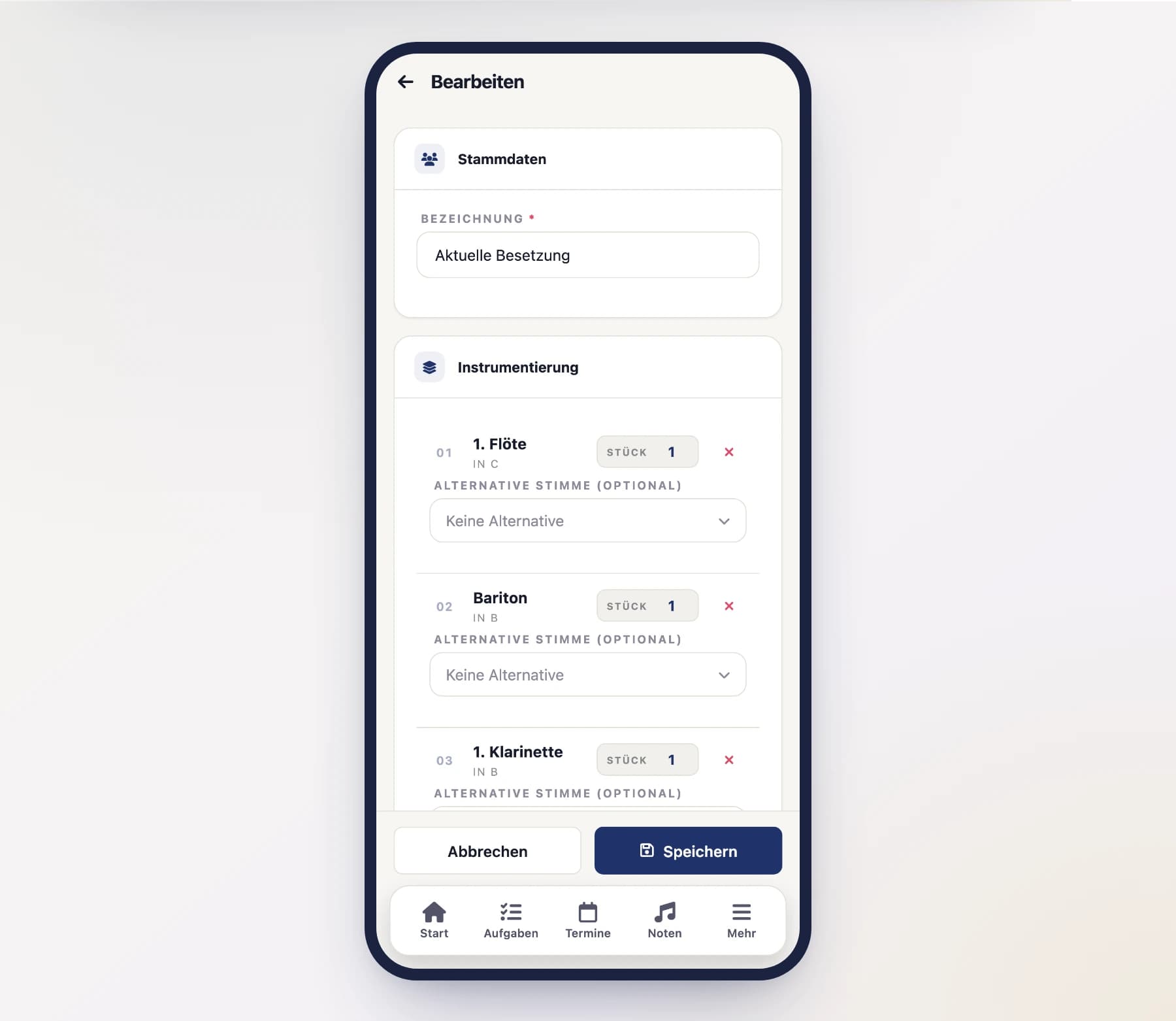
Add the parts that belong to this ensemble. For each part you set:
- the number of copies to be printed (e.g. 4 × 1st clarinet),
- optionally an alternative part that steps in when no matching part is available for a piece.
Save
Tap "Save". You can now select the ensemble in preview, setlists and march book.
The “Current ensemble” exists automatically
Alongside the ensembles you create yourself, there is a special one: "Current ensemble". It assembles itself from the active members of your club and their parts. That way, at the tap of a button, you get exactly as many copies as you currently have musicians – without having to maintain anything.
Leaving out the conductor score
Almost every ensemble includes the conductor score – the bandmaster needs it. It has no place in the musicians’ folders, though, and every reprint just costs paper.
In a piece’s preview, pick your ensemble under Ensemble. If it contains a conductor score, the “Conductor score” option appears below it:
- Print it – the normal case: the score comes along as many times as the ensemble specifies.
- Leave it out – the score stays out. All other parts come as usual, each in its quantity.
For this export only
The switch does not change the ensemble. Next time the conductor score is back in, until you deselect it again.
Large bundles take a moment
A whole ensemble — or “All parts” — quickly adds up to a PDF of several hundred megabytes. SinfoniaOne assembles a bundle that size in the background; the preview shows a loading bar until it is ready. For a large piece this takes half a minute to a minute. Single parts appear immediately, as before.
Recognized by its name
A part counts as a conductor part when its name contains “Partitur” or “Direktion”. If your club calls it something else, it is an ordinary part – and the option does not appear at all.