Setlists
Put together a program for a performance, order it and output it as a PDF.
A setlist is the program for a performance or a concert: an ordered list of pieces. With it you know exactly what will be played and in what order – and you can output the whole thing as a print PDF at the tap of a button.
Put together a setlist
Create a setlist
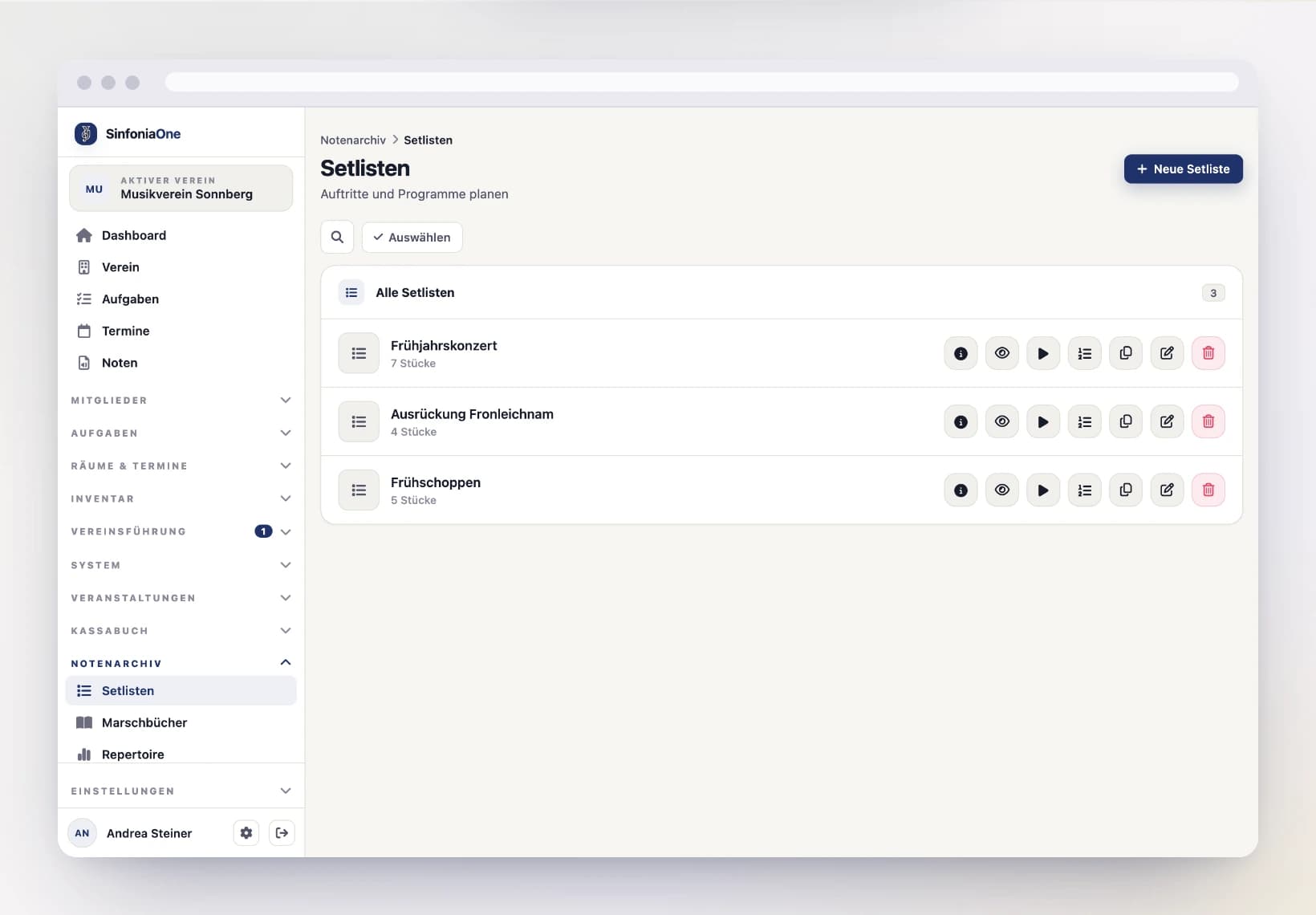
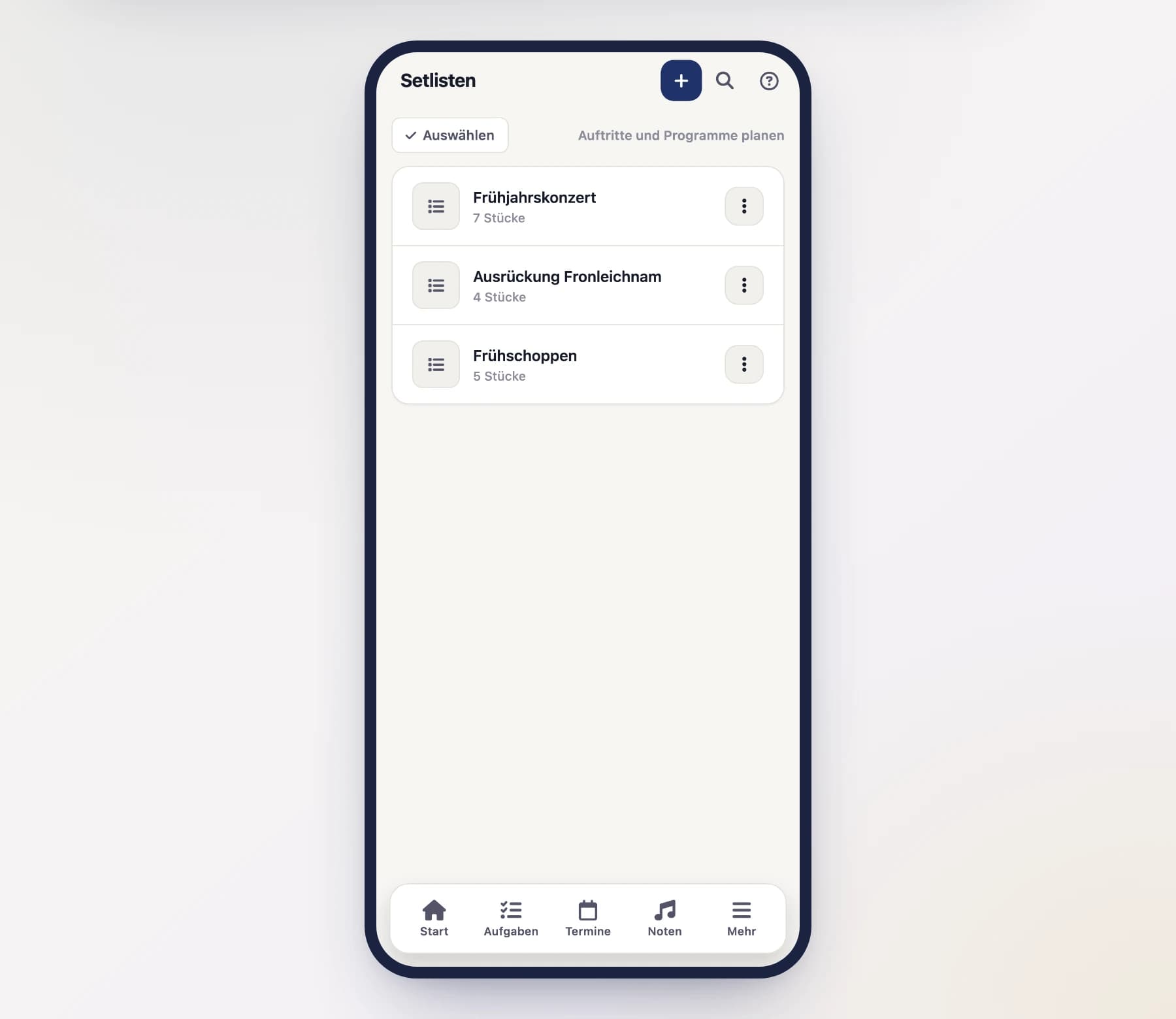
Open "Setlists" in the menu, tap "New" and give the setlist a name (e.g. "Spring Concert 2026").
Add pieces
While editing, tap “Add pieces”. In the picker you search and tick every piece that belongs in the program — the window stays open, so you pick as many at once as you need. “Add (3)” appends them together at the end of the program, in the order you tapped them.
Pieces already in the program no longer appear in the picker.
What you can set for the export
In the preview, open "Options" on the left. Alongside parts and sorting you get:
- My notes – your own handwriting is drawn into the PDF. The originals stay untouched.
- Announcements – the shared notes come along: those for the whole band and those addressed to the part on each sheet. Print the trumpet part and you get what is addressed to the trumpet.
- Numbering – the piece's number sits in the outer top corner, just like in a march book. When leafing through, it always stays on the open edge.
- Spreads – multi-page pieces are arranged so they lie open in front of you in the folder. No page turn in the middle of a piece.
- Gesangstext (lyrics) – normally the lyrics travel behind every part. Set to “Eigene Stimme” (its own part) they travel nowhere: they only come along if you pick them above, and then exactly once per piece. The option only appears if the setlist actually has lyrics in it.
- Gemischte Formate (mixed sizes) – if A3 or non-standard sheets sit next to A4 in the setlist, “Alles auf A4” brings every page to the same size. Meant for the print export only: a stack with changing sizes runs through no paper feed cleanly. For reading on screen, leave the original — scaled up it only gets blurrier.
Spreads cost paper
In a folder, page 1 sits alone on the right; after that two pages always face each other. To make a two-page piece lie open, SinfoniaOne pushes a blank page in front of it — over a long programme that adds up. Single-page pieces are left alone.
Set the order
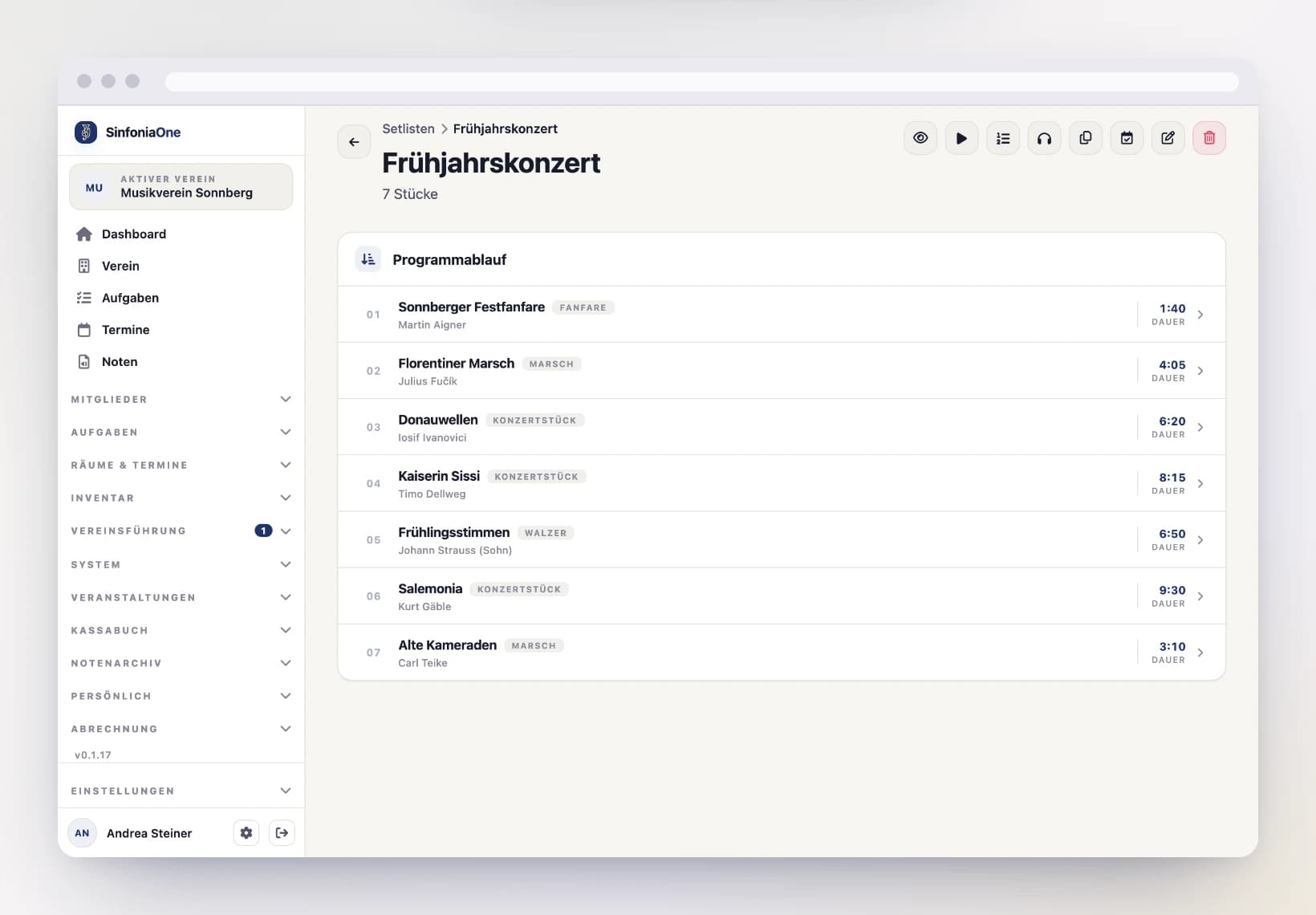
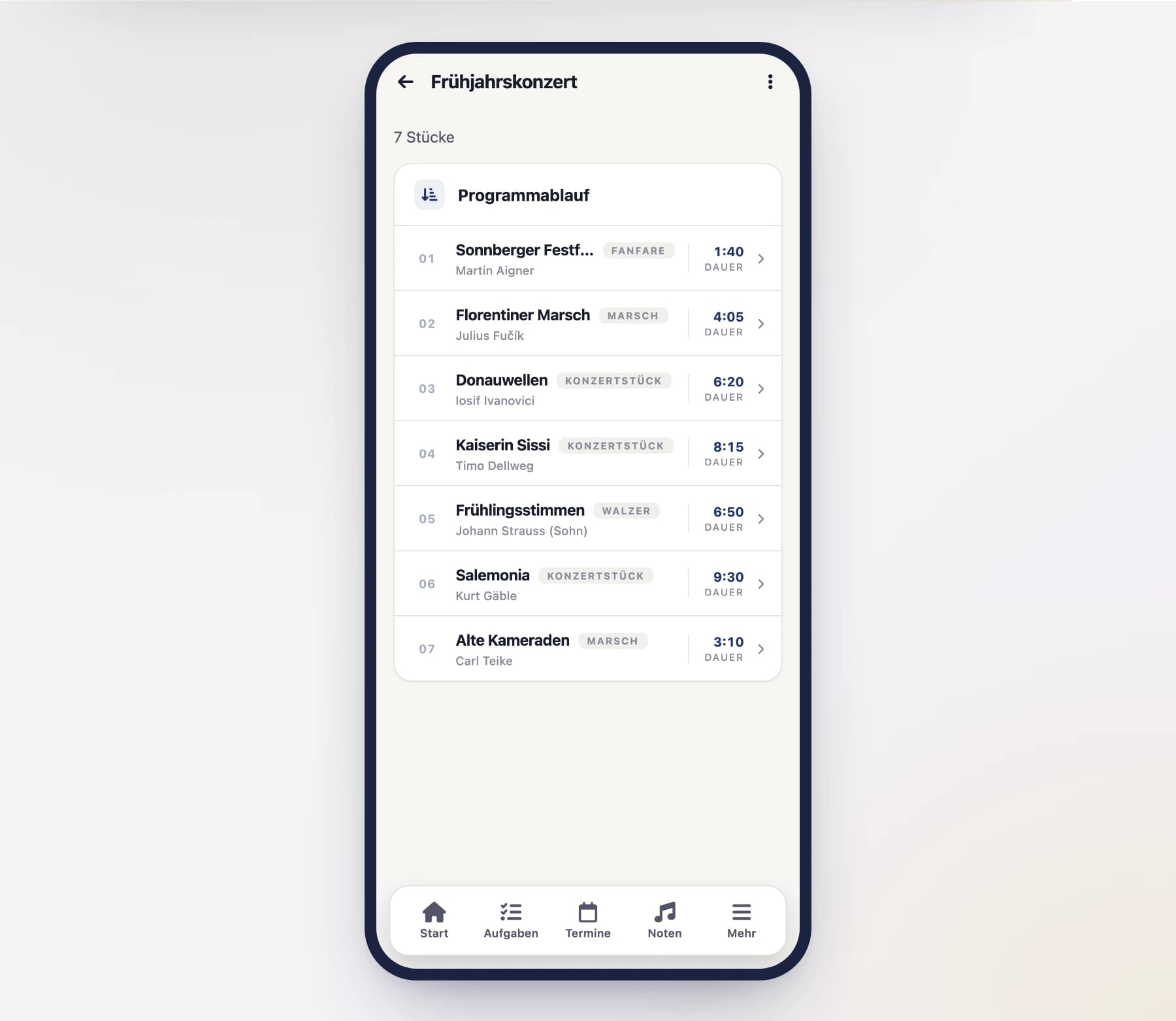
Drag the pieces into the order you want. SinfoniaOne automatically adds up the total duration from the playing times – handy for planning the program timing.
For a list you want to look things up in — a season's repertoire, say — tap “Sort alphabetically” instead: the program is ordered by the pieces' titles. Umlauts land where you would look for them (“Über den Wellen” under U), and “Marsch 2” comes before “Marsch 10”.
Sorting discards an order you laid out by hand — which is why SinfoniaOne asks first. Afterwards you can go on dragging as usual.
Duplicate a setlist
Next year's program is usually last year's with three pieces swapped out. Instead of collecting everything again, tap "Duplicate" on the existing setlist — in the list or in the detail header.
The copy gets all pieces in the same order and is named "… (copy)" at first. After that you edit it like any other setlist.
What the copy does differently
All pieces are copied — including ones you may not see yourself. A copy with silent gaps would look complete without being it, and the piece would be missing at the first gig. The copy does not change which sheet music you see: sheet music visibility still applies.
After the gig: log it as played
Once the program has been played, tap "Log as played" in the detail header and pick the performance. SinfoniaOne creates one performance entry per piece — the basis for the repertoire analysis and the work list for the copyright report.
Nothing is logged until you confirm it; beforehand the screen shows which pieces would be recorded.
Listen to the programme
To prepare at home you do not need the sheet music: on the setlist detail, tap “Listen”. You get the pieces in playing order and can start the stored recording for each one.
A bar at the bottom shows the current piece — from there you skip to the previous or next piece that has a recording. Pieces without one stay in the list but are greyed out; recordings are added on the piece itself.
The same list is available inside the sheet music player via the list icon — there it also jumps to the matching page. Going through “Listen” is the shorter way when all you want is to hear it.
Output as a PDF
Once the program is set, you generate finished PDFs from it:
- Table of contents / cover sheet – a clear program list, e.g. for the desk or to post up.
- Print export – the sheet music of all pieces for printing.
- Play bundle – all pieces of the setlist combined, to play through in one go.