Join requests
View requests from new members and accept or reject them – either with a new member record, linked to an existing one, or as an account only.
When someone wants to join your club, they look up your club in "Discover clubs" and submit a join request. That request lands with you – and you decide whether the person is admitted.
It also works the other way round
Instead of waiting for a request, you can also add someone directly with an invitation link. The approval step is skipped then – see Invitations.
You get notified
As soon as a new join request comes in, the people in charge get a push notification on their phone. So you don't have to keep checking. Whether and for what you receive such notifications is up to you in your notifications.
Viewing requests
Open join requests
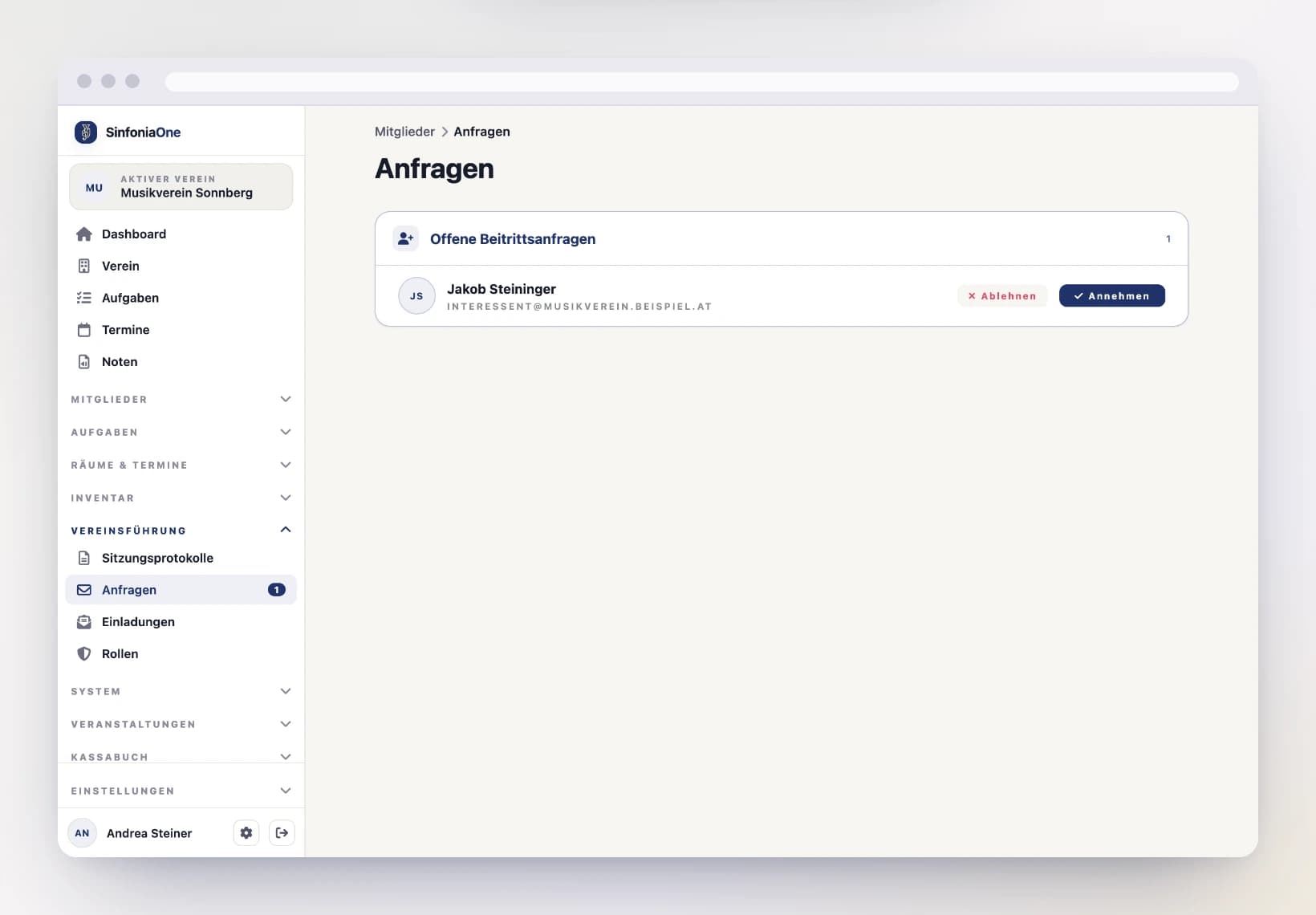
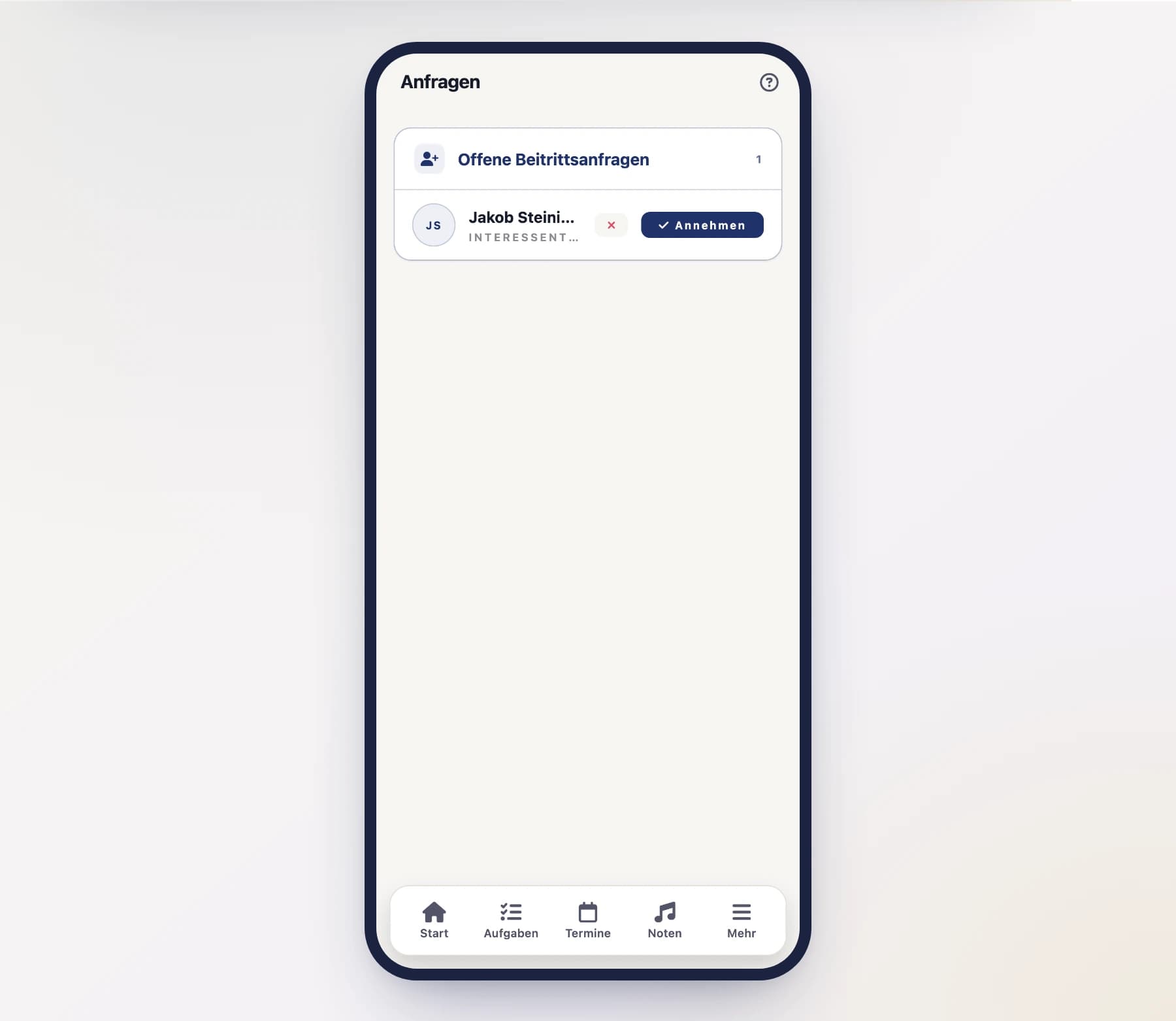
Open "Join requests" from the menu. You'll see all open requests with the person's name and email address.
Select a request
Tap a request to see the details and decide.
Accepting a request
When you accept, you decide how the person is linked to your member records. You have three options:
- Create a new member record – SinfoniaOne creates a fresh entry in your member records and links it directly to the person's account. This is the usual path for a genuinely new member.
- Link to an existing member record – the person is already in your records (e.g. from an import) but didn't have an account yet. Pick that record, and the record and account get connected.
- Add the account only – the person becomes a member of the club but gets no member record. Handy when someone should use the app but isn't tracked in your member records.
Tap "Accept"
Open the request and tap "Accept".
Choose the assignment
Decide on one of the three options above – create a new member record, link to an existing one, or add the account only.
Confirm
Confirm your choice. The person is now a member of your club and will see it in their club list from now on.
Newly admitted members get the base role
Every newly admitted account automatically gets the Member role. You grant further rights afterward in the member record – see Roles & permissions.
Rejecting a request
If the request doesn't fit – for example because it was submitted by mistake or the person doesn't belong to your club – tap "Reject" instead. The person isn't admitted and can request again later if needed.
Several requests at once
After an information evening twenty requests are waiting. Use “Select” at the top of the card to tick several and approve or reject them together. Approving several at once gives every person access and a new member record built from their account details — linking to an existing record stays a one-by-one job. See Working on several entries at once.