Meeting minutes
Document meetings – create a set of minutes, write them together in real time, upload old minutes as PDFs or scans, search the minutes text and send them as a PDF.
With meeting minutes you neatly record board and club meetings – from the agenda to the resolution. What's special: several people can write on the same minutes at the same time, you find any old resolution again through the search, and in the end you send the minutes as a PDF to the recipients you choose.
Creating minutes
Open minutes
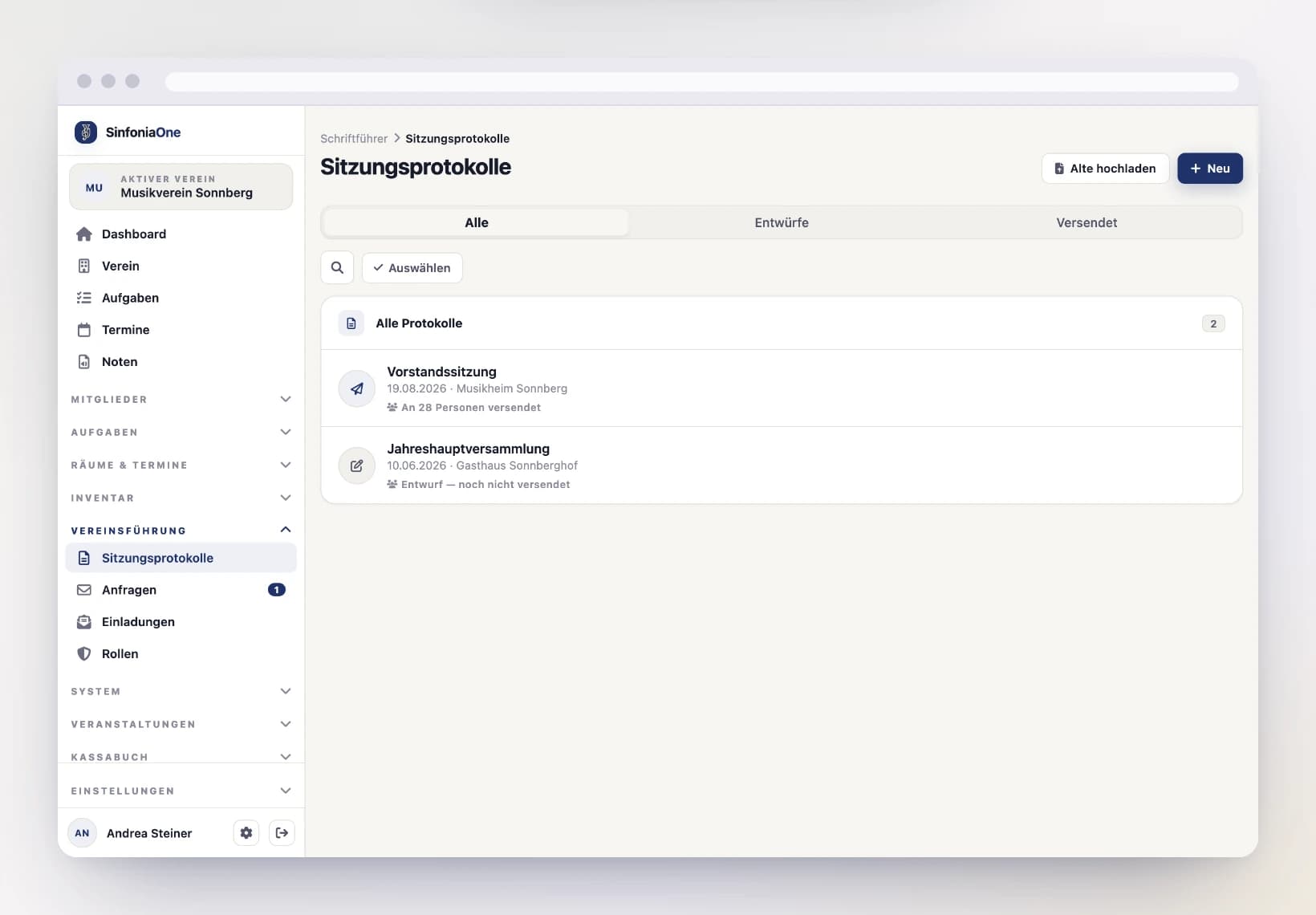
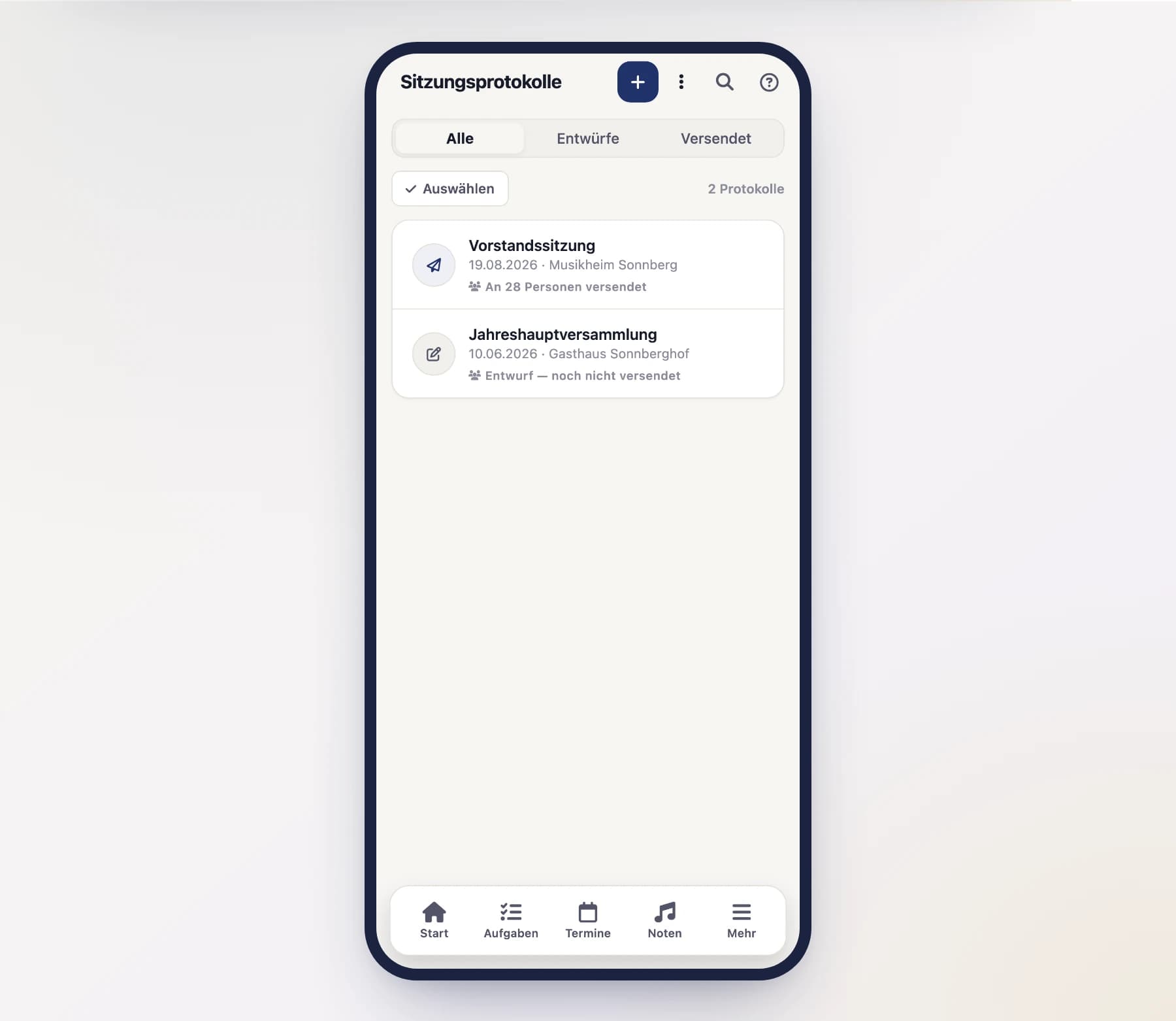
Open "Minutes" from the menu and tap "New".
Enter the basics
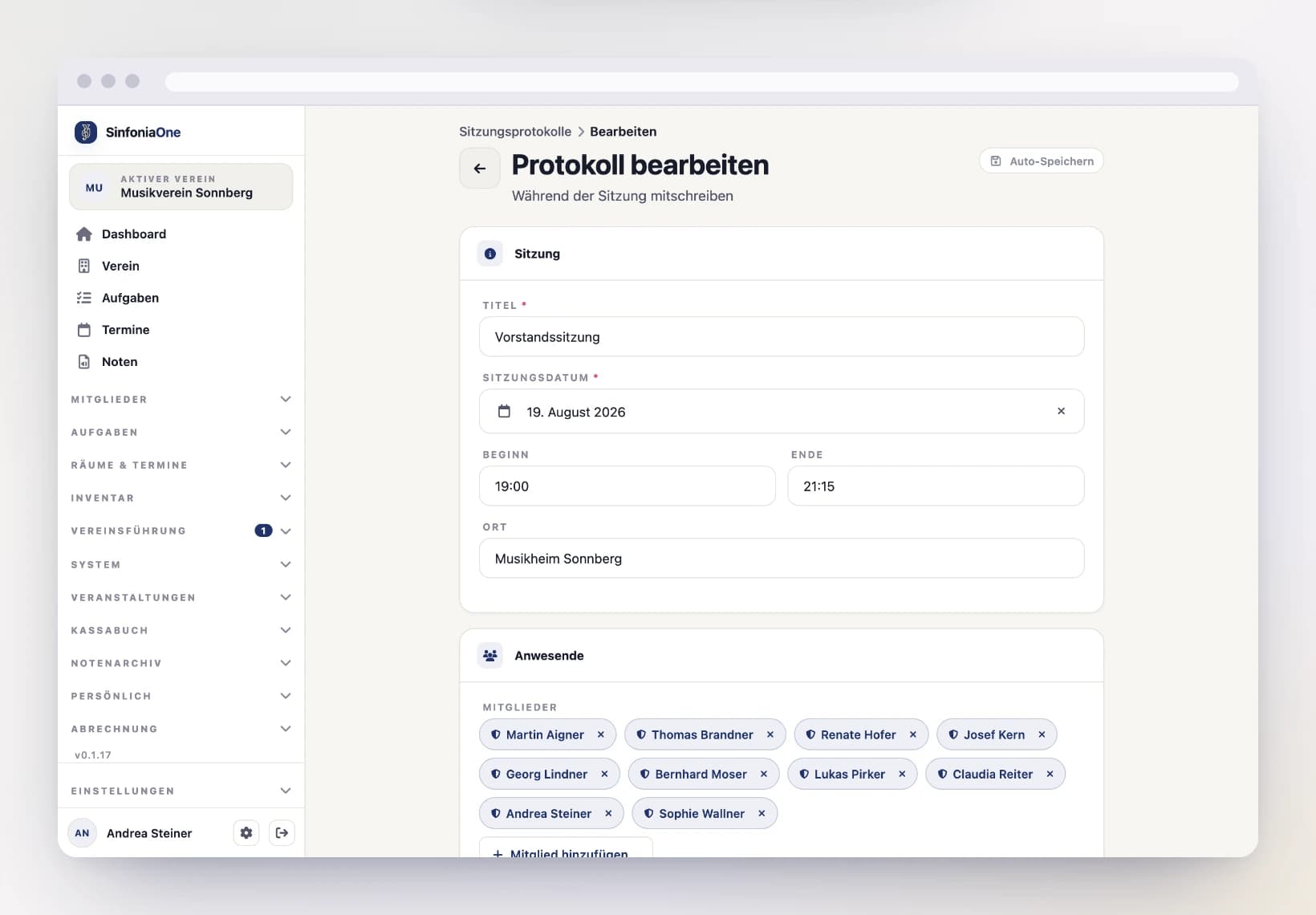
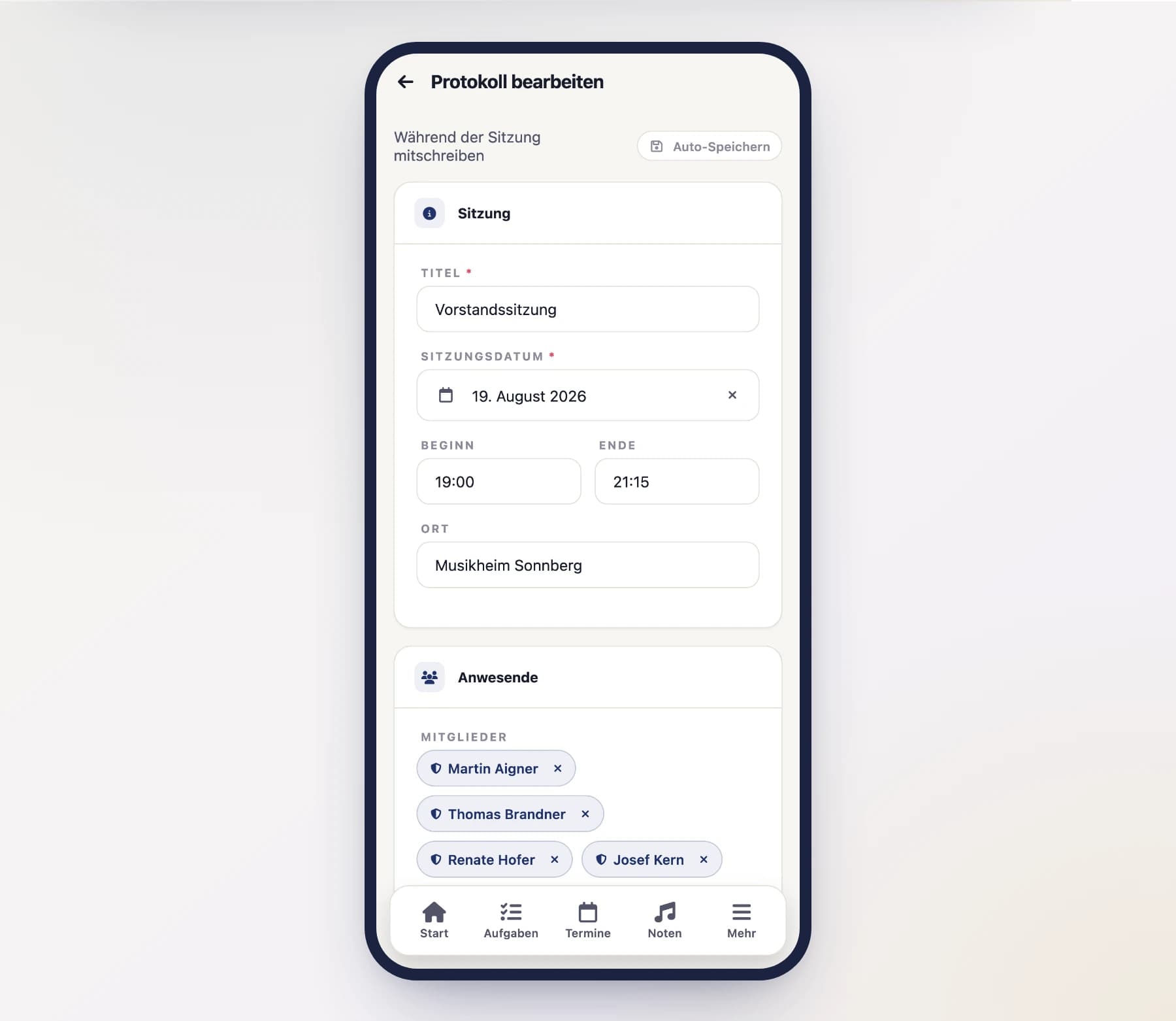
Enter the key details of the meeting:
- Title – e.g. "Board meeting March".
- Date, time and location.
- Participants – pick them from the active members of your club. Guests who aren't members you add as free text.
- Agenda – the individual items of the meeting.
- Content – the actual minutes text.
Save
The minutes are saved and ready to continue writing.
Writing together in real time
Minutes don't have to be typed by one person alone. Several people can work on the same minutes at the same time:
- Changes appear for everyone live – you see what the others are writing right now.
- Each co-writer has their own color, so it's clear who's typing where.
- Everything is saved automatically – you don't have to think about "Save".
Ideal during the meeting
This lets you take notes together right in the meeting: one person runs the agenda, another adds resolutions – without anything overwriting anything else.
Showing paragraph marks
The toolbar has a “¶” button. It makes the paragraph marks visible: a faint ¶ appears at the end of every paragraph, heading and list item. That way you can see at a glance where a paragraph really ends and where there is just an empty line — handy when several people are writing at once.
The marks are a display aid only: they are not part of the text and never show up in the PDF or in the minutes you send. Whether you switched them on is remembered for the next minutes.
Writing on the page
The “A4” button turns the writing area into an A4 sheet: same width, same margins and same type as in the finished PDF. A dashed line labelled “Page 2”, “Page 3” … shows where the pages break, so you can see while typing how much still fits on the page.
The breaks are not estimated: the app typesets the minutes once and records what each new page starts with. That is why they hold up even where the space before the text varies (header, title, attendees, agenda) and where a heading moves to the next page together with its paragraph.
What is measured is the saved state. As you keep writing the lines move down with the text; shortly after the next save they are exact again.
Searching the minutes text
Above the minutes list there is a search bar. It searches not only the titles but the entire minutes text – so you find the resolution from three years ago even if you have long forgotten the title of that meeting.
- Type a term, e.g.
uniformorclubhouse. - Several words search for minutes that contain all of them.
- For every hit you see the place in the text where it was found – so you immediately recognise which of the minutes you actually mean.
Old minutes are searchable too
Existing minutes were prepared for the search automatically during the switch-over. You don't have to open or save them again. And whatever is still sitting in a folder as a file, you bring in via Uploading old minutes.
Uploading old minutes
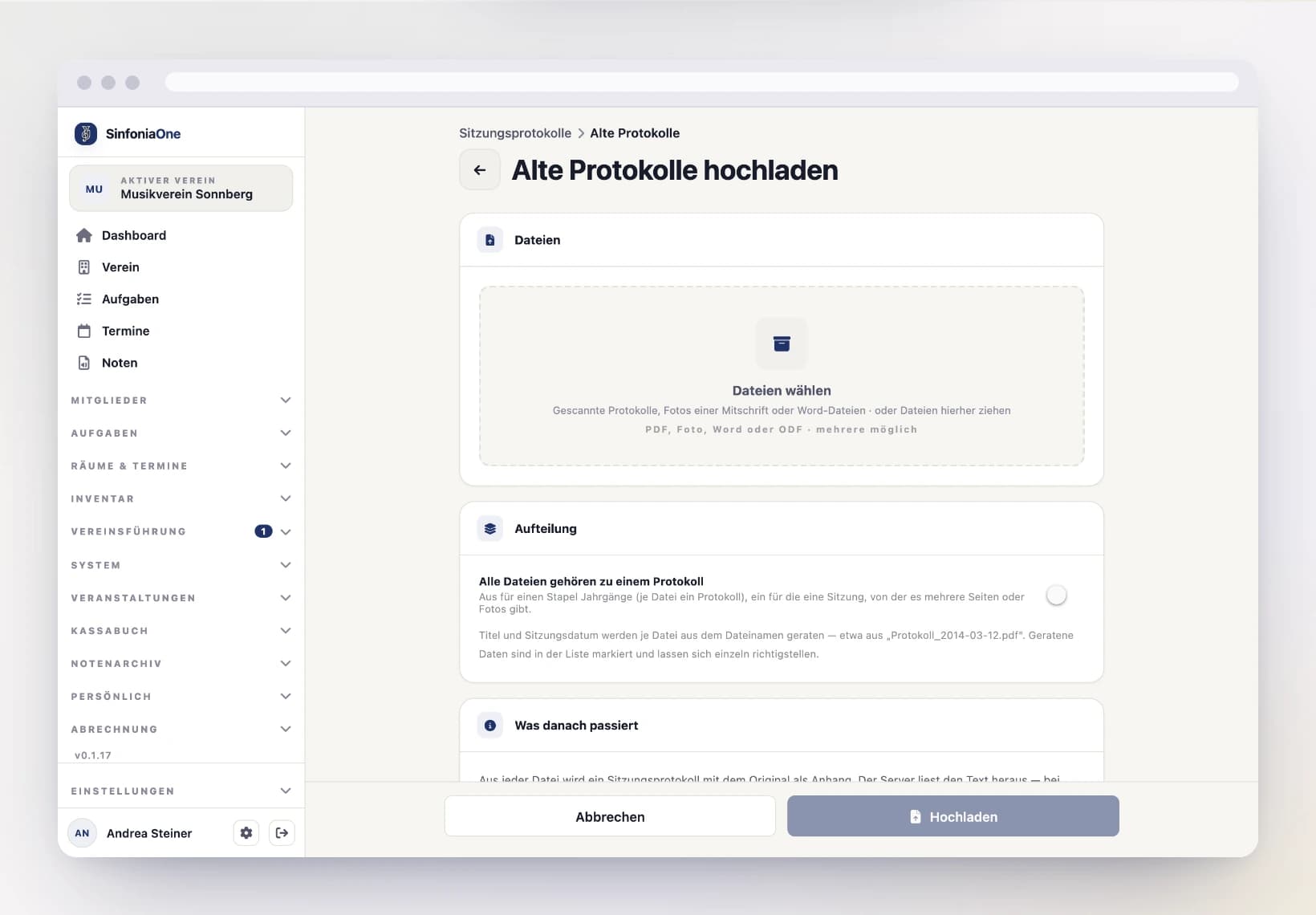
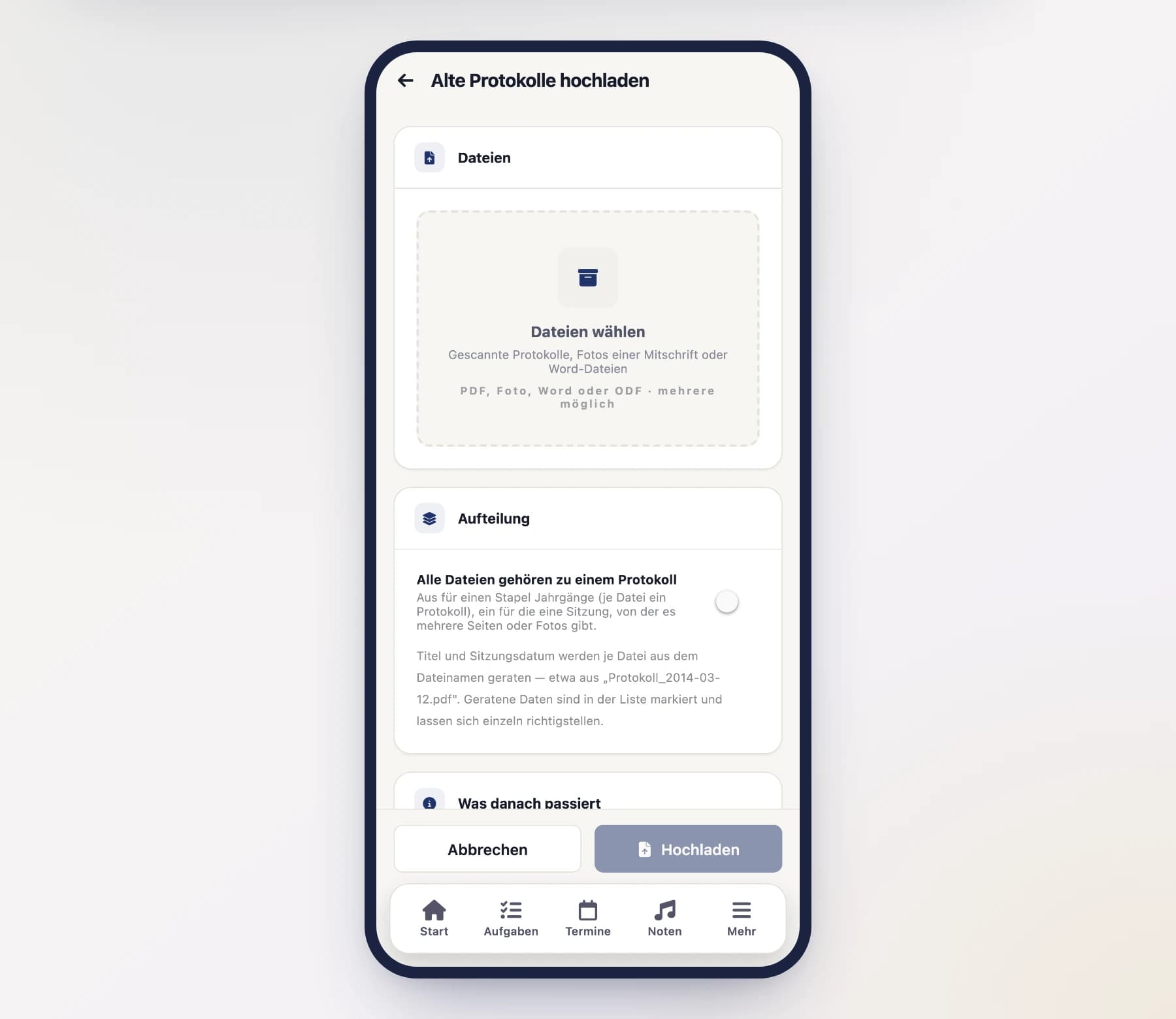
The minutes from before SinfoniaOne are usually lying around as a Word file, a scanned PDF or a photographed handwritten note. You can upload them – they then appear in the same list as everything else and are found by the same search.
Open the upload
Open “Minutes” and tap “Upload old” at the top.
Choose files
Pick the files – in the browser you can simply drag them onto the drop area. PDF, photos (JPG, PNG, HEIC …), Word (.docx, .doc), ODF (.odt), RTF and plain text files all work. Several files at once are explicitly supported.
Decide how they are split
- Off (default): each file becomes its own set of minutes. This is the “a stack of years, scanned one by one” case.
- On: all files belong to one set of minutes. This is the “one meeting, three photographed pages” case. You then enter the title and meeting date right here.
Upload
The minutes are created straight away. SinfoniaOne extracts the text afterwards in the background – for a thick scan that takes a few minutes. Until then the entry says “Text recognition running”.
Title and date are guessed
So that you don't have to fill in thirty forms, SinfoniaOne takes the title
and meeting date from the file name – Protokoll_2014-03-12.pdf becomes the
minutes “Protokoll” of 12/03/2014. If the file name says nothing useful, the
beginning of the recognised text is searched as well.
A guessed date is marked in the list with “Meeting date guessed – please check”. Tapping it opens the minutes: in the reading view the note sits right below the key details, with the button “Date is correct”. If the file name was right, that confirms the date – otherwise use “Edit” to enter the right one. Editing the minutes and tapping Save confirms the date as well.
After a large batch the file names were usually right throughout: tap “Select” to tick the minutes and confirm every date at once with “Confirm date”. See Working on several entries at once.
Text first, then confirm
While “Text recognition running” is shown on a set of minutes, the date cannot be confirmed – on purpose: the date is almost always printed at the top of the minutes, and as soon as the text is there the app fills it in by itself. A date you confirm before that stays exactly as it was guessed.
The original is kept
The uploaded file stays attached to the minutes as the original and can be opened there at any time. It is the authoritative version; the recognised text next to it is a transcript that may contain recognition errors. You can correct that text in the editor as usual – the original is not changed by it.
If a page turns out to be missing, add it with “Add page” directly on the minutes. There is no need for a second entry.
No program reads handwriting reliably
With printed originals, text recognition works well. With handwriting almost nothing usually comes out – the minutes then say “Hardly any text recognised”. That is not an error message but a hint: the minutes are archived, but not yet findable. Simply type the most important keywords into the minutes text – topic, resolutions, names. The search needs no more than that.
Word and PDF without a detour
Text from a Word file or from a PDF created on a computer is taken over directly – no text recognition, and therefore no reading errors at all. Only scans and photos go through text recognition.
Reading, printing and sending
Open the reading view
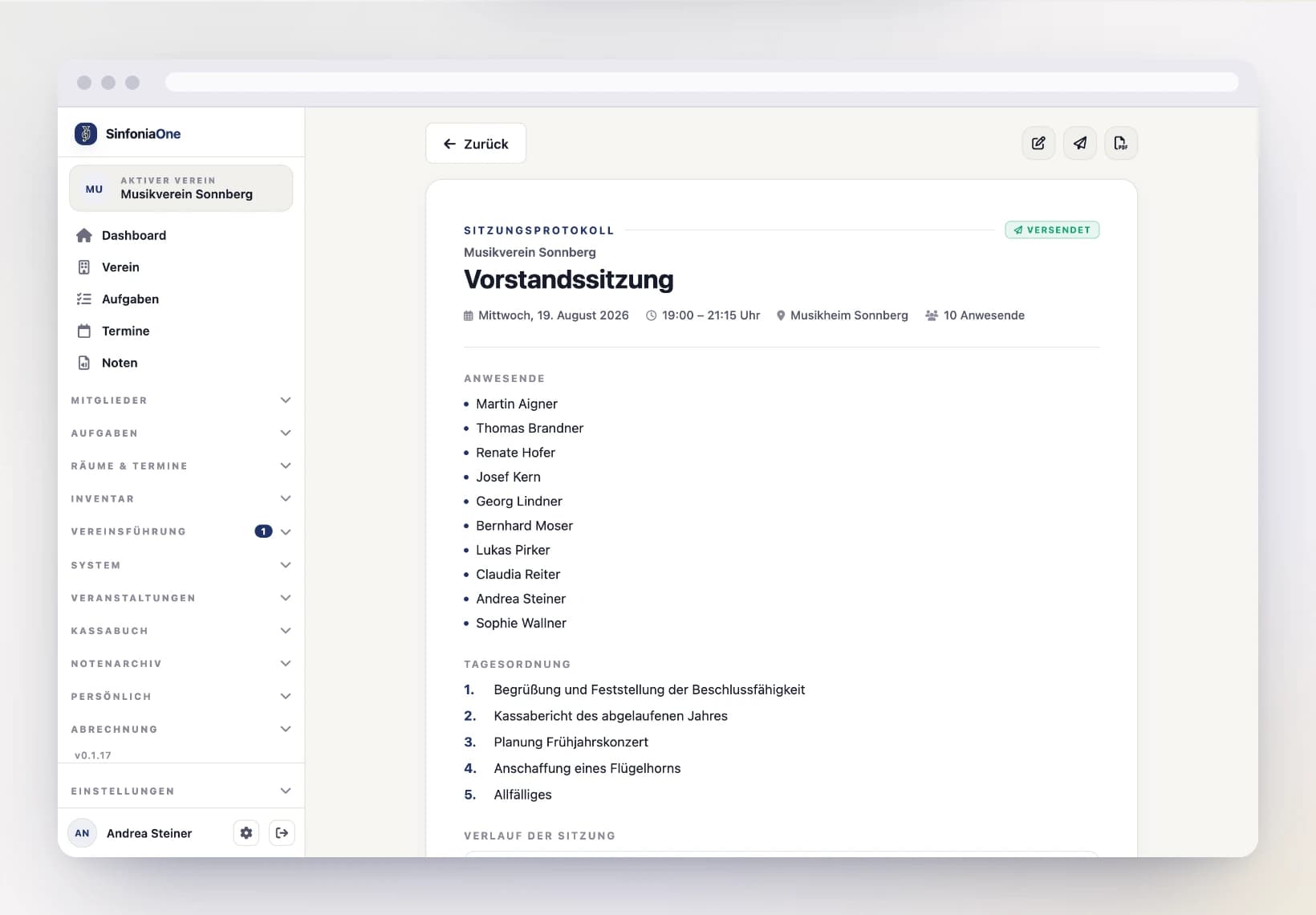
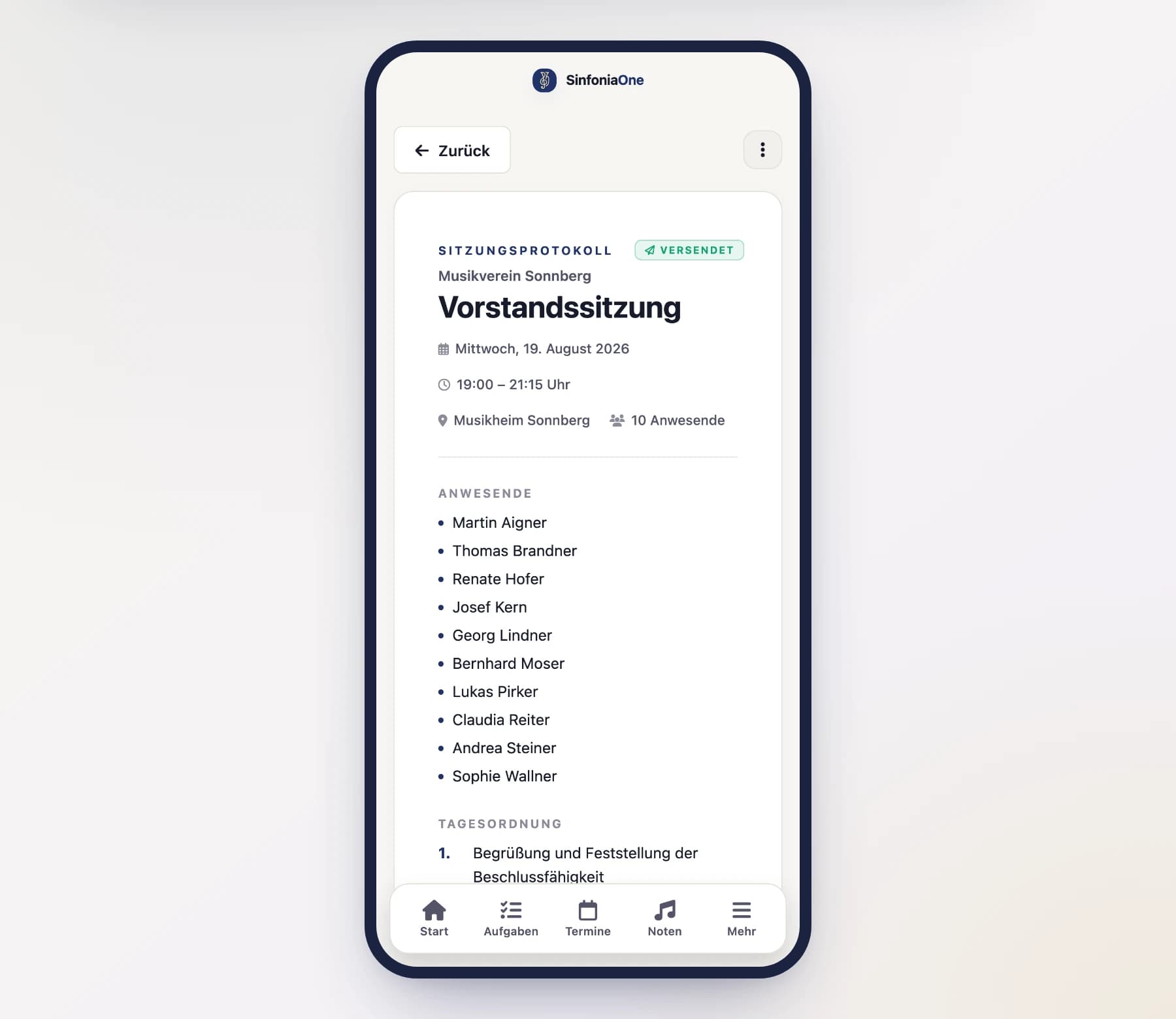
Alongside the editor there's a reading view: it shows the minutes as a formal document with a numbered agenda and attendance list – the way you'd sign and file it.
Export as PDF
From the reading view you generate a PDF – for archiving, printing or sharing outside the app.
From the second page onwards the PDF carries a header with your logo, the title and the meeting date, and every page is numbered at the bottom. That way a single sheet from the stack can still be placed.
Send
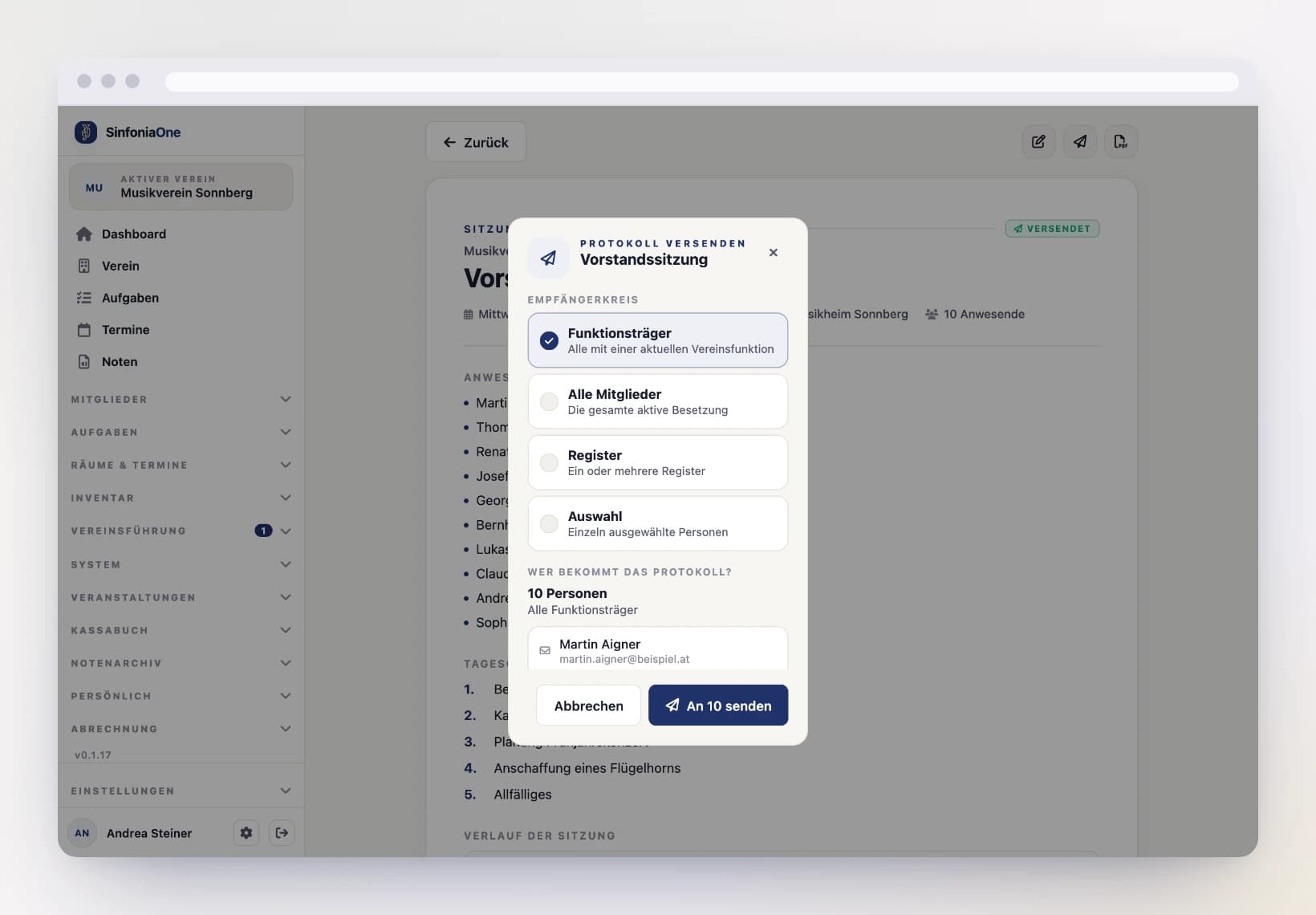
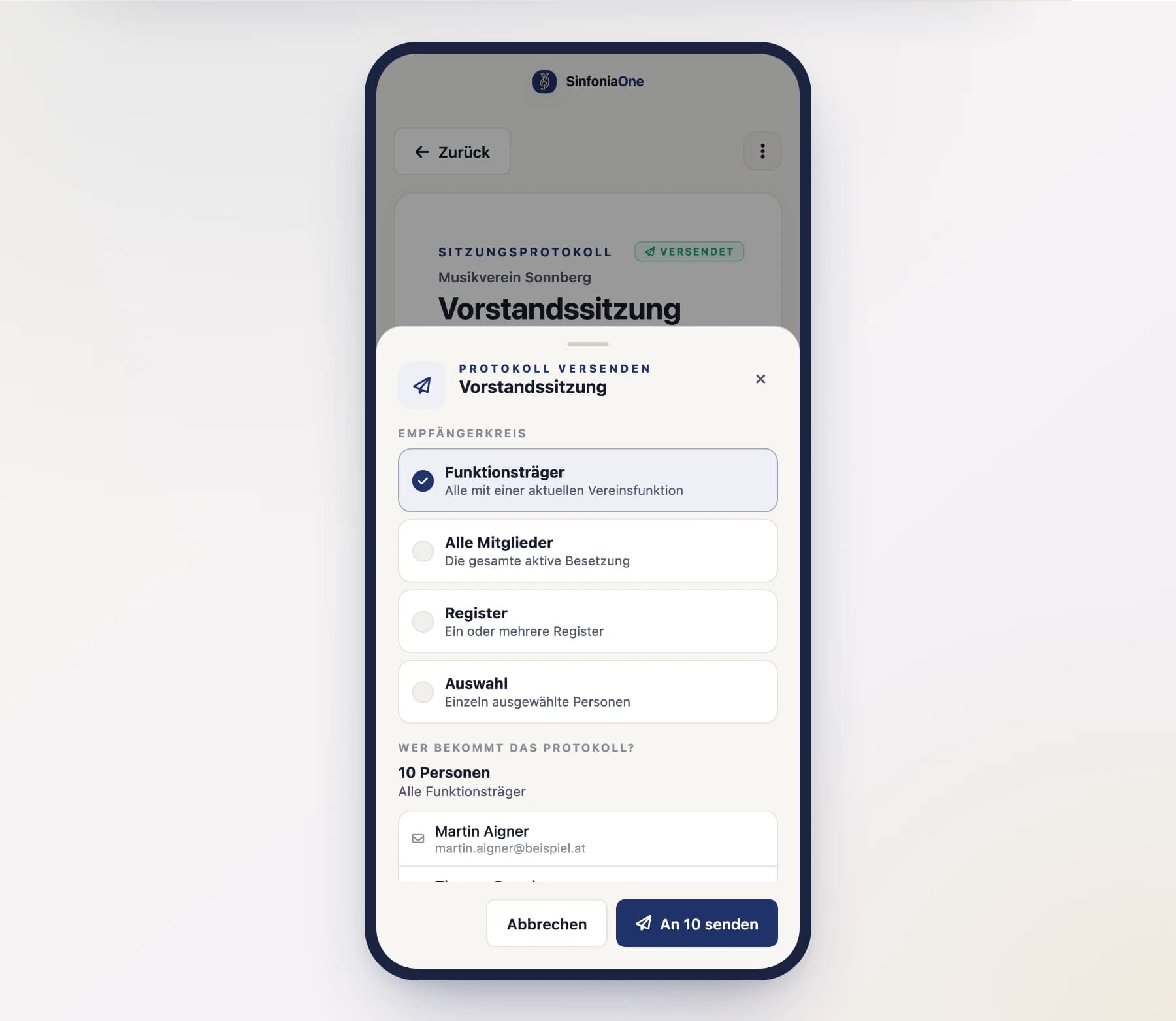
“Send” opens the sending dialog. There you first choose the group of recipients:
- Officeholders – all members with a current club function.
- All members – the entire active lineup.
- Section – one or more sections, e.g. only the clarinets.
- Selection – individually chosen people.
Below that, SinfoniaOne lists every recipient by name and states the count. Only once you have seen this does the send button become active.
Every recipient gets the minutes as a PDF by email; anyone using the app also gets a push notification. Afterwards the status is “Sent” – you can still make corrections.
Anyone without an email address gets no mail
The dialog marks recipients without a stored email address and tells you how many there are. You have to reach those people some other way – or add their address to the member registry.
Sending again later
A set of minutes may be sent more than once – to latecomers, to another section, or as a corrected version. Every send is recorded separately: who triggered it, when, and who received the minutes.
Deleted minutes go to the trash
Deleted meeting minutes move to the trash and stay recoverable there for 30 days. Only after that, or after permanent deletion in the trash, are they gone irreversibly. More on this under Trash.