Trash
Restore accidentally deleted items for 30 days or remove them for good – and what actually ends up in the trash.
Did you delete something by accident? No need to panic. Most things first go to the trash and stay there for 30 days. During that time you can restore them with a tap – or, if you're sure, delete them permanently.
How to restore something
Open the trash
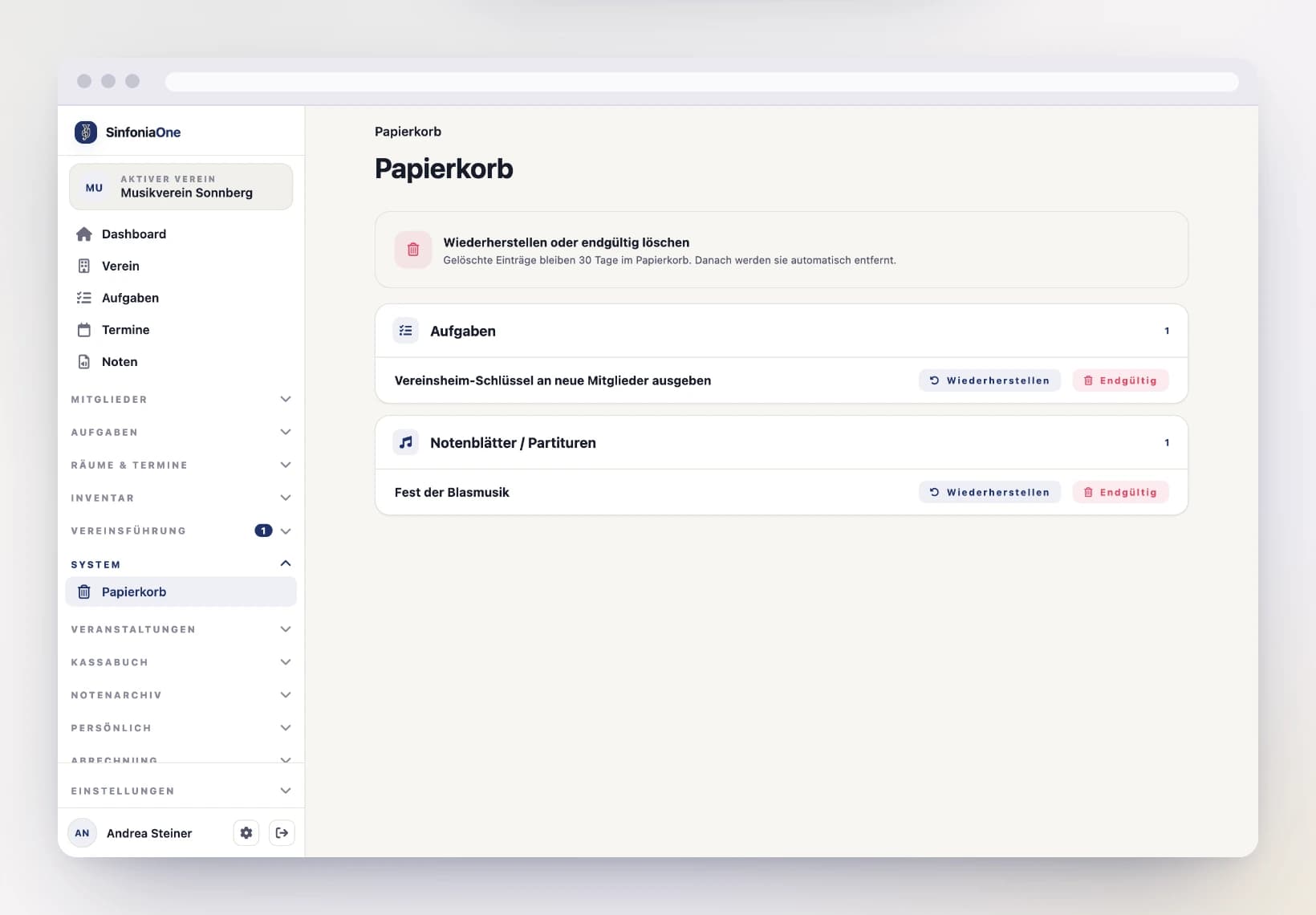
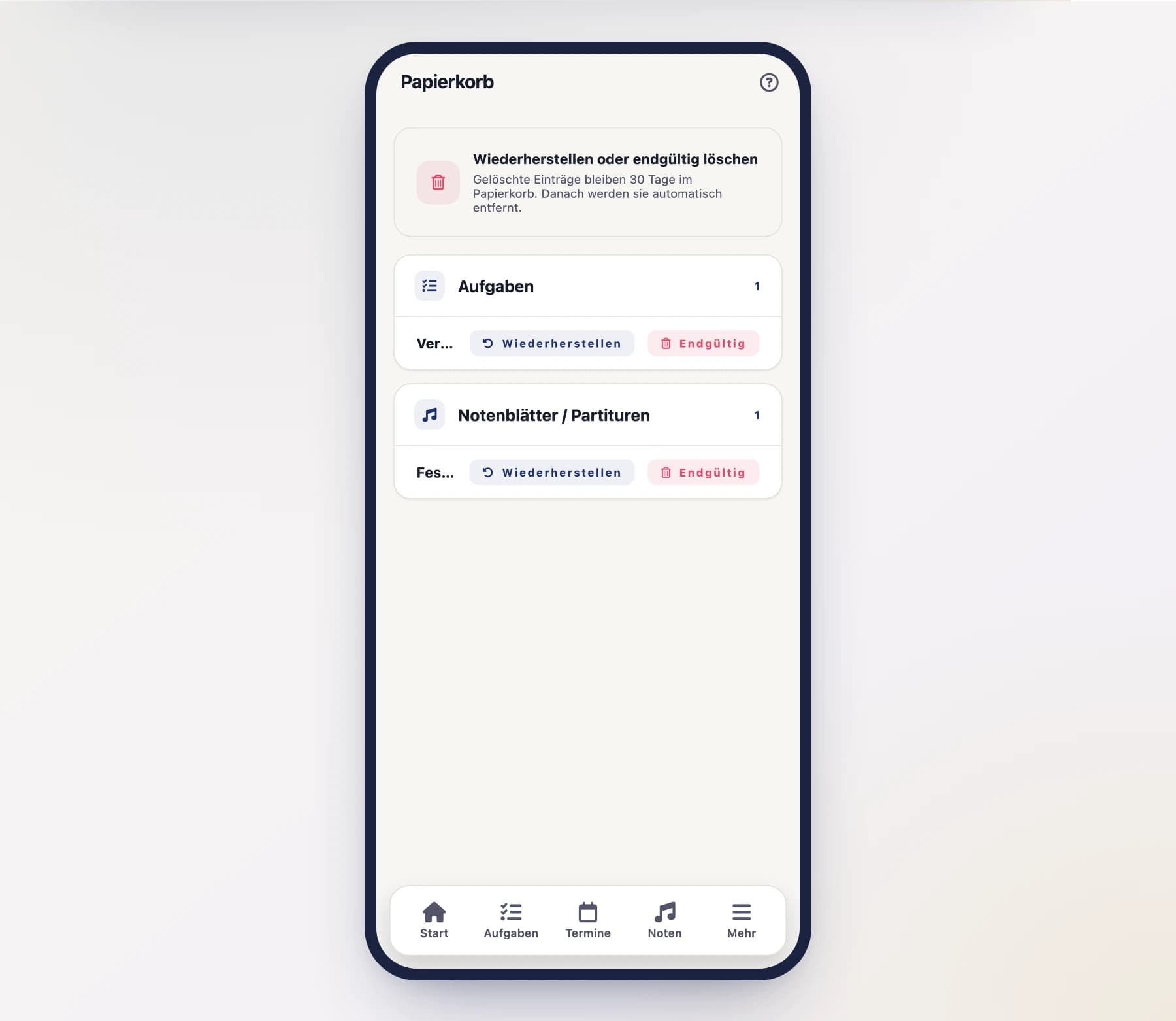
Open the "Trash" from the menu. You'll see everything that was recently deleted, each with its deletion date.
Select an item
Find the item you want to bring back.
Restore or delete permanently
Tap "Restore" to return the item to its original place. Or tap "Delete permanently" if you want to remove it right away and for good – that can't be undone afterward.
After 30 days it's gone
Anything you don't restore is automatically removed for good after 30 days. So don't leave something you want back sitting for too long.
What ends up in the trash
In the trash you'll find deleted items from almost every area – many of them including their associated templates and series, where they exist:
- Appointments – including appointment templates and series
- Tasks – including task templates and series
- Festivals – along with suppliers and products
- Cash book – accounts/tills, booking categories, bookings, transfers, prescribed dues and rental fees
- Sheet music – scores, setlists, ensembles, parts, genres
- March books
- Members and supporters
- Instruments
- Rooms
- Meeting minutes
Deleted for good stays for good
The trash protects you from mistakes – but not from everything. Whatever you tap "Delete permanently" on inside the trash itself is gone right away and for good. And a few things have no trash at all, such as notices/announcements, composers, arrangers and publishers and individual attachments and receipts. For these: think twice before deleting.
Who sees the trash
The trash isn't visible to everyone. Usually the sheet music archivist, board and administrator have it. If the menu item is missing, it's down to your role.
Several entries at once
If a failed import dropped many entries into the recycle bin you do not have to fish them out one by one: every group has a “Select” button in its header. Use it to tick several entries of one group and restore or permanently delete them together. See Working on several entries at once.