Invitations
Add new members with an invitation link – no join request needed – and trigger a password reset when someone is locked out.
Instead of waiting for someone to send a join request, you can invite them yourself. You create an invitation link, pass it on – and whoever opens it becomes a member right after signing in. The approval step is skipped.
You cannot hand out credentials
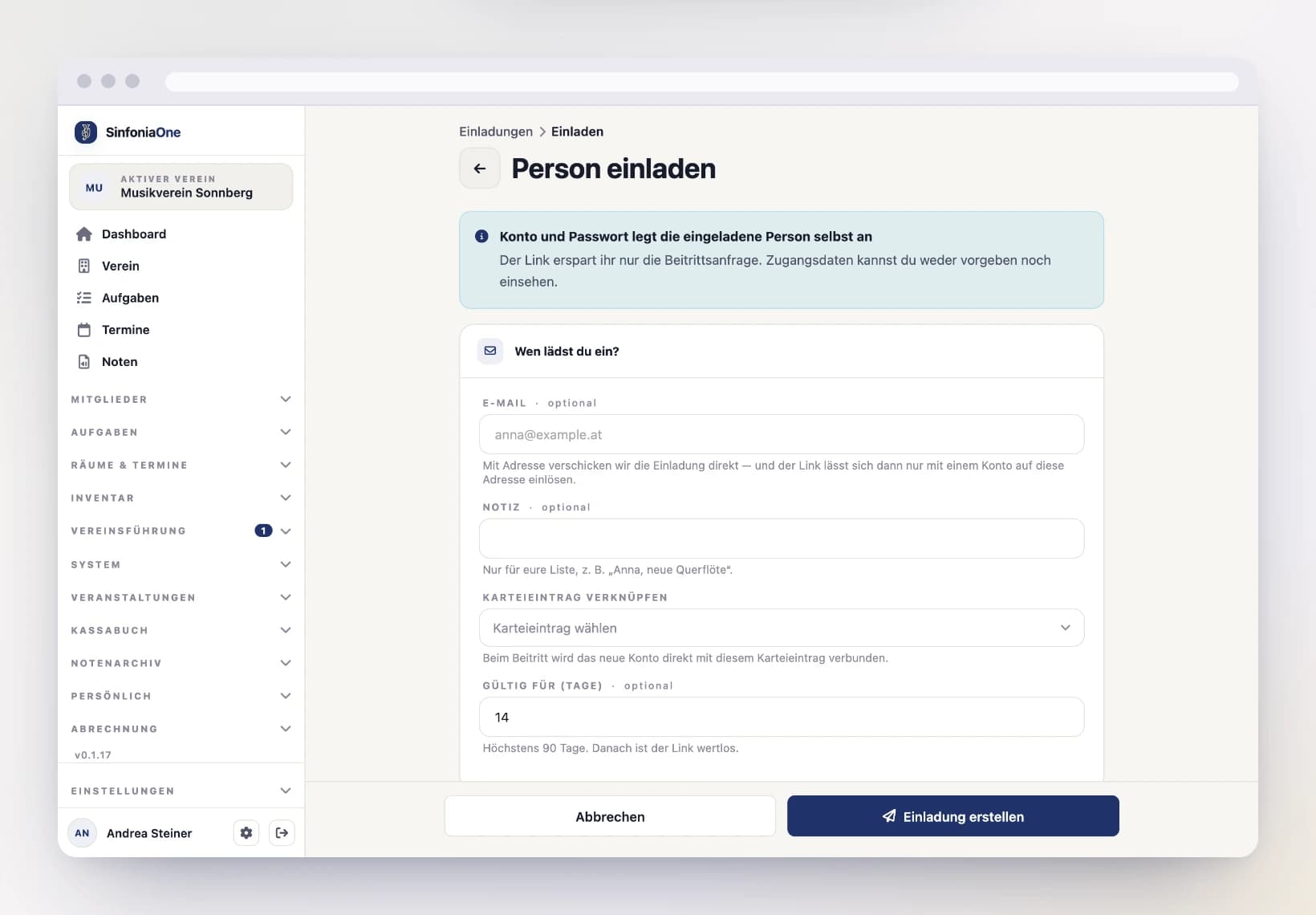
The invited person creates their account and password themselves. SinfoniaOne never sends credentials, and nobody in the band can see or set someone else’s password. The link only saves the approval – not the sign-up.
Inviting someone
Fill in the details
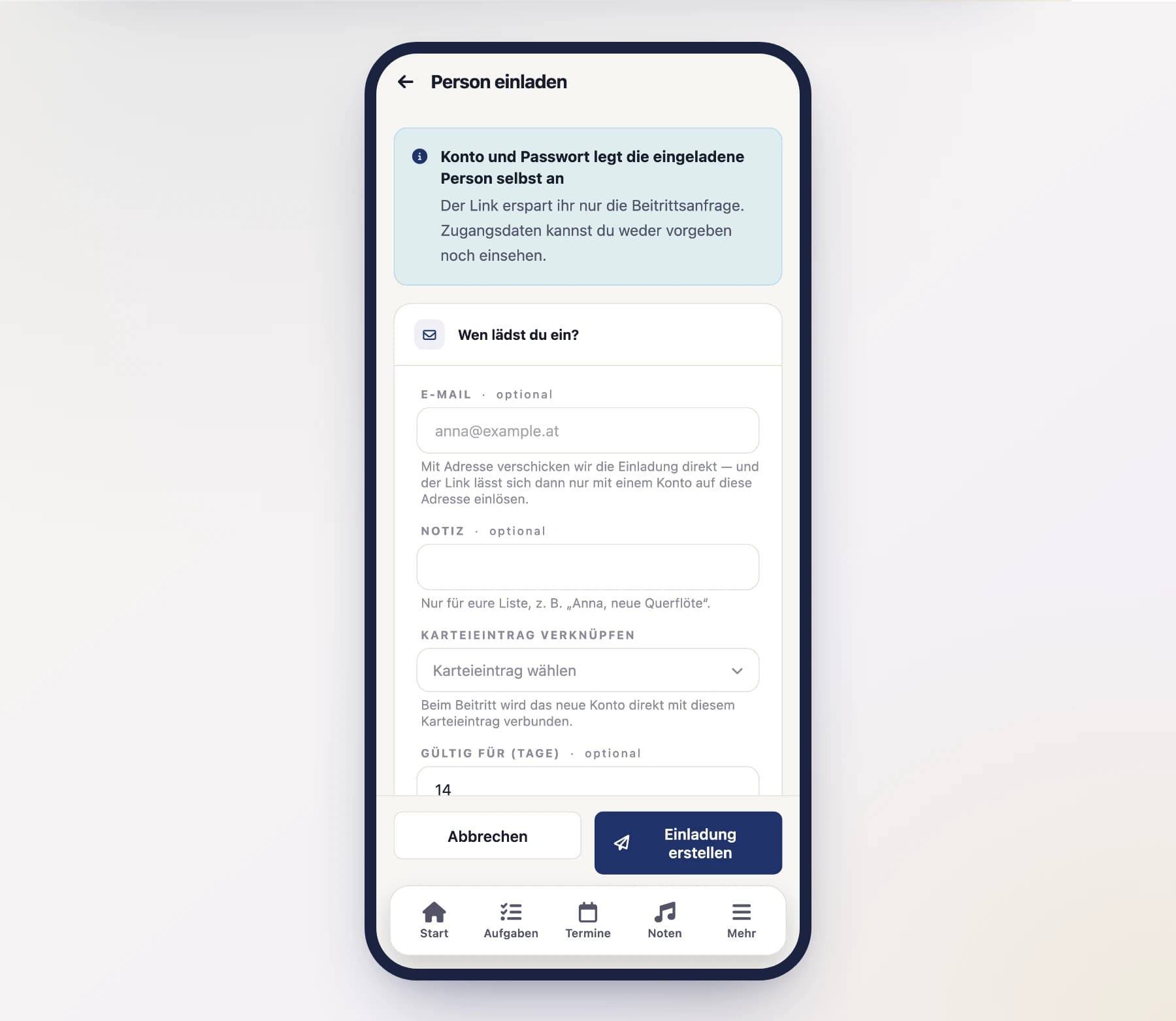
Every field is optional – an invitation works with no details at all:
- Email – enter an address and SinfoniaOne sends the invitation by mail. The link can then be redeemed only with an account on exactly that address. Without an address, the link works for whoever receives it.
- Note – just for your list, so you recognise the invitation later (“Anna, new flute”).
- Link a member record – if the person is already in your member records but has no account, pick them here. Record and account are connected automatically when they join.
- Valid for (days) – 14 days by default, 90 at most.
- Roles – extra roles the person gets when joining. The base role Member is always included. You only see this section as an administrator or band owner.
Pass the link on
After creating it, SinfoniaOne shows the link once. Tap “Share link” to send or copy it.
The link is not stored
For security reasons SinfoniaOne keeps no copy of the link – it cannot be shown again later. If it is lost, revoke the invitation and simply issue a new one.
What the invited person sees
Opening the link
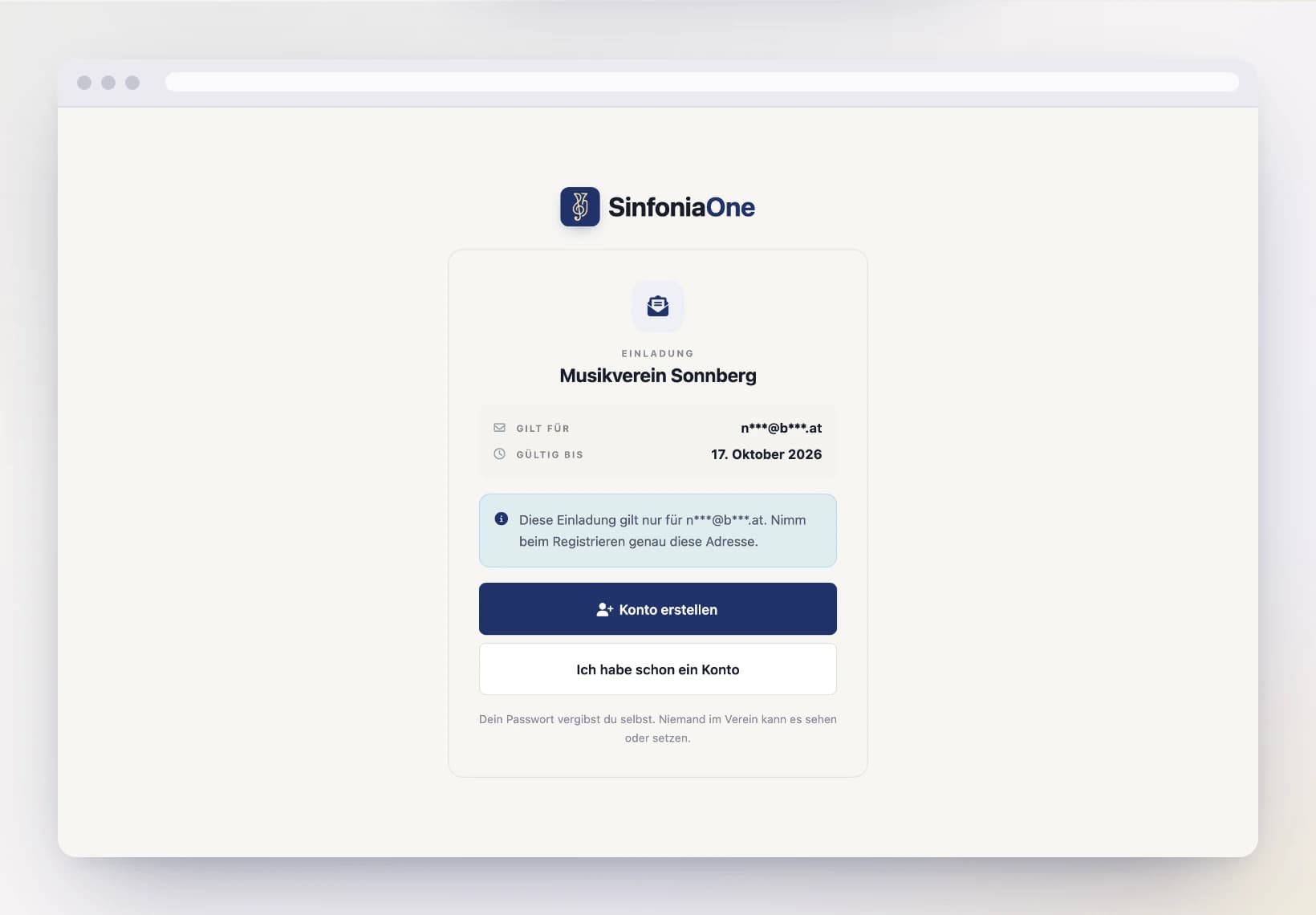
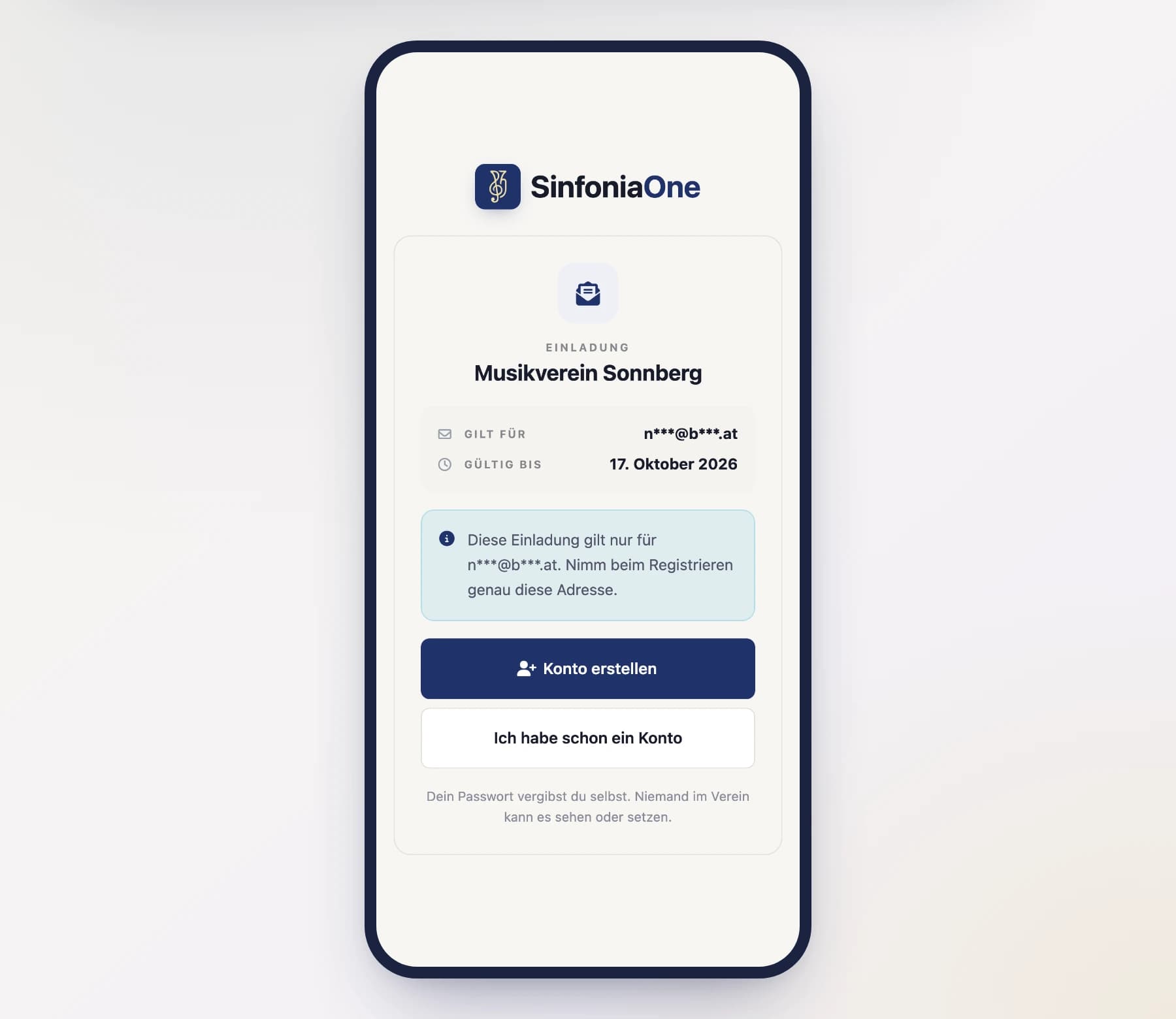
They see which band invited them, who sent the invitation and how long the link is valid.
Creating an account or signing in
If they have no account yet, they create one and confirm their email address. If they already have one, they simply sign in. SinfoniaOne remembers the invitation – things continue automatically after signing in.
Joining
One tap on “Join band” and that is it. The band appears in their list right away.
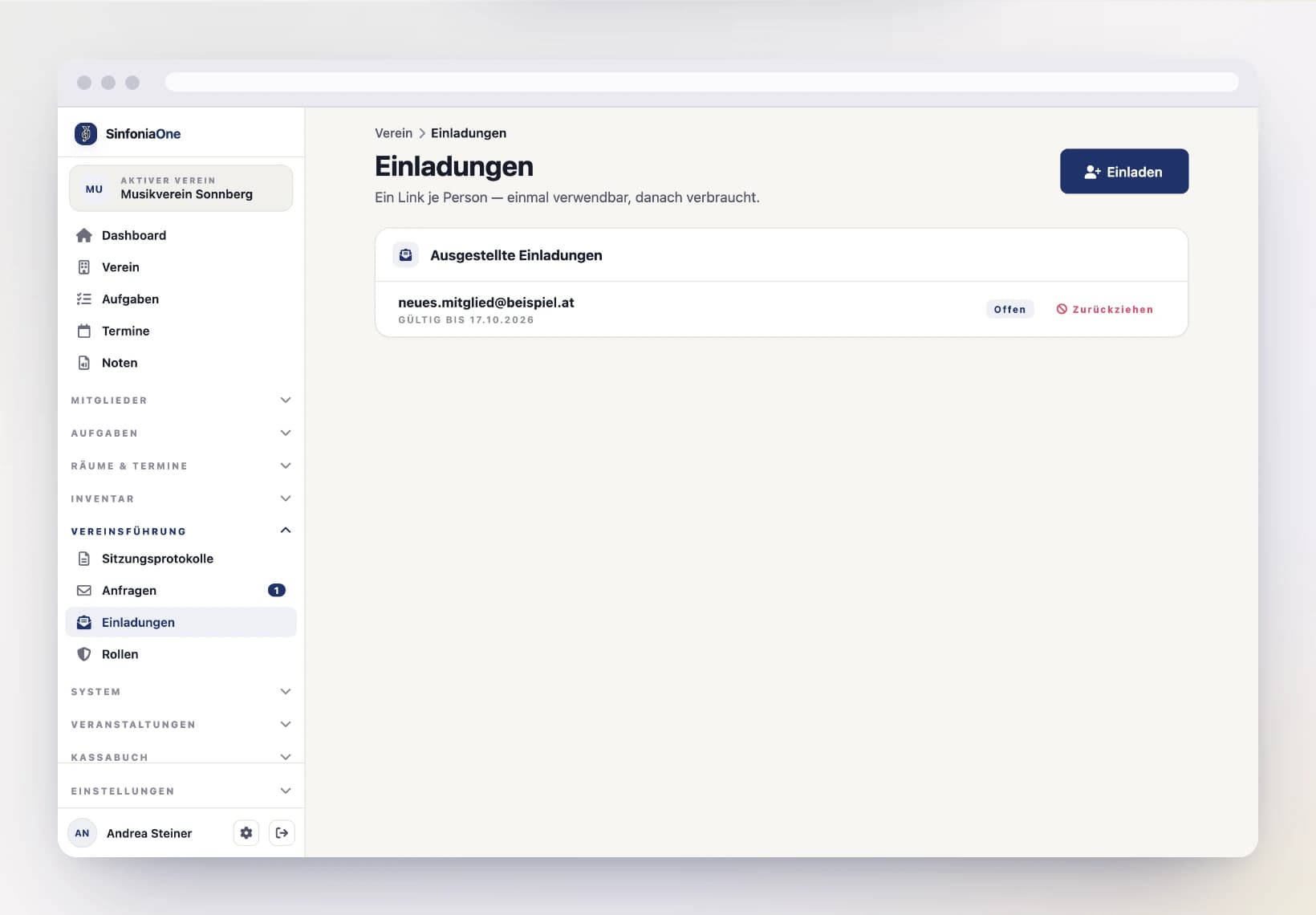
Keeping track of invitations
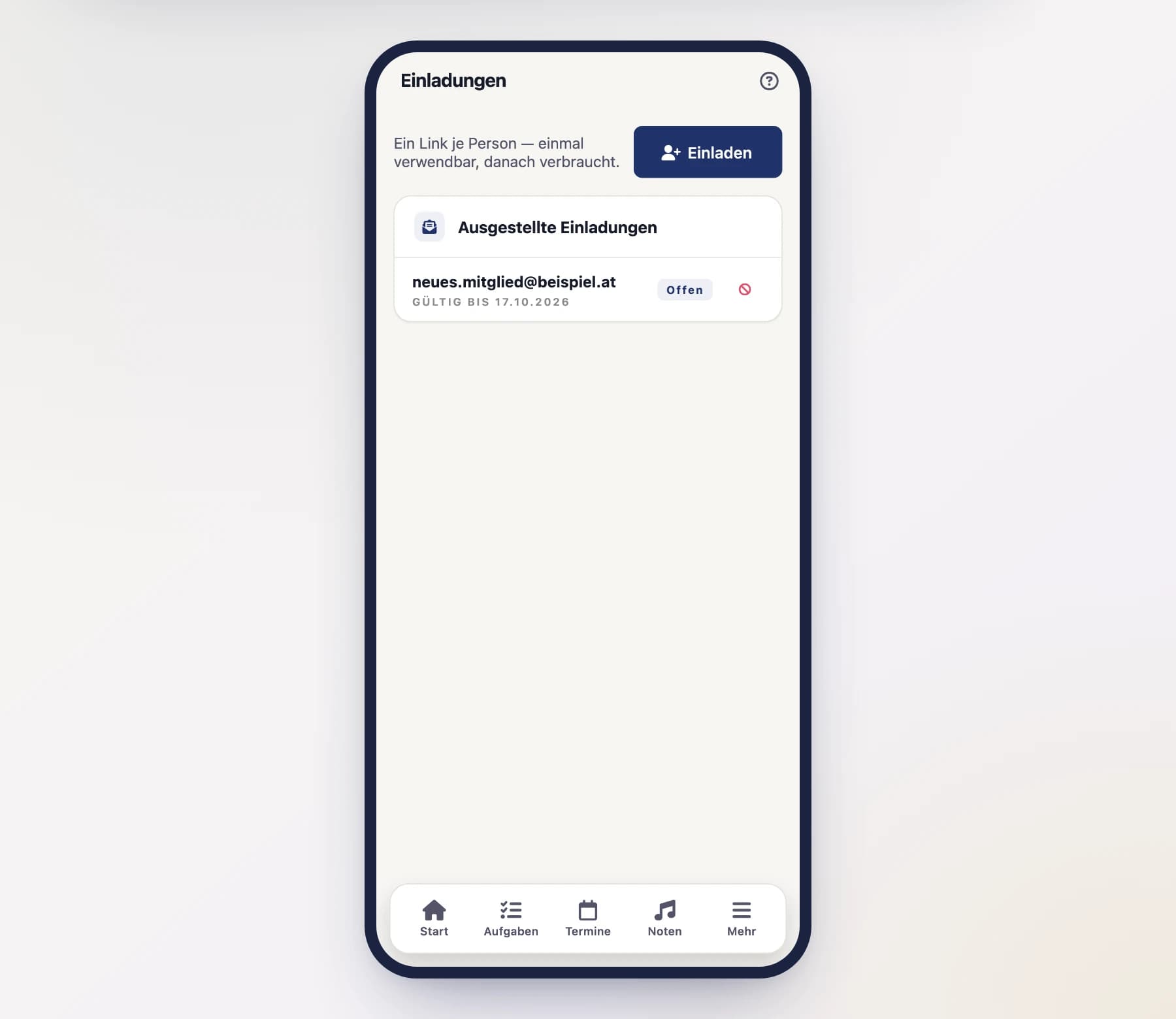
The list shows every invitation you issued and its state:
- Open – the link can still be used.
- Redeemed – somebody joined with it. The name is shown next to it.
- Expired – the validity period has passed.
- Revoked – somebody withdrew the link.
Redeemed and expired invitations stay in the list, so it remains traceable who brought whom into the band.
Revoking an invitation
If a link ended up in the wrong hands or is simply no longer needed, tap “Revoke” on the open invitation. The link stops working afterwards – even for someone who already received it.
Each link works exactly once
An invitation is used up after the first join. Opening the same link a second time shows a notice that it has already been used. So for several people, issue several invitations.
Triggering a password reset
If a member can no longer get into their account, you can have the standard reset mail sent to them – the very same mail they could request themselves via “Forgot password”.
Open the member
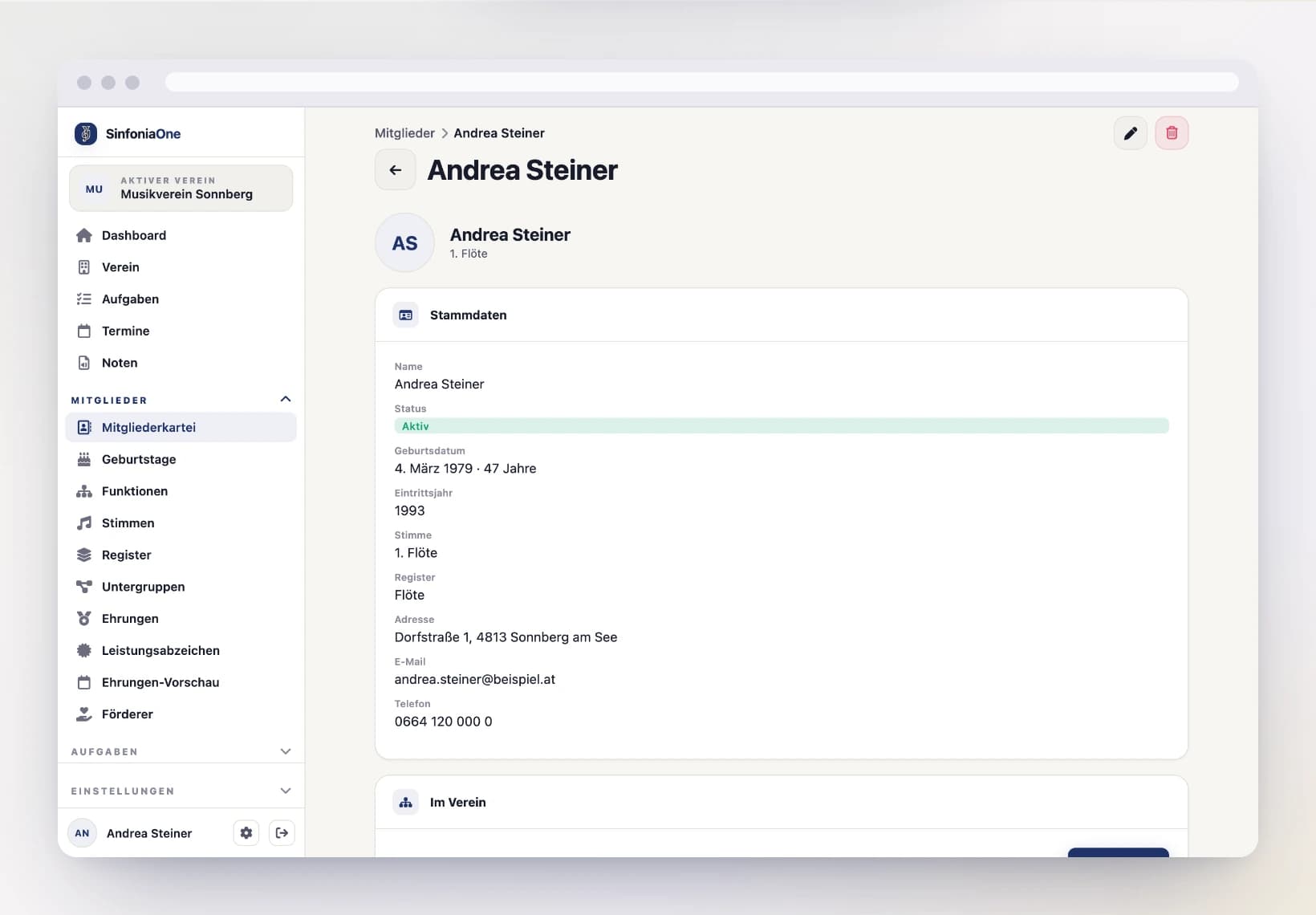
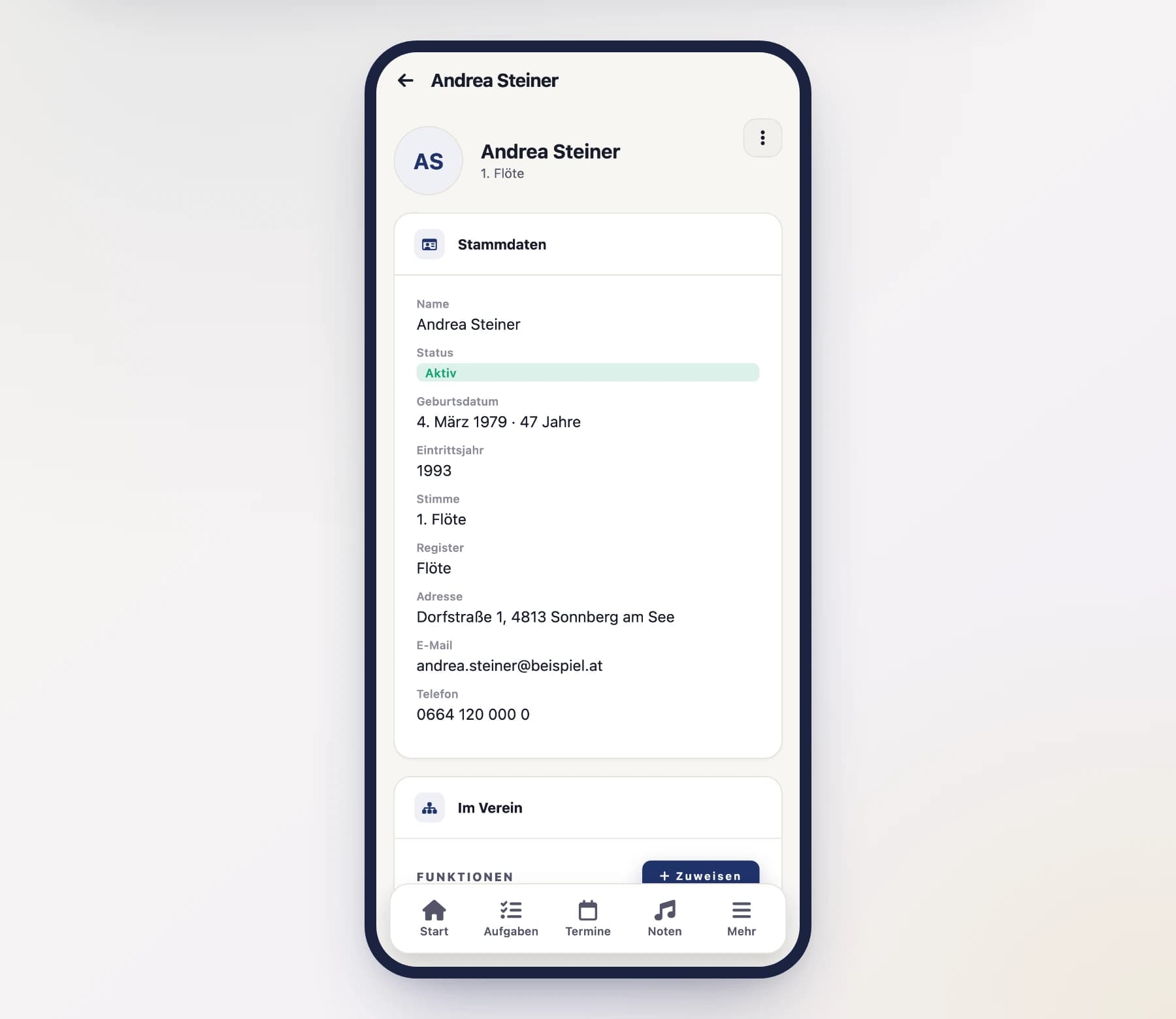
Open the person’s entry in the member directory and scroll to the “Account” card, section “Access”. If the person has no directory entry, you’ll find their account at the end of that same list under “No directory entry”.
You are not setting a password
The mail goes only to the address stored on the account – you cannot choose a different target. The person picks the new password themselves; you never learn it. Who triggered the reset is recorded in the band’s change log.
Removing a member from the club
The counterpart to an invitation: if someone leaves, you end their membership on the directory entry under “Membership”. How that works and what is preserved is described under Removing from the club.
Who is allowed to do this?
- Inviting is available to administrators, the board and the secretary.
- Removing from the club is available to administrators and the club owner.
- Assigning roles is limited to administrators and the band owner – the same people who may assign roles to an existing member. Otherwise the invited person only gets the base role Member, and an administrator assigns the roles afterwards.
- Triggering a password reset is available to administrators and the board.
All of this can be tailored differently with your own roles – see Roles & permissions.