Rental fees & invoices
Collect rental fees for lent-out club instruments and create invoices as PDF.
If your club lends instruments to members, you can collect rental fees for them. In the cashbook you gather these fees, collect them and, if needed, issue an invoice.
Invoices arise from open items
The cashbook has no free-form invoice. An invoice always arises from an open item – from one or more rental fees (lent-out club instruments) or from a membership fee, typically a supporter’s. You maintain who borrowed which instrument in the instrument inventory.
Gathering and collecting rental fees
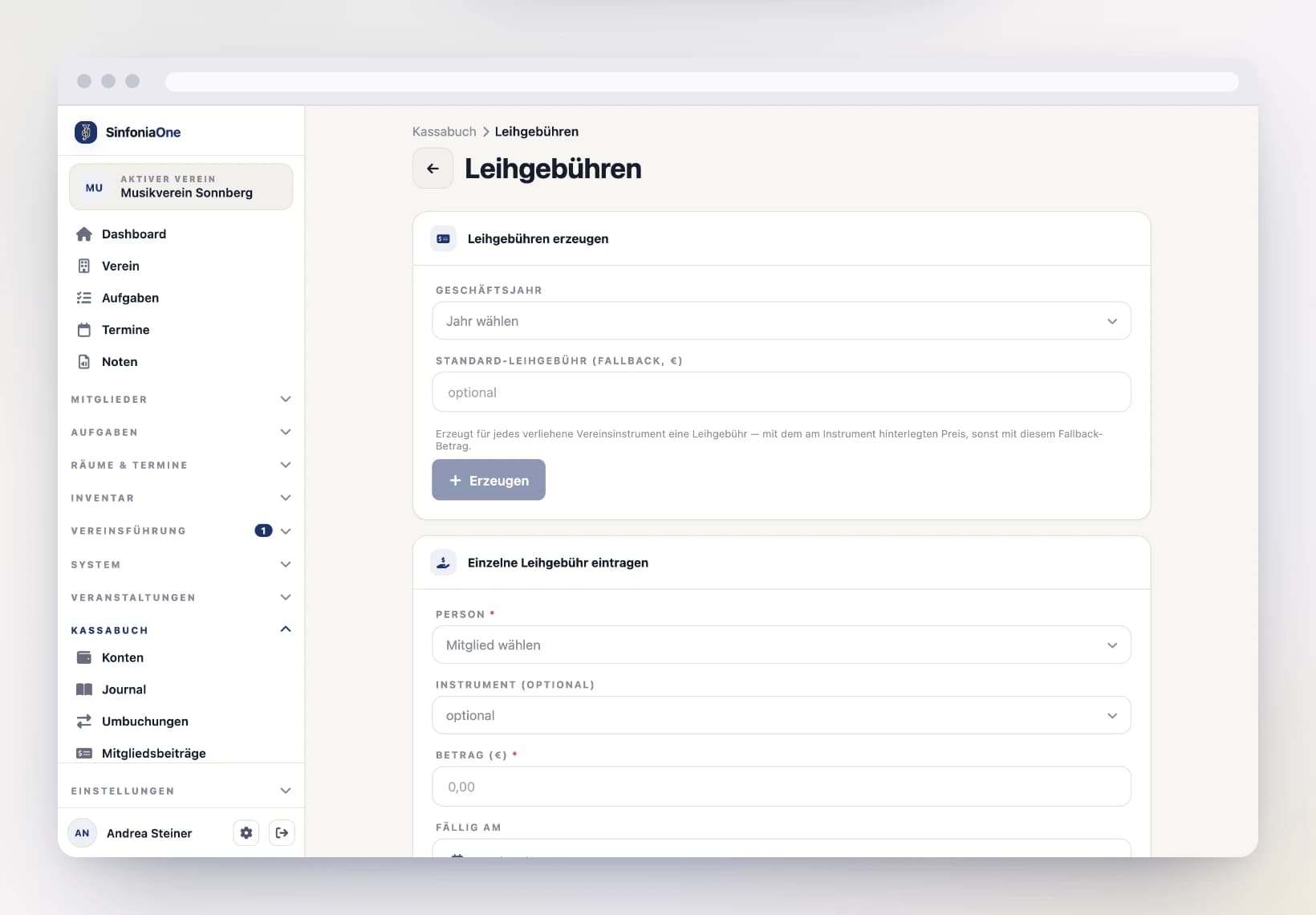
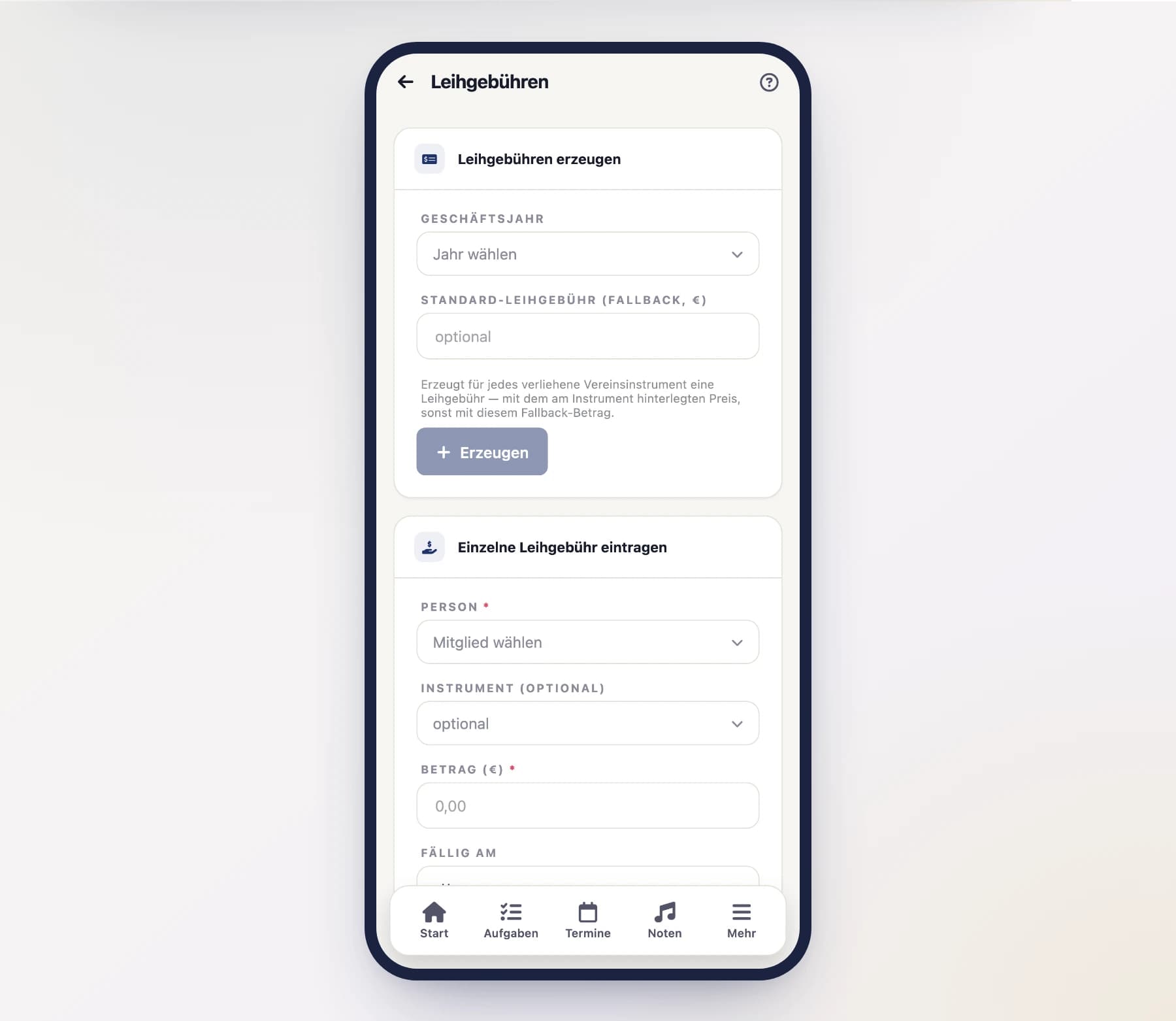
Generate rental fees
In the cashbook, open the Rental fees area. Here you generate the fees for the currently lent-out club instruments – one item per loan. The Default rental fee field does not accept a negative amount. A deleted item can no longer be restored from the trash if it has been generated again for the same year.
Mark as paid
When someone pays their rental fee, you mark it – just like with the membership fees – as paid. This automatically creates an income transaction in the journal. If there is already an open invoice for it, that invoice is settled as well.
When the money is already in the cashbook
The window behind “Paid” always books anew and warns you about it: Is the money already in the cashbook, for example from the bank statement? Then use “Attach to booking” in the item's row. Here you would book it a second time.
If the transaction is already in the journal, tap “Attach to booking” in the “⋯” menu of the open rental fee or open invoice, choose the booking and confirm with “Link”. You can pick income, even if finalized, but no reversed transactions and no reversals. The item is then paid, “Paid” books nothing more, and reversing the transaction makes the item open again.
If the amount differs, the window tells you the difference and what follows from it; it does not refuse. What applies to several items on one transaction is explained under membership fees.
Creating an invoice
Generate an invoice from rental fees
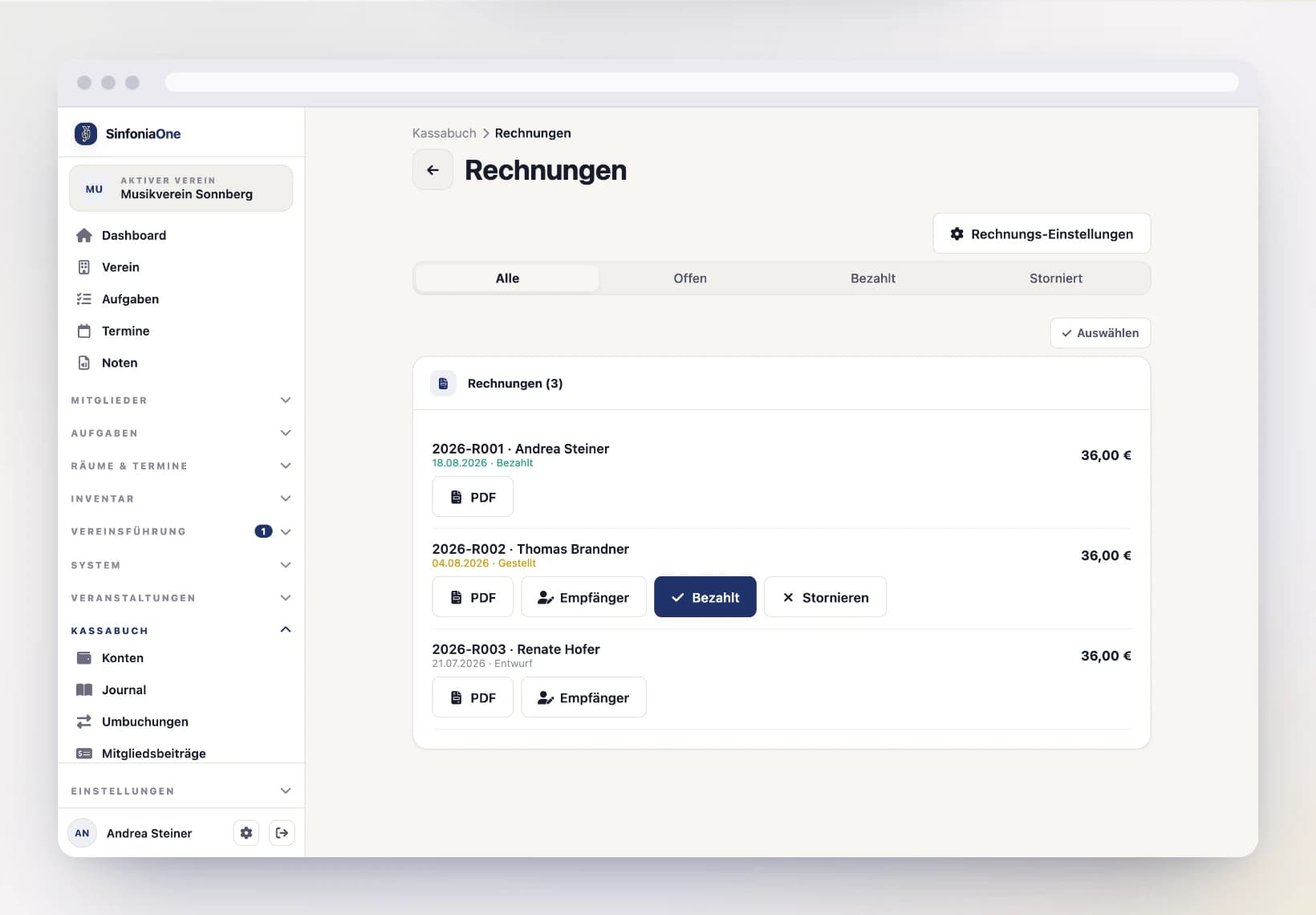
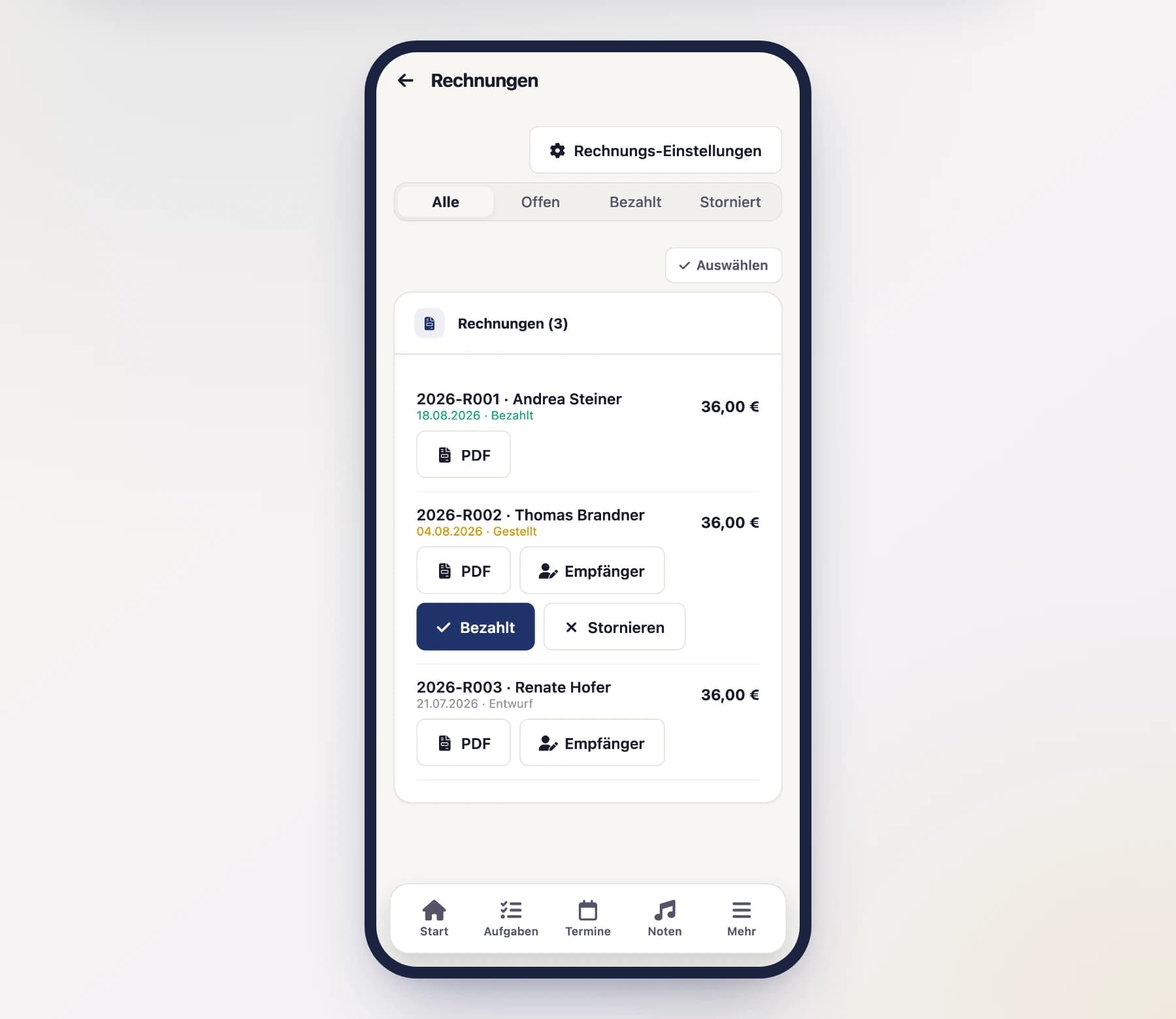
Select the desired rental fees and tap "Create invoice". SinfoniaOne combines them into a single invoice. An already paid rental fee gets no new invoice.
Check the recipient
The recipient is taken from the loan or from the supporter’s billing data, but can be adjusted if needed – for example when the invoice should go to the parents of a young musician. Via “Recipient” in the invoice’s “⋯” menu you change name, address and VAT ID for this one document only; the directory stays untouched.
Output as PDF
You generate the finished invoice as a PDF, which you can print out or send by email.
Issued invoices are frozen
Recipient name, address and VAT ID are stored as a snapshot on the invoice. If you change the supporter’s billing data later, invoices already issued stay as they are – a document that is already out there must not change retroactively.
Cancel issued invoices first
If a rental fee is on an issued invoice, it can only be discarded once the invoice has been cancelled. Otherwise the app refuses: “This item is on an issued invoice. Cancel the invoice first, then it can be discarded.”
If an item has the status Waived, its invoice follows it: if none of its items is still open and one of them is paid, the invoice counts as paid. If none is paid, it stays open, and you cancel it. If the waiver is withdrawn, the invoice is open again.
Invoice settings
So that your invoices look consistent and correct, you store the invoice settings once. They then apply to all invoices:
- Number range – the scheme by which invoice numbers are assigned.
- IBAN – the account the amount should be transferred to.
- Payment term – by when payment should be made (for example "14 days").
- Footer – a custom text at the bottom of the invoice.
- Tax notice – a note on VAT, for example the remark that the club does not charge VAT.
Only a tax notice, no VAT accounting
VAT appears solely as a notice text on the invoice. The cashbook keeps no VAT accounting of its own – for a club's plain income and expense statement, that is the usual approach.