Transactions
Record income and expenses in the journal – with receipt, automatic receipt number and status.
The journal is the heart of the cashbook: the complete, chronologically ordered list of all transactions. Every income and every expense of your club ends up here – each on exactly one account.
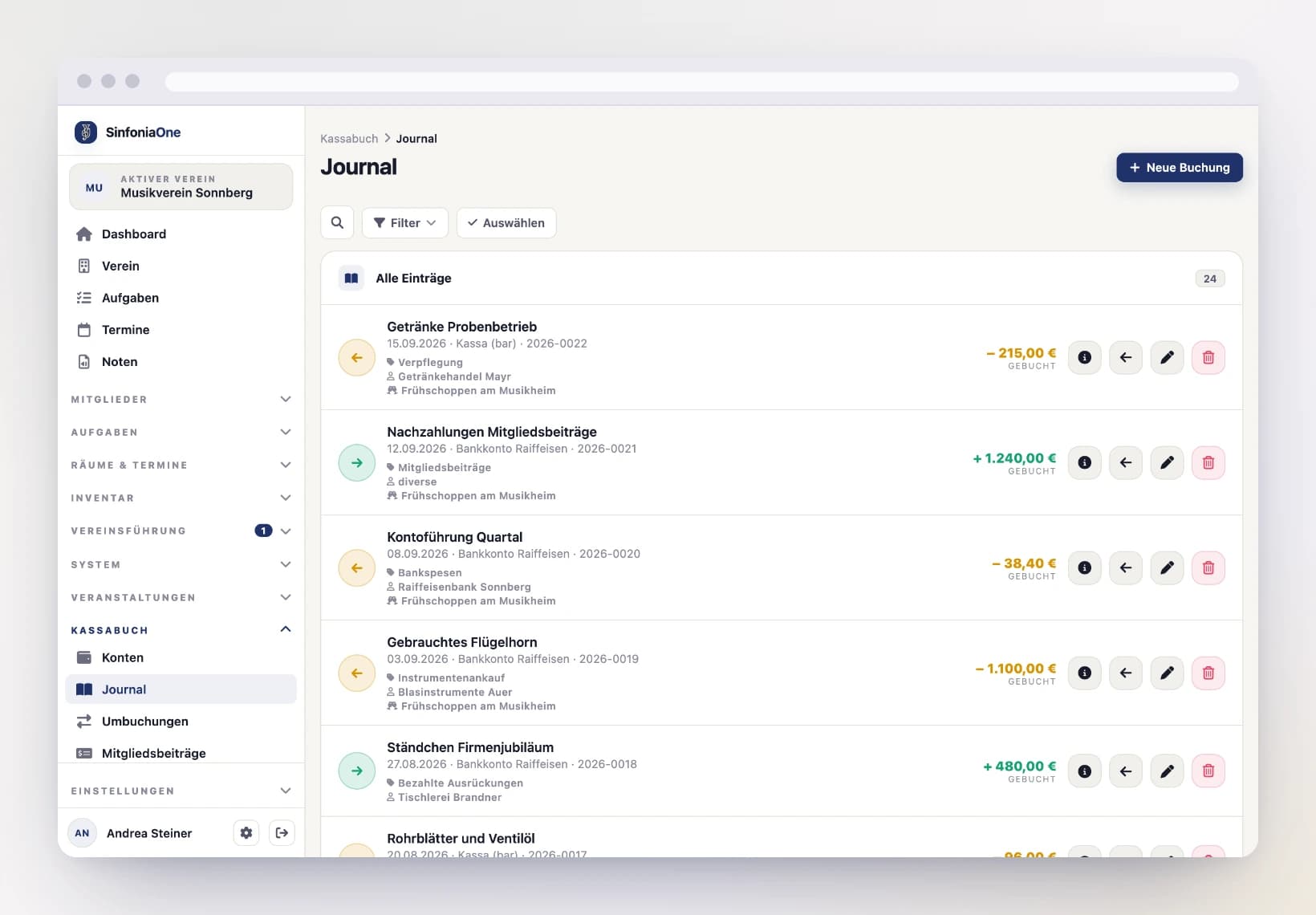
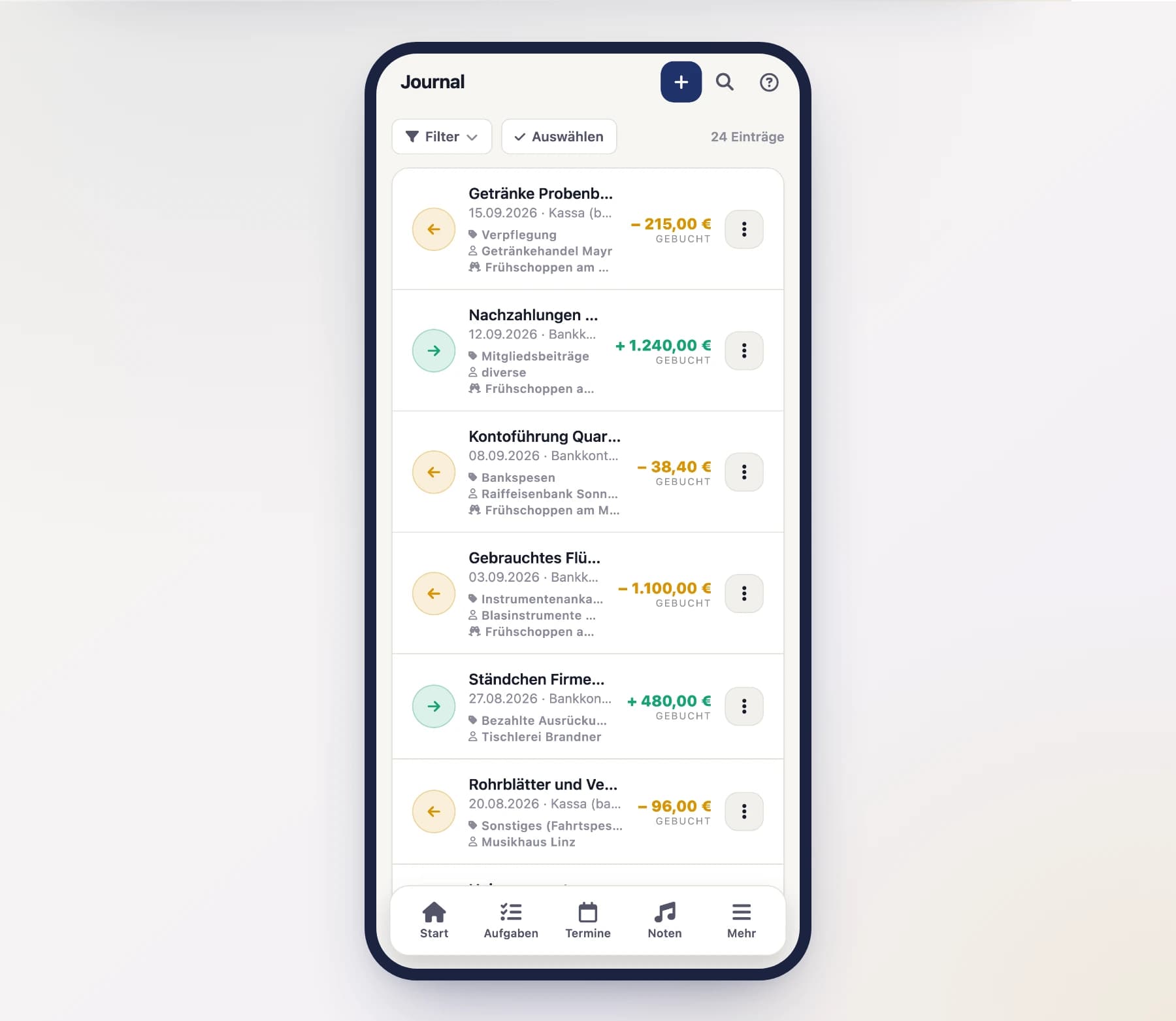
Recording a transaction
Start a new transaction
Open the journal and tap "Record transaction". Choose whether it's an income (money comes in) or an expense (money goes out).
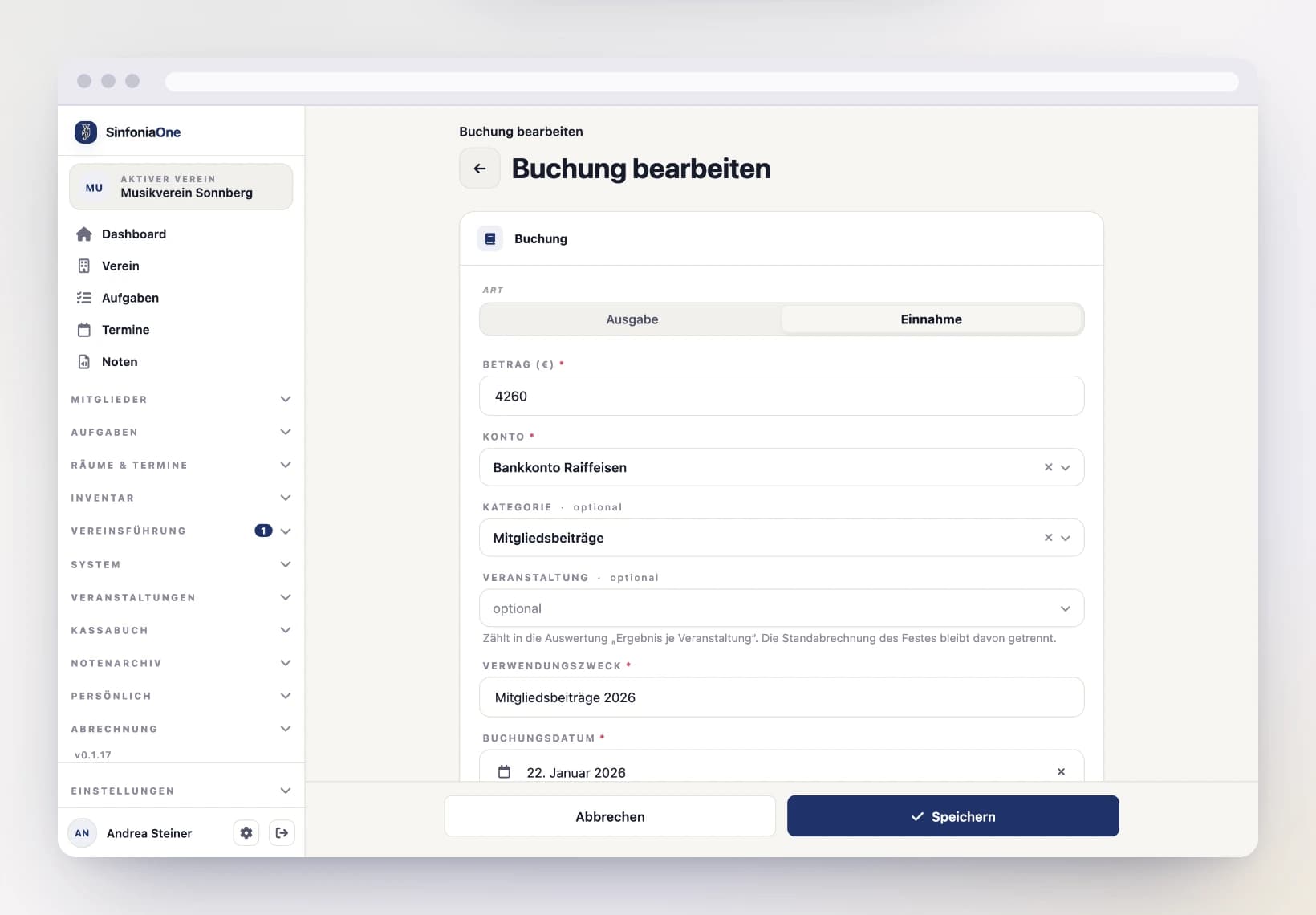
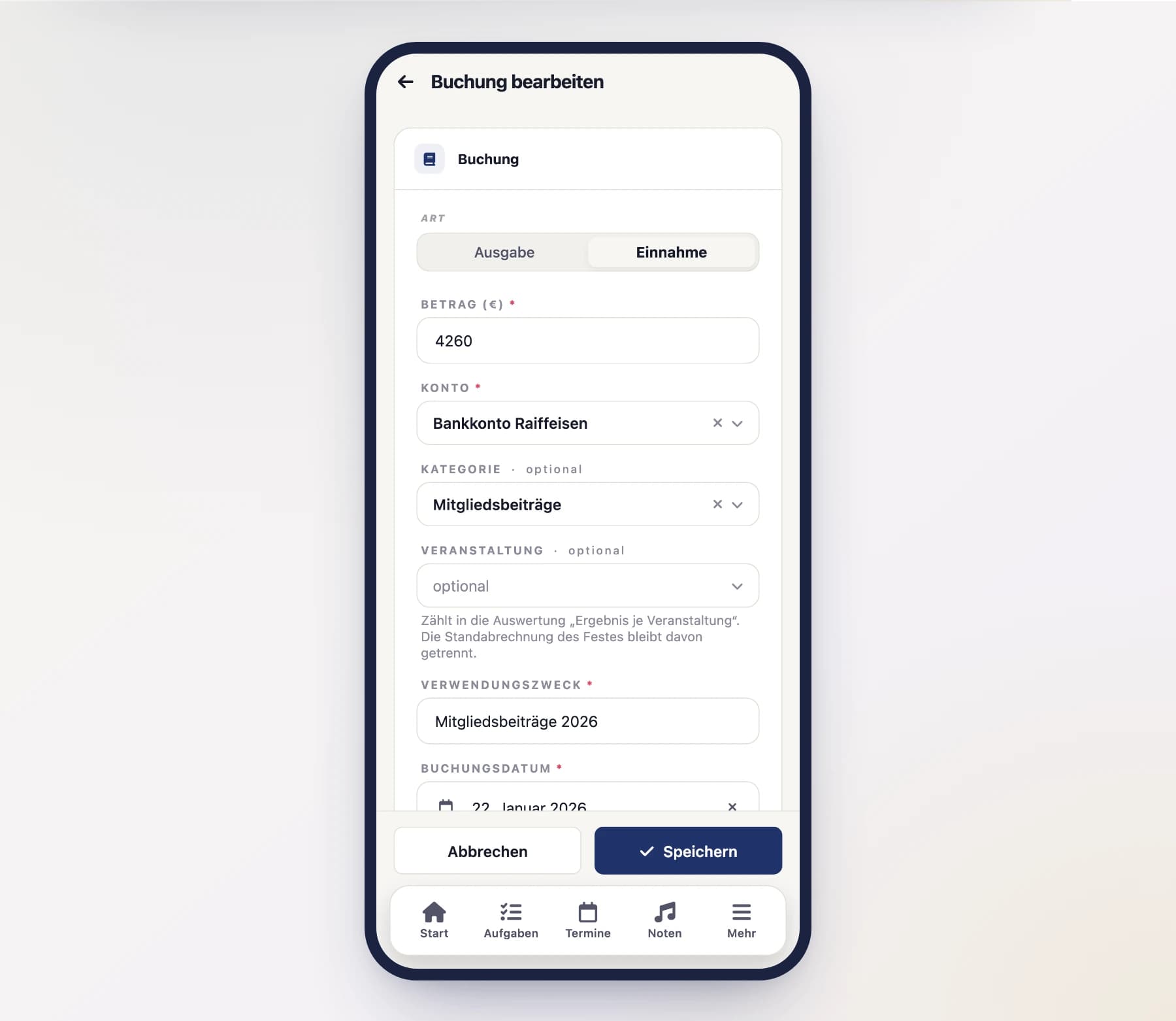
Choose the account and category
Choose the account the money runs through, and a category (for example "Donations", "Sheet music purchase" or "Rent"). The category ensures that the reports and the budget comparison are neatly broken down later on.
Category missing? Create it right here
Just type the name into the search box of the category picker. If it does not exist yet, “Create …” appears above the list — one tap and the category is created and assigned straight away. It automatically takes the kind of the transaction, income or expense. This is only offered if you are allowed to manage the cashbook.
Enter the details
Enter the amount and a reference (what was the payment for?). Two dates go along with this:
- Booking date – when the money flowed.
- Receipt date – the date printed on the receipt or invoice.
Optionally, you can also record the payment partner (from whom or to whom) and the payment method (cash, transfer …).
For an expense you also see the Incoming invoice field. Pick a submitted invoice there — it is then attached to this booking and counts as paid.
If your band also runs events, there is an extra Event field: use it to attach the booking to an event and later see under Result per Event what the event brought in.
Attach the receipt
Photograph the receipt directly with your phone or attach an existing file — on a computer just drag it onto the dashed field, several at once if you like. That way the proof is right there with the transaction – handy for the cash audit.
The receipt number comes automatically
You don't have to come up with receipt numbers. SinfoniaOne automatically assigns each transaction a sequential receipt number in the format Year-NNNN (for example 2026-0001). This keeps the number sequence gap-free.
The three states of a transaction
Every transaction has a status that shows how binding it is:
- Draft – still in progress. You can change anything freely or delete the transaction.
- Booked – fully recorded and included in the balance. It can still be adjusted.
- Finalized – final. Finalized transactions are set during the year-end closing and can no longer be changed.
Finalized means: only reversible
A finalized transaction can no longer be edited or deleted. If something is wrong, you reverse it: SinfoniaOne then creates a counter-entry that offsets the original amount. This keeps the history fully traceable – important for the cash audit.
Deleting a transaction
As long as a transaction is not yet finalized, you can delete it. It then moves to the trash and can be restored if needed – so it's not gone for good right away.
Several bookings at once
After a bank import many bookings often sit in the journal without a category. Tap “Select” in the filter row to tick them and set the same category for all of them — or delete them together. Locked bookings are skipped, and the message afterwards tells you which. See Working on several entries at once.