Rental fees & invoices
Collect rental fees for lent-out club instruments and create invoices as PDF.
If your club lends instruments to members, you can collect rental fees for them. In the cashbook you gather these fees, collect them and, if needed, issue an invoice.
Invoices arise from open items
The cashbook has no free-form invoice. An invoice always arises from an open item – from one or more rental fees (lent-out club instruments) or from a membership fee, typically a supporter’s. You maintain who borrowed which instrument in the instrument inventory.
Gathering and collecting rental fees
Generate rental fees
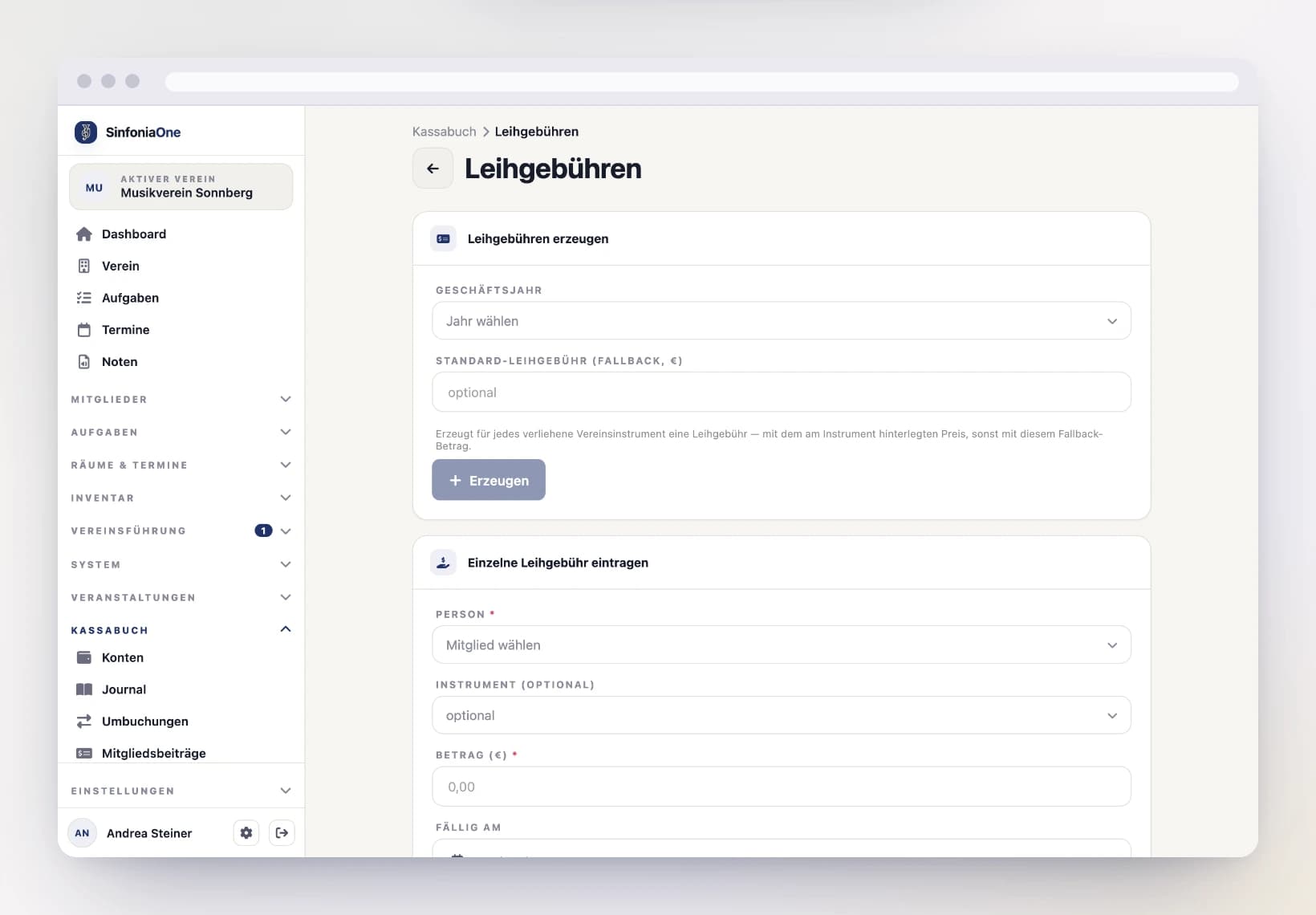
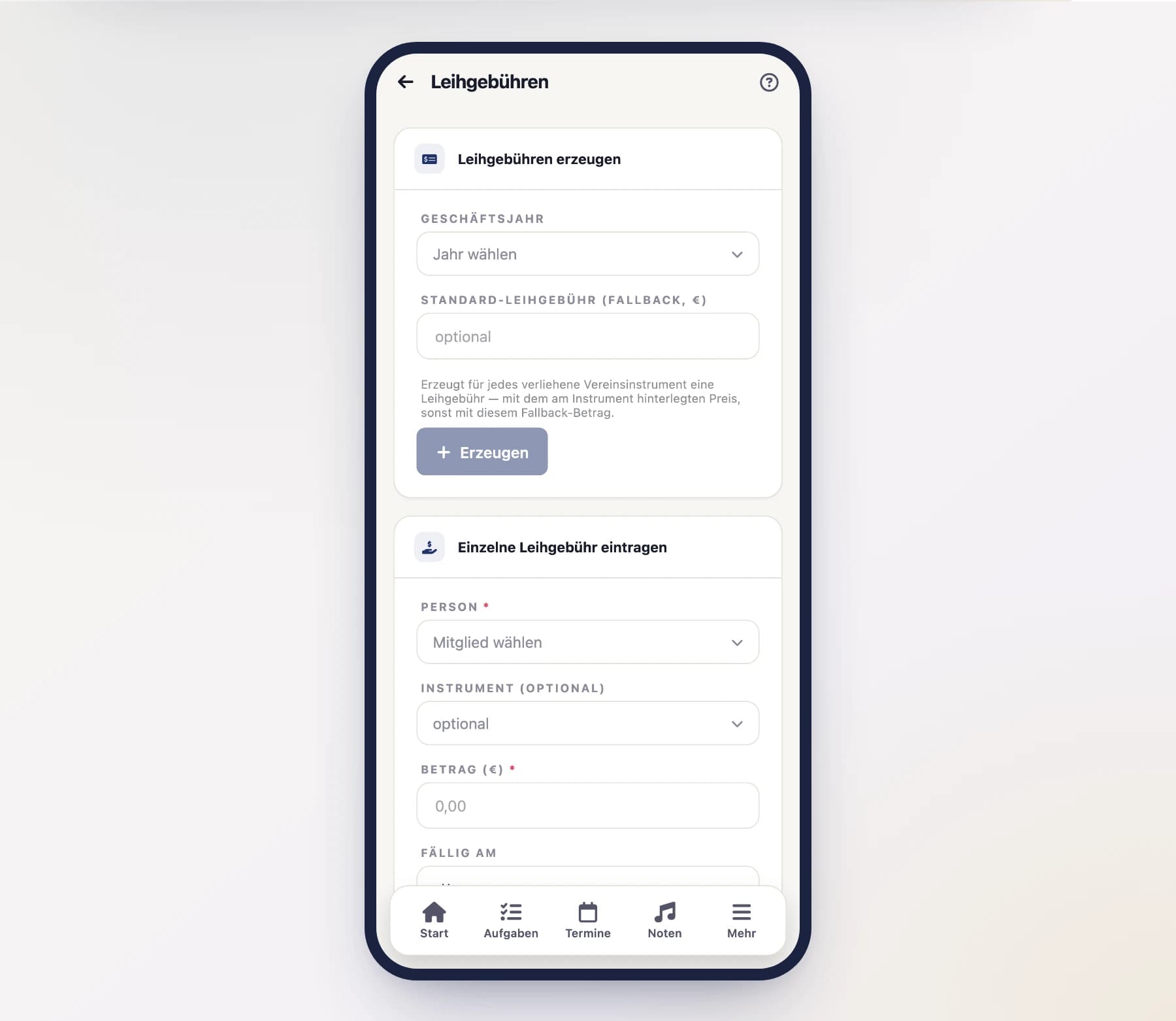
In the cashbook, open the Rental fees area. Here you generate the fees for the currently lent-out club instruments – one item per loan.
Mark as paid
When someone pays their rental fee, you mark it – just like with the membership fees – as paid. This automatically creates an income transaction in the journal.
Creating an invoice
Generate an invoice from rental fees
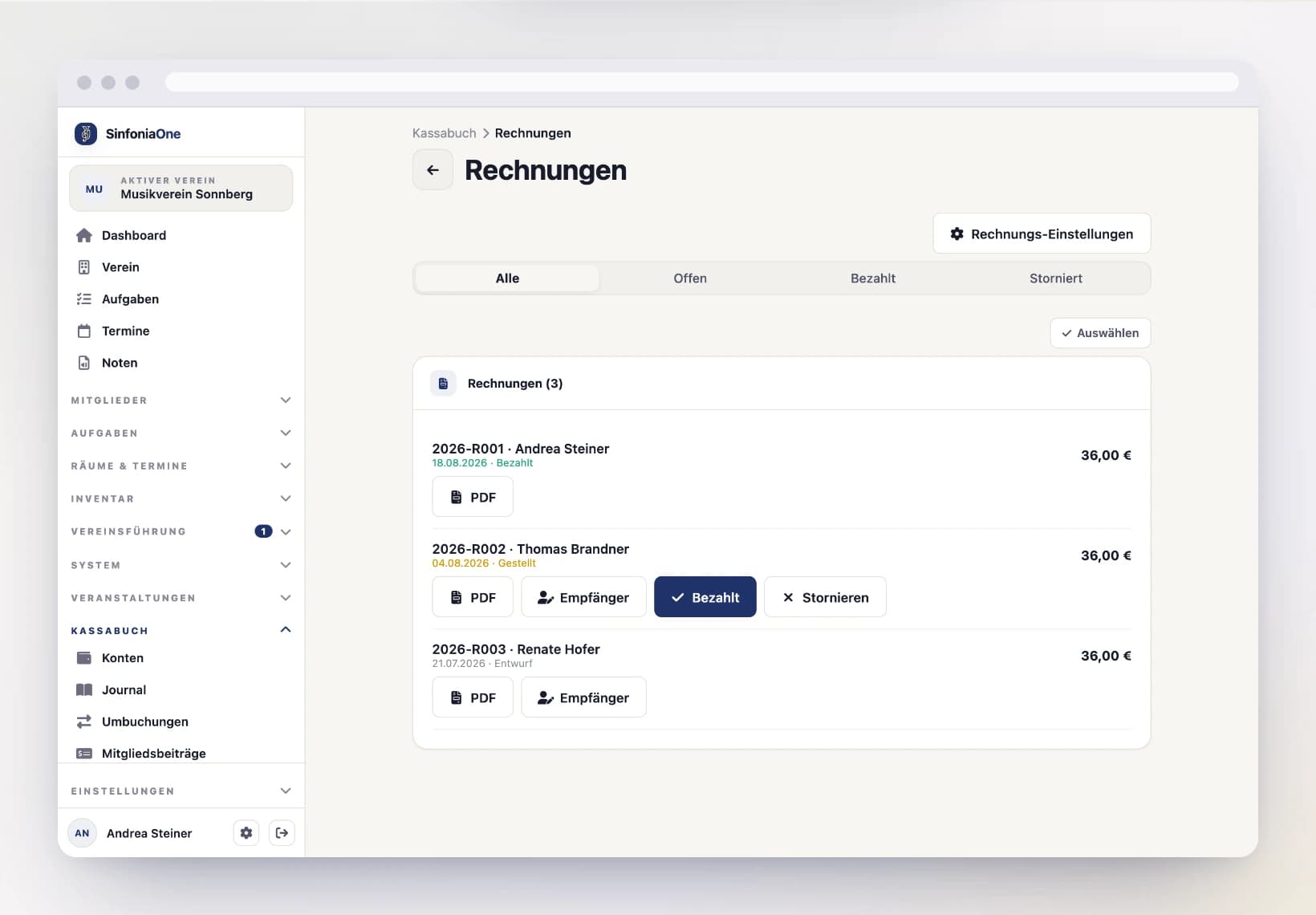
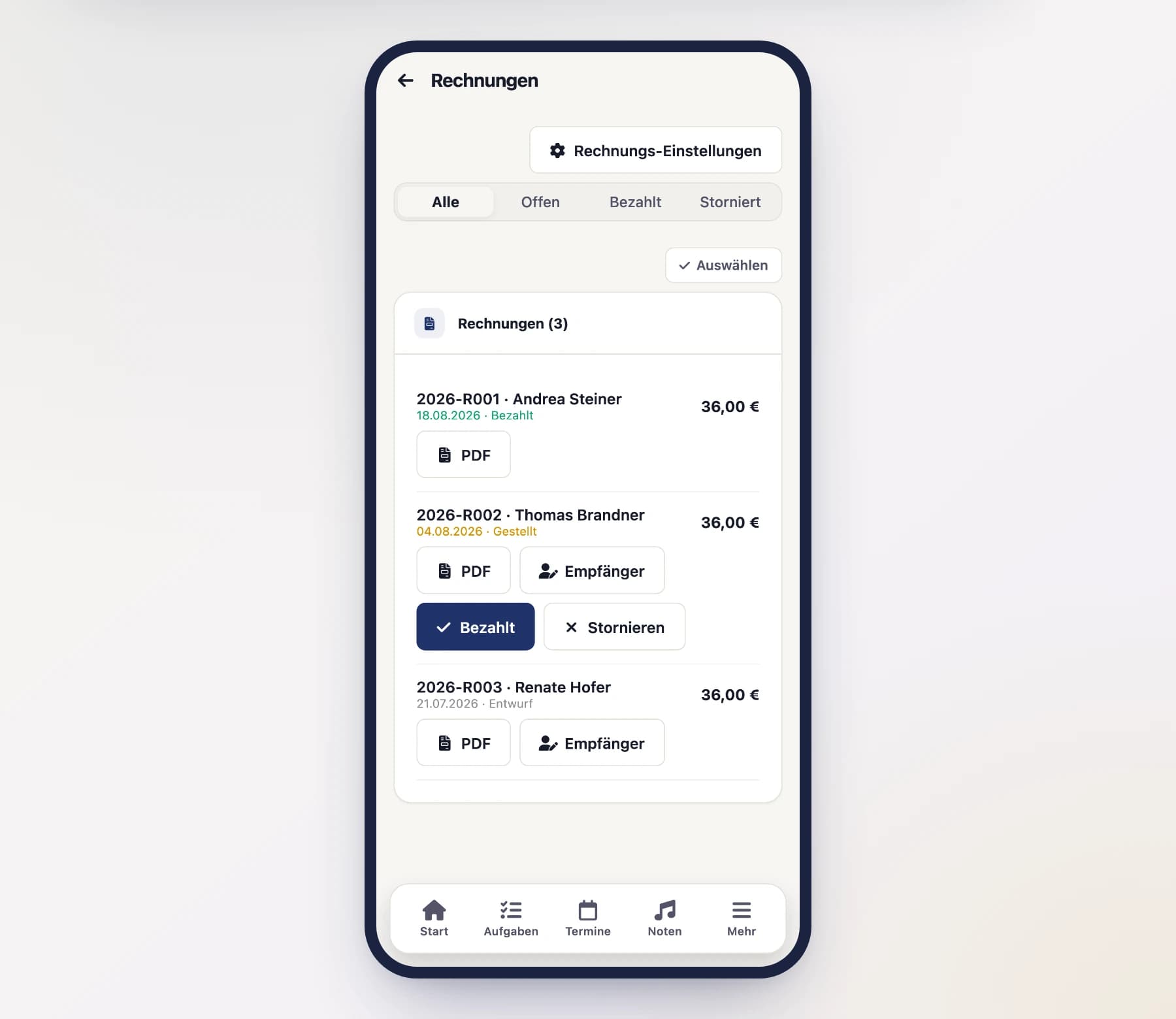
Select the desired rental fees and tap "Create invoice". SinfoniaOne combines them into a single invoice.
Check the recipient
The recipient is taken from the loan or from the supporter’s billing data, but can be adjusted if needed – for example when the invoice should go to the parents of a young musician. Via “Recipient” you change name, address and VAT ID for this one document only; the directory stays untouched.
Output as PDF
You generate the finished invoice as a PDF, which you can print out or send by email.
Issued invoices are frozen
Recipient name, address and VAT ID are stored as a snapshot on the invoice. If you change the supporter’s billing data later, invoices already issued stay as they are – a document that is already out there must not change retroactively.
Invoice settings
So that your invoices look consistent and correct, you store the invoice settings once. They then apply to all invoices:
- Number range – the scheme by which invoice numbers are assigned.
- IBAN – the account the amount should be transferred to.
- Payment term – by when payment should be made (for example "14 days").
- Footer – a custom text at the bottom of the invoice.
- Tax notice – a note on VAT, for example the remark that the club does not charge VAT.
Only a tax notice, no VAT accounting
VAT appears solely as a notice text on the invoice. The cashbook keeps no VAT accounting of its own – for a club's plain income and expense statement, that is the usual approach.