Membership fees
Set fee rates, charge fees, issue invoices and mark them as paid.
Many clubs collect an annual fee from their members and supporters. In the cashbook you charge these fees, keep track of who has already paid, and record the payments with a single tap.
How it works
The process has three stages: you set the fee rates once, charge the fees for a year and later mark each incoming payment as paid.
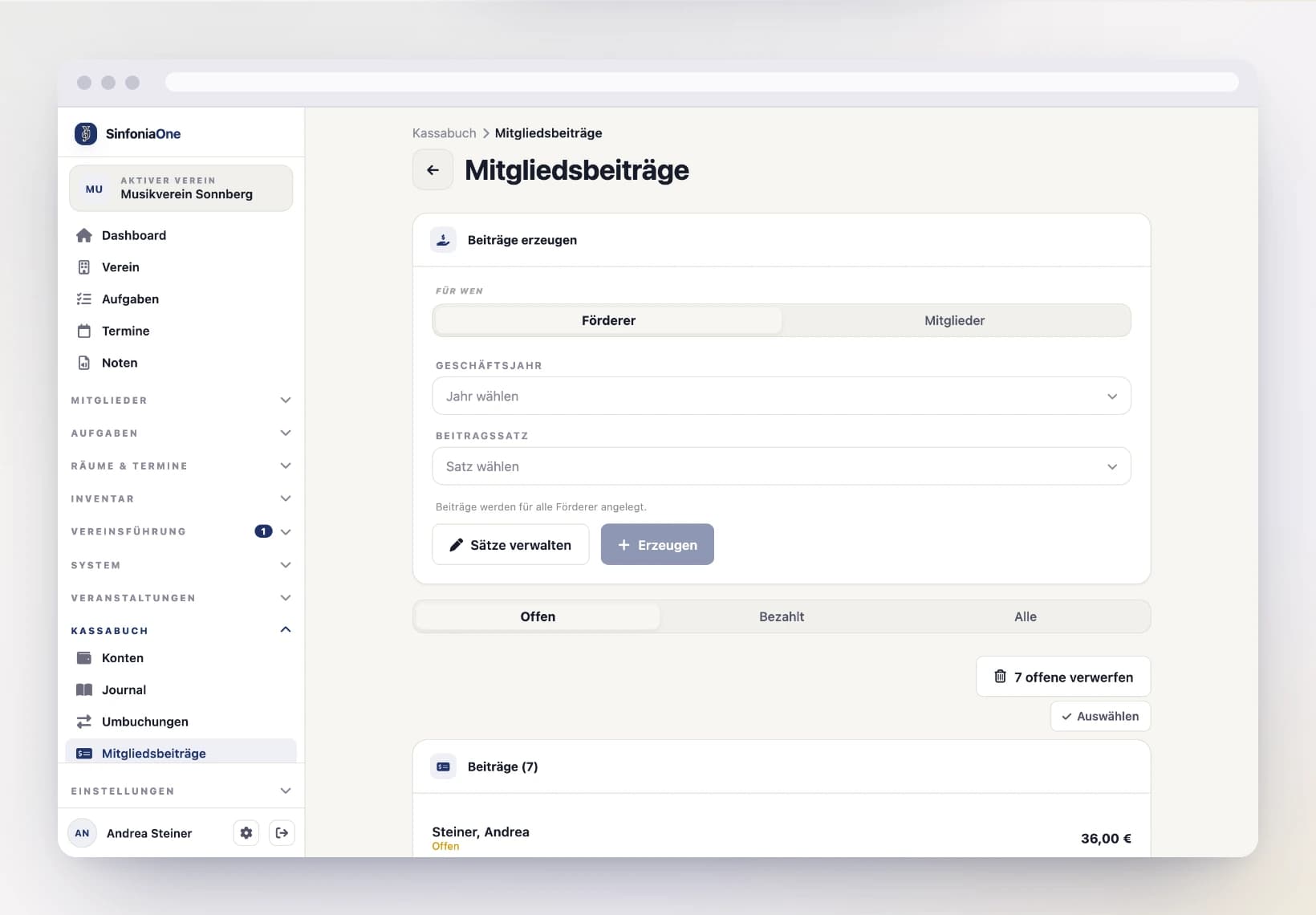
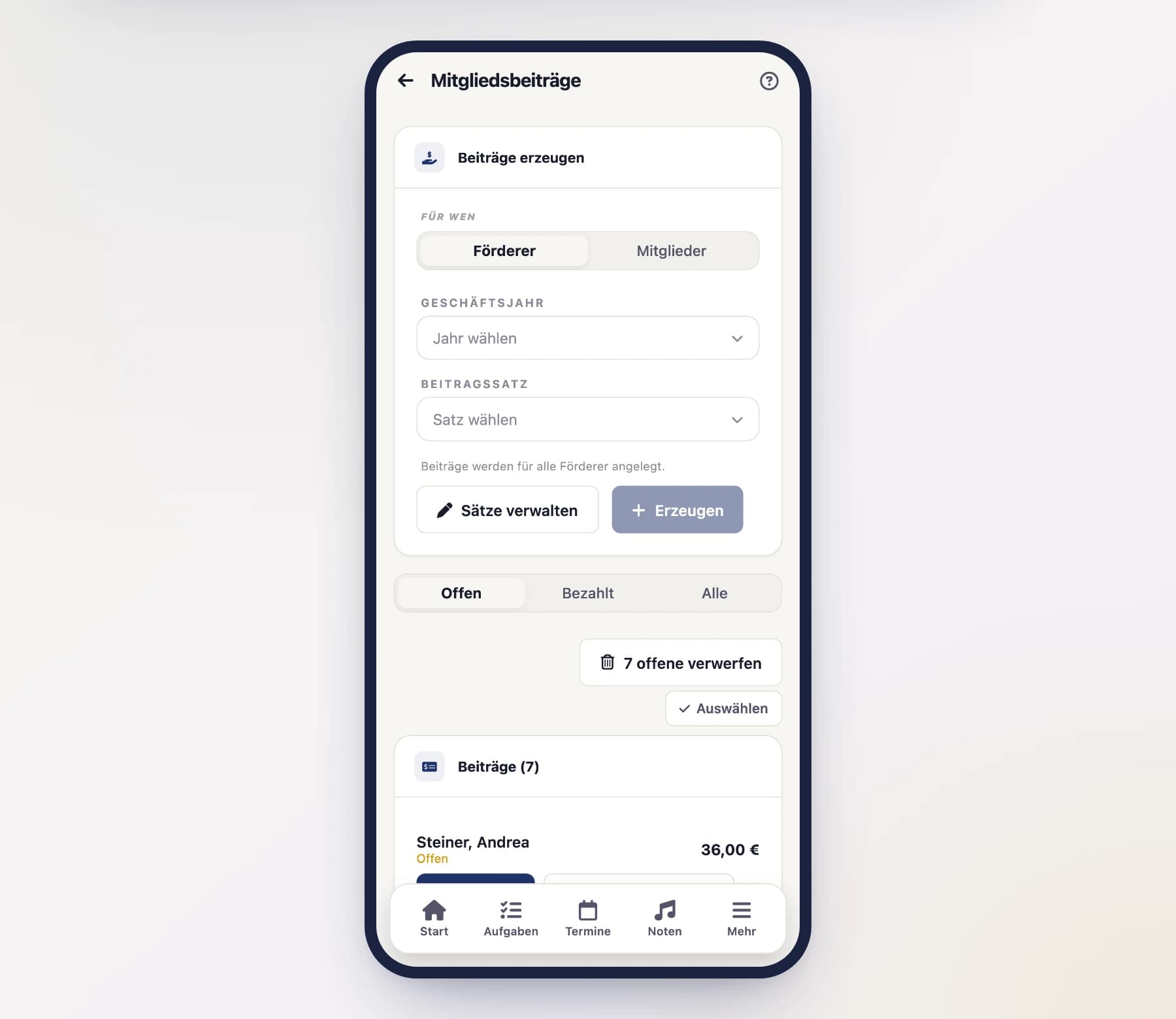
Setting fee rates
First you define the fee rates – i.e. which amount applies to which group. Many clubs have several rates, for example a reduced fee for young musicians and a full one for active members or supporters. You create these rates once and then reuse them year after year.
Charging fees
Start a charge
In the Membership fees area, tap "Charge fees" and choose the financial year.
Choose the recipient group
Set who the fees should apply to – to members or to supporters. Using the status filter, you can narrow the list down (for example only active members) so that nobody wrong gets a charge.
Assign amounts and charge
Assign each person their fee rate and create the charges. Each person then has an open fee in the list.
Issuing an invoice for a fee
Some supporters – companies above all – need a proper invoice for their bookkeeping. Tap “Issue invoice” on an open fee.
Create the invoice
SinfoniaOne creates an invoice with a running number – one line item, the fee. Recipient name, address and VAT ID come from the supporter’s billing data; if none are stored there, from the name and home address.
Output as PDF
The fee then shows the invoice number, and the action reads “Invoice (PDF)”. That gives you the finished document to print or send. You’ll also find all invoices collected under Invoices.
Record the payment
When the supporter pays, you can mark either the fee or the invoice as paid – each also settles the other and creates exactly one income transaction.
One invoice per fee
A fee gets at most one invoice; a second tap creates no duplicate. If you need to correct something, cancel the invoice – the fee is free again afterwards and can be re-invoiced.
Marking a fee as paid
As soon as someone pays their fee, you open the corresponding charge and tap "Mark as paid".
The income transaction arises automatically
When you mark a fee as paid, SinfoniaOne automatically creates an income transaction in the journal for it. So you don't have to record the payment separately by hand – just choose the account the money came in on.
Discarding open fees
If a charge is no longer applicable – for example because someone has left or is exempted from payment – you can discard the open fee. It then disappears from the list of open items without a transaction being created.
Cancel issued invoices first
If you have already issued an invoice for a fee, cancel it before discarding the fee – otherwise a document stays in circulation for which there is no charge any more.
Several fees at once
On the evening after the general meeting thirty fees have been collected in cash. Tap “Select” to tick them and book them as paid with one account and one date, issue an invoice for all of them, or discard them. A booking is still created per fee. See Working on several entries at once.