Result per Event
Link bookings to an event and see what an event brought in – cashbook and stand accounting kept separate.
An event costs money and brings money in. Both end up in two places in SinfoniaOne: in the event's stand accounting (product items and financial items, see Cash & Finances) and in the cashbook, as soon as the money runs through an account. To see both together, you can link every booking to an event.
Needs both functions
The link and the report only appear if your band uses both Cashbook and Events. If one of the two functions is missing from your plan, everything on this page stays hidden.
Linking a booking to an event
Create or open a booking
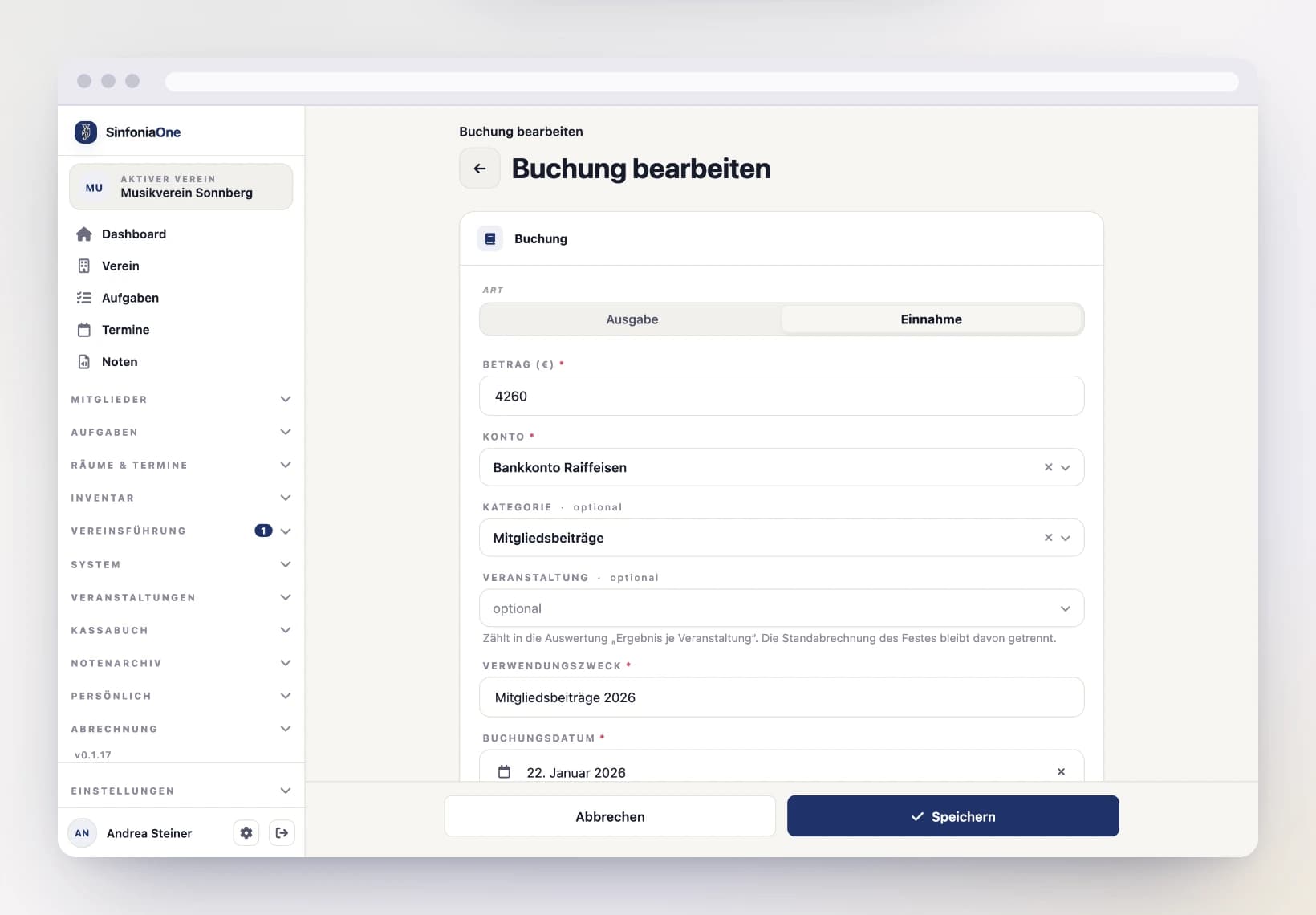
Record the booking as usual (see Bookings) or open an existing one for editing.
Pick the event
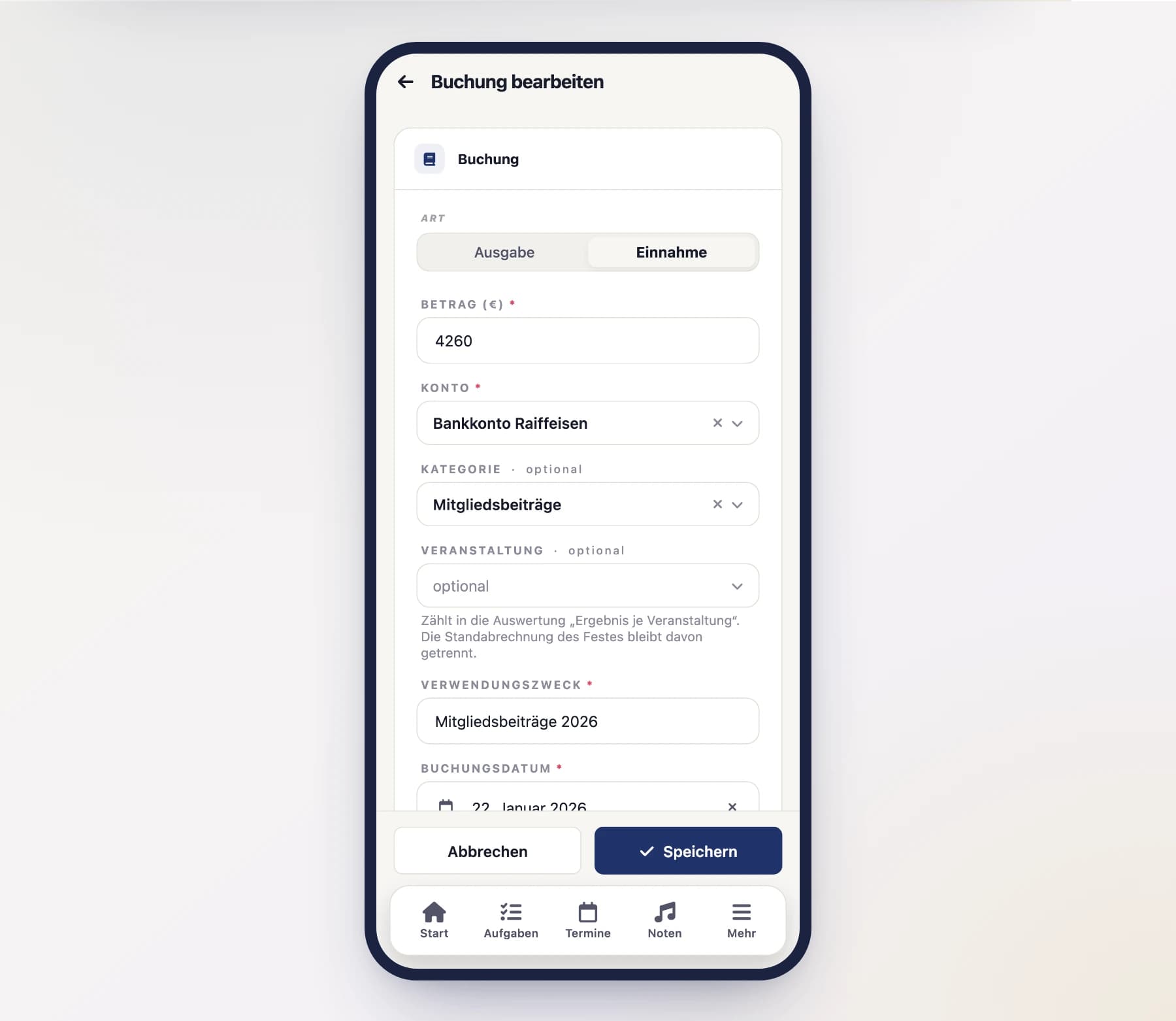
The booking form has an Event field. Choose the event – or leave it empty if the booking does not belong to one. You can only pick events of your own band.
Save
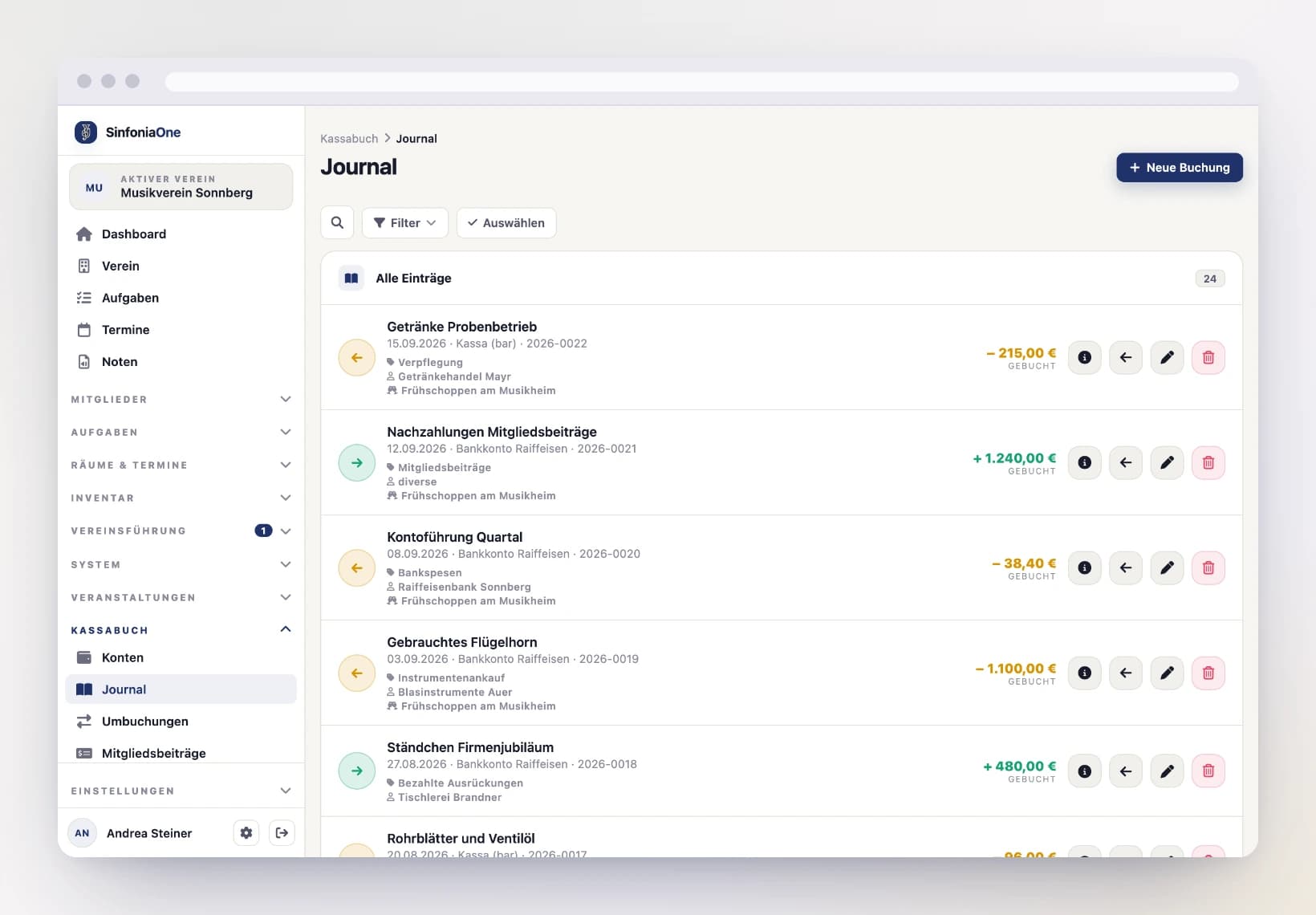
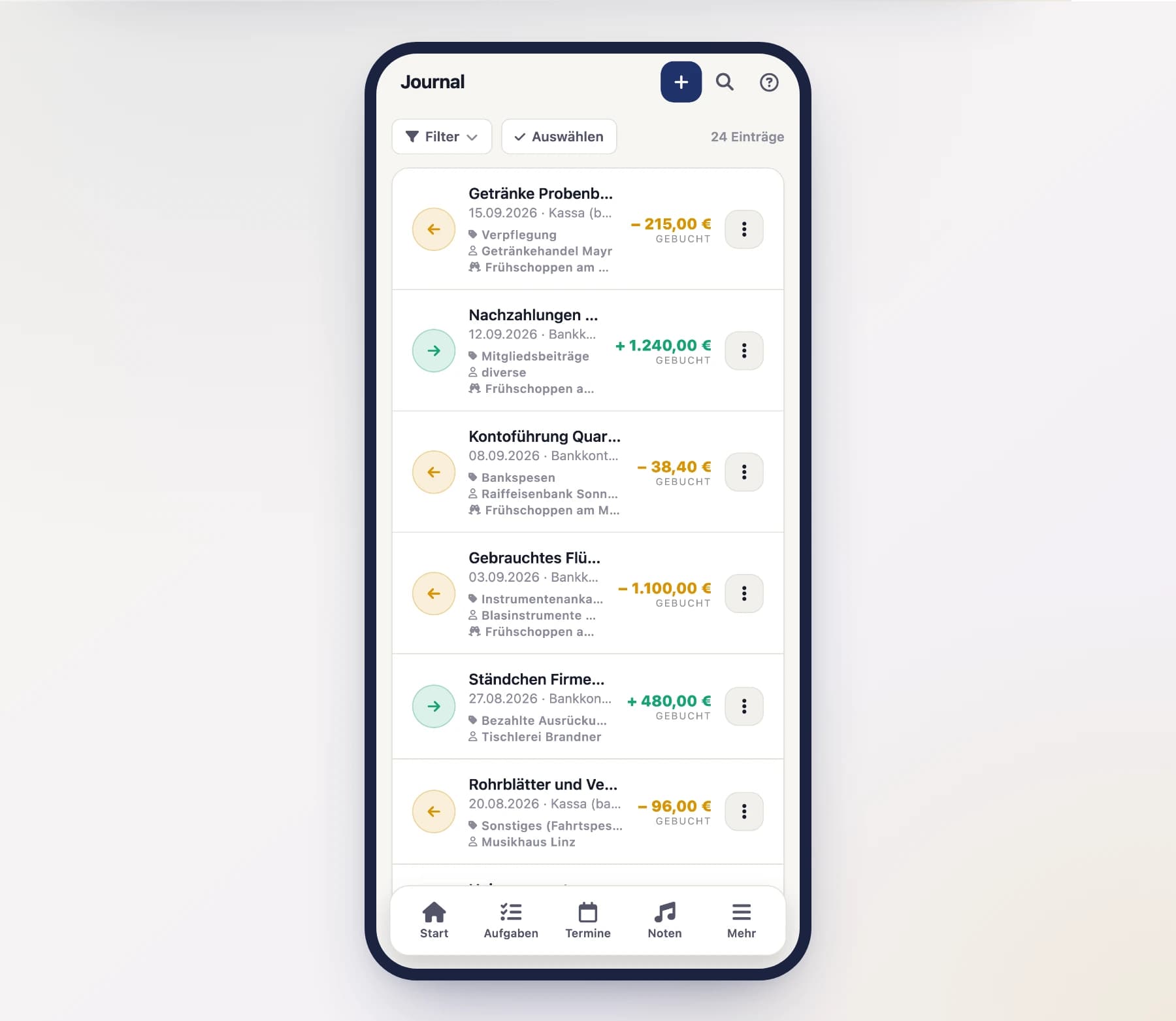
Done. The booking shows up in the journal with the event name and counts towards the report from now on.
Reversals stay with the event
If you reverse a linked booking, the counter-booking inherits the same event. The two cancel each other out in the result – so the event never looks better than it was.
Filtering the journal by event
The journal has an extra filter row listing your events. Pick one and you only see the bookings of that event.
Transfers between two of your own accounts drop out of the list: they are not money an event brought in or cost, just a move within your own house.
The report
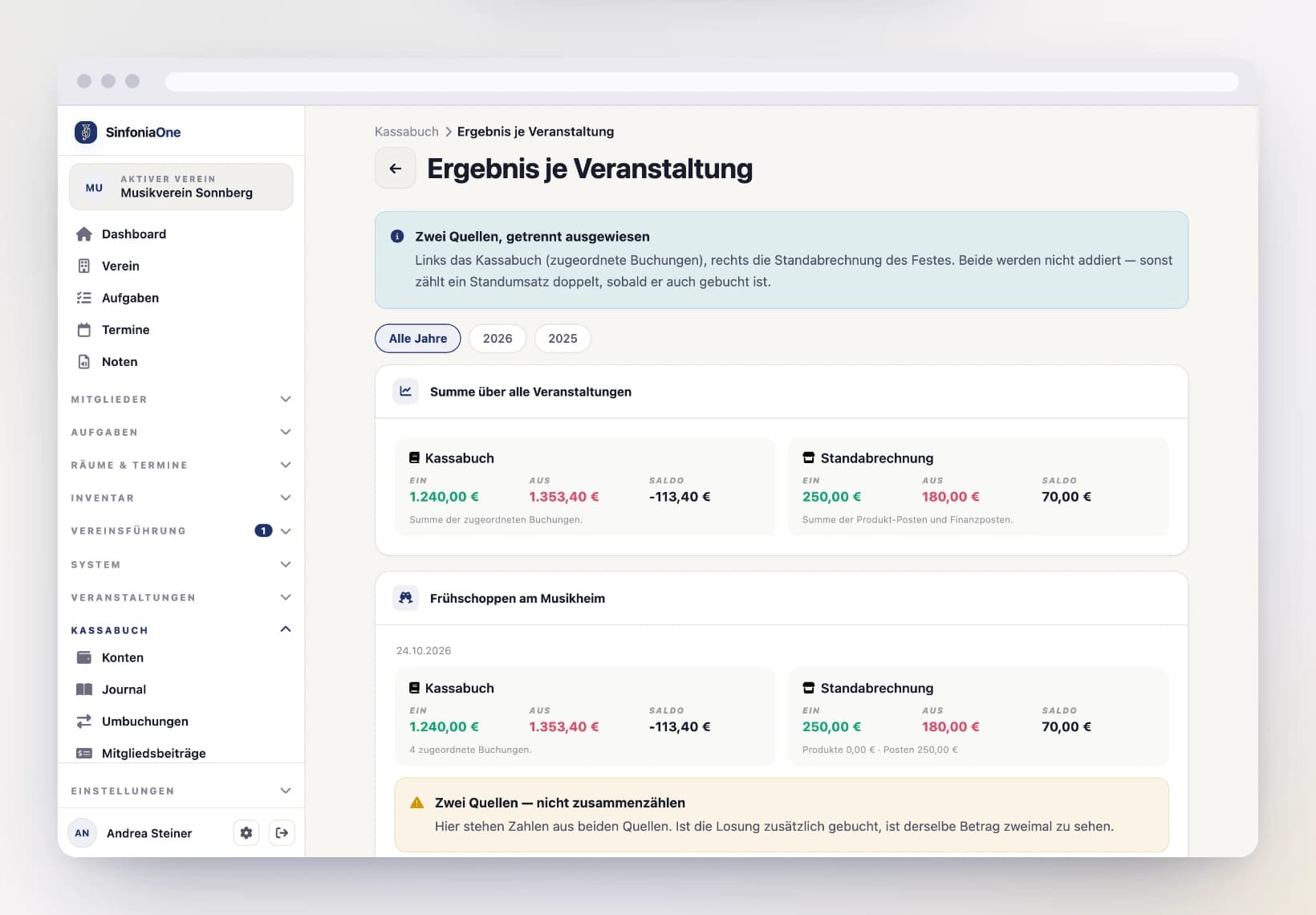
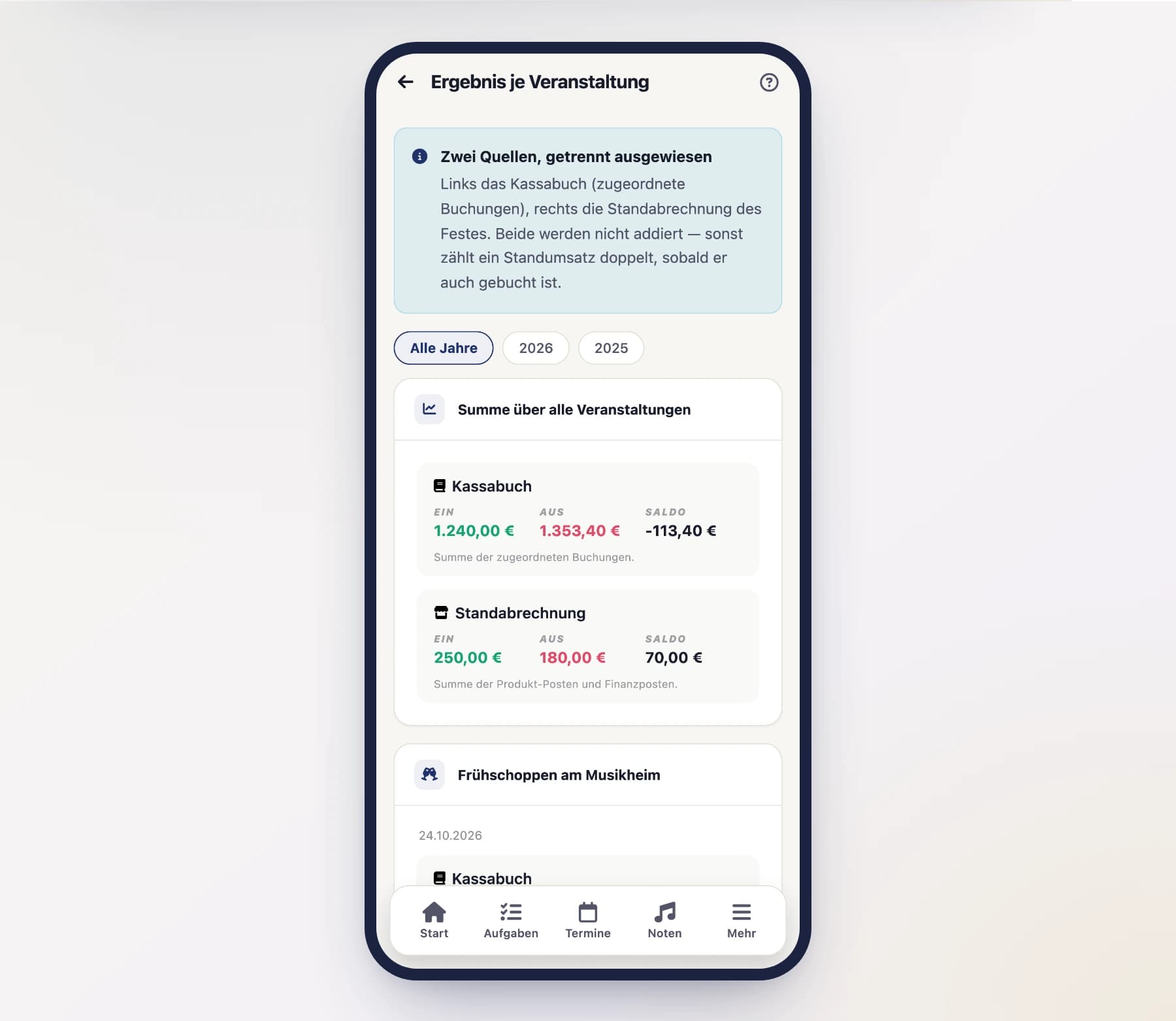
Under Cashbook → Result per Event you see two boxes side by side for every event:
- Cashbook – income, expenses and balance from the linked bookings.
- Stand accounting – income, expenses and balance from the event itself (product items and financial items).
At the top you find the total across all events of the selected financial year – again split by source.
Do not add the two numbers up
Cashbook and stand accounting describe the same event, but they are not the same money. If you also book the bar takings into the cashbook, the same amount sits in both boxes. That is why SinfoniaOne deliberately shows no combined total – and flags every event where both sources hold figures.
Which number counts for the annual report?
For the audit and the annual accounts, the cashbook counts – that is the money which actually ran through an account. The stand accounting is the event team's calculation: it shows whether the effort paid off, but it does not replace a booking.
An event spanning the turn of the year
The marquee invoice arrives in January, the event was in August? No problem: linked bookings always count towards their event, no matter which financial year they are booked in. The financial year in the report filter only decides which events are listed.
Who sees what?
- Treasurer and auditor see both boxes.
- The event management still sees its stand accounting in the event, but no cashbook figures.
- Anyone allowed to see neither the cashbook nor the event finances does not see the report at all.