Budget
Plan an estimate per financial year, compare planned with actual and release the budget.
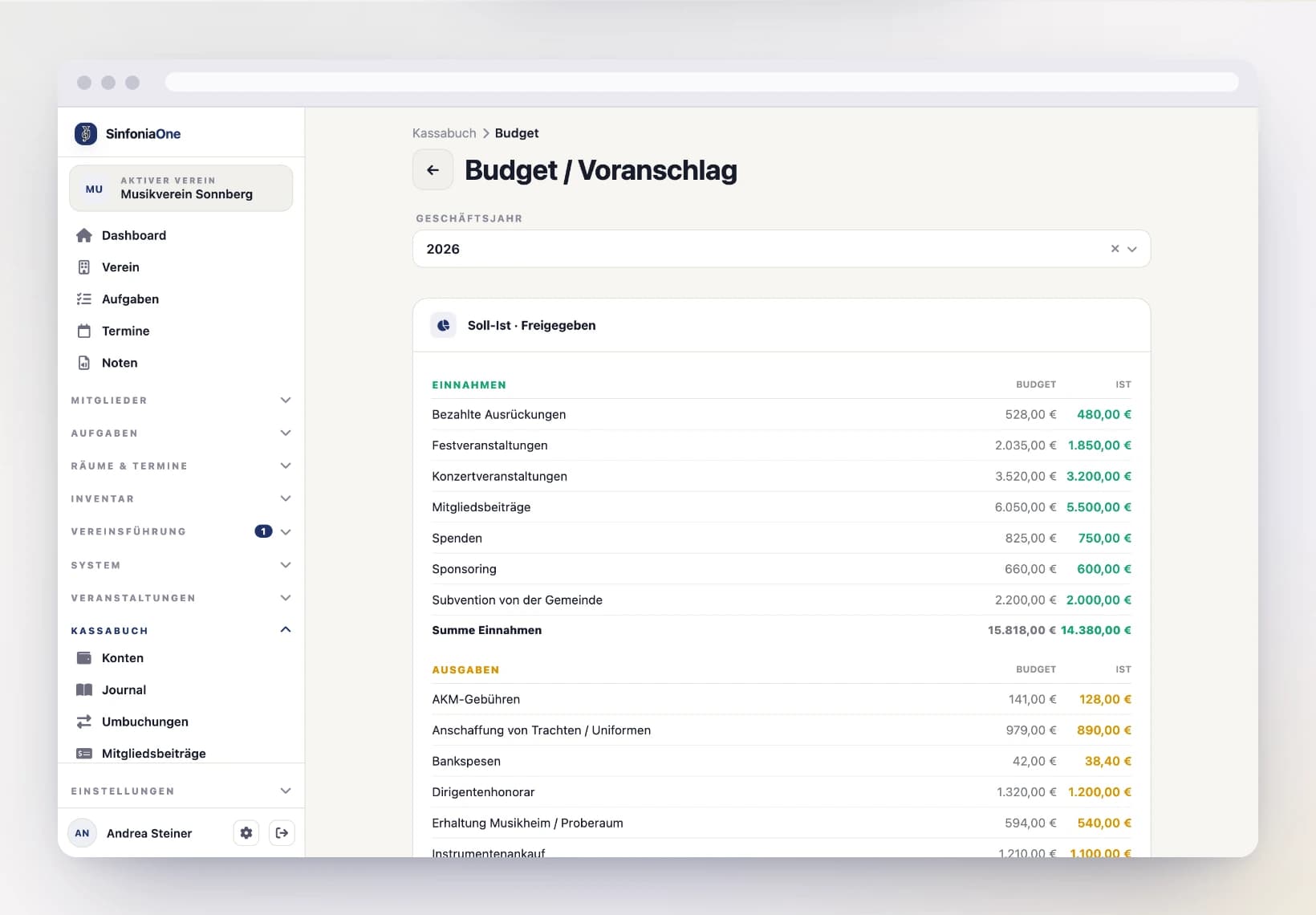
With the budget – often also called the estimate – you plan in advance which income and expenses your club expects in the coming financial year. Later on, you compare this plan with what actually happened.
Creating a budget
Start an estimate for a year
In the cashbook, open the Budget area and choose the financial year you want to plan for.
Enter items per category
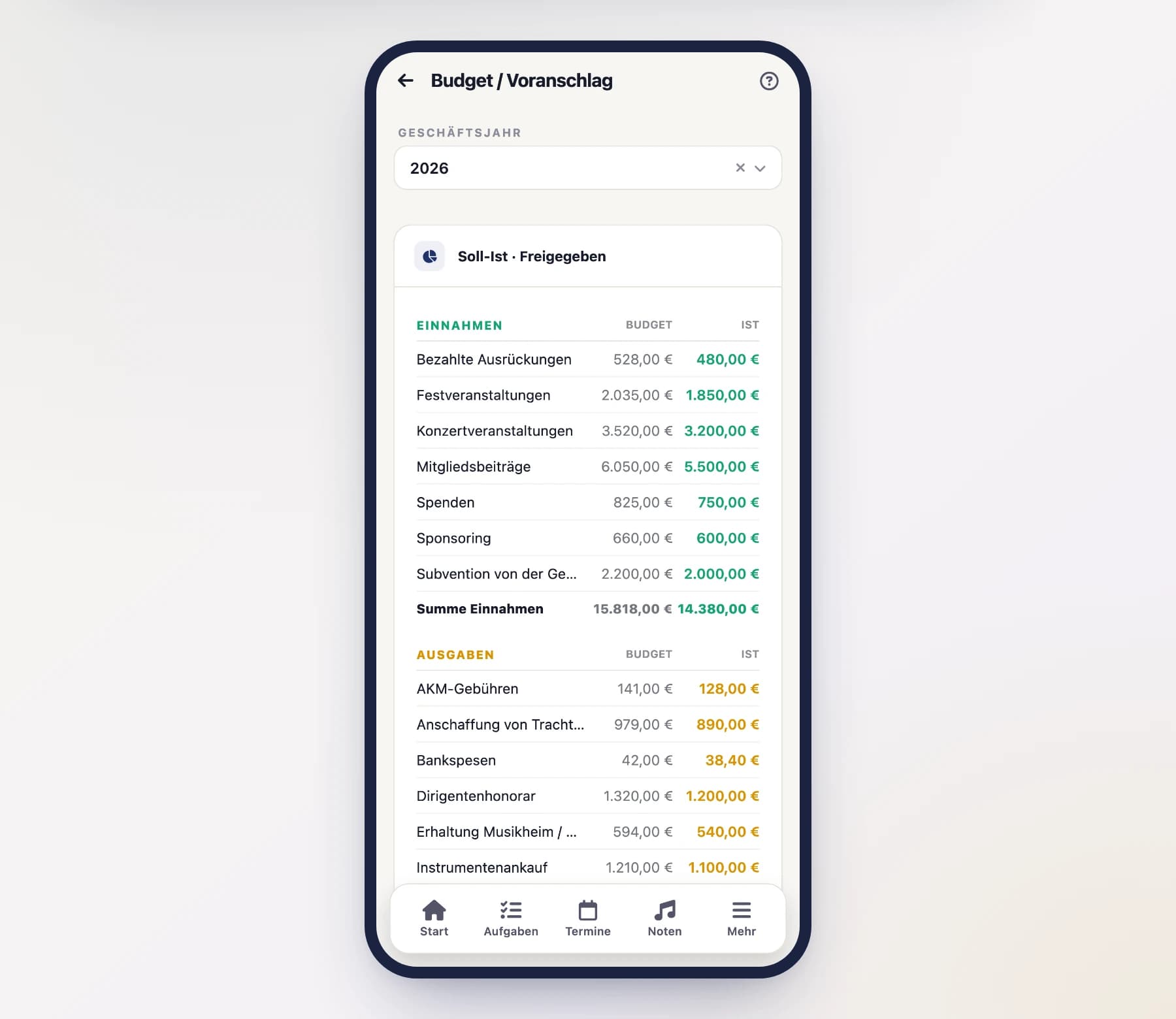
For each category, enter a planned amount – for example how much you want to take in from fees and how much you want to spend on sheet music, instruments or the club festival. These planned amounts are your planned figure.
Planned-versus-actual comparison
Once the budget is in place, SinfoniaOne shows you the planned-versus-actual comparison for each category:
- the planned – your planned amount,
- the actual – the sum of the real transactions in this category,
- and the variance in between.
This way you can see at a glance where you're on plan and where a category is getting out of hand. The actual updates automatically with every new transaction.
Releasing the budget
A fully planned budget can be released – usually as a board resolution. The release marks the estimate as officially adopted.
Release requires the right permission
Only someone with the corresponding budget permission may release it – typically the board. The treasurer plans and maintains the budget, but the formal release remains reserved for the leadership.