Accounts
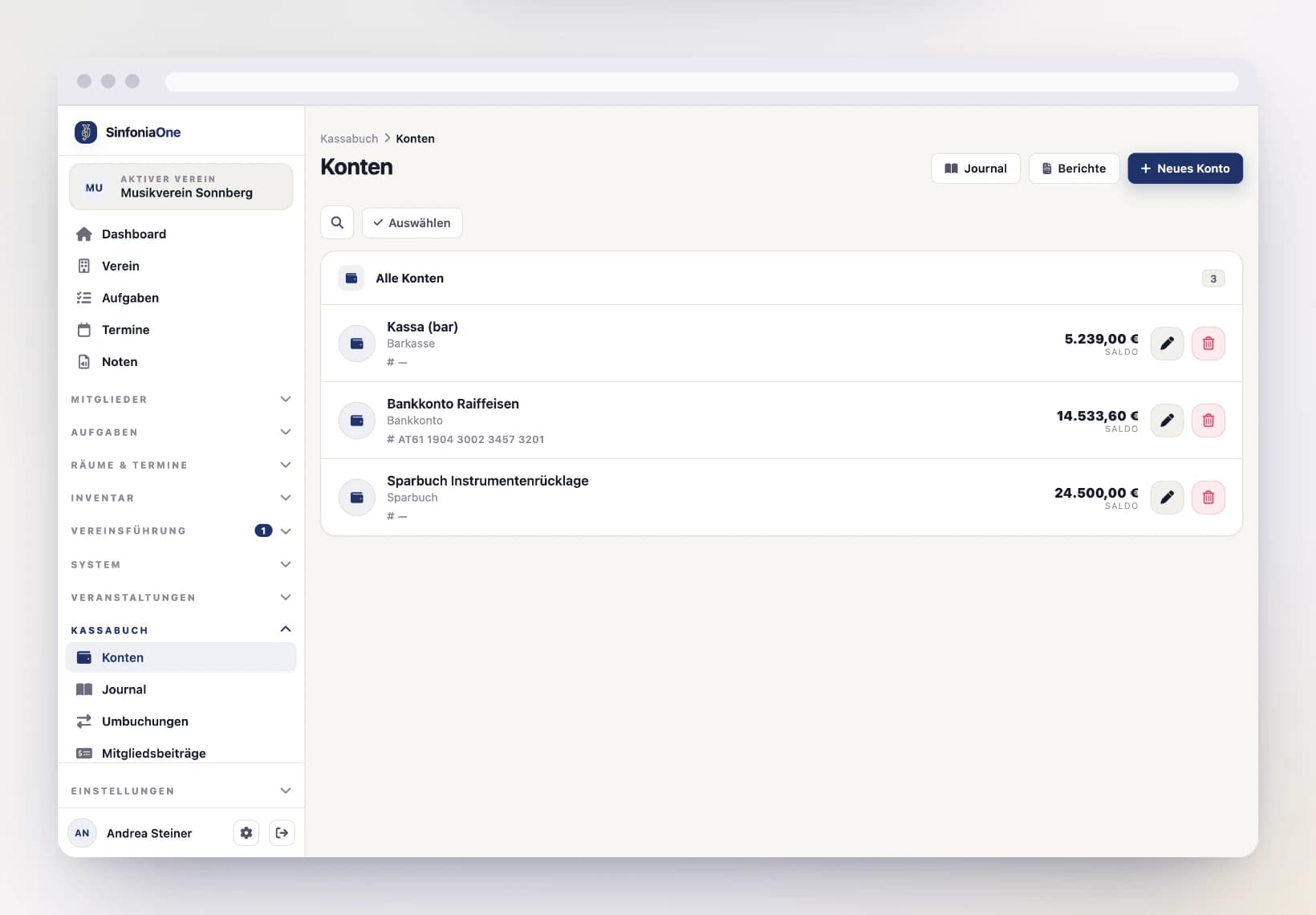
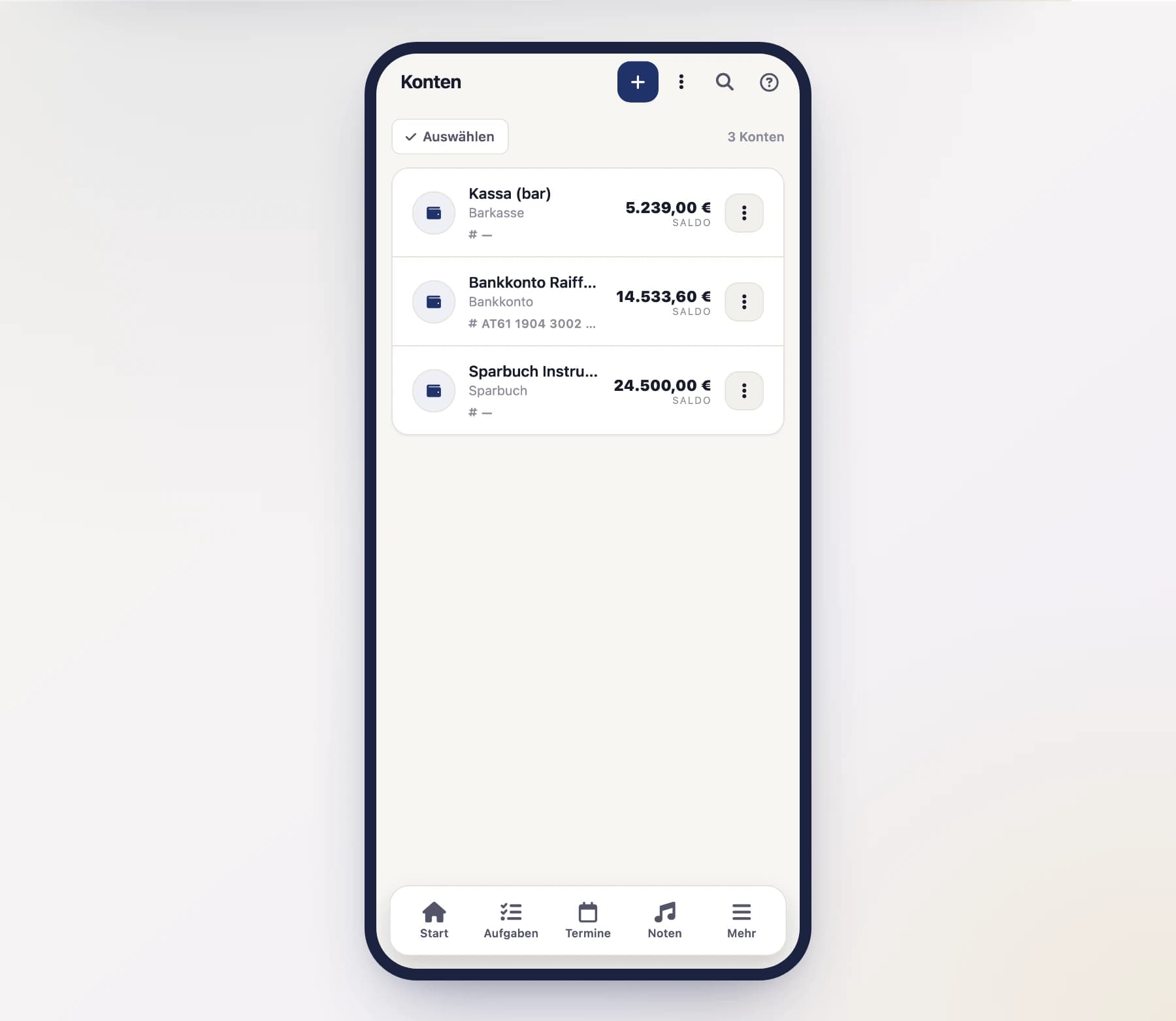
Create cash, bank, savings and online accounts and set the opening balance per financial year.
Every transaction in the cashbook belongs to an account – that is, the place where the money actually sits. Before you record your first income or expense, you therefore create your accounts.
Which accounts are there?
You can create as many accounts as your club needs. Each account has a type:
- Cash – the cash in the till or the cash box.
- Bank – the club's checking account.
- Savings – reserves in a savings account.
- Online – an online payment account.
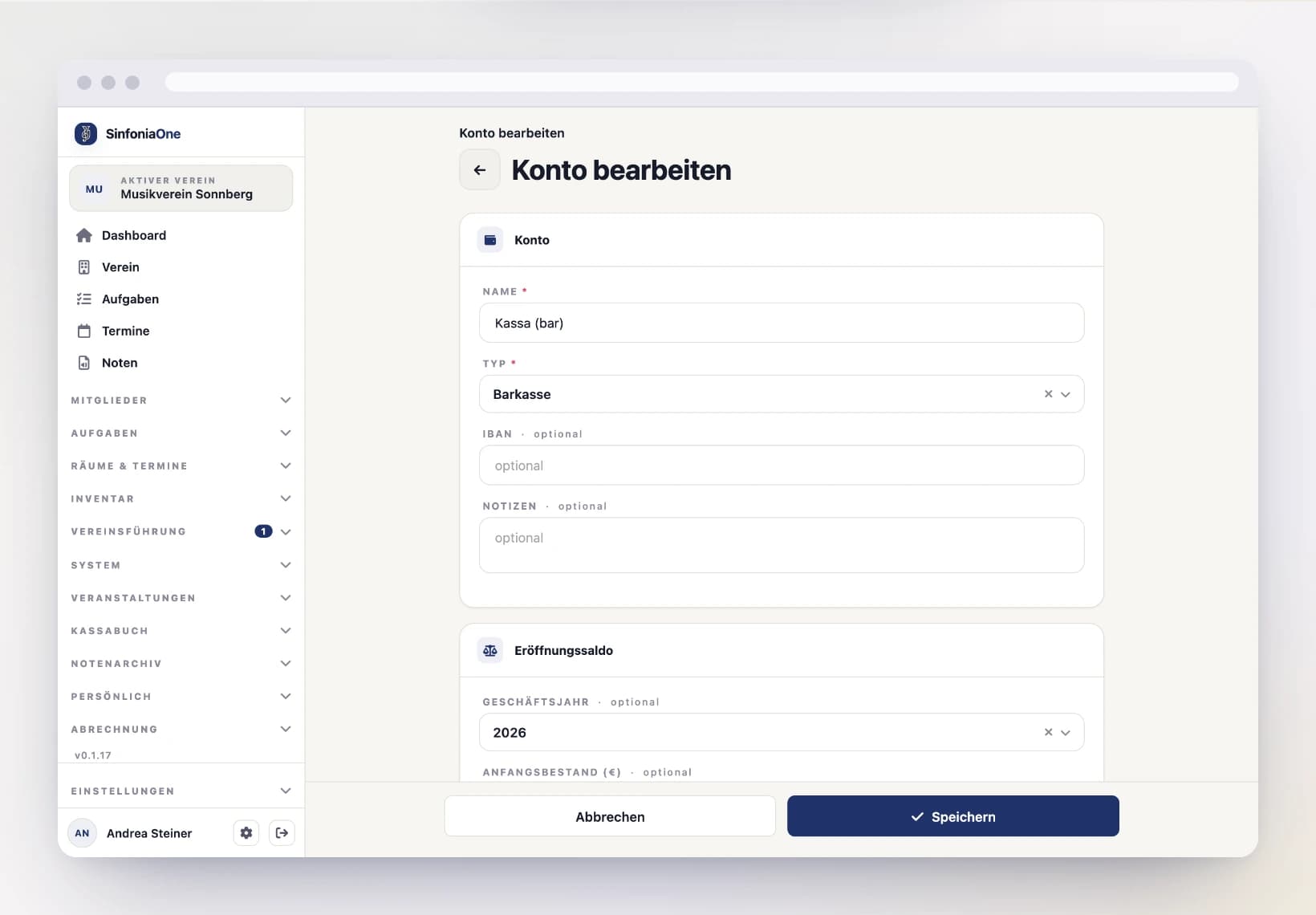
For bank and online accounts you can additionally store the IBAN – it later appears on the invoices.
Creating an account
Fill in the details
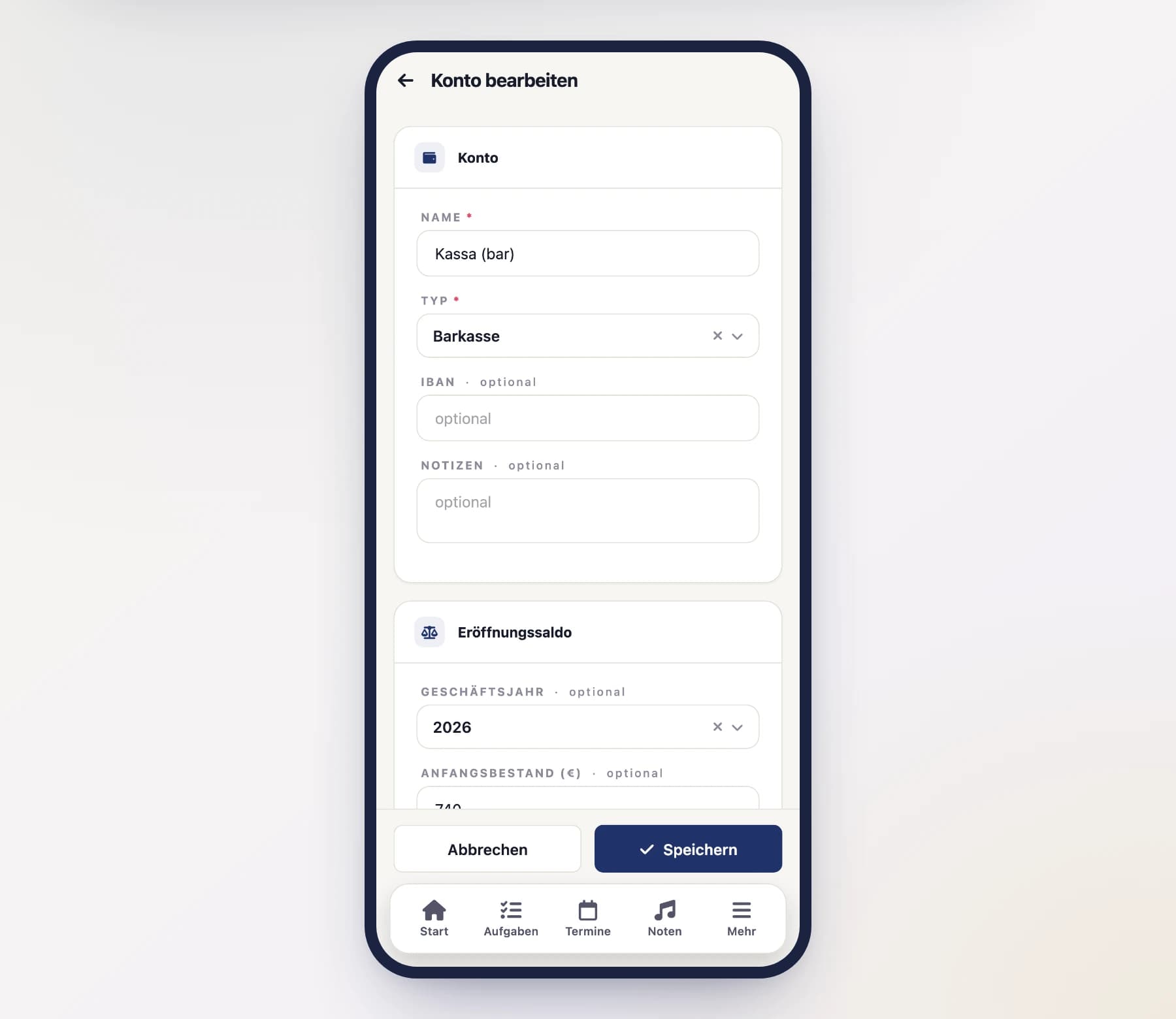
Give it a name (for example "Club cash" or "Raiffeisen checking account") and choose the account's type. For a bank or online account, enter the IBAN.
Set the opening balance
Right in the account form, enter the opening balance for the current financial year – i.e. the amount the account starts the year with. For a newly created account, this is often the current balance you're starting with.
The opening balance applies per financial year
Each financial year has its own opening balance. In the following years, you no longer have to enter it by hand: during the year-end closing, SinfoniaOne automatically carries over the closing balance as the opening balance into the new year.
Save
Tap "Save". The account now appears in the overview and can be booked to.
The live balance
In the accounts overview, you see the current balance for each account – that is the opening balance plus all income, minus all expenses, including all transfers. The balance updates automatically with every transaction, so you don't have to recalculate anything.
Does the balance match the bank?
Every now and then, compare the live balance of your bank account against the real bank statement. That way you quickly notice when a transaction is missing or was recorded twice. You can also import statements directly.