Supporters
Manage supporting members without an instrument and without an account – including honors.
Not everyone who belongs to the club plays an instrument. Supporters – also called supporting members – back the club without actively making music. They have their own lean directory.
A supporter entry contains personal data and – if you want – billing data. Deliberately, there is:
- no part and no section – supporters don't play,
- no login account – supporters don't use the app,
- no status like active members have.
In return, you can record honors for each supporter – for example, for many years of loyalty.
Supporter or active member?
If someone plays along or should use the app, that person belongs in the member directory, not among the supporters. Supporters are meant for everyone who only supports the club.
Adding a supporter
You'll find the supporters in the menu under "Supporters".
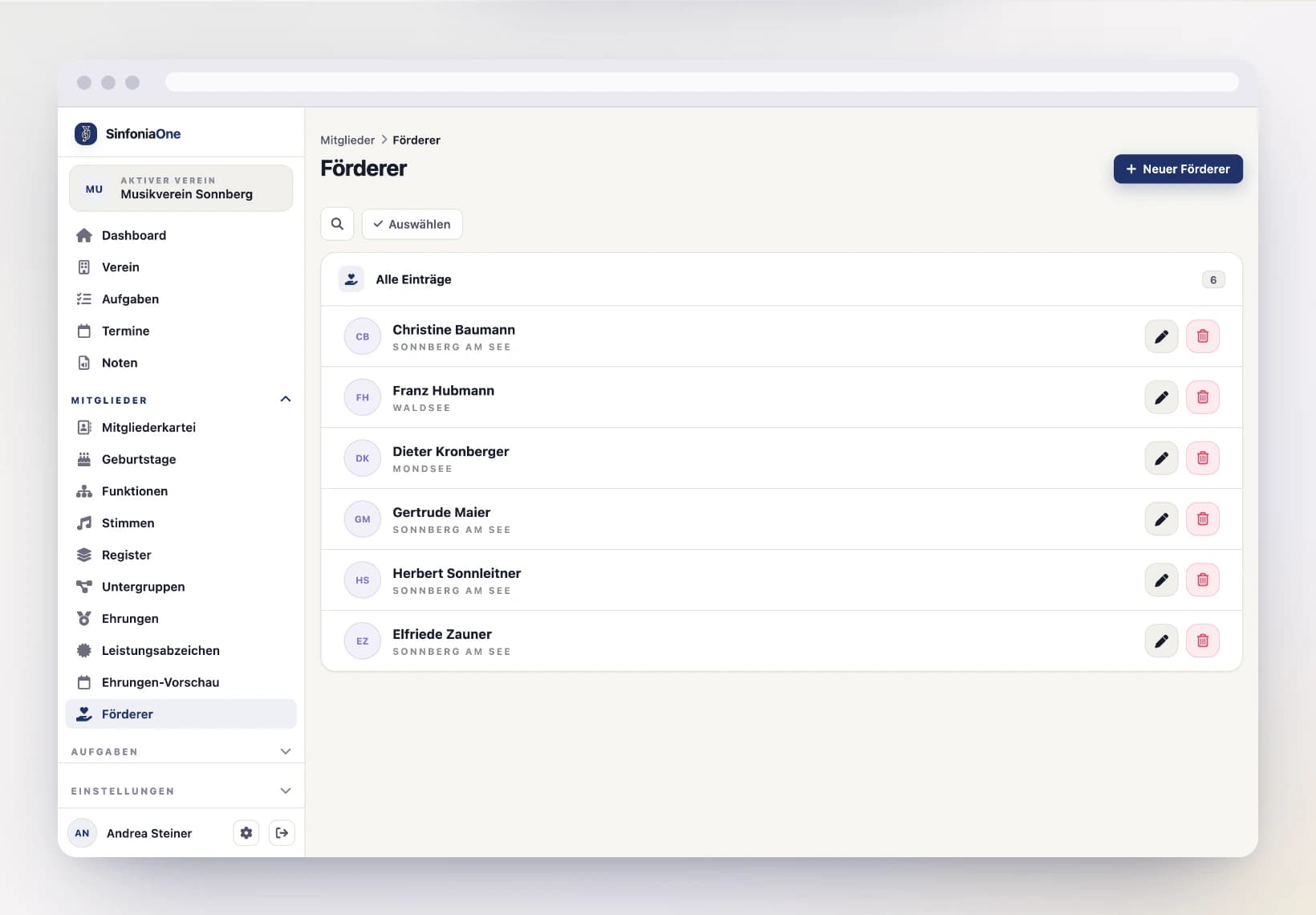
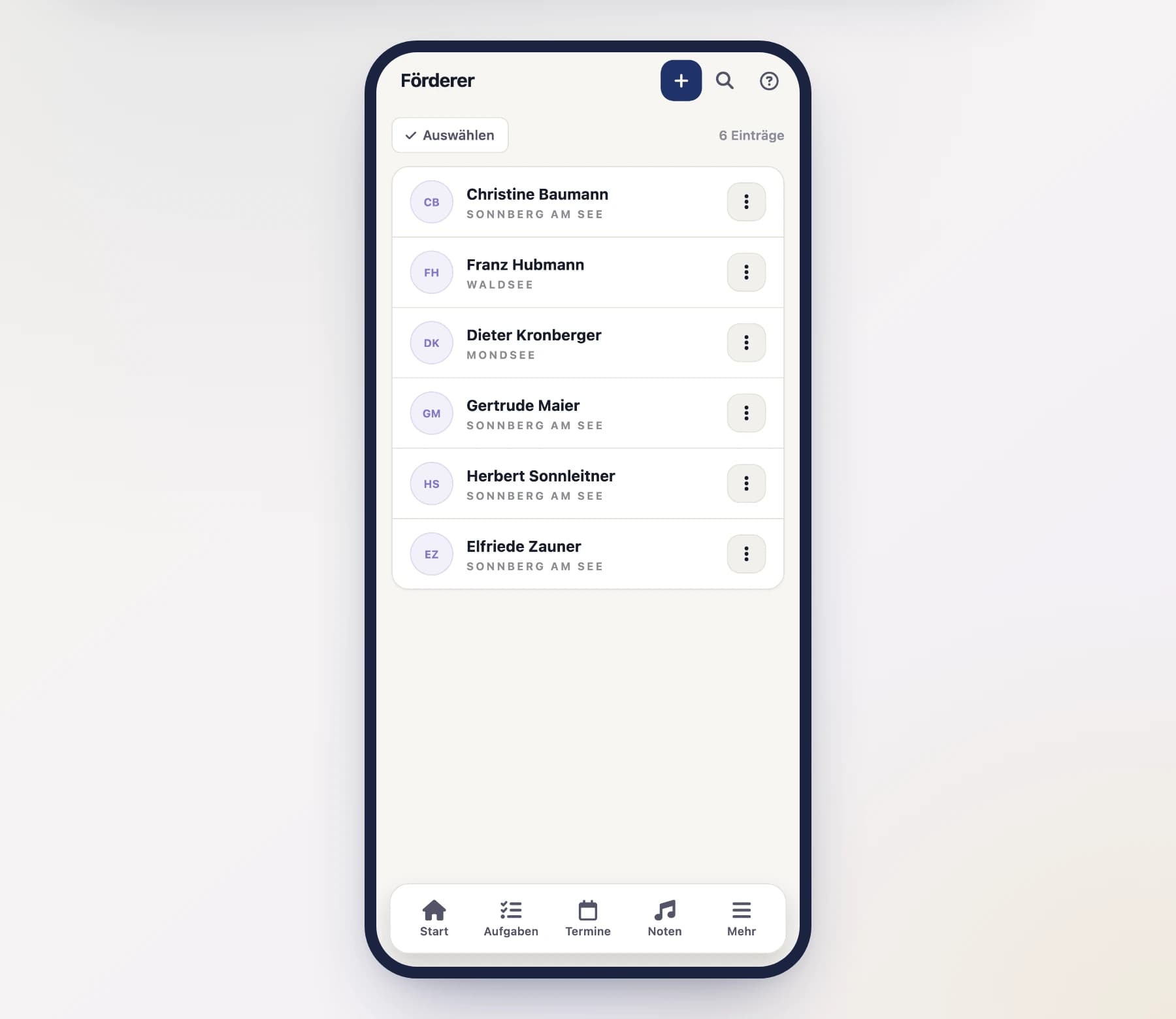
Below each name, the list shows the most recently awarded honour together with the year it was conferred — marked by the medal symbol. Anyone without an honour yet simply shows nothing there.
Start a new supporter
Open "Supporters" and tap "New".
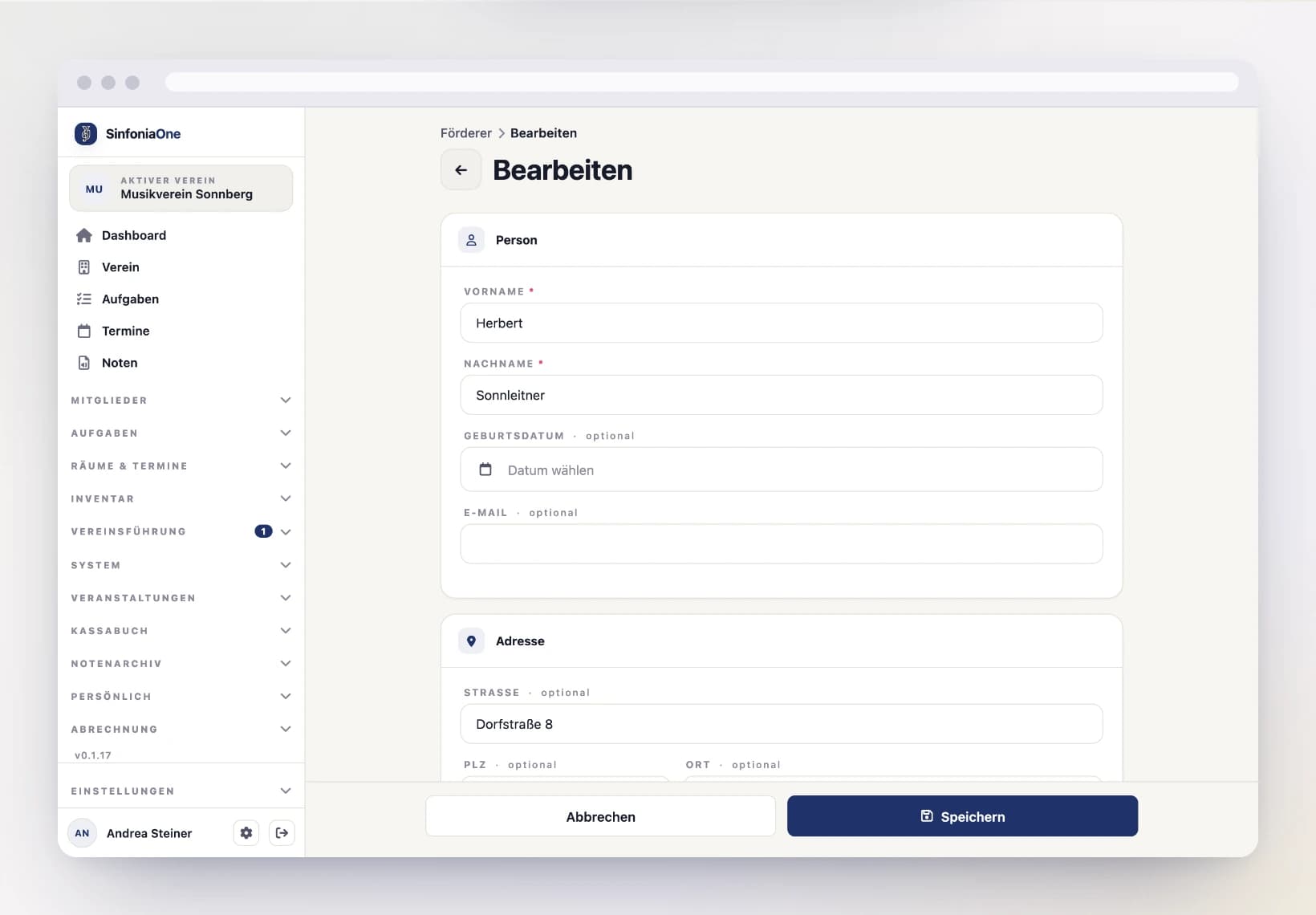
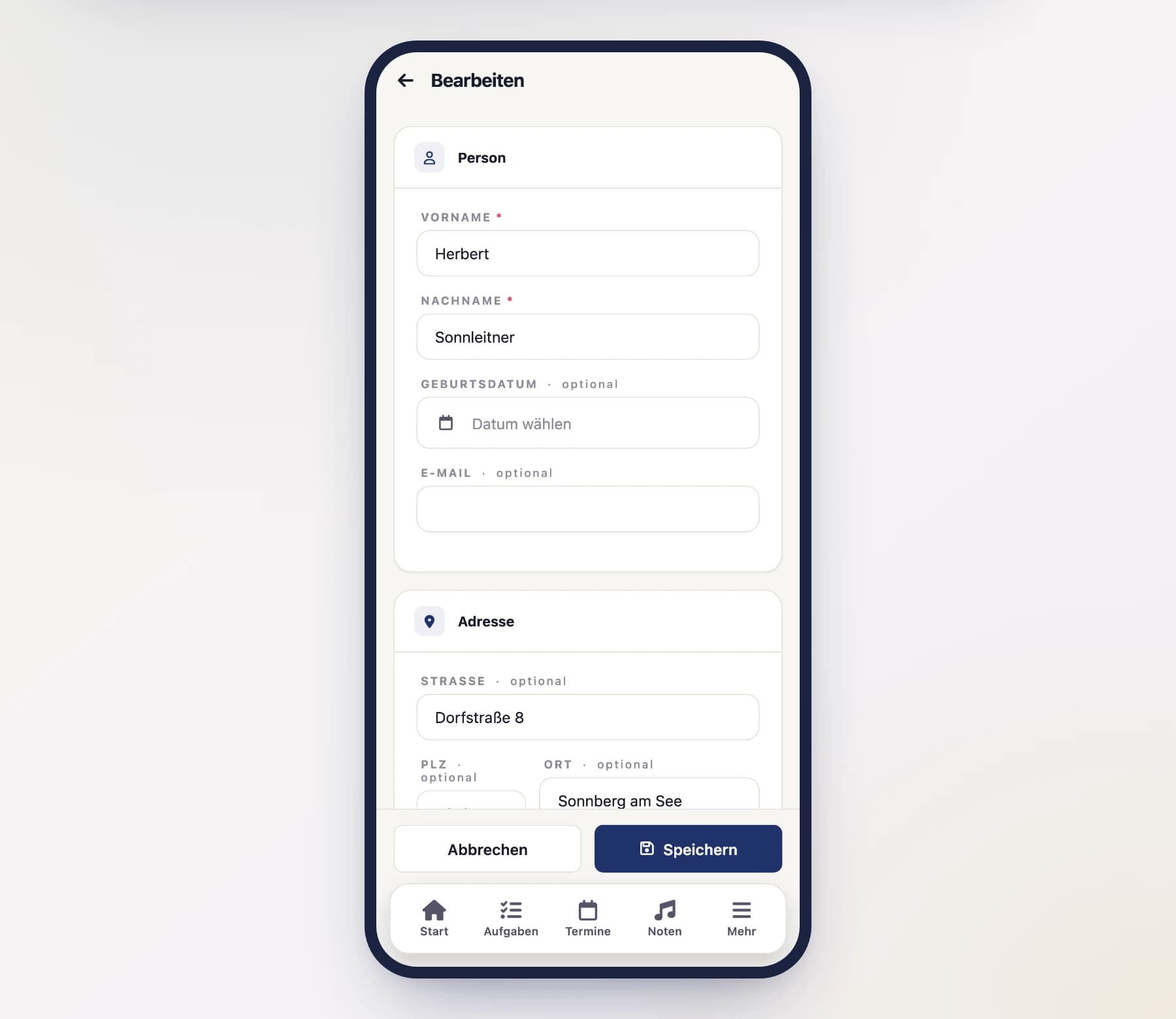
Enter personal data
Record name, address and contact. A field for notes is available for internal remarks.
Add billing data (optional)
Further down you’ll find the “Billing data” section. It may stay empty – more on that in a moment.
Save
With "Save", the supporter lands in the list.
Storing billing data
Not every supporter is a private person. If a company supports the club, the fee invoice has to carry the company name and the VAT ID, and it often goes to a different address than the contact person’s. That is exactly what the “Billing data” section is for:
| Field | What for |
|---|---|
| Company / invoice recipient | The name printed on the invoice – instead of the person’s name. |
| VAT ID / tax number | Shown on the invoice, for example ATU12345678. |
| Separate billing address | Street, postcode, town and country, if the invoice goes somewhere else than the mail. |
| Payment method | Bank transfer, SEPA direct debit or cash. |
| IBAN | The supporter’s account. |
| SEPA mandate | Reference and date – only shown for the payment method SEPA direct debit. |
All optional
Every one of these fields may stay empty. If you leave them empty, the invoice goes to the name and home address from the personal data. So you only fill in what actually differs – if you enter just a company, the known address stays.
SEPA direct debit needs an IBAN
If you choose SEPA direct debit as the payment method without entering an IBAN, the supporter cannot be saved. A payment method that cannot pay would only be a source of errors.
Billing data you filled in appears in the supporter’s detail view in its own “Billing data” card – including the “Invoice to” line, which shows what actually ends up on the document.
Fees and invoices
The charging itself doesn’t happen here but in the cashbook: there you create the membership fees for all supporters and issue an invoice per fee. The billing data from here is carried over automatically.
Recording honors
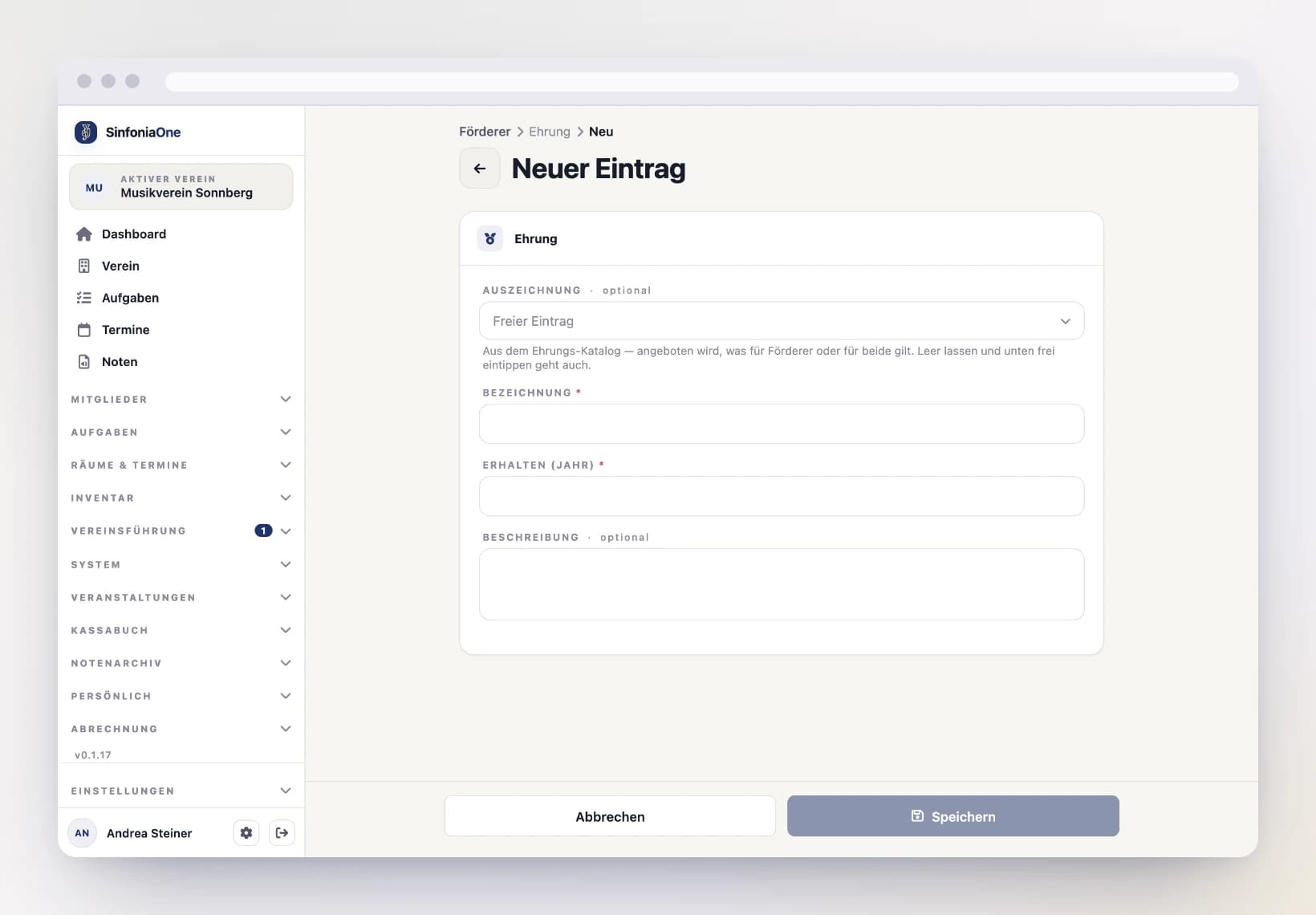
Open a supporter to see their detail view. There you record honors – for example, an award for 25 years of support.
Choose the award
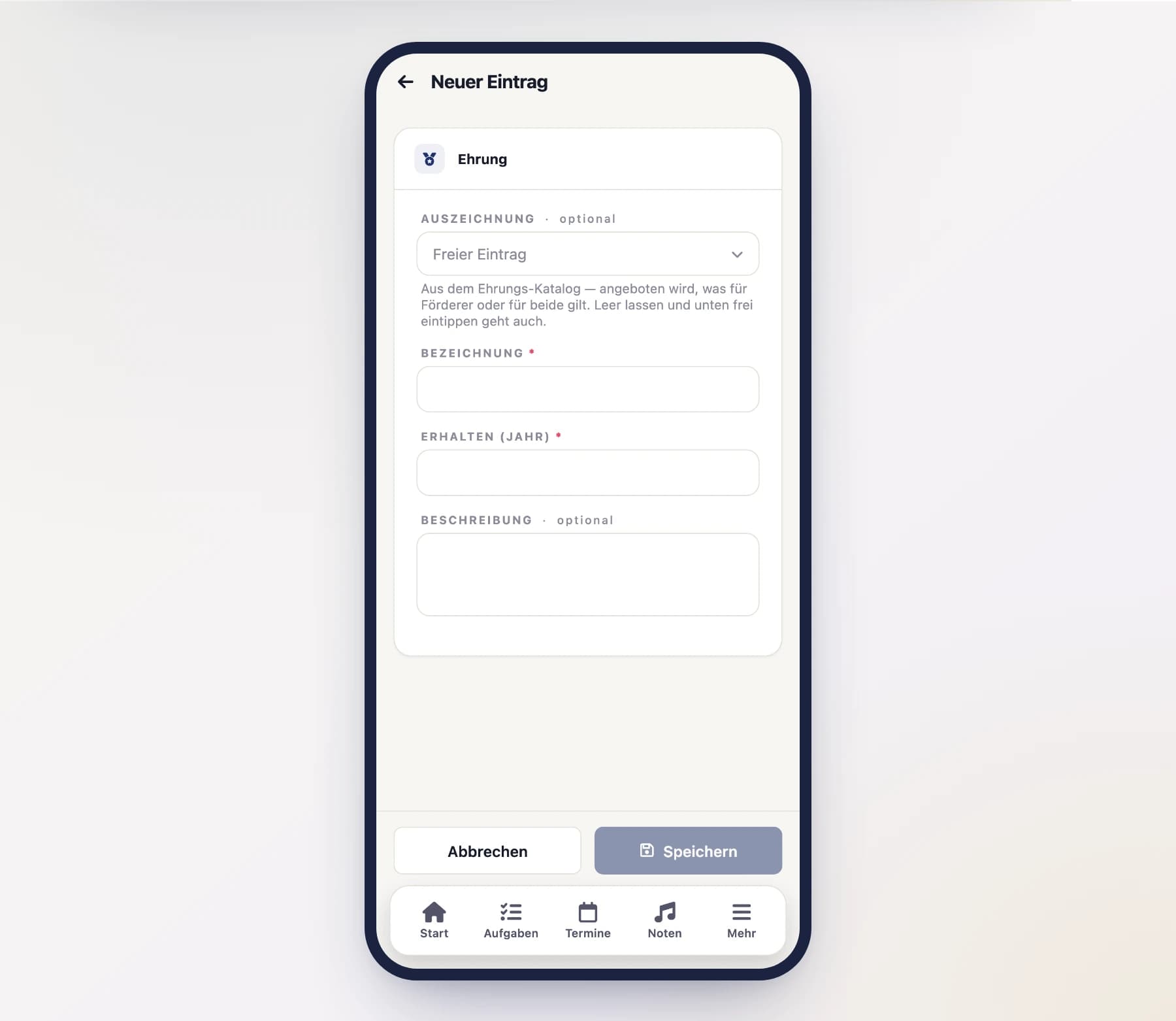
Pick the award from the honours catalogue. Only entries whose “Applies to” is set to supporting members or both are offered — the medal for 40 years of playing does not show up here at all.
You can also leave the field empty and type the name freely. That is meant for honours the catalogue does not (yet) contain — and so that the old chronicle stays exactly as it was.
Enter the details and save
Enter the year and save. The honour then appears in the supporter's detail view — and, if it is the most recent one, in the supporters list as well.
Active members can have honors too
You can record awards and badges not only for supporters, but also for active members in their detail view.
Supporters do not appear in the honours preview
The honours preview calculates from membership periods, years in office and the year of birth — and a supporter has none of these on record. So you record their honours by hand; no due date can be calculated for them.
Who may manage supporters?
Adding and editing supporters is allowed for people with the right permissions – usually the board or an administrator.