Performance badges
Record ÖBV performance badges on the member and look up across the band who holds which level.
The performance badge (Leistungsabzeichen) of the Austrian Wind Music Association comes in four levels: Junior, Bronze, Silver and Gold. The exam is taken on an instrument, it is held by the regional or district association, and it ends with a certificate and a badge.
In SinfoniaOne you record who holds which badge. That puts it where people look for it later: on the member, and in a list the whole band can read.
SinfoniaOne does not register anyone for an exam
Announcements, registration and the exam itself run through your regional association — none of that changes. SinfoniaOne is the record afterwards, not the way there.
Where to find it
Two places, for two different questions:
- On the member — the “Leistungsabzeichen” section in the member detail view. The way to go when you are on that person anyway.
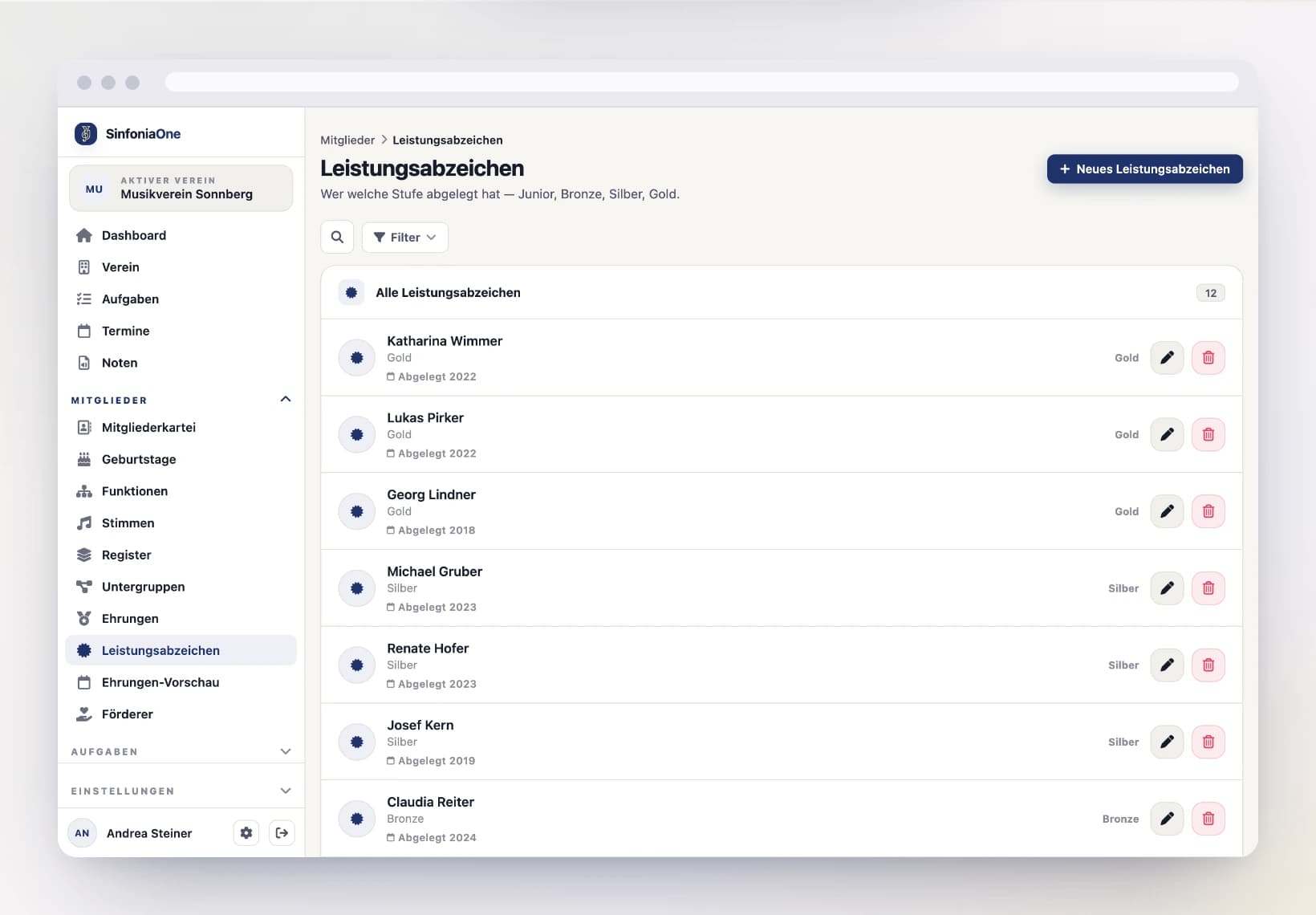
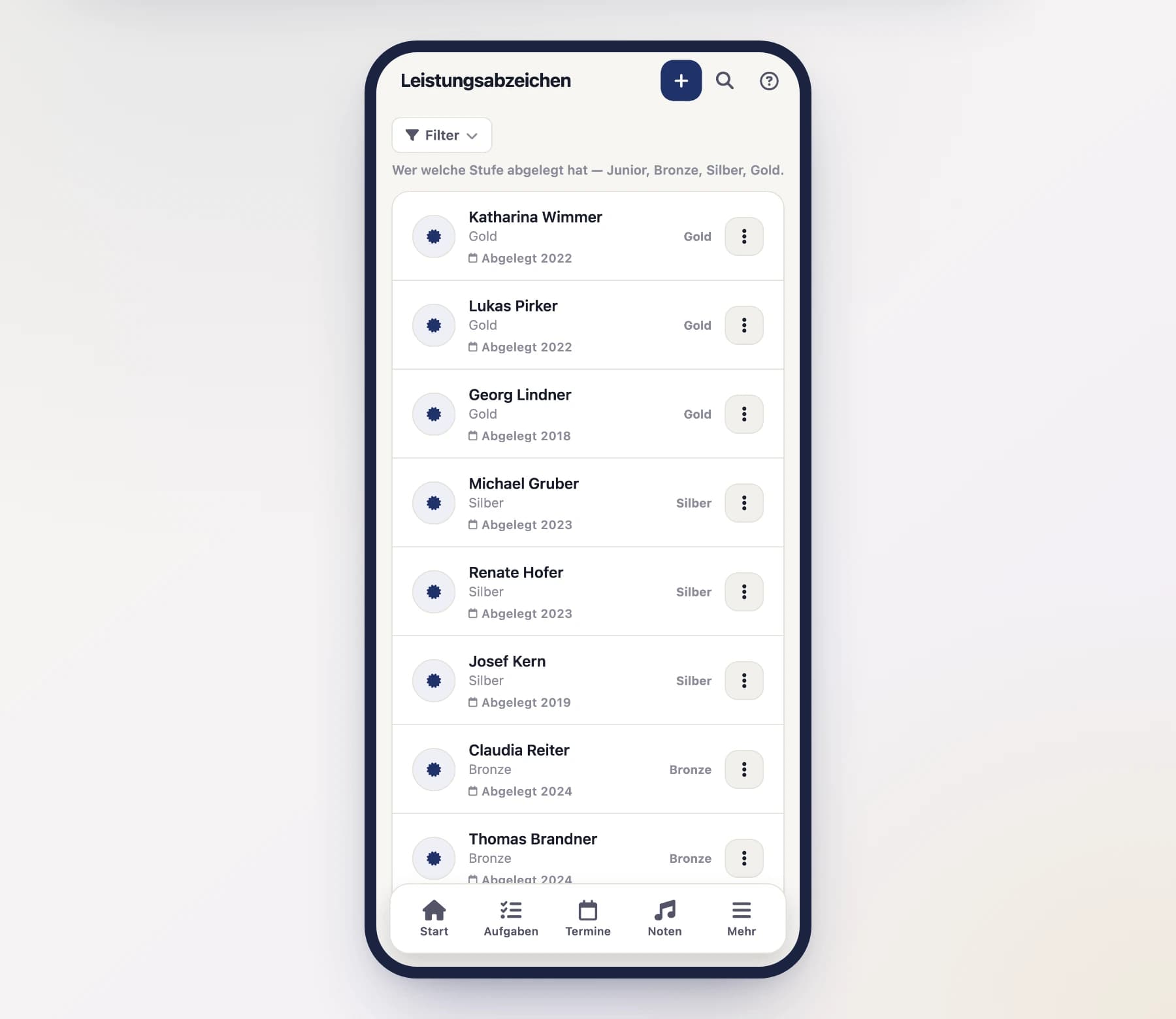
- Under “Leistungsabzeichen” in the menu — the list across the whole band, filterable by level. It answers “who holds Gold?” without clicking through the register.
You can add, edit and delete in both places. After an exam day several badges usually arrive at once — the band-wide list is then the shorter way, because you do not have to go back into the register for every person.
Austrian wind bands only
The performance badge is an ÖBV institution. If your band is based outside Austria, SinfoniaOne hides the area rather than offering a feature that does not exist there. What counts is the country in your band's master data.
Recording a badge
Open the form
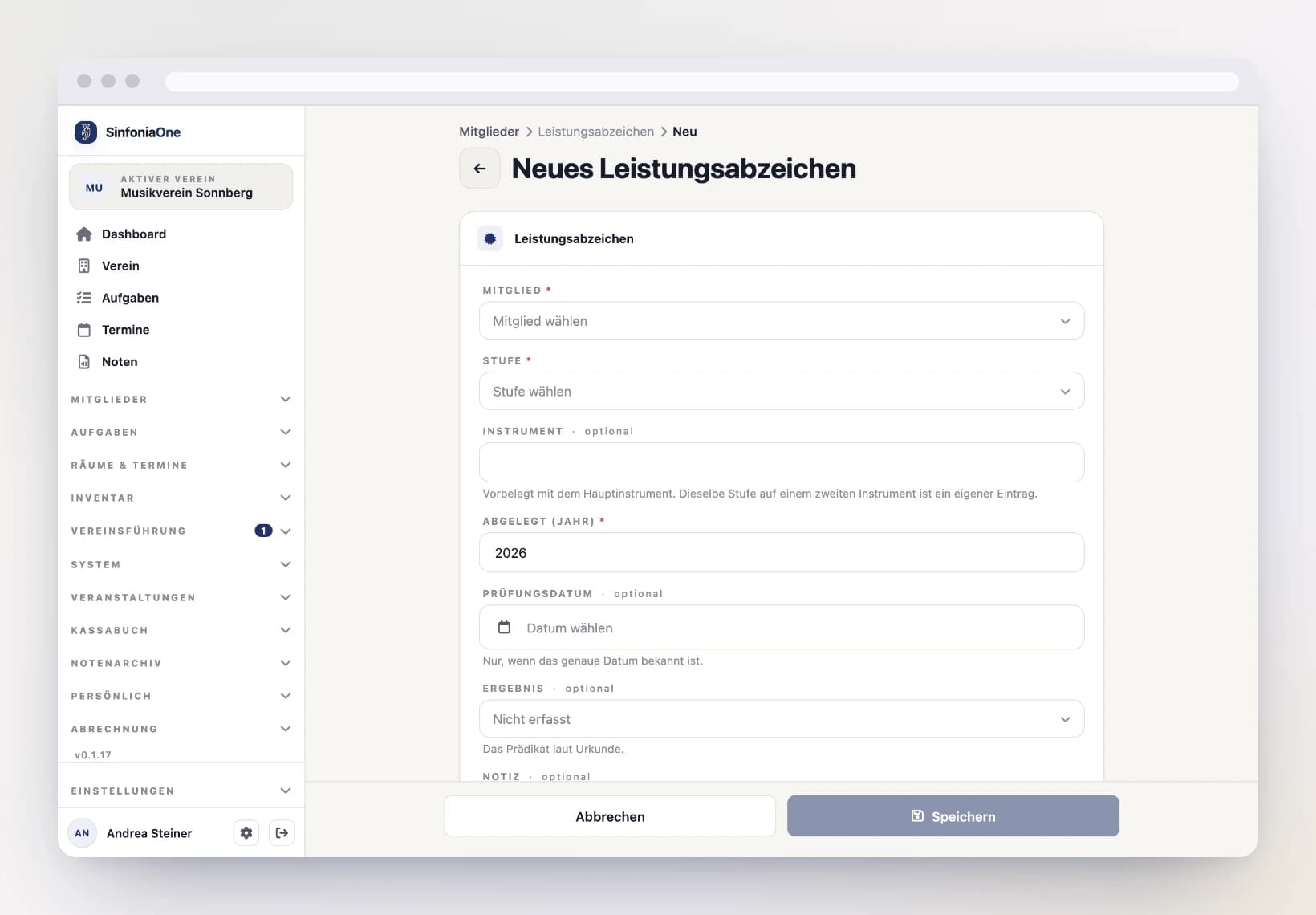
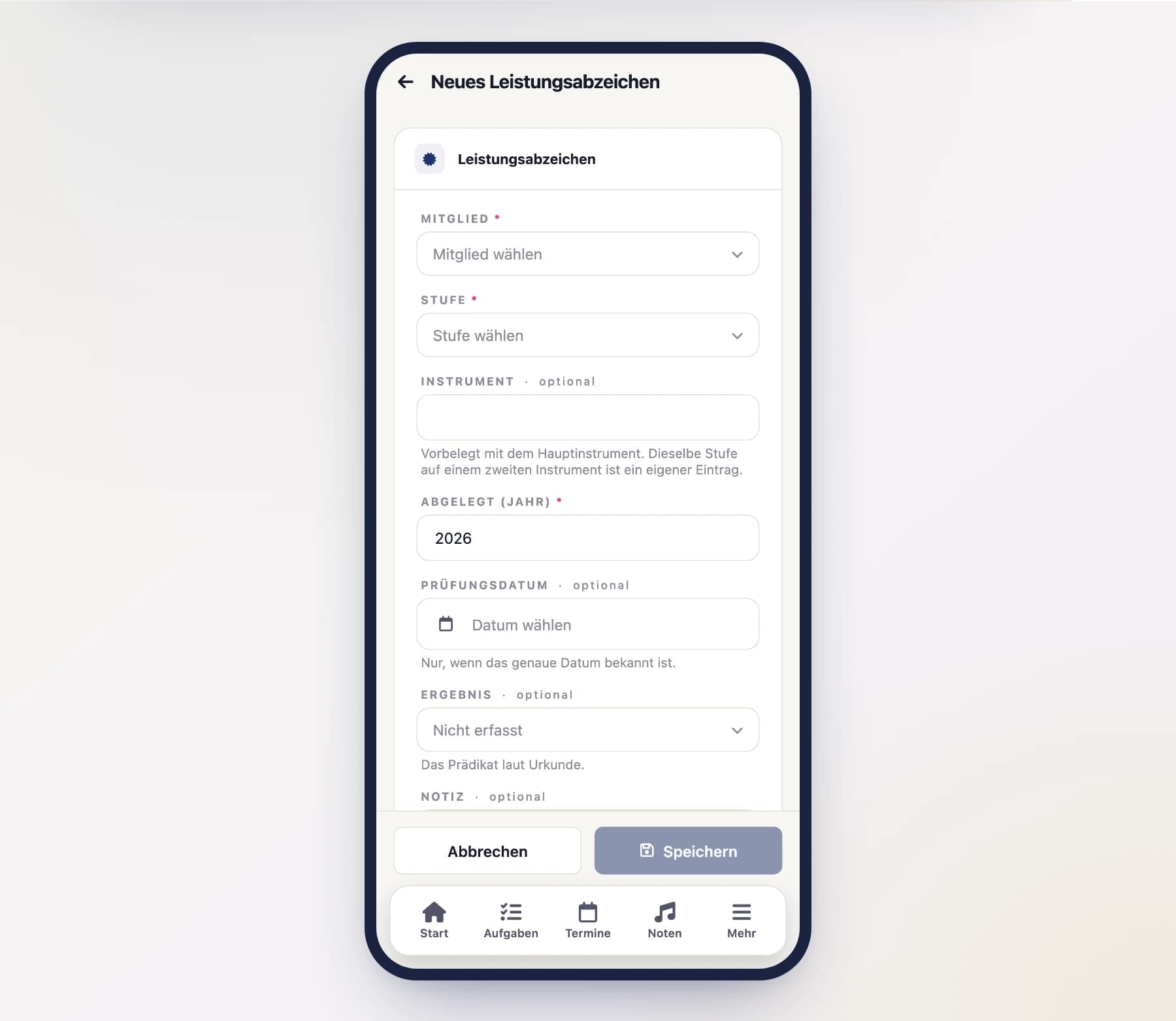
From the “Leistungsabzeichen” list via “Neues Leistungsabzeichen” — the form then asks for the person first.
Or from the member register: open the person, scroll to the “Leistungsabzeichen” section and tap “New”. The person is then already set.
Choose the level
Junior, Bronze, Silver or Gold — the level is printed on the certificate.
Check the instrument
The field is prefilled with the member's main instrument. If the exam was taken on a different one, just overwrite it.
Enter the year or the date
The year is required. If you have the certificate in front of you, add the exam date as well — the year then fills itself in.
Result and note
Under “Result” pick the grade from the certificate: Ausgezeichneter Erfolg (excellent), Sehr guter Erfolg (very good), Guter Erfolg (good) or Mit Erfolg bestanden (passed). For old certificates the field may stay empty. The note takes whatever fits nowhere else — exam venue, a credited competition, a certificate number.
The same level twice
This is allowed and not a mistake: the ÖBV guidelines permit taking the exam on several instruments and at different levels on the same exam day. Bronze on clarinet and Bronze on saxophone are two badges and get two entries.
Enter the instrument when you record a level twice
Without an instrument, two entries at the same level look like a form saved twice — SinfoniaOne then rejects the second one. As soon as both carry an instrument, they are two exams and both are saved.
Why this is not part of honours
An honour is reached: 25 years in the band, and the pin is due. A performance badge is taken. That is why they are two separate sections:
- Honours have a threshold and appear in the preview, because their date can be calculated.
- Performance badges have an instrument and a grade, and cannot be predicted — when someone sits the exam is up to the music school.
For the same reason there is deliberately no preview of “who could take Silver this year?”.
Who is allowed to do what?
- Adding, changing and deleting is available by default to Administrator, Secretary and Conductor. The conductor is included because musical training is their job — they are the first to know who sat which exam.
- Seeing all badges in the band is available to anyone who may see the member register. That includes the Board, read-only.
- Seeing your own badges is available to every member, even without access to the register. Other people's badges stay invisible.
More on this under Roles & permissions.