Parts & sections
Maintain instruments and how they are grouped, appoint section leaders – the basis for members, sheet music and ensembles.
Parts and sections are your club's musical master data. They describe which instruments exist and how they belong together – and form the basis for members, sheet music and ensembles.
- A part is an instrument along with its tuning – for example "Clarinet in B flat" or "Trumpet in B flat".
- A section groups several parts together – for example woodwind, brass or percussion.
A lot is already there
When your club is founded, SinfoniaOne already creates common standard parts. Often you only need to add or rename what's called something different at your club.
What parts and sections are for
Maintaining them pays off, because both recur in many places:
- Members are assigned their instruments – as many as they play, some of them marked “not currently playing”. That tells you who plays what, and who could. See Member directory.
- Sheet music is filed by parts: each individual part of a piece belongs to a part.
- Ensembles define which parts belong to an ensemble and in what numbers. See Ensembles.
- Event invitations can be sent specifically to whole sections (e.g. only the brass for a section rehearsal).
If it isn't about the instrument but about a fixed group like the youth band, subgroups are the right tool — there you add the members yourself.
Maintaining parts
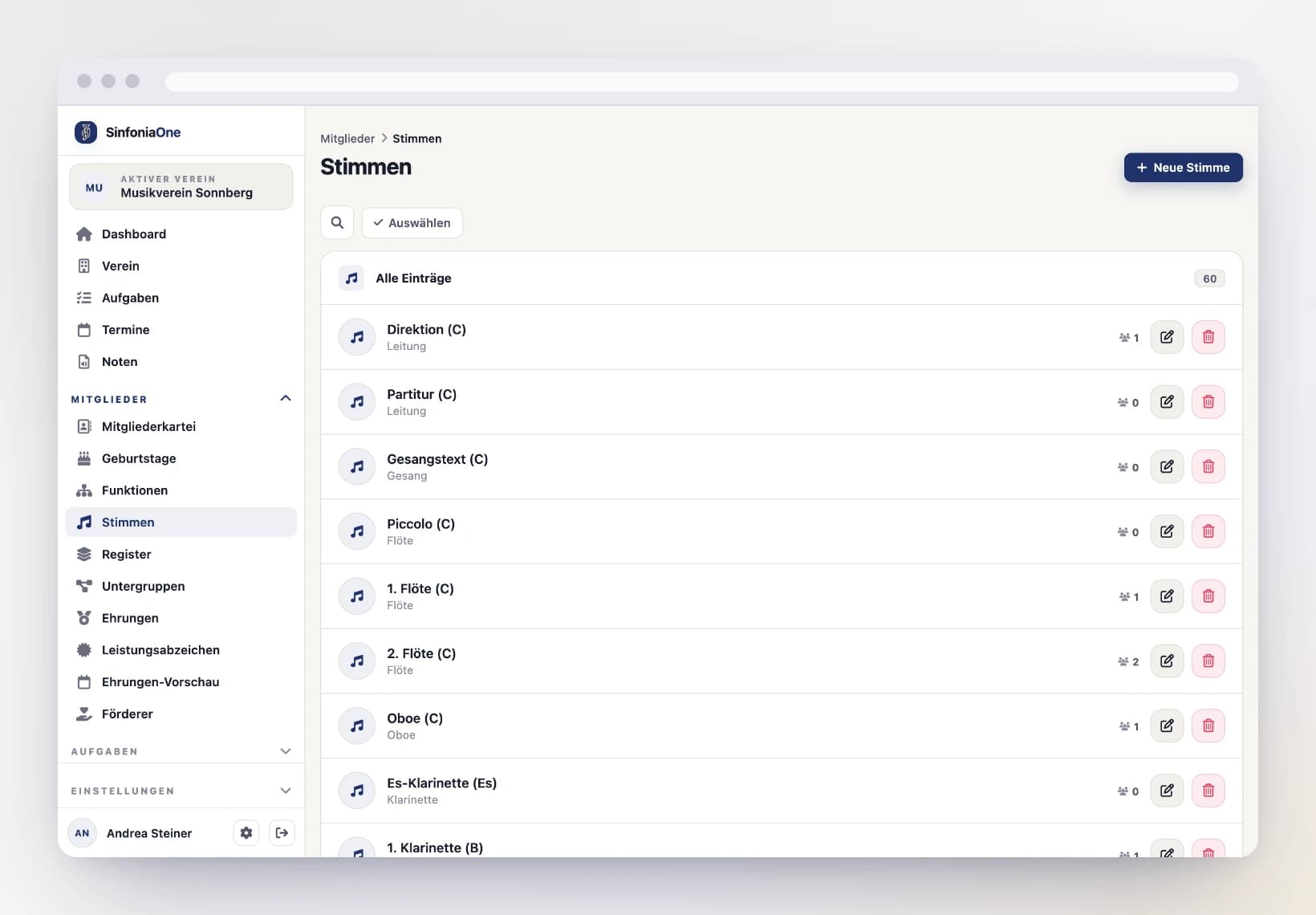
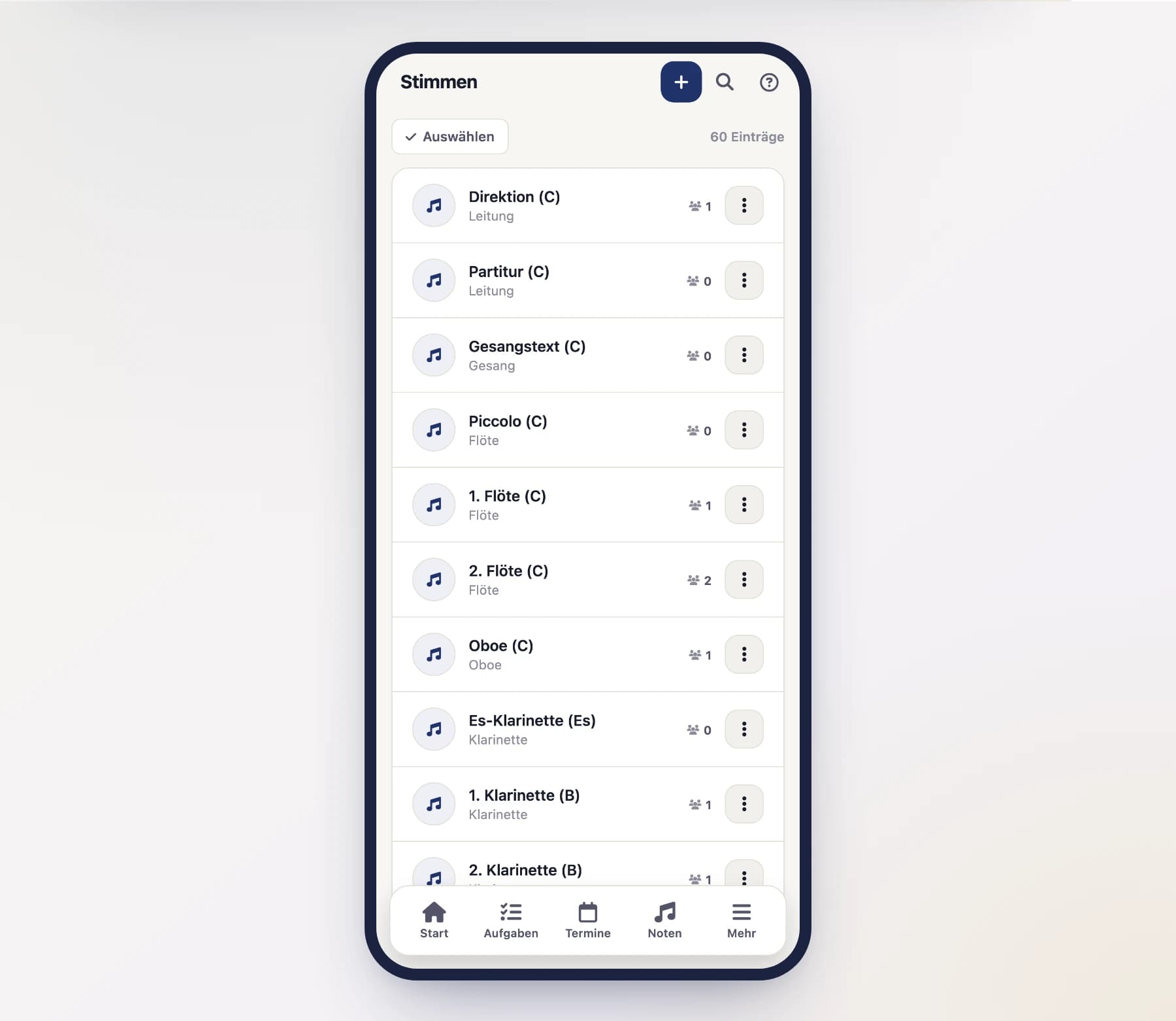
You'll find the parts in the menu under "Parts".
Automatically in orchestral order
Parts appear throughout the app in orchestral order – from woodwind through brass to percussion – rather than alphabetically. Within an instrument, 1st clarinet comes before 2nd clarinet, for example. You don't need to sort anything by hand.
Add a new part
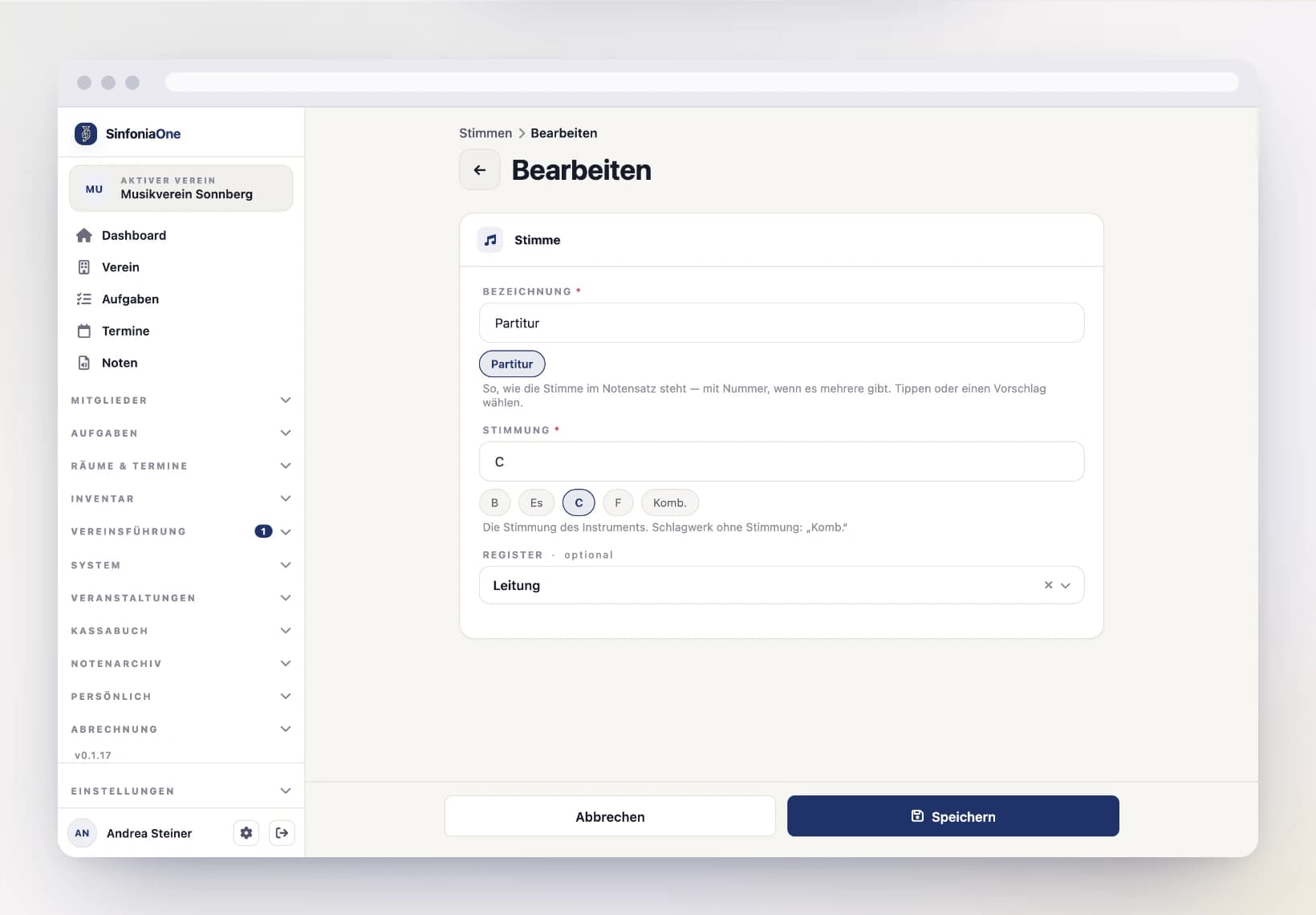
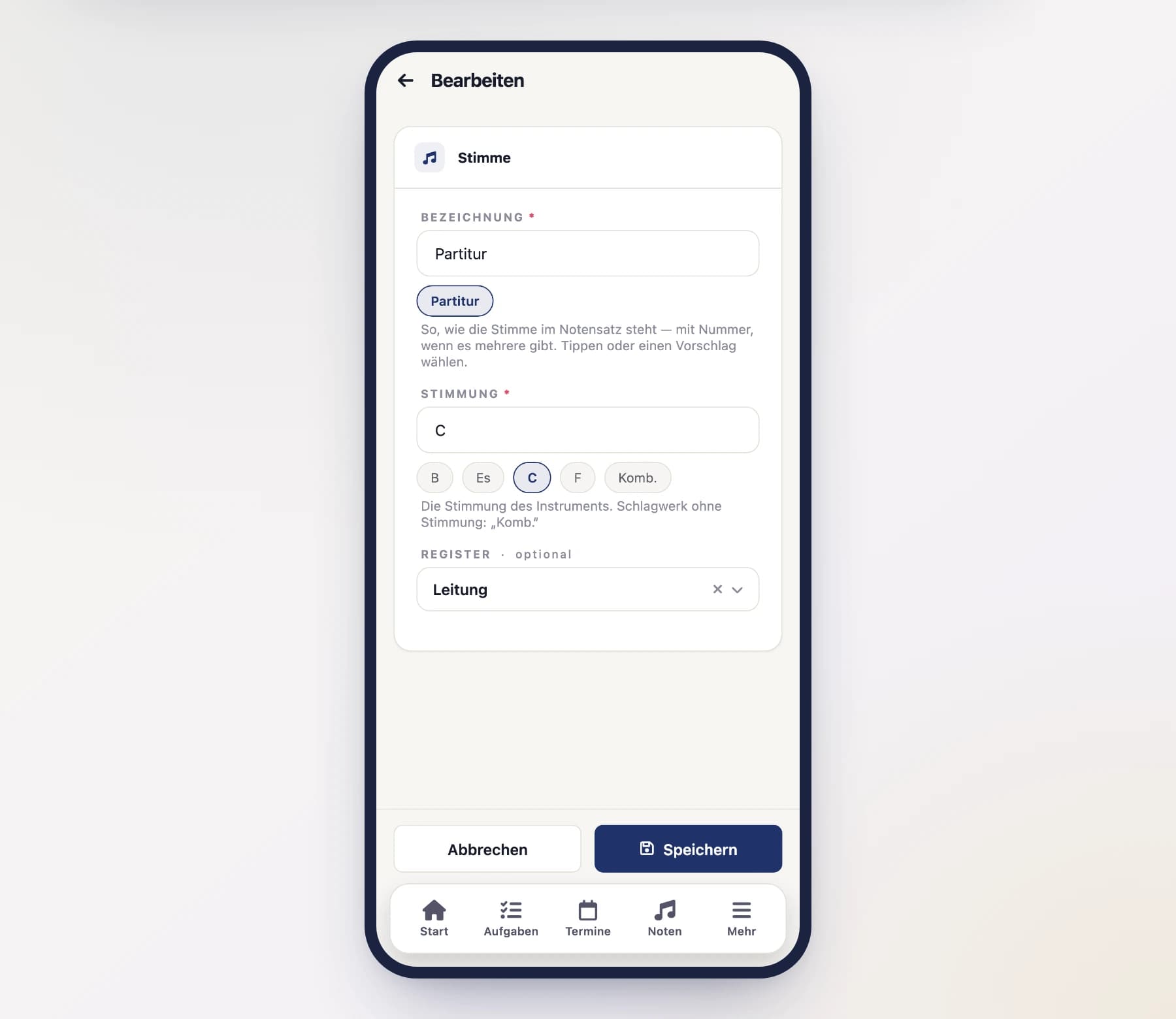
Open "Parts" and tap "New".
Enter the name and tuning
“Name” is what the part is called in the score – so “1st clarinet” rather than just “clarinet”. Suggestions sit below the field for you to tap; as soon as you type, only the matching ones remain. You can always enter your own name – the suggestions are just a shortcut.
Add the tuning as well (e.g. B flat, E flat, C or F; for percussion “Komb.”). And the section – assign it right away, see the note below.
A part without a section reaches no one
The section is how events and tasks find their people. Anyone who plays only parts without a section belongs to no section – an invitation “to all sections” doesn't reach them, and they don't show up in the response list. Nobody notices: it just looks as if the person never answered.
That's why the parts list warns you at the top as soon as a part has no section, naming how many members are affected. Affected parts are marked “Kein Register” in the list.
Save
With "Save", the part is ready to be assigned to members and sheet music.
Maintaining sections
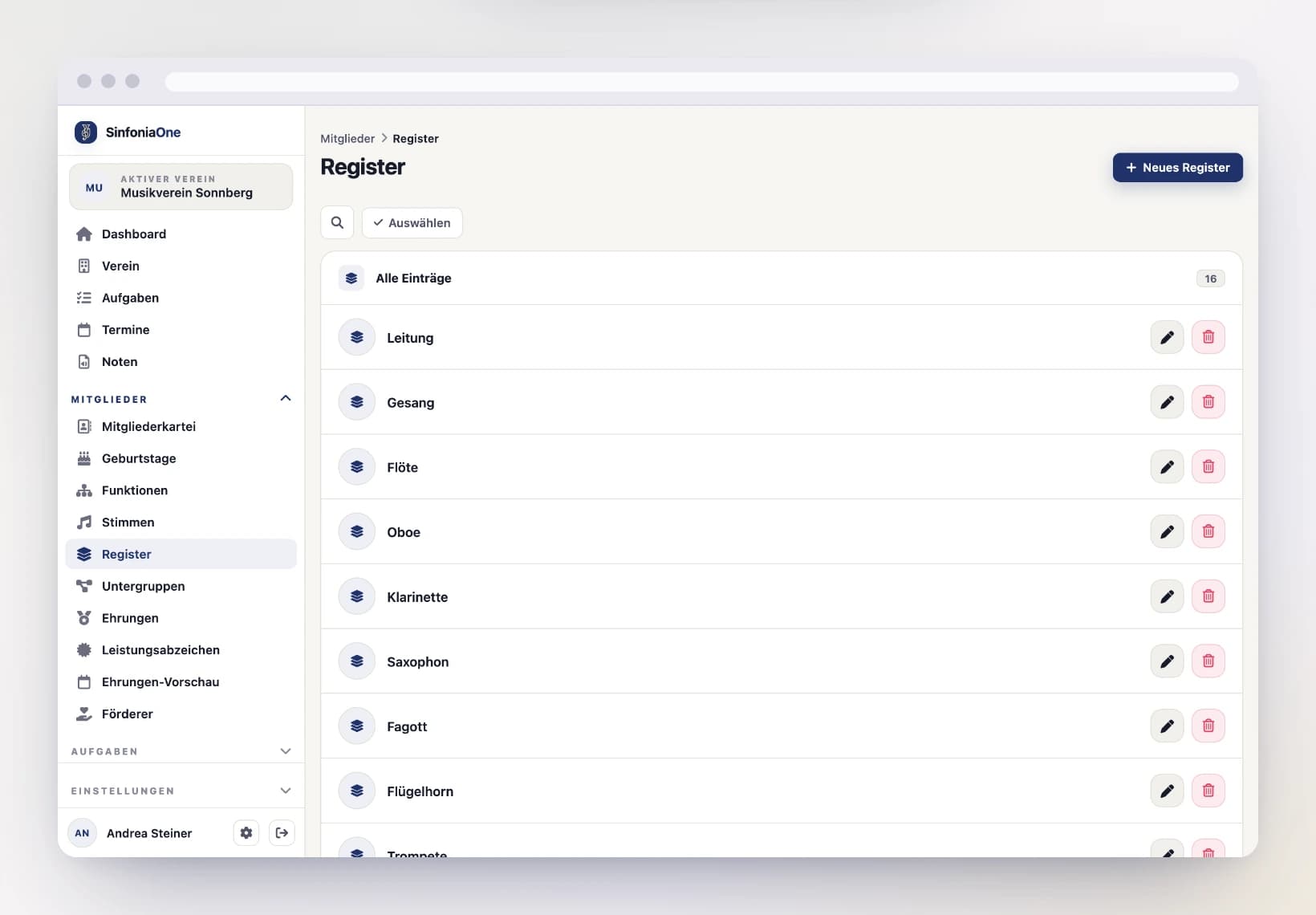
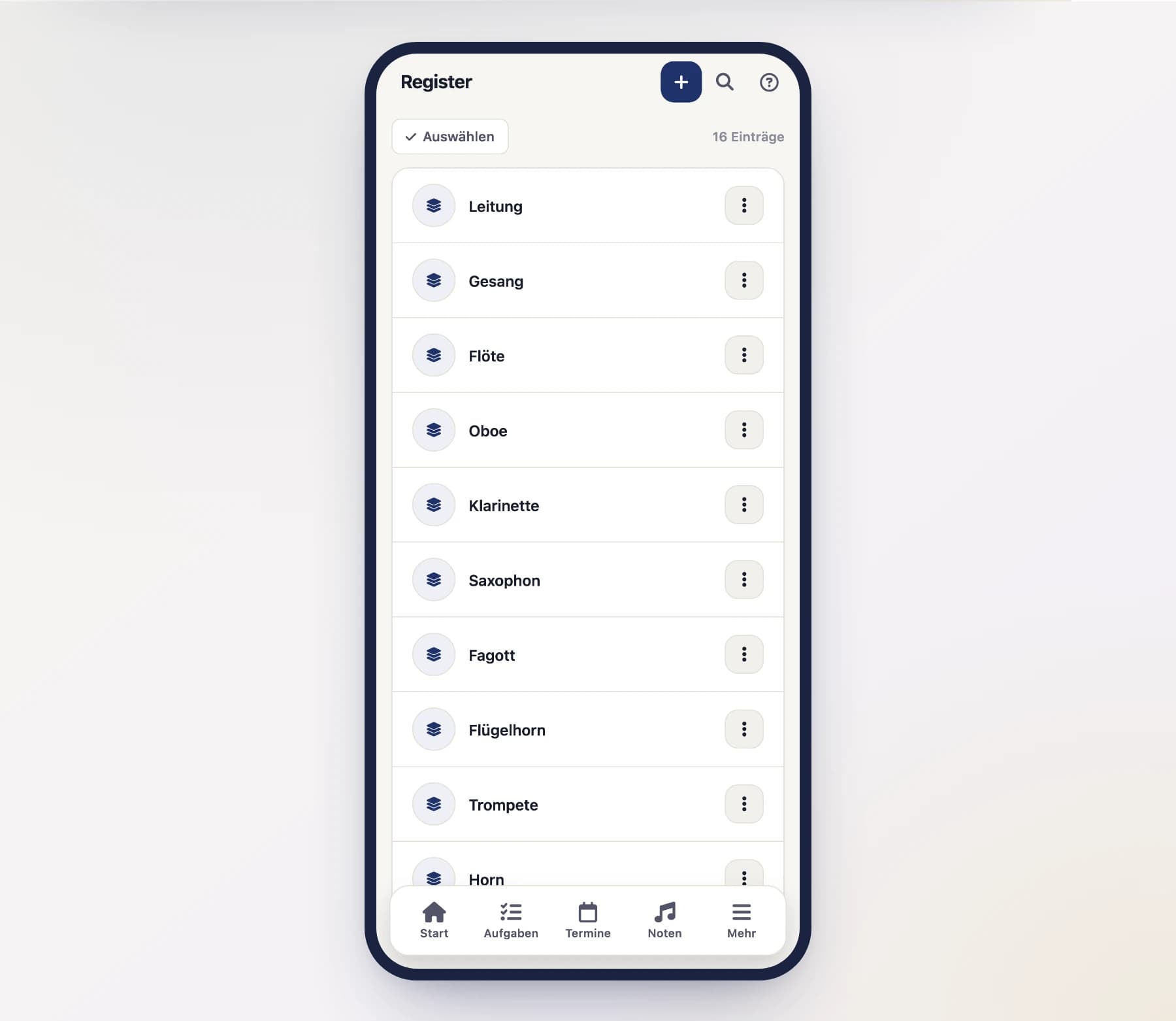
You'll find the sections in the menu under "Sections".
Also in orchestral order
Sections are shown in orchestral order too – derived from the parts assigned to them. A section with woodwind comes before one with brass, whatever it's called. Sections with no assigned parts appear at the end.
Name the section
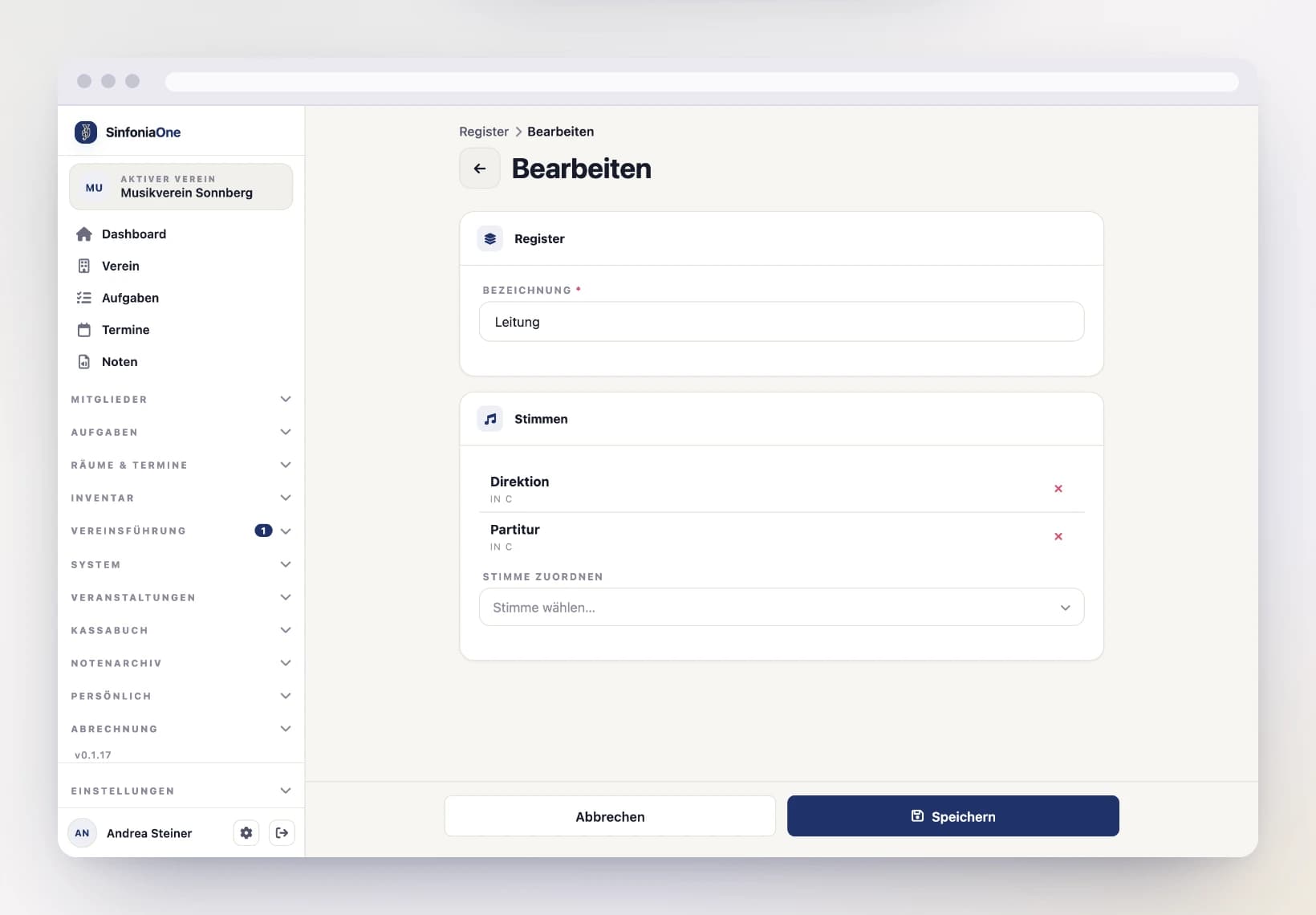
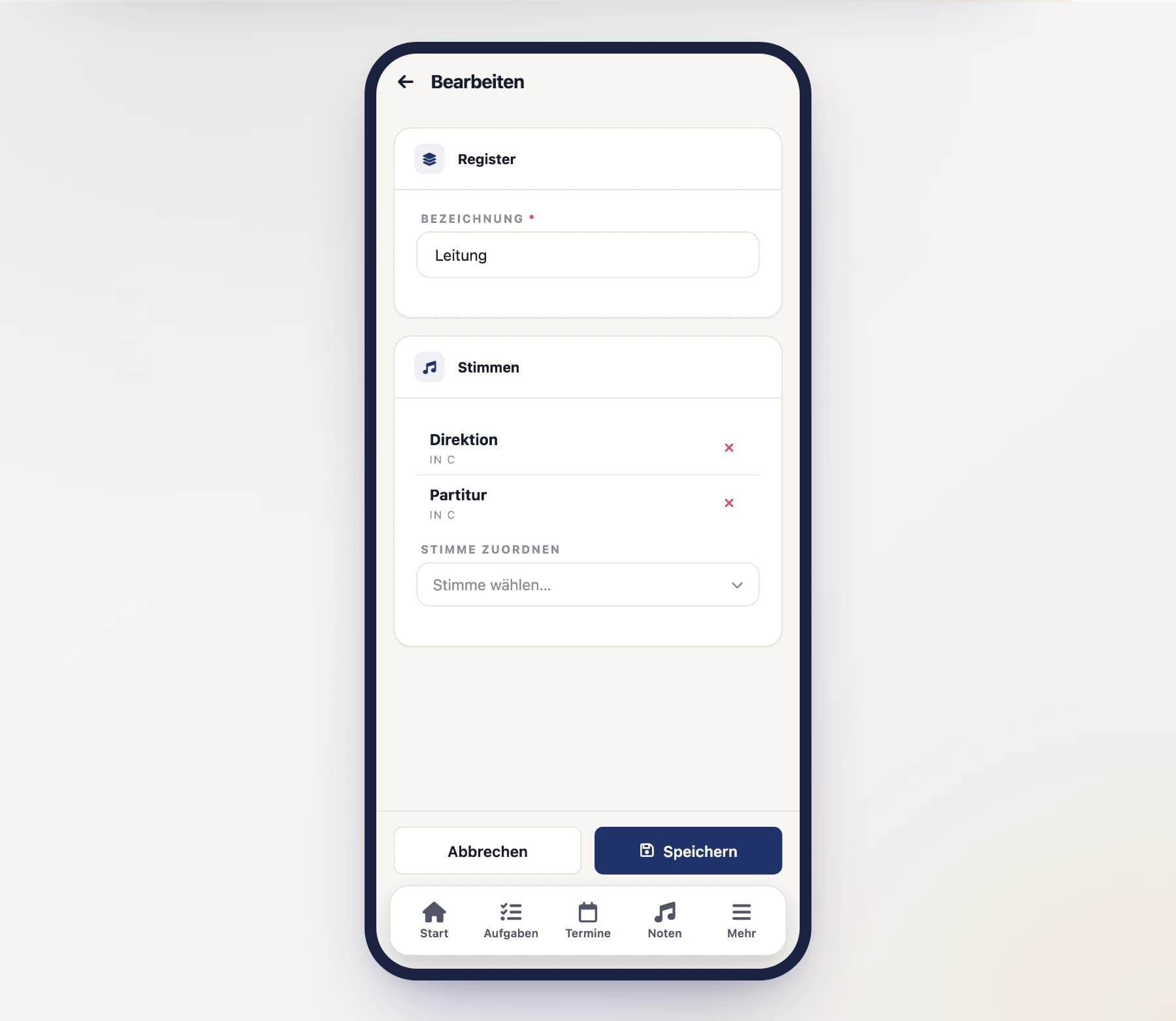
Give the group a name (e.g. "Woodwind"). Which parts belong to it is set on the respective parts.
Save
After saving, you can assign parts to the section and assign members directly to this section.
Who may maintain parts and sections?
Adding or changing parts and sections is allowed for people with the corresponding permissions (e.g. administrator or the administration). Many roles may at least view them, because they are needed in so many places.
Section leadership
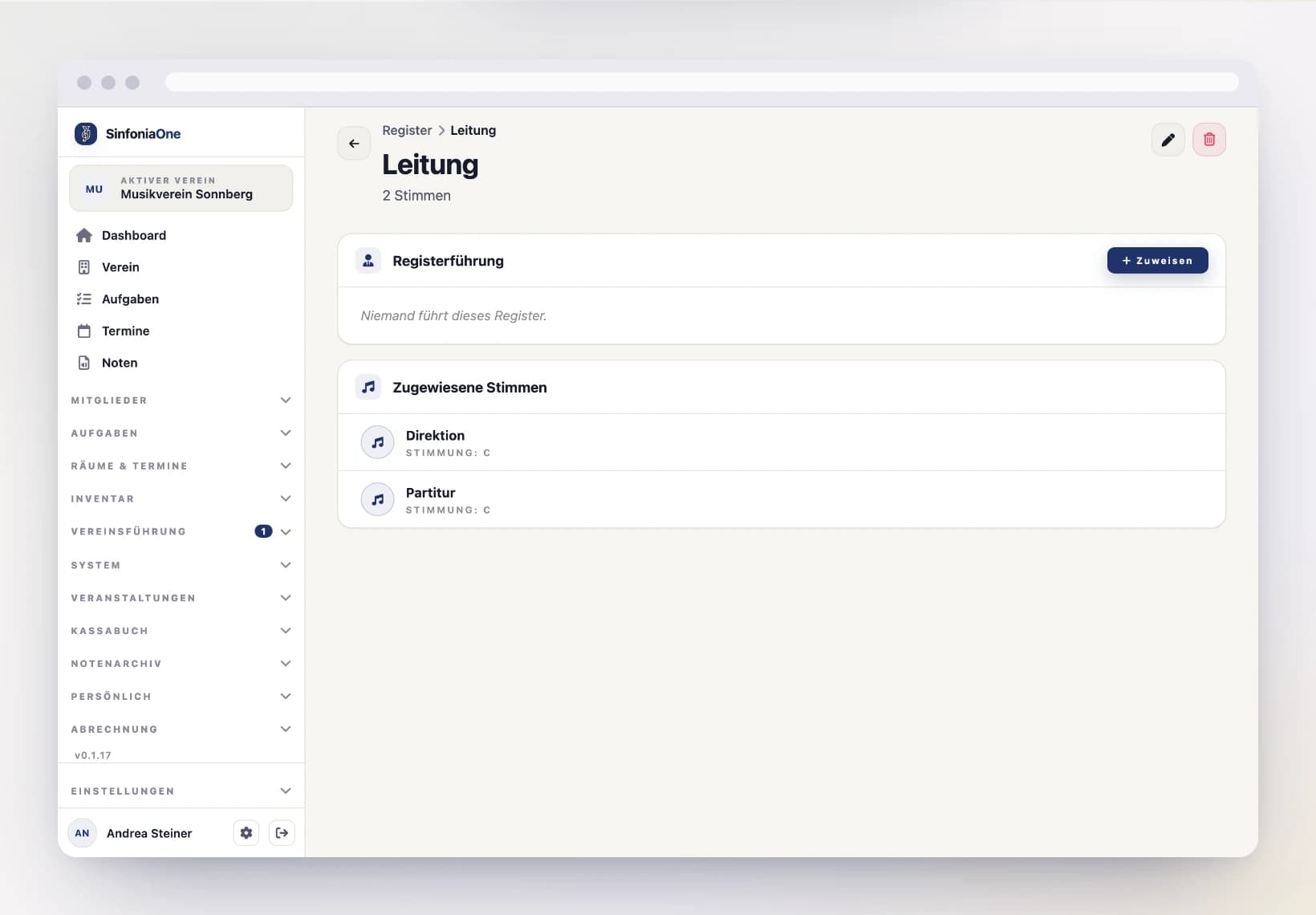
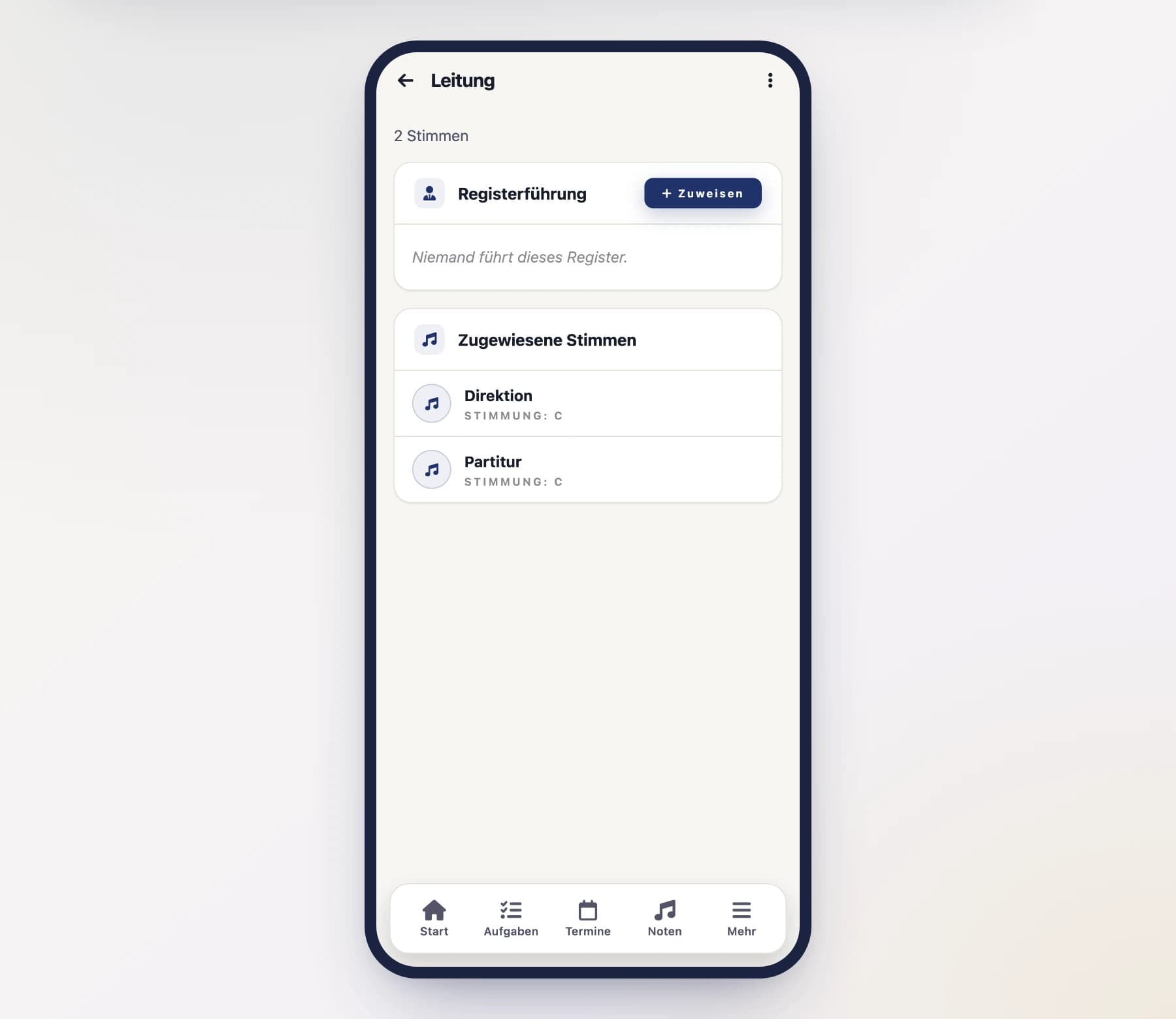
For every section you can record who leads it – in other words, who to talk to about that section. The section list shows the leadership right in the row; inside the section you also see the terms of service.
- A section can have several leaders at the same time (e.g. a section leader and a deputy).
- One person can lead several sections – common in smaller clubs.
- Finished terms remain as history. That way it stays traceable who led which section and when.
Open the section
Open "Sections" and tap the section you want.
Assign a leader
In the "Section leadership" area, tap "Assign", choose the person and enter the year from which they lead the section. Leave the end year empty while the term is running.
End a term
When someone hands the section over, tap "End" on the running term. The entry moves into the history instead of disappearing. Only an entry created by mistake should be removed via the trash icon.
The same works from the other direction: the member detail view has a "Section leadership" area listing the sections that person leads – you can assign and end terms there as well.
The “Section leader” role
The leadership is just an entry at first. For a section leader to actually do something in the app, additionally give them the "Section leader" role. Its permissions apply only within their own section – whoever leads the clarinets cannot change anything about the brass. More on this under Roles & permissions.
Who may set the leadership?
Adding, changing or ending a section leadership is allowed for the board, the secretary and the administrator. So a section leader can neither appoint themselves nor add further leaders to their section.