Tasks
Create to-dos, assign them to people, roles or whole sections, complete them and keep track.
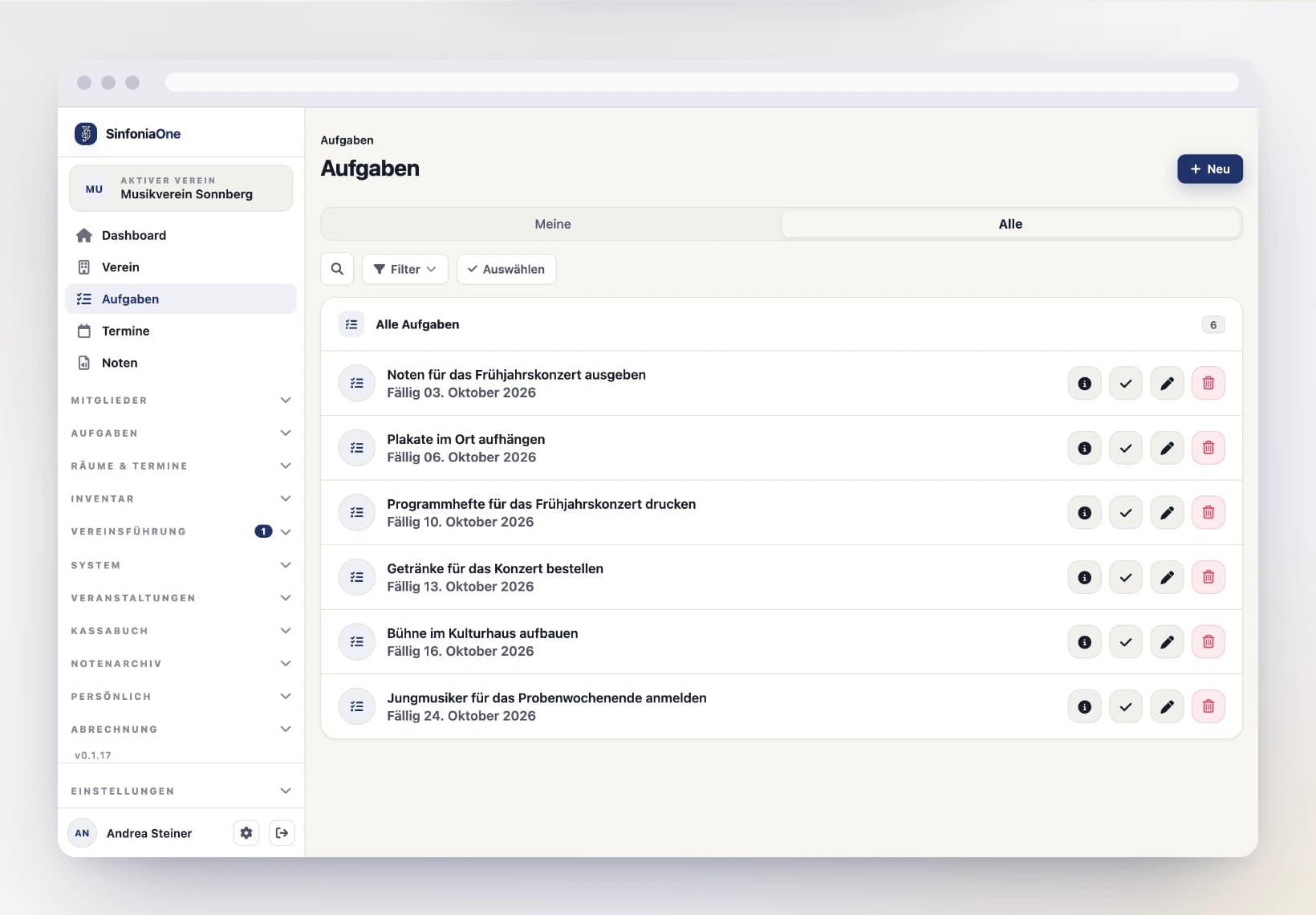
In the Tasks area you split up the work in your club – from “fix the music stand” to “print the program booklet”. Every member sees the tasks that concern them and can check them off. The whole task list of the club is seen by whoever is allowed to manage tasks (e.g. conductor, board or administrator) – the same people create and assign tasks.
Creating a task
Open a new task
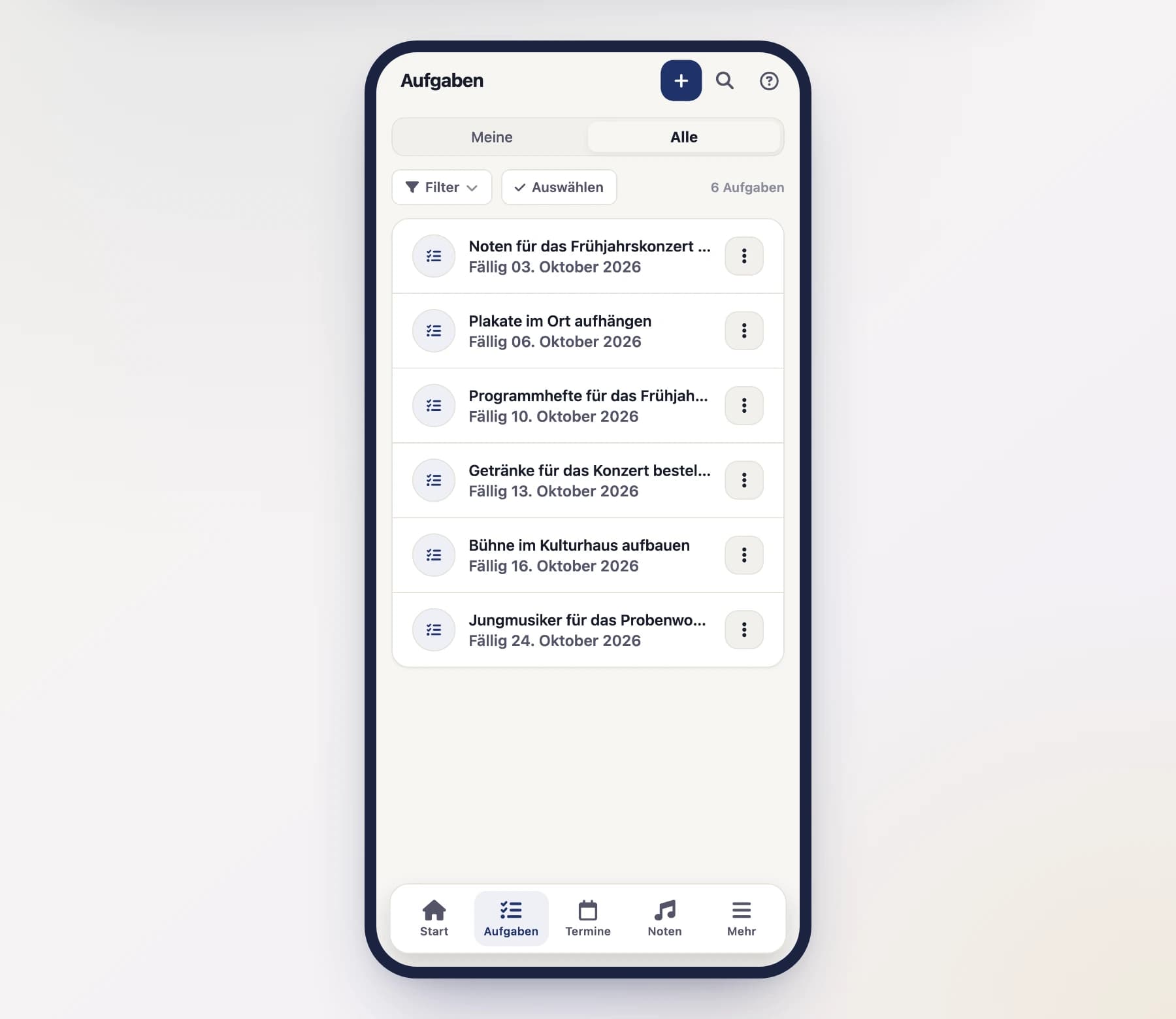
In the task list, tap "New task" (on the phone it's a plus button).
Title, description and due date
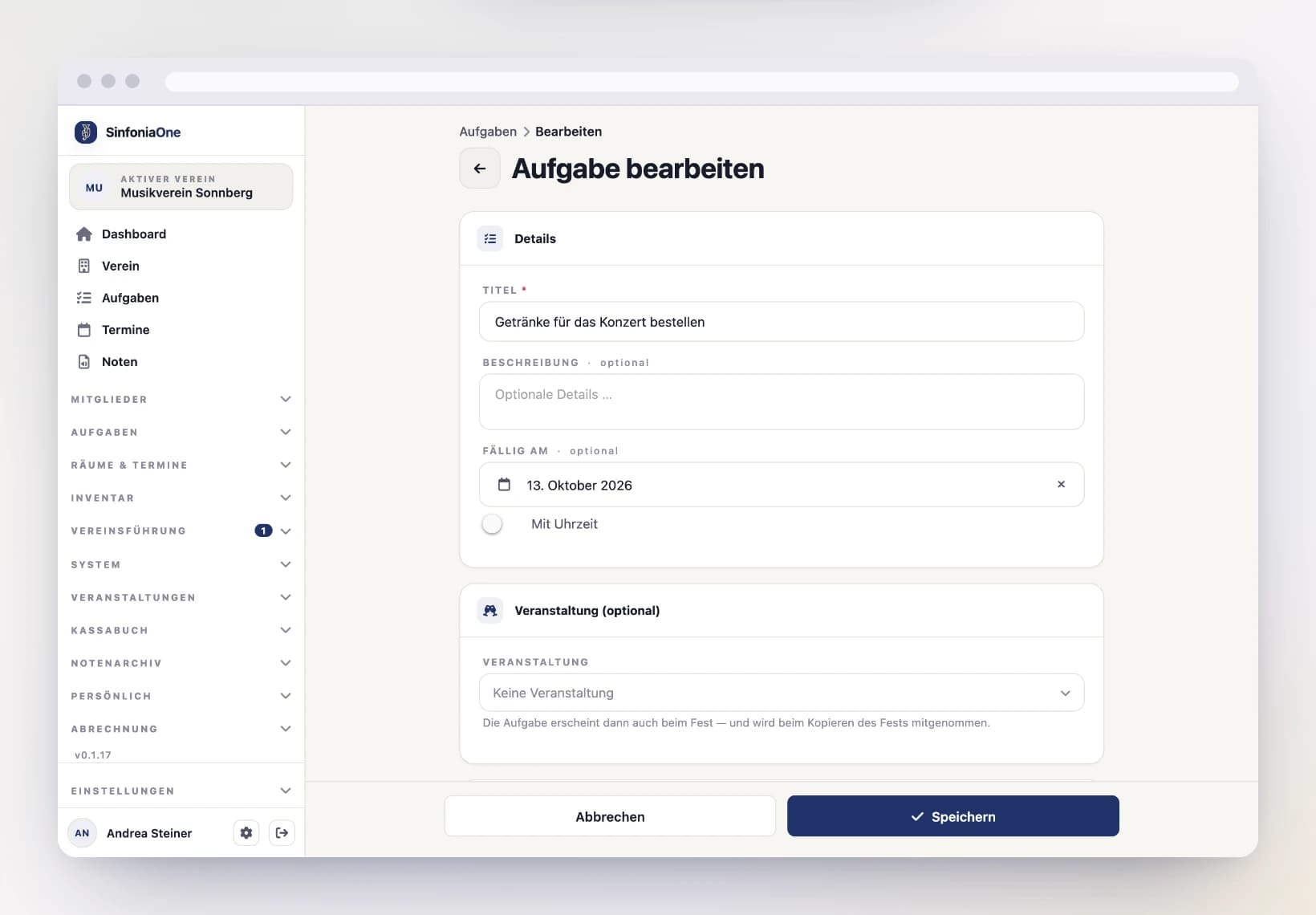
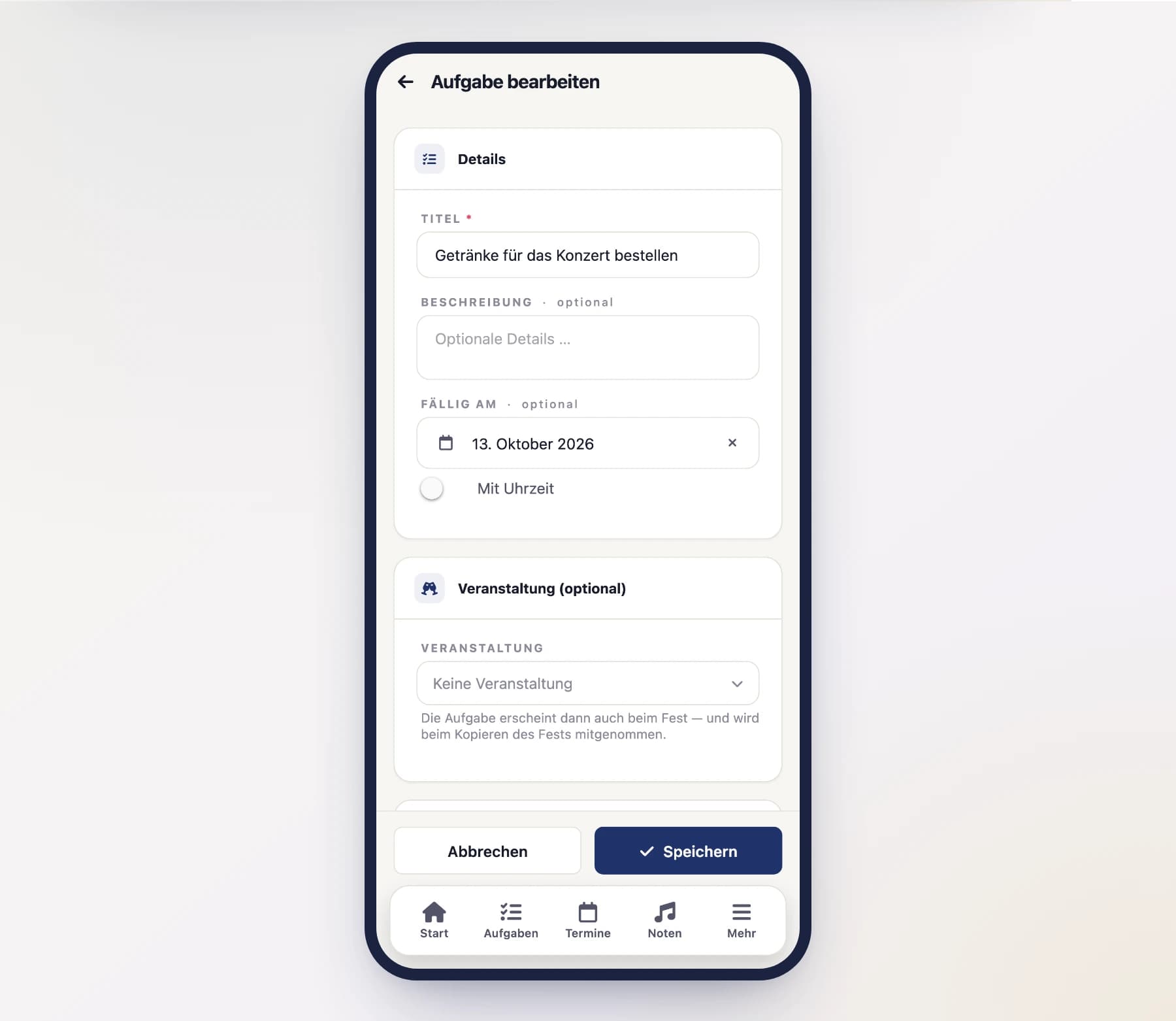
Give the task a title and – if needed – a description with details. Set a due date (by when it should be done) so no one loses track of it.
Choose a status
Every task has a status:
- open – nothing has happened yet.
- in progress – currently being worked on.
- done – finished.
- cancelled – no longer being done.
New tasks normally start as open.
Who should complete the task?
You can assign a task to individual people, to club roles, to whole sections – or to all of them at once.
- Individual people – you pick specific members.
- Roles (positions in the club, e.g. "treasurer" or "music librarian") – the task then automatically goes to all current holders of that role. If the position changes hands later, the responsibility stays attached to the role.
- Sections (e.g. "clarinet" or "brass") – the task goes to everyone in that section. That means anyone who currently plays an instrument of the section, plus anyone assigned directly to the section (such as members without an instrument of their own). Someone who isn't currently playing their second instrument doesn't get the task.
The whole board in one go
Next to the Roles heading you will find “All roles”: one tap selects every position in the club, a second one clears them again. Handy for anything that concerns the whole board – the invitation to a meeting, the accounts before the annual general meeting. What gets selected is your role list as it is today: if you create a new role later, it does not automatically join tasks that already exist.
Including sub-positions
If an assigned position has sub-positions, the “Incl. sub-positions” switch decides whether their holders are meant as well. It is on by default – a task for “Archivist” therefore also reaches the sheet music archivist. Turn it off when only the main office is responsible.
The reverse does not apply: a task for a sub-position never reaches the main office.
Sections always stay current
A section isn't resolved into a fixed list of names: if someone switches sections or joins, they are responsible for that section's running tasks straight away – nobody has to update the assignment.
Parts without a section reach no task
Anyone who plays only parts with no section assigned belongs to no section – a task addressed “to the brass” doesn't reach them. The parts list warns you as soon as this happens; see Parts & sections for more.
Only the active roster gets tasks
However it is assigned, a task only reaches people listed in the member file as an active member. Students, deputies, members on a break and former members get no tasks, not even through a role they currently hold. That's why they don't appear in the people picker at all.
Don't forget reminders
Just like with events, you can turn on reminders. The assigned people then get a notification on their phone in good time before the due date.
Anything more than a day overdue is no longer sent afterwards — the task itself stays open and visible in the list.
Completing tasks
Any member can check tasks off – every task that shows up in their list. Once something is done, you check the box. On the phone it's especially quick: swipe the task from right to left – right in the list or on the dashboard under your open tasks. A green checkmark confirms the task is done.
Reopening is only for those in charge
Setting an already completed task back to "open" is only allowed for those in charge (whoever may manage tasks). That way a task checked off by mistake doesn't just quietly slip through the cracks.
Keeping track
Your list holds exactly what concerns you – assigned directly, through a role you hold, or through your section. Tasks that concern other people don't show up there.
Whoever manages tasks sees the whole club and switches at the top between “Mine” and “All”. That keeps your own list short without losing sight of the club.
Tasks belonging to a festival
A task can belong to a festival – "order the tent", "obtain the permit". To do so, pick the festival under Festival in the form (and an area if needed). The task then also shows up on the festival and comes along when you copy the festival next year. More on this under Festival tasks.
Series & templates for tasks
Tasks can be automated too:
- Series – for recurring tasks on a fixed rhythm (e.g. "check the cash books monthly").
- Templates – for similar tasks that you keep creating in a comparable way.
You set the assignment – people, roles and sections – there once; every task created from it inherits it. The same goes for the “Incl. sub-positions” switch.
A series right when you create it
You don't have to switch to the series screen for that: the New task form has a Repetition section. Set it to “Series — repeats” and the date becomes the first occurrence; below it you choose the rhythm, the interval, the weekdays and an end. What gets saved is a series instead of a single task – the individual tasks are created by the app itself as soon as they fall within the lead time.
Anything that belongs to a single task is hidden while you do that: event, reminders and attachments. Those only exist on the tasks the series produces. An existing task cannot be turned into a series afterwards.
Series and templates are set up by whoever may manage tasks (e.g. bandmaster, secretary, board or administrator). You find them in the menu under Tasks (in the sidebar on a computer, under More on the phone). Regular members don't see this menu entry.
The principle is the same as with series & templates for events.
Several tasks at once
After a festival ten tasks are often done at the same time. Tap “Select” to tick them off together; people who manage the club can also reopen or delete them this way. See Working on several entries at once.