Reviewing responses
See how often people reply to event invitations, compare acceptances with actual attendance and find unfilled parts in a line-up.
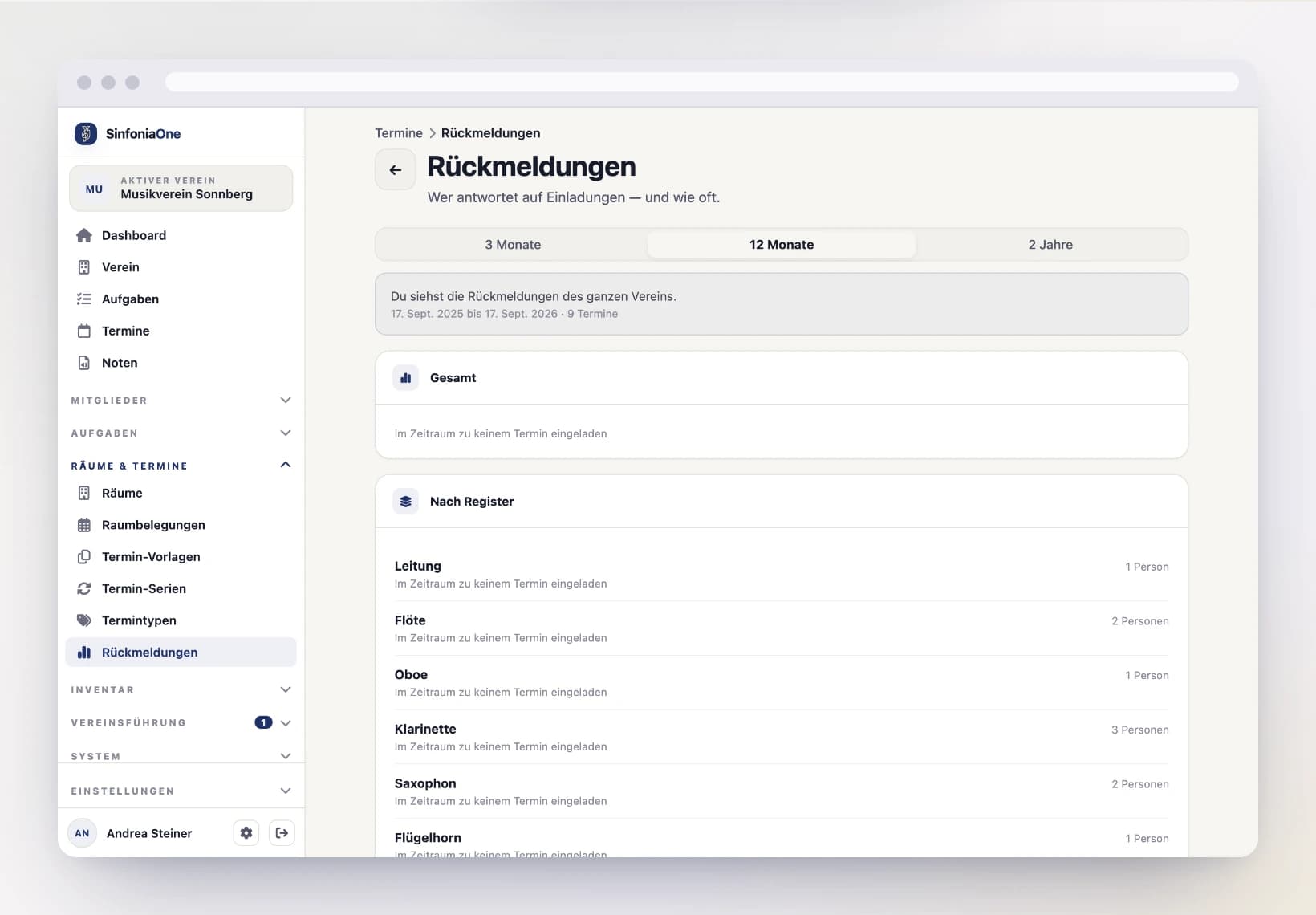
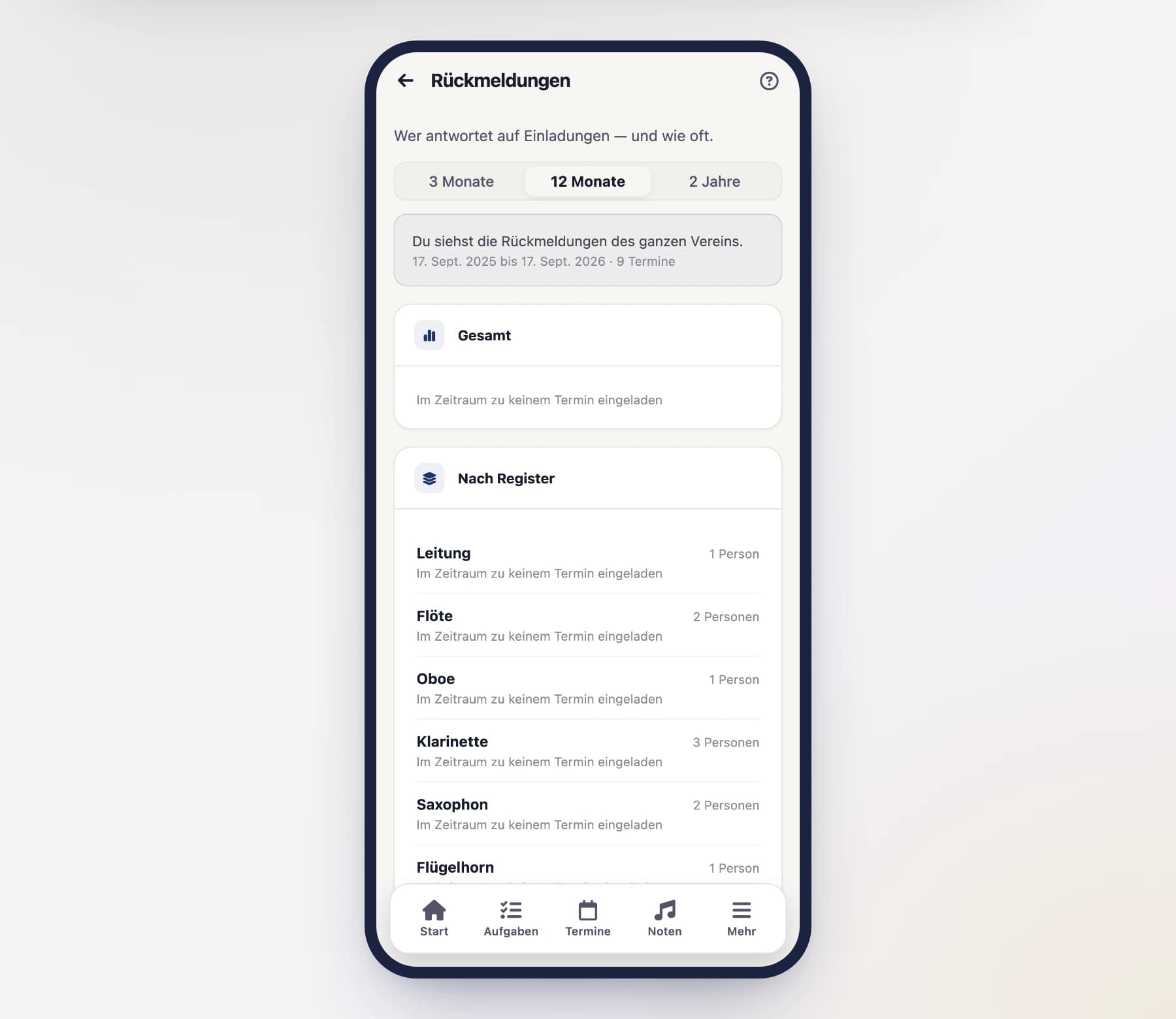
Under Events › Responses you can see how diligently people reply to invitations. The page is for everyone: every member finds their own figures there, the rehearsal management those of the whole band.
Who sees how much
The scope follows your role in the band – you cannot set it yourself, and the hint at the top of the page always tells you what you are looking at.
| Role | Sees |
|---|---|
| Conductor | the whole band |
| Chairperson / board | the whole band |
| Section leader | the sections they currently lead |
| Every member | their own figures |
No ranking
Members are listed alphabetically, sections in orchestral order. There is no leaderboard and no grade – the review is meant to explain why half the band was missing at a rehearsal, not to expose anyone.
Choosing the period
At the top you switch between 3 months, 12 months and 2 years. Only what is meaningful gets counted:
- Only events the person was invited to. Whoever was never asked to the clarinet rehearsal does not show up there as “no reply”.
- Only events that have already started. For tomorrow's rehearsal the reply window is still open.
- No cancelled events. There was nothing left to answer.
What the cards show
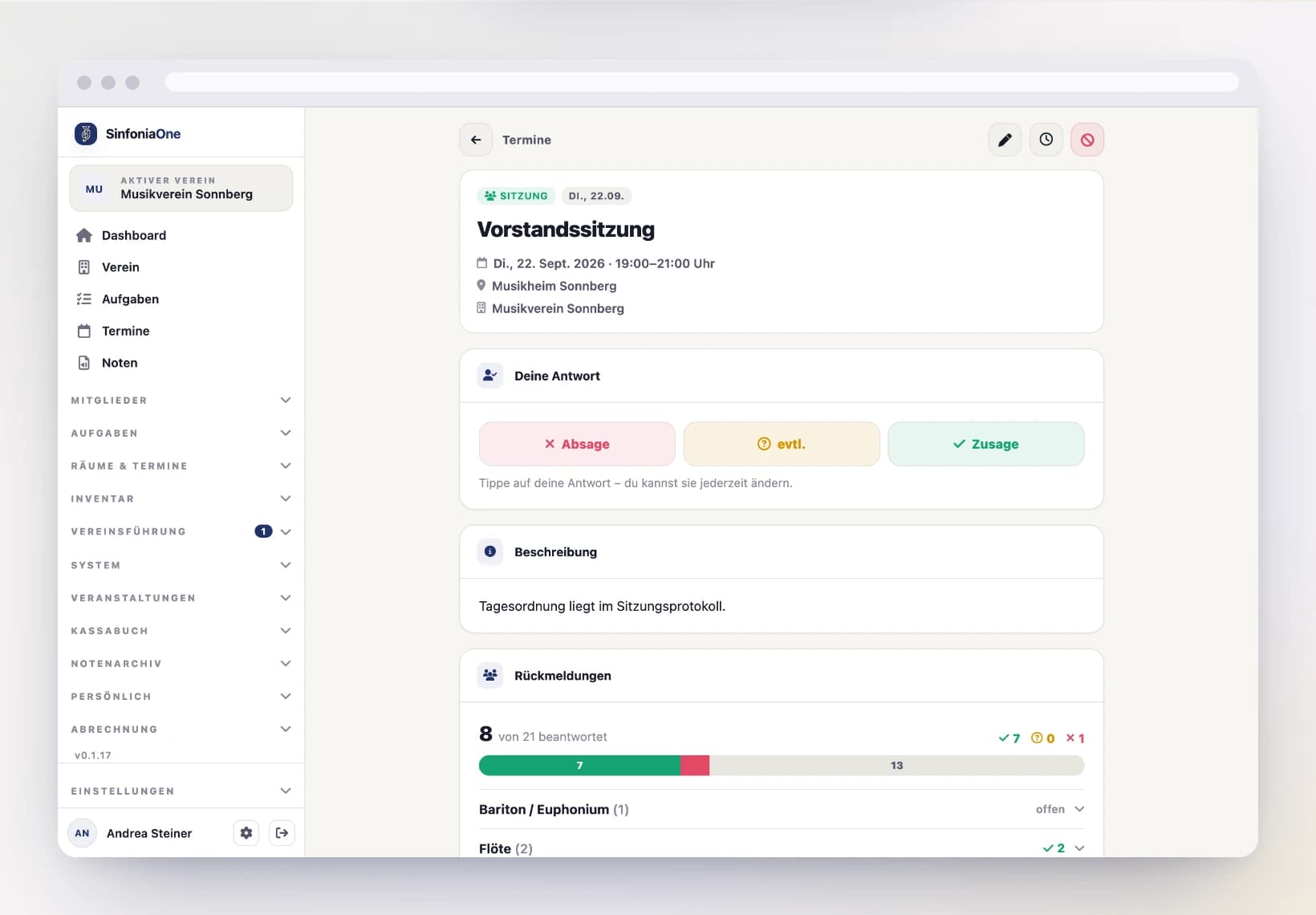
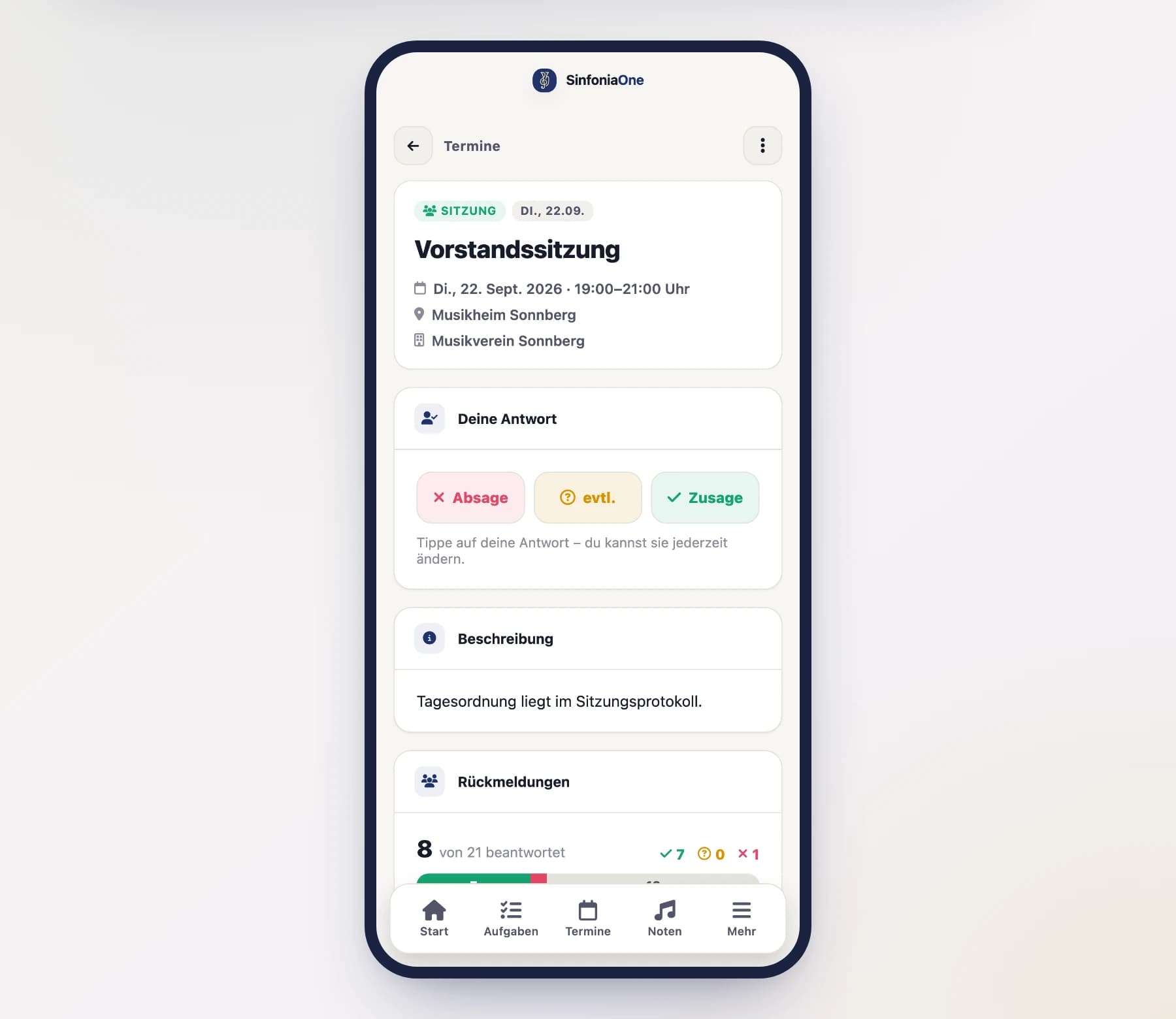
Total and By section show the same bar as the event list: green for acceptances, amber for “maybe”, red for declines, grey for open replies. Below it you see how many of the invitations were answered.
By person lists every member with the same bar. If actual attendance was recorded after an event, one more line appears comparing acceptance and attendance – for example “Of 12 acceptances with recorded attendance: 11 confirmed, 1 excused”.
Excused is not a broken promise
Anyone who accepted and was then excused in time is listed separately and never counted among the deviations.
Downloading attendance as a spreadsheet
“Export” in the page header gives you the recorded attendance as a CSV file: one row per person and event, with the event start, title, name, attendance, note and who recorded it.
These are deliberately the individual rows and not a finished statistic. Every club counts differently — whether an excused absence counts as missing is not for the app to decide. With a pivot table in Excel or LibreOffice you turn them into rehearsal attendance per member, the way you need it for awards and honours.
The period above applies to the file too
If the page is set to 12 months, the file holds the attendance of those 12 months. If you need more, switch to 2 years first.
Downloading is a separate permission
Only those with the permission see the button: conductor, board and administrator. An ordinary member does not — they may look up their own entry, but not take a list covering everyone. You can also grant the permission to a custom role in the role editor.
Unfilled parts for an event
When you open an event, you find the Line-up card below the responses. It compares the acceptances with your band's current line-up and shows which parts are left unfilled as a result.
The special bit: it also takes into account the additional instruments your members have recorded in the member directory. If someone is missing for Flugelhorn 2, SinfoniaOne suggests the people who play that part as a second instrument and have already accepted.
Only actively played instruments
If an instrument is set to “Currently playing” = off in the directory, it is left out. It counts as knowledge about the person, not as availability – otherwise the app would assign someone to an instrument they have not touched in years.
If a suggestion mentions that the person “is sitting on …”, it means they are already covering a part themselves. Moving them would only shift the gap. Nothing is assigned automatically anyway – who sits where is up to the rehearsal management.
The card is missing?
It only appears for rehearsal management, the board and section leaders, only on events that have not been cancelled – and only if your band has maintained parts and instruments. Without parts and sections there is no line-up to compare against.