Reviewing responses
See how often people reply to event invitations and compare acceptances with actual attendance.
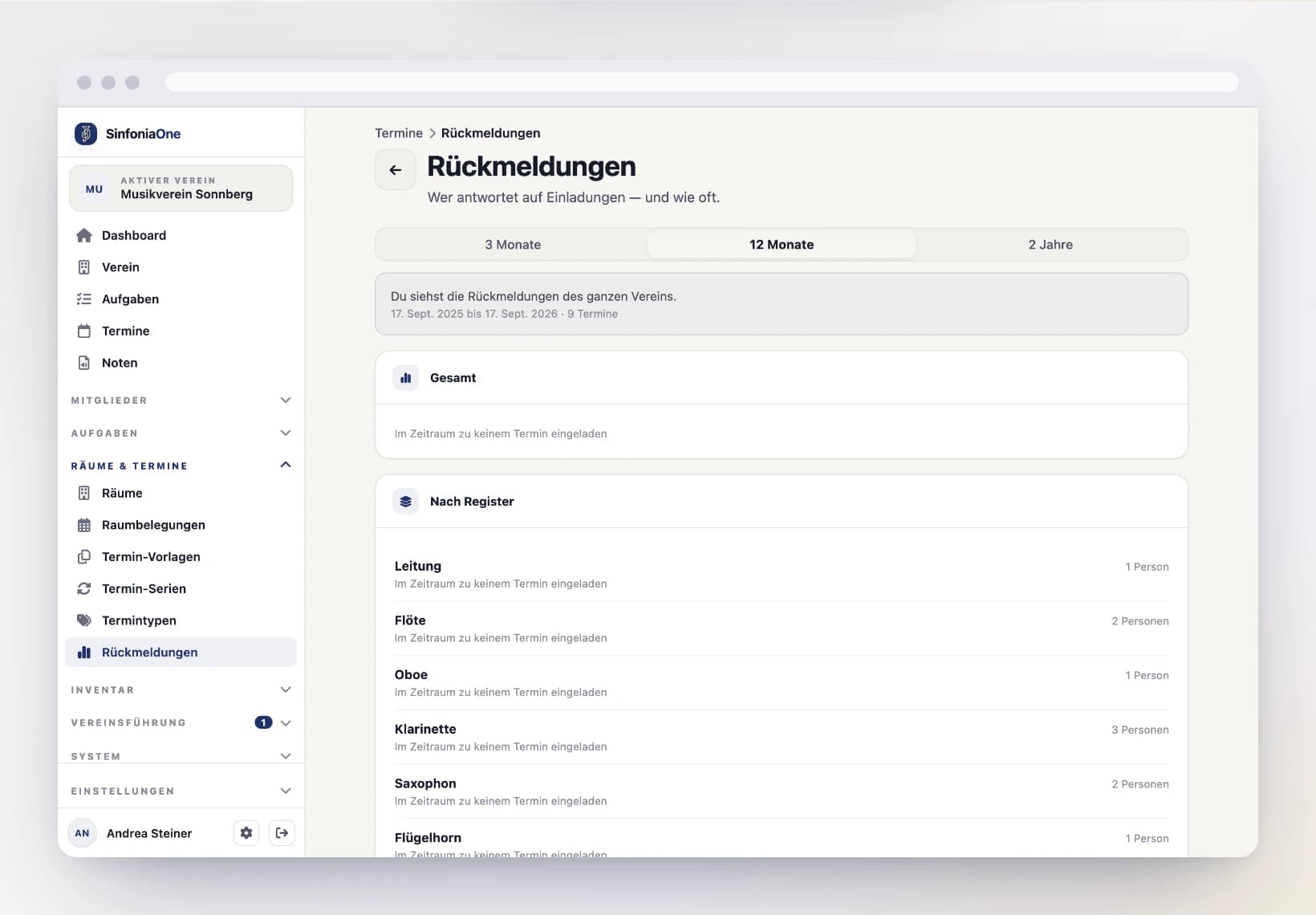
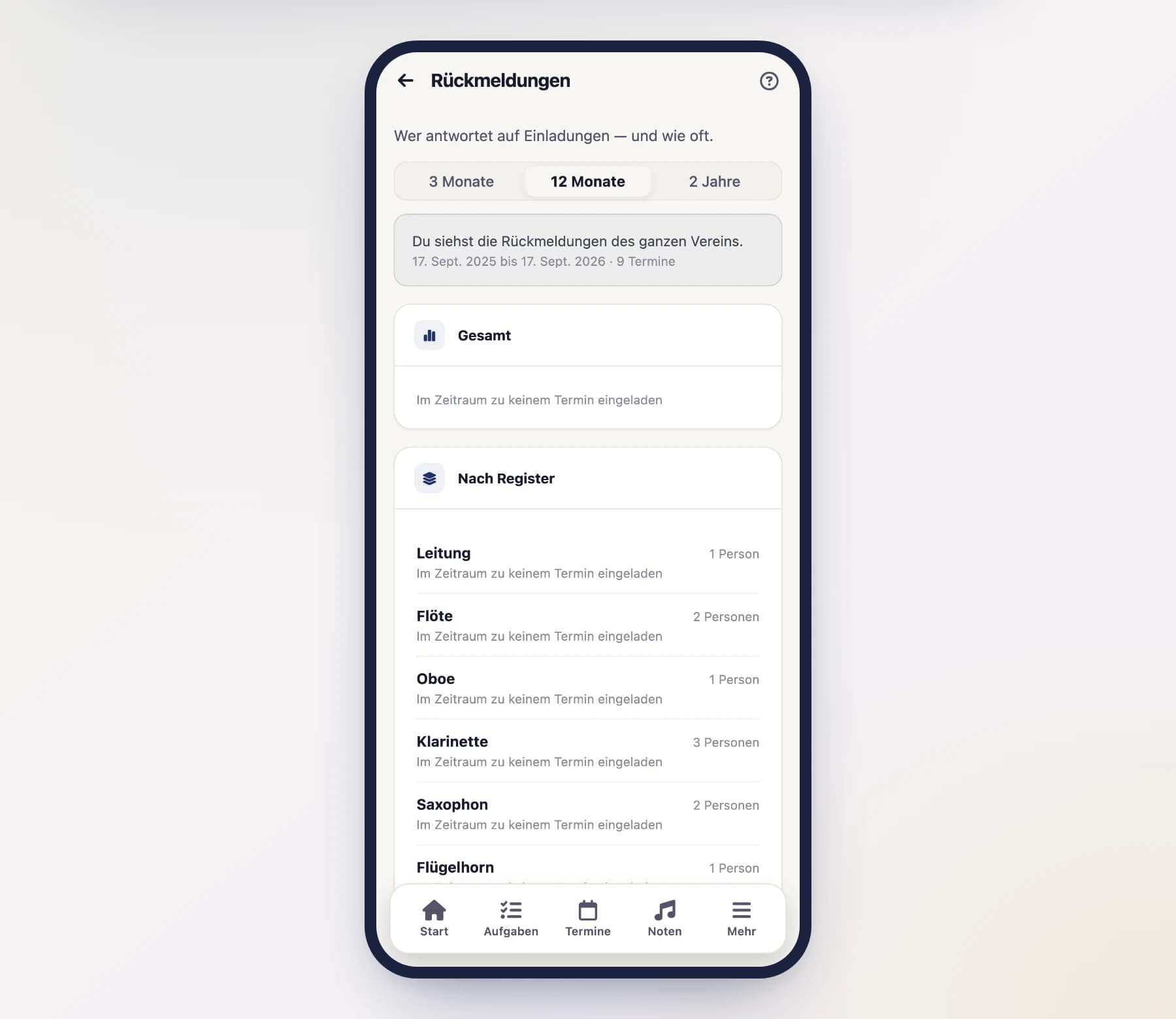
Under Events › Responses you can see how diligently people reply to invitations. The page is for everyone: every member finds their own figures there, the rehearsal management those of the whole band.
Who sees how much
The scope follows your role in the band – you cannot set it yourself, and the hint at the top of the page always tells you what you are looking at.
| Role | Sees |
|---|---|
| Conductor | the whole band |
| Secretary | the whole band |
| Administrator | the whole band |
| Section leader | the sections they currently lead – with everyone who was in them at the event |
| Every member | their own figures |
No ranking
Members are listed alphabetically, sections in orchestral order. There is no leaderboard and no grade – the review is meant to explain why half the band was missing at a rehearsal, not to expose anyone.
Choosing the period
At the top you switch between 3 months, 12 months and 2 years. Only what is meaningful gets counted:
- Only events the person was invited to. Whoever was never asked to the clarinet rehearsal does not show up there as “no reply”.
- Invited means invited back then. Once an event is over, the app records who was invited and in which section. If someone changes section afterwards, or takes on or gives up a function, past events stay as they were: By section counts in the section of back then, By person lists everyone where they play today. A deleted section also stays in past events under its name; if you create it again with the same name, both count as one section.
- Every invitation counts in one section. Whoever is in two sections counts under By section in the one they chose when accepting – without a choice, in the one they are assigned to directly. At a sectional rehearsal, the invited section counts.
- Only events that have already started. For tomorrow's rehearsal the reply window is still open.
- No cancelled events. There was nothing left to answer.
What the cards show
Total and By section show the same bar as the event list: green for acceptances, amber for “maybe”, red for declines, grey for open replies. Below it you see how many of the invitations were answered.
By person lists every member with the same bar. If actual attendance was recorded after an event, one more line appears comparing acceptance and attendance – for example “Of 12 acceptances with recorded attendance: 11 confirmed, 1 excused”.
Excused is not a broken promise
Anyone who accepted and was then excused in time is listed separately and never counted among the deviations.
Downloading attendance as a spreadsheet
“Export” in the page header gives you the recorded attendance as a CSV file: one row per person and event, with the event start, title, name, attendance, note and who recorded it. If a directory entry has been deleted for good, its attendance stays in the file, with “Gelöschtes Mitglied” (deleted member) instead of the name. The same applies to an account without a directory entry that leaves the club or is deleted. That way nobody goes missing from the count of a past event.
These are deliberately the individual rows and not a finished statistic. Every club counts differently — whether an excused absence counts as missing is not for the app to decide. With a pivot table in Excel or LibreOffice you turn them into rehearsal attendance per member, the way you need it for awards and honours.
The period above applies to the file too
If the page is set to 12 months, the file holds the attendance of those 12 months. If you need more, switch to 2 years first.
Downloading is a separate permission
Only those with the permission see the button: conductor, secretary and administrator. An ordinary member does not — they may look up their own entry, but not take a list covering everyone. In the role editor it is called “Export attendance”; “Manage dates” is ticked along with it.