Subscription & Billing
Every club has a plan that unlocks features and quotas – here's how to understand it and how it's managed.
Every club in SinfoniaOne has a subscription with a plan. The plan determines which areas of the app the club can use and how much of each.
Billing is only available in the browser
Due to app store rules, you can only view and change the subscription and billing on a computer in the browser – in the mobile app this area isn't shown. If you want to change the plan on your phone, contact your club's board.
What a plan unlocks
A plan determines two things:
- Which features your club can use – for example the sheet music archive, the cash book, or events. If a feature isn't included in the plan, its menu item still stays in place and carries a lock.
- Which quotas (limits) are allowed – such as how many members, pieces, or dates the club can create.
How members are counted
For the Members limit, what counts is your directory, not app usage:
- Every directory entry with the status Active counts — even if the person has no user account and never opens the app.
- On top of that, every club account without a directory entry counts — a freshly invited account, for example, that nobody has created a directory card for yet.
- Students, deputies, members on hiatus and former members do not count, and neither does anything in the recycle bin. The club’s history costs you nothing.
Someone who already has a directory entry does not take a second seat when you invite them — the entry and the account are the same person. And at a full limit you can still edit everything; the only thing capped is how many active members are added.
New clubs start for free
A newly founded club automatically gets the free plan and is ready to use right away. Only when you need more does it make sense to look at a larger plan.
Locked areas in the menu
Features your club has not booked do not vanish from the menu — they stay there with a lock. That way you can see what else SinfoniaOne offers instead of never finding out.
- A single menu item with a lock: only that feature is missing.
- A whole area (the cash book or events, say) appears as one locked row instead of expanding into all its sub-items.
- On the phone, the main areas your club does not have are collected under More in the section “Not unlocked”.
Tap such an entry and SinfoniaOne briefly explains what the feature does and that it is not unlocked for your club.
What is not in the menu at all
Whatever does not exist for your club type stays invisible — in an ordinary club, for instance, the sheet music archive, march books or parts. A lock in front of them would be a promise no plan can keep.
Only what you would be allowed to use
You only see a lock on features your role would let you use. Someone who may not keep the cash book even with the right plan still sees nothing there.
When a limit is reached
As the club approaches a limit, SinfoniaOne lets you know in good time:
- There's a warning when a limit is nearly reached.
- Once a limit is fully used up, you temporarily can't create anything new until there's room again or the plan is upgraded.
That way there are no nasty surprises in the middle of your work.
Some limits apply per year
Most limits count the overall total — how many pieces are in the music library, for example. For events, only the current calendar year (January to December) counts: the notice then reads “2 of 3 this year”, and next year the allowance is available in full again. A different fiscal year in the cash book makes no difference — the same calendar year applies to every club.
View and switch plans
Only for administrators and the owner
Only the owner (the person who founded the club) and administrators can see the billing area. Other members won't find it – that's intentional, because finances are the club leadership's business only.
Here's how you (as an administrator or owner) get there in the browser:
- Open SinfoniaOne on a computer in the browser.
- Open the "Billing" area. There you'll see your club's current plan and what it includes.
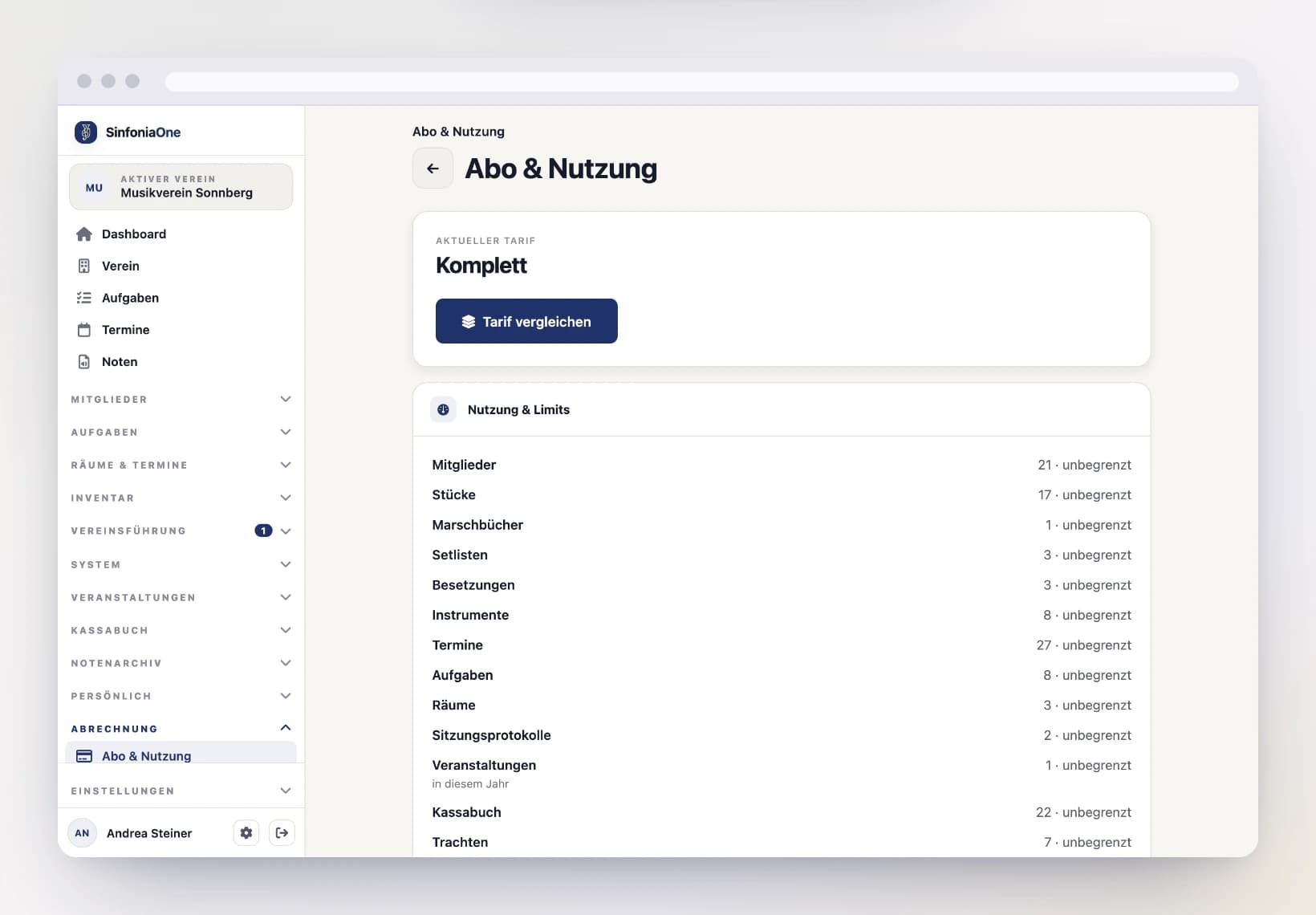
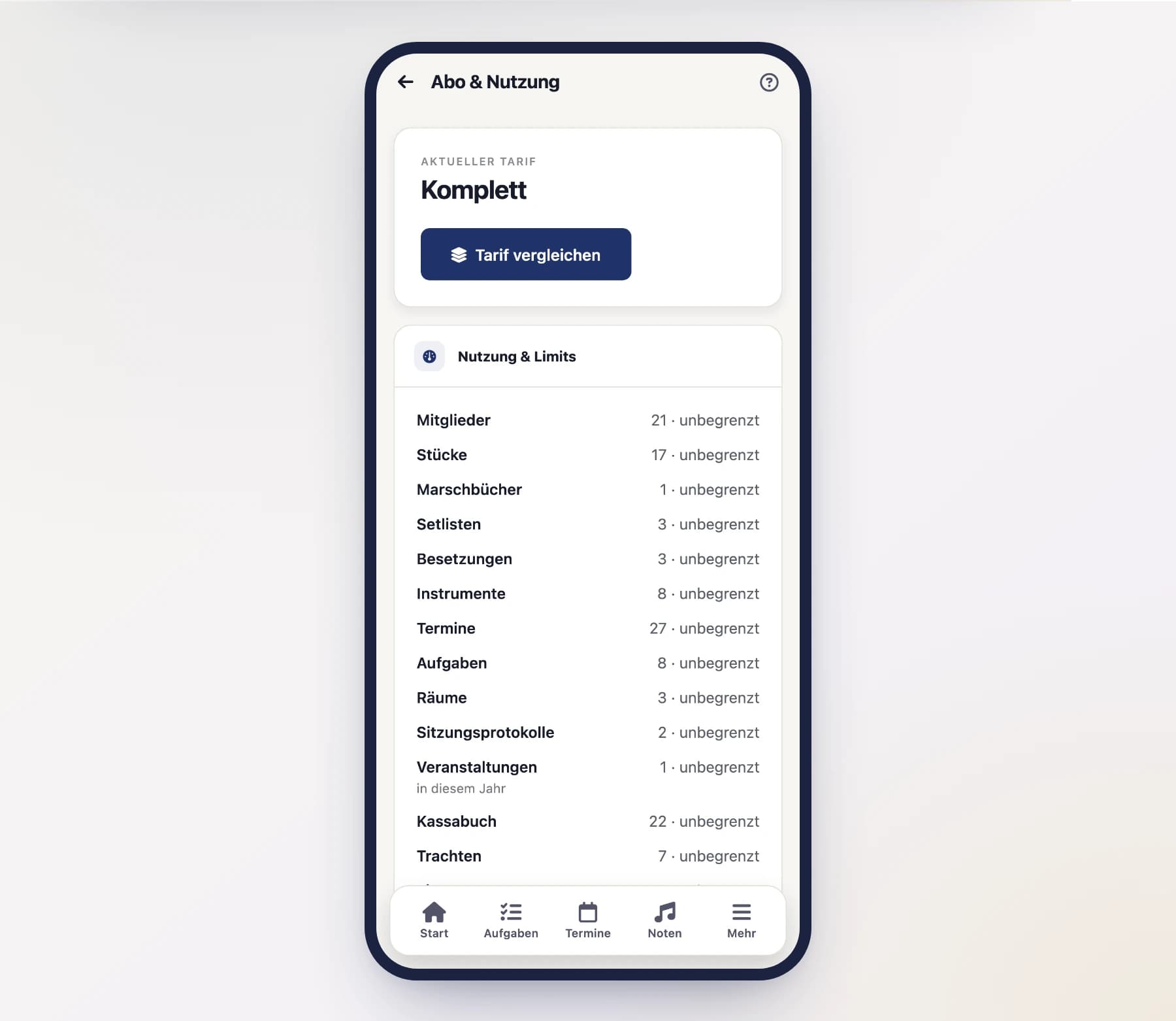
If you want to switch plans, you select a different plan in the browser. The remaining steps – confirming your choice and paying – also happen in the browser.
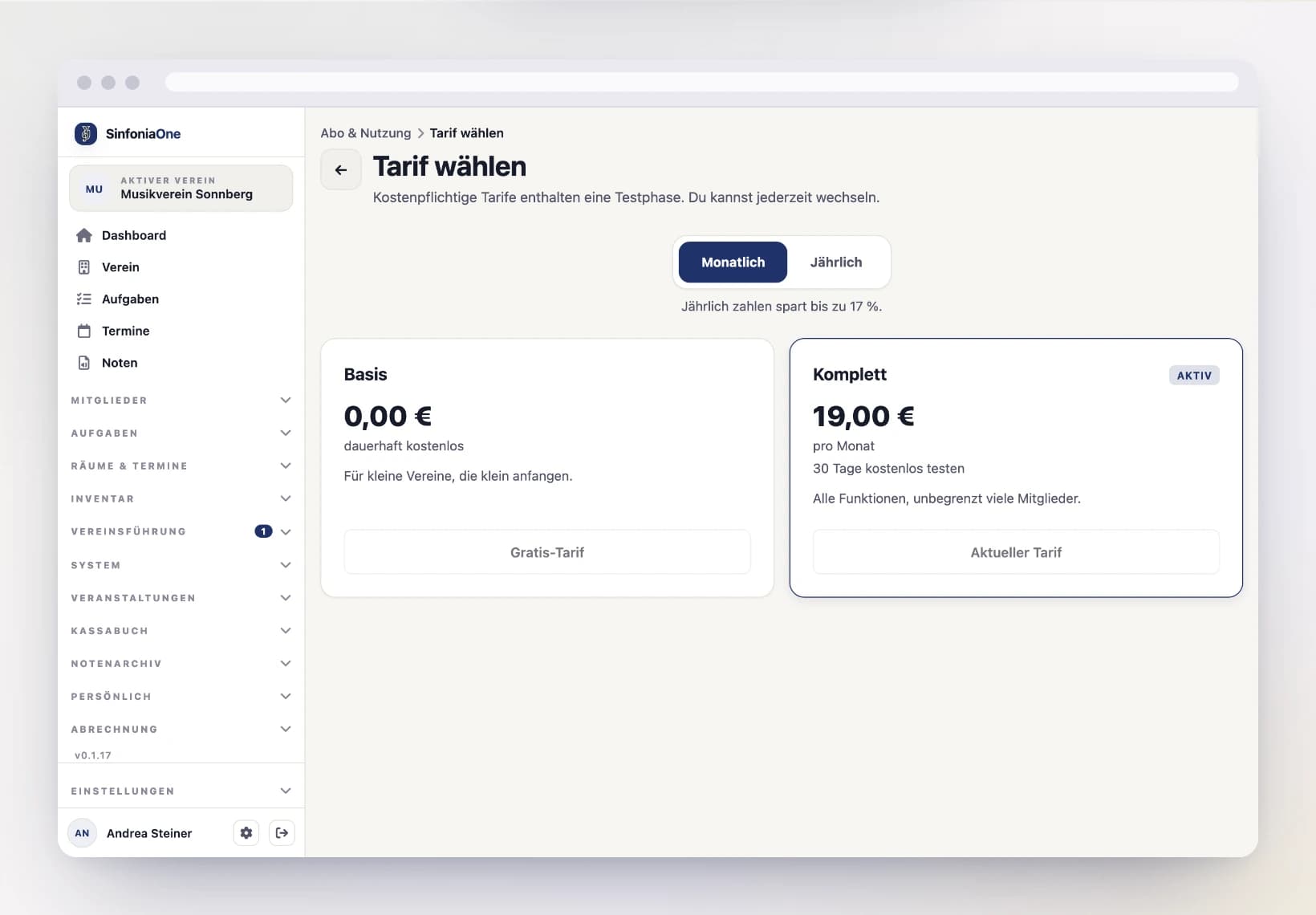
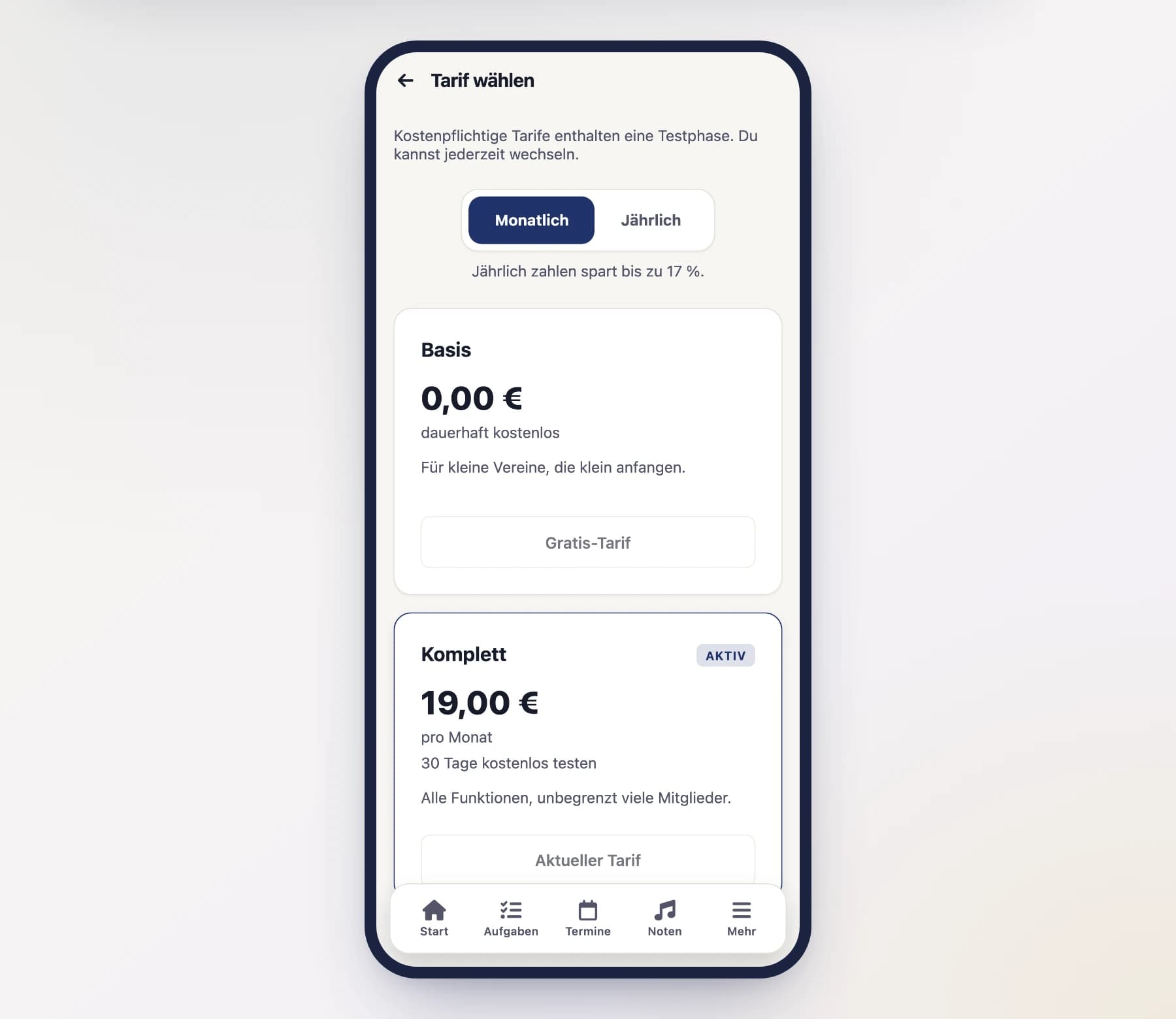
In the plan selection you'll find:
- The Monthly / Yearly switch at the top. Paying yearly is cheaper — by how many percent is shown right below it.
- In each plan card only what actually differs between the plans — members, pieces, or features that a larger plan unlocks. On the right you'll see either a maximum number, “unlimited”, or “not included”.
- Below the cards the “Included in every plan” section: whatever is the same everywhere is listed once there instead of being repeated in every card.
Every switch asks for confirmation first — when moving up, it shows the amount due immediately on a pro-rata basis.
Going back to free
If you switch to the free plan, the paid subscription keeps running until the end of the paid period; the confirmation shows the date. After that the free plan's limits apply: everything you already have stays, you just can't create anything new while you're above them.
Payment runs securely in the browser
Payment and plan changes take place exclusively in the browser. The mobile app offers neither prices nor the option to switch – in that case, talk to the club leadership.