Notifications
Announcements are messages shown to you in the app – here's what they mean.
Every now and then SinfoniaOne shows you an announcement. These are messages displayed to you while you're using the app – for example a note about a new feature or an important piece of information.
Announcements come to you
You don't have to do anything to receive announcements – they appear on their own when there's something. You can read them, but not create them yourself.
How announcements are shown to you
A new announcement appears prominently so you don't miss it:
- On a computer as a banner across the whole page.
- On a smartphone as a panel that slides up from the bottom.
Depending on how important it is, the message is marked as Info, Success, Warning, or Error – the color shows you at a glance how urgent it is.
What you can do with an announcement
- Learn more – some announcements have a button that takes you directly to the relevant place.
- Close – you can dismiss most announcements once you've read them. For a few especially important ones, closing is deliberately not possible.
Read all announcements again
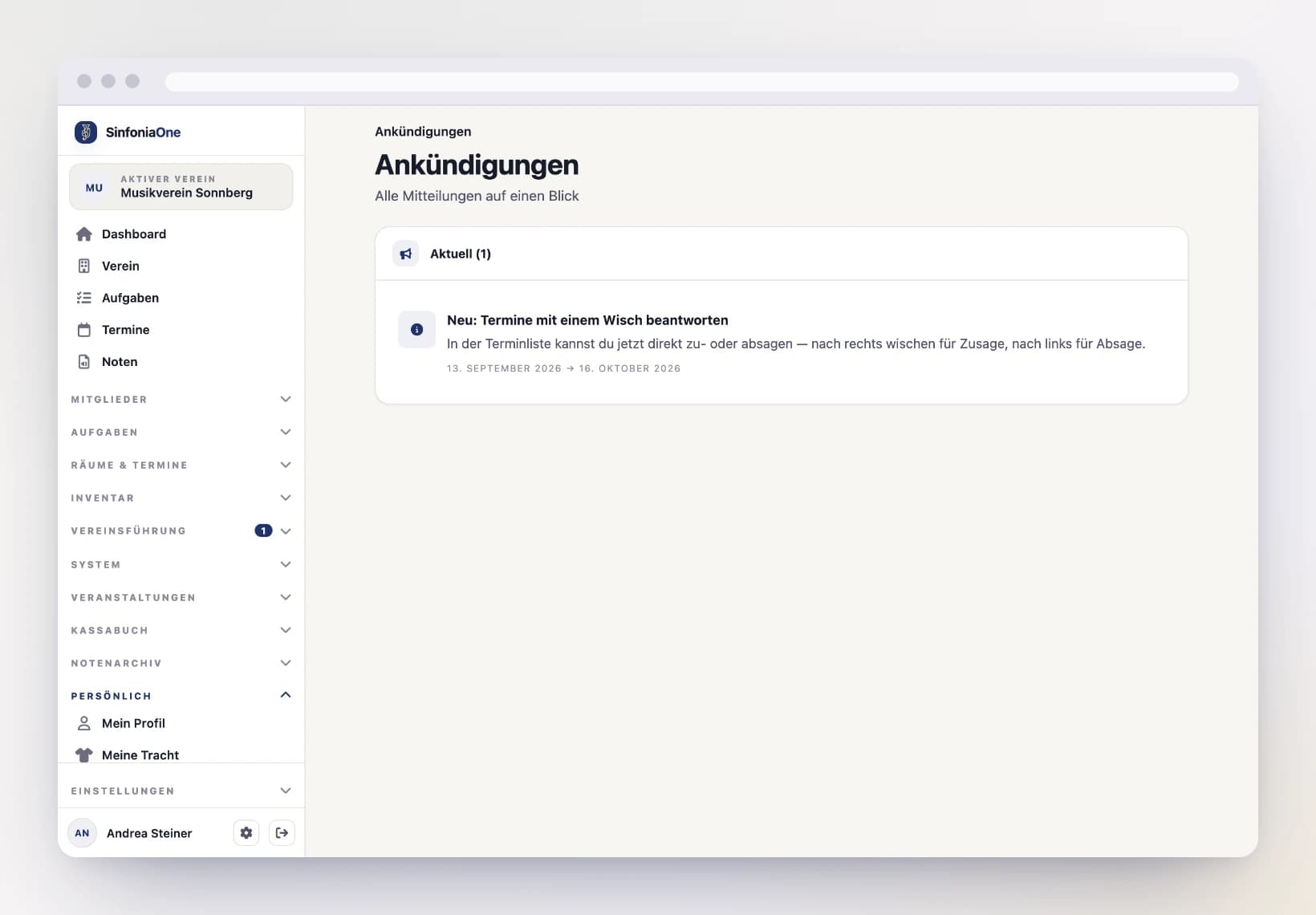
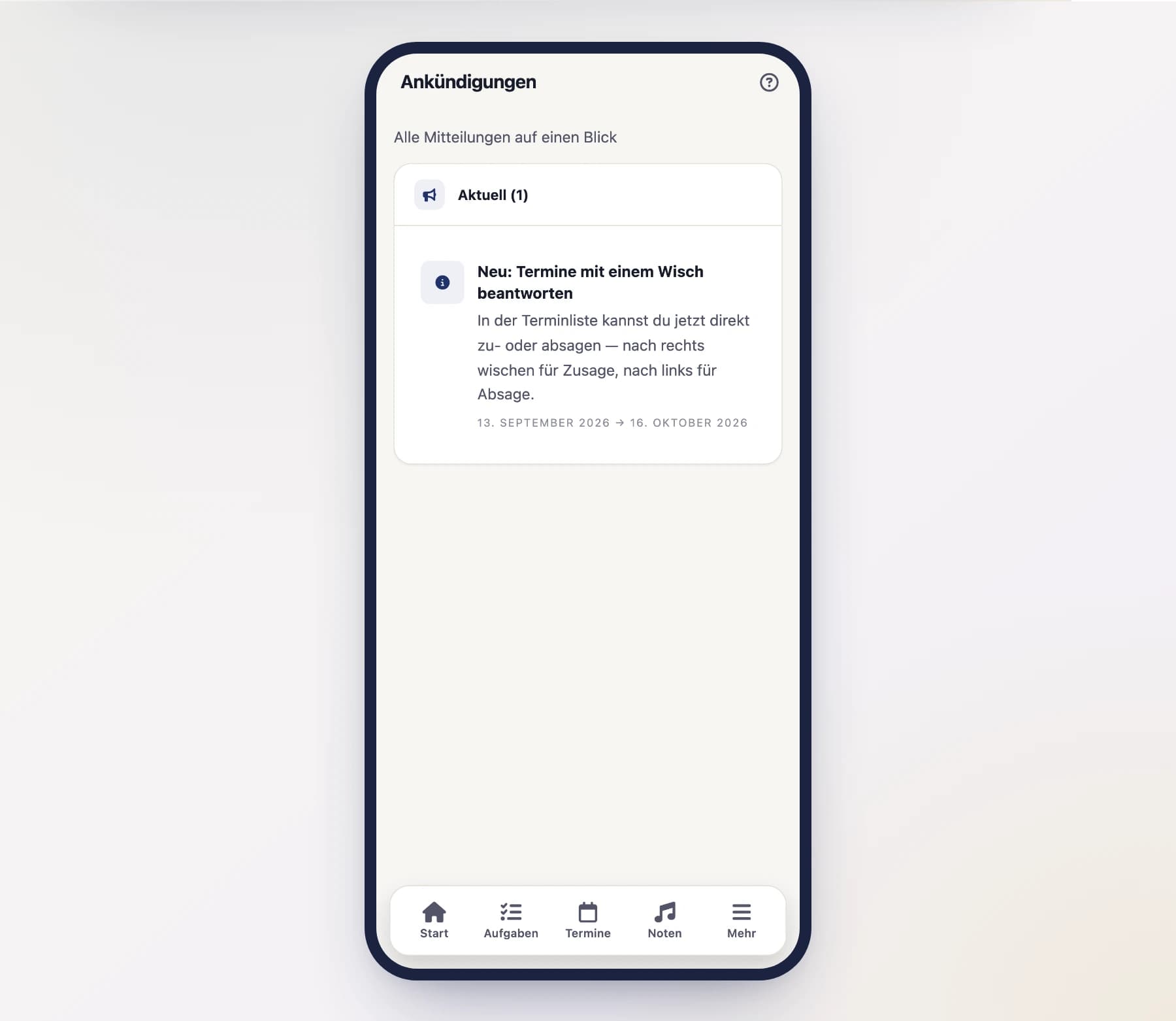
Once you've dismissed an announcement, it's not lost. Under "Announcements" you'll find an overview list of all messages and can read through them again at your leisure.
Not a club inbox
Announcements are general notices from the app, not messages from your club. You get club-internal info via Events, tasks, and – if your club keeps them – via meeting minutes.