Founding or joining a club
Join your existing club, found a new one, or switch between clubs.
In SinfoniaOne everything revolves around your club. One account can be a member of several clubs – and you can switch between them at any time. To start, there are two paths: join an existing club or found one yourself.
Did you receive an invitation link?
Then it is even shorter: open the link, create your account (or sign in) and tap “Join band”. The join request is skipped – you are in right away. You still pick your own password; the band can neither see nor set it.
Joining a club
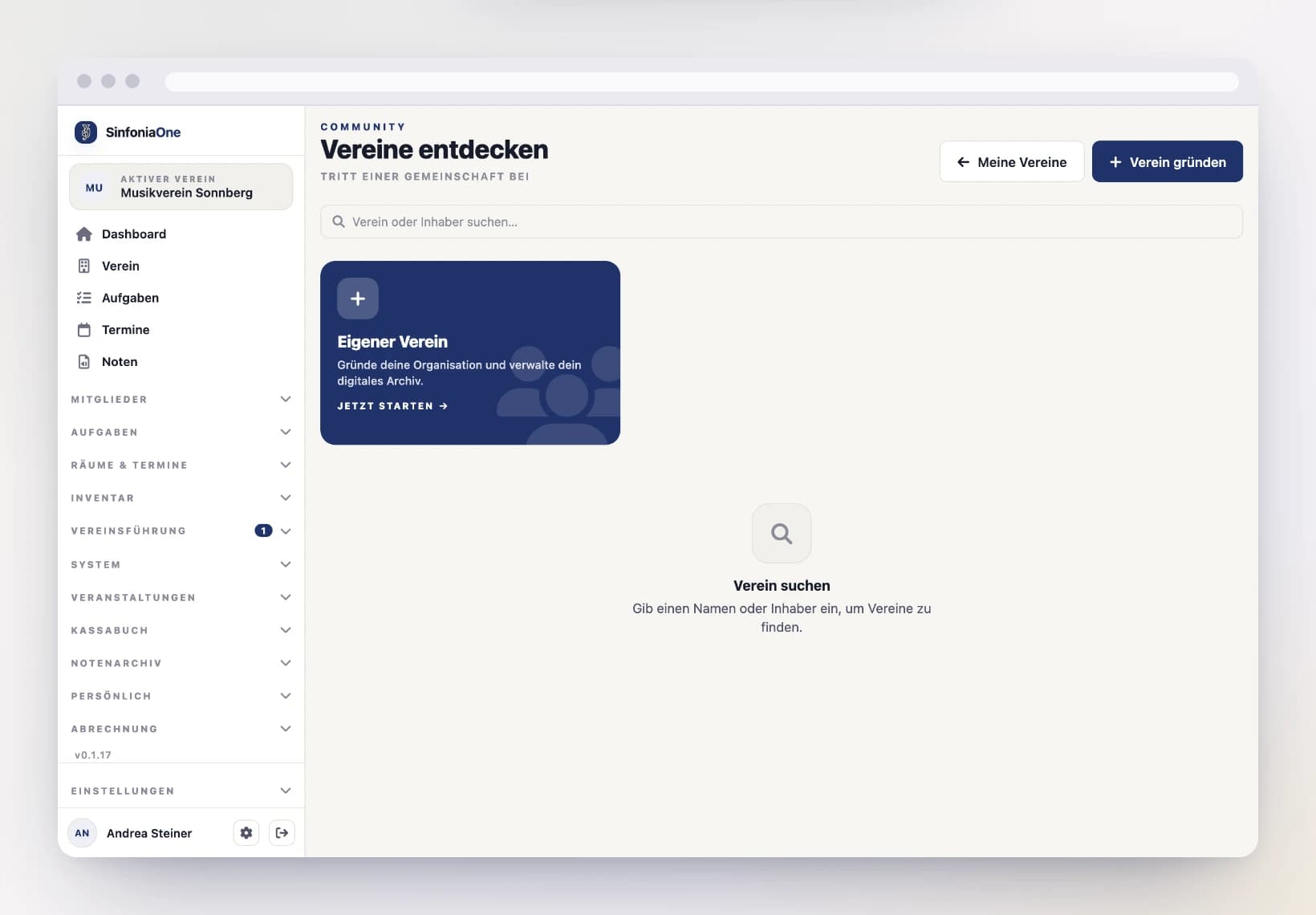
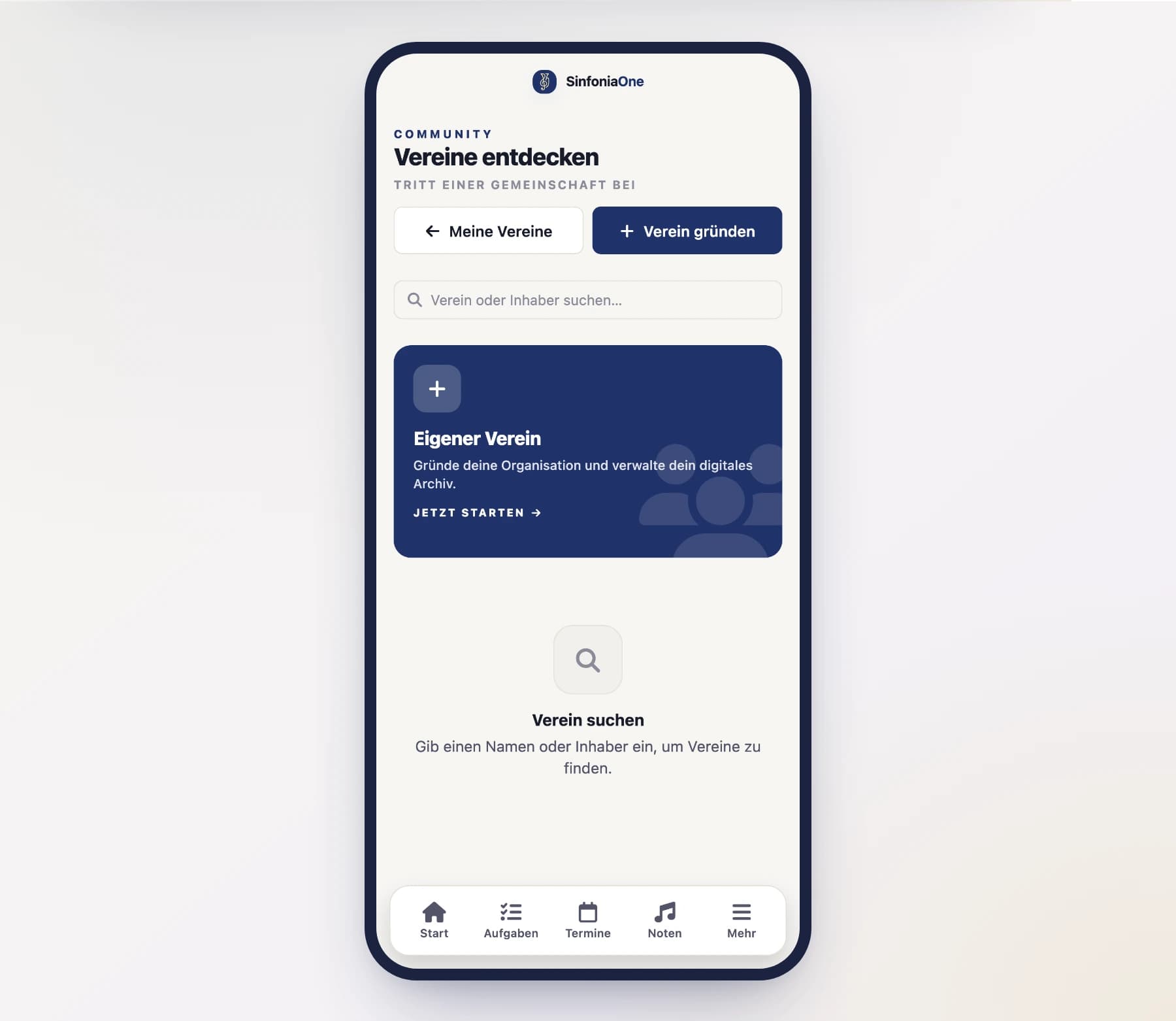
Request to join
At the right club, tap "Request to join". Your request goes to the people in charge of the club.
Now it's time to wait
Someone in charge has to confirm your request. Until then, the club shows "Request pending". As soon as you're approved, the club appears in your list.
Select the club
After approval, you select the club and can get started.
Founding a new club
Start founding
Tap "Found a club" and fill in the details: name, description, address (required), founding year, contact email and – if you like – a club logo.
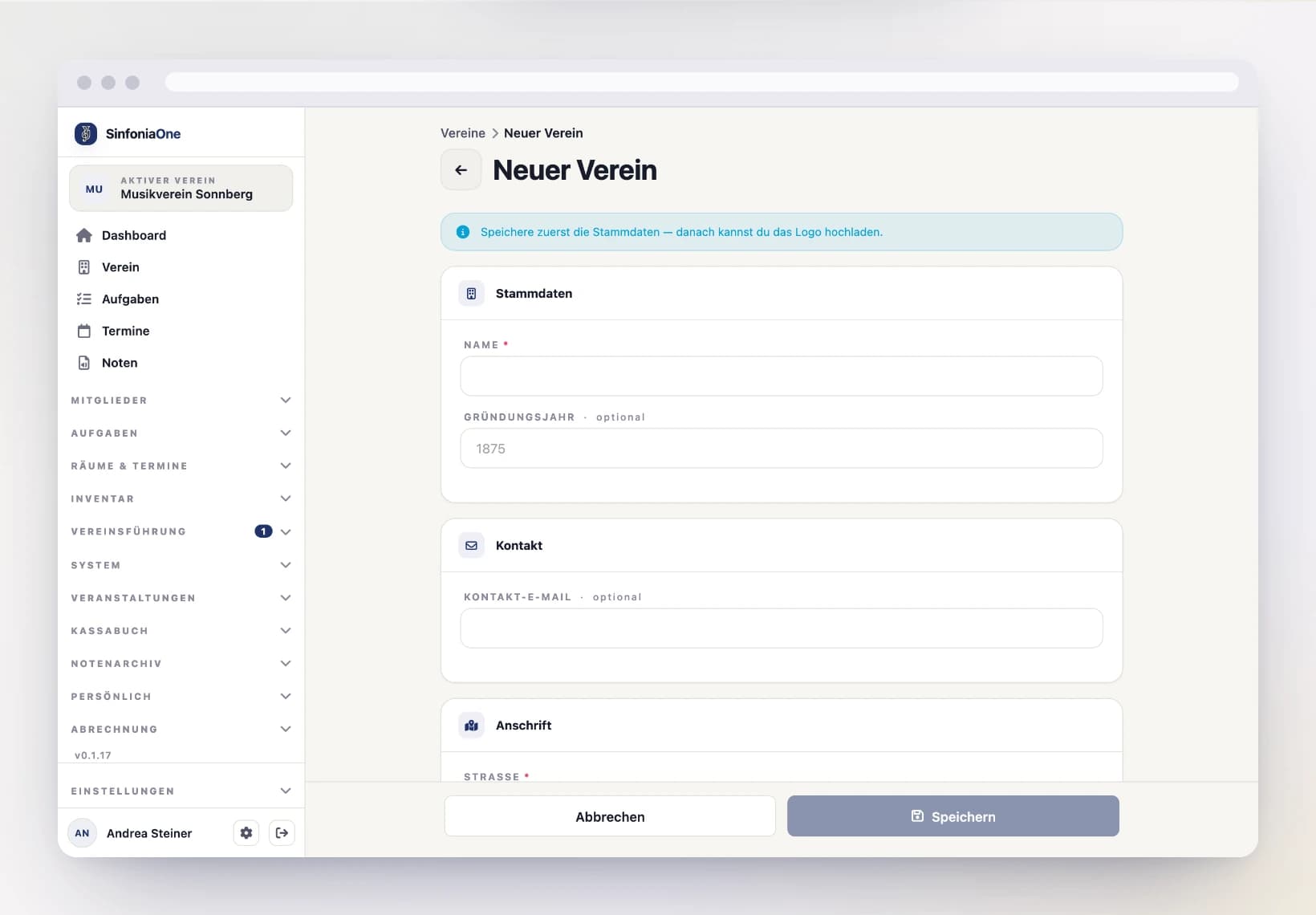
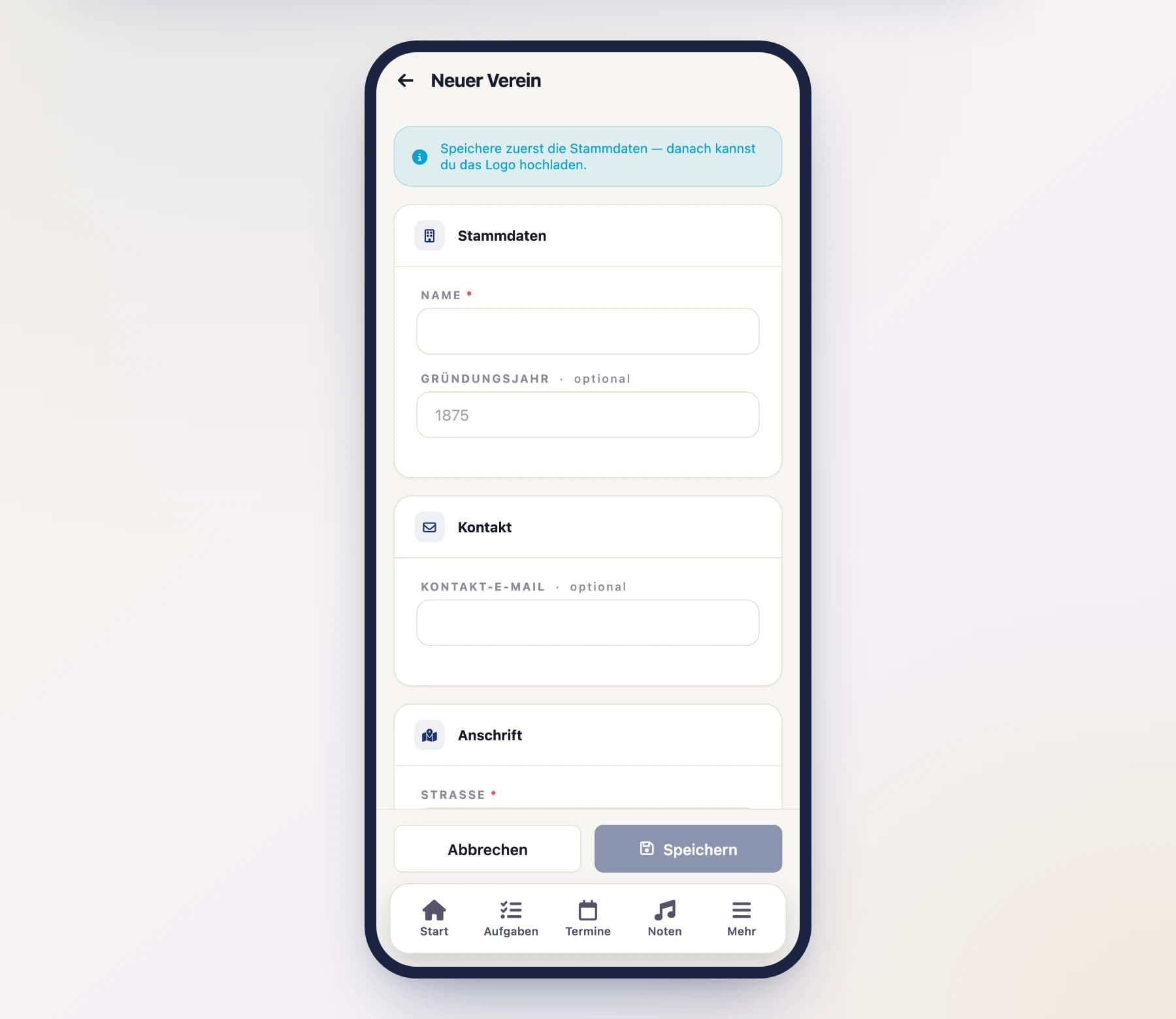
Address from suggestions
In the Street field, just type the street name (with or without the house number) – SinfoniaOne offers matching addresses to choose from. Pick a suggestion and postal code, city and country fill in automatically. You can always enter the address by hand instead.
Create the club
Tap "Save". SinfoniaOne sets up your club automatically: default roles, a few default parts and categories are there right away, for Austrian clubs also the honours catalogue of the regional association — and you're the Administrator.
Check the federal state
After saving you land straight in the club's master data. If your club is based in Austria, a federal state is now filled in there, derived from the postal code. It determines which honours catalogue your club received as a default.
Worth a look at the edges
Postal codes are not unambiguous everywhere: East Tyrol has Carinthian postal codes, Tyrol and Vorarlberg share the 6xxx range, and Kittsee and the Jennersdorf district belong to Burgenland. If the assignment is wrong, simply change it — you can do so at any time.
Clubs outside Austria do not see the field at all; they set up their honours catalogue themselves.
Start for free
New clubs automatically start on the free plan and are ready to use right away. More on this under Subscription & billing.
First steps in your new club
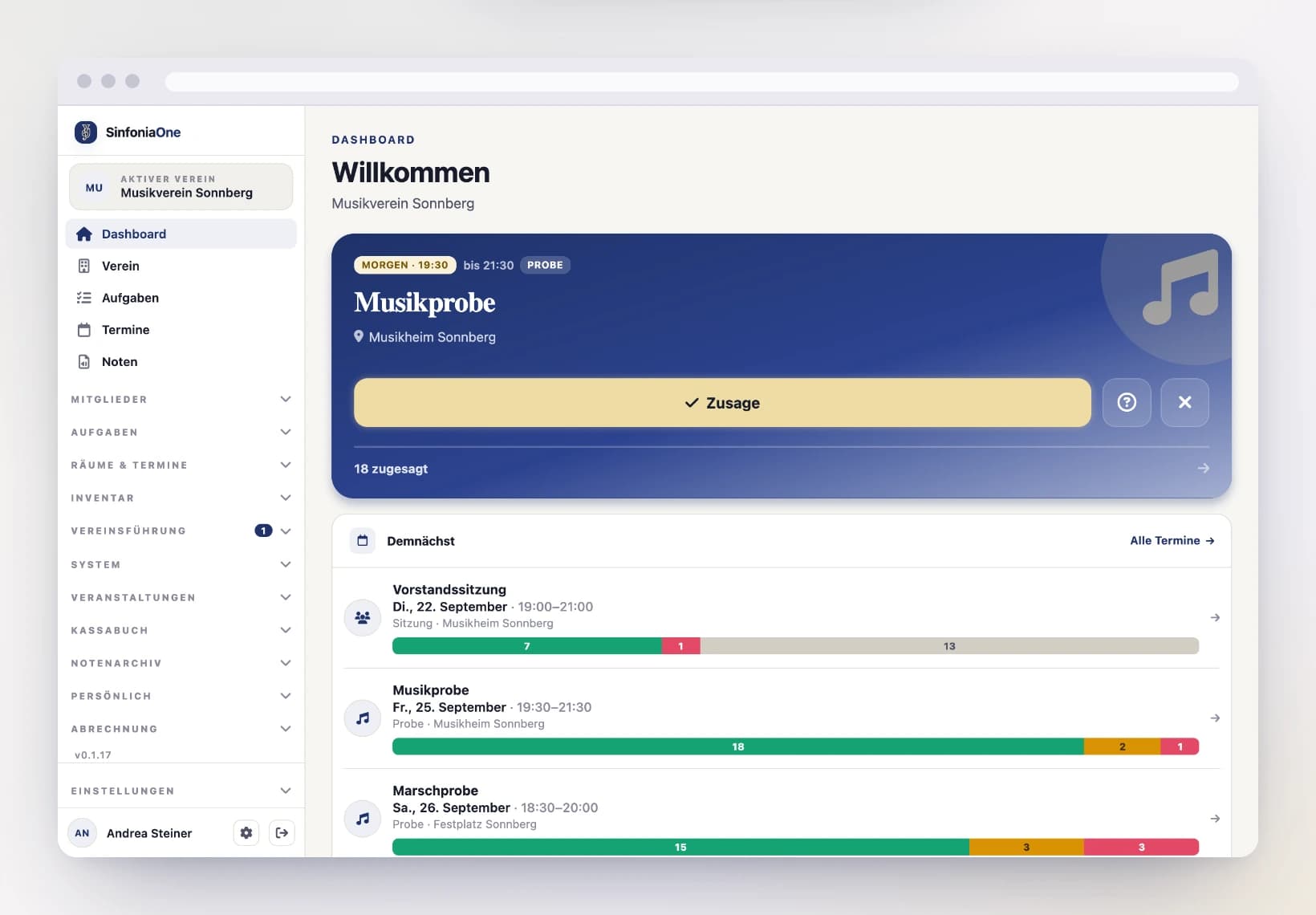
Right after you create it, the Dashboard greets you with the "Getting started" card. It walks you through the key basics – each item checks itself off automatically as soon as you've done it:
Complete the club profile
Add a logo and club details so your club is recognizable.
Add members
Record your club's members – with part, section and contact details.
Upload your first sheet music
Bring scores and parts into the archive.
Create your first event
Add a rehearsal or a performance.
A small progress bar shows how far along you are. You can hide the card at any time using the × in the top right – it won't come back.
Not in a club yet?
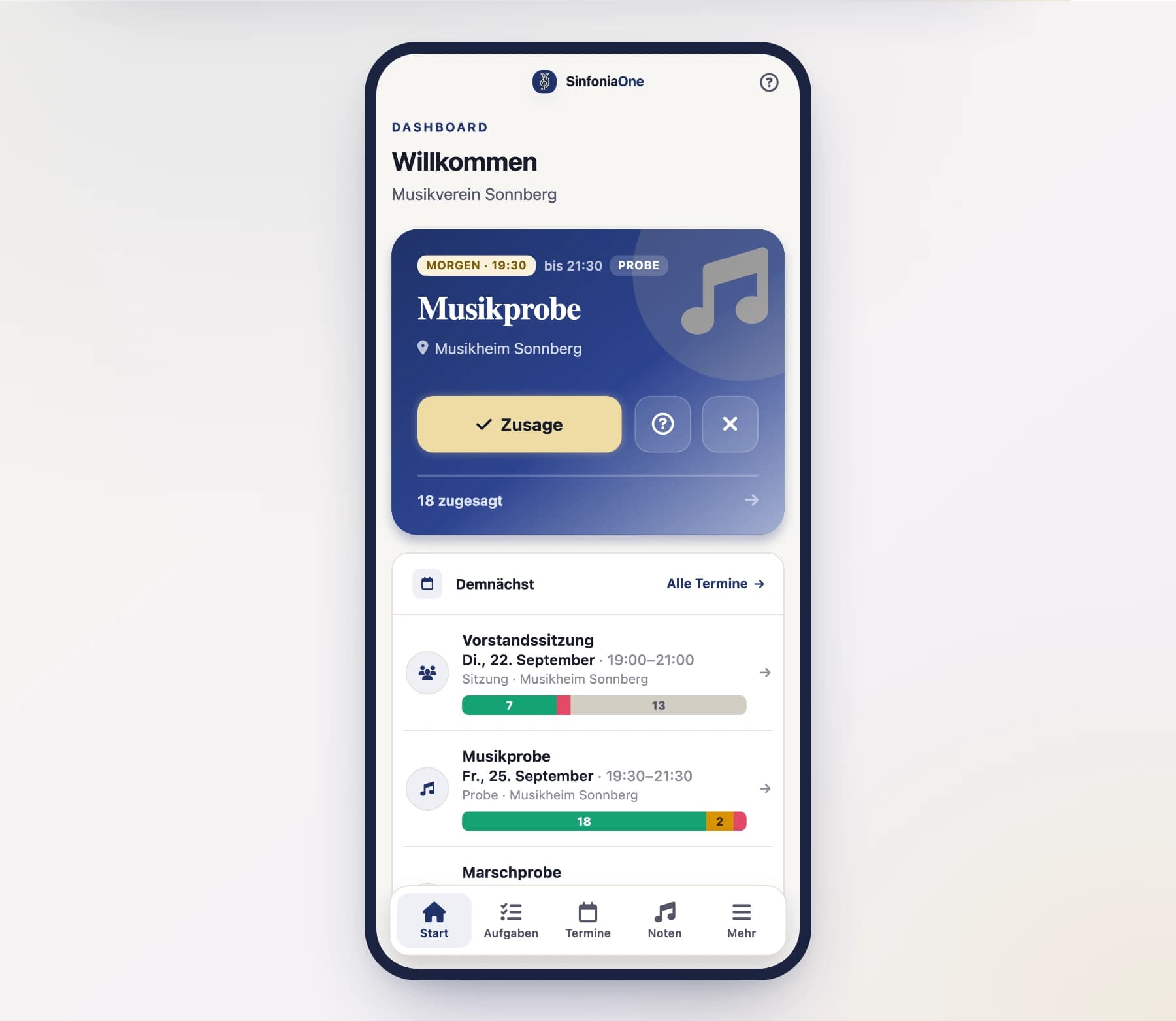
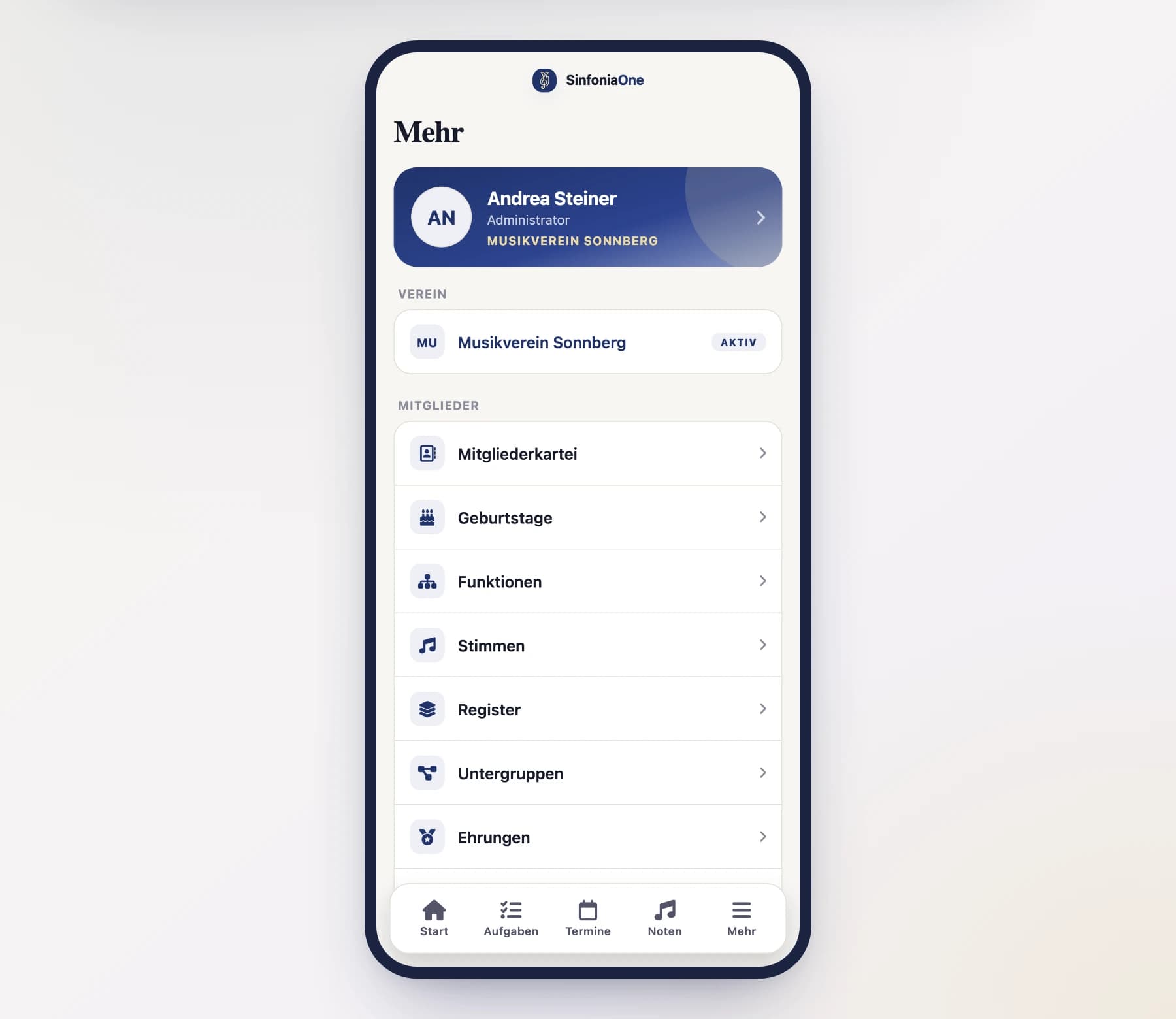
As long as you're not in any club, the Dashboard shows a welcome card with the "Create club" and "Discover clubs" buttons – so you can jump straight to the right starting point. You’ll find the same starting point on your phone under “More” in the Club section, and on a computer at the top of the sidebar.
Switching between clubs
If you're in several clubs, you can switch at any time:
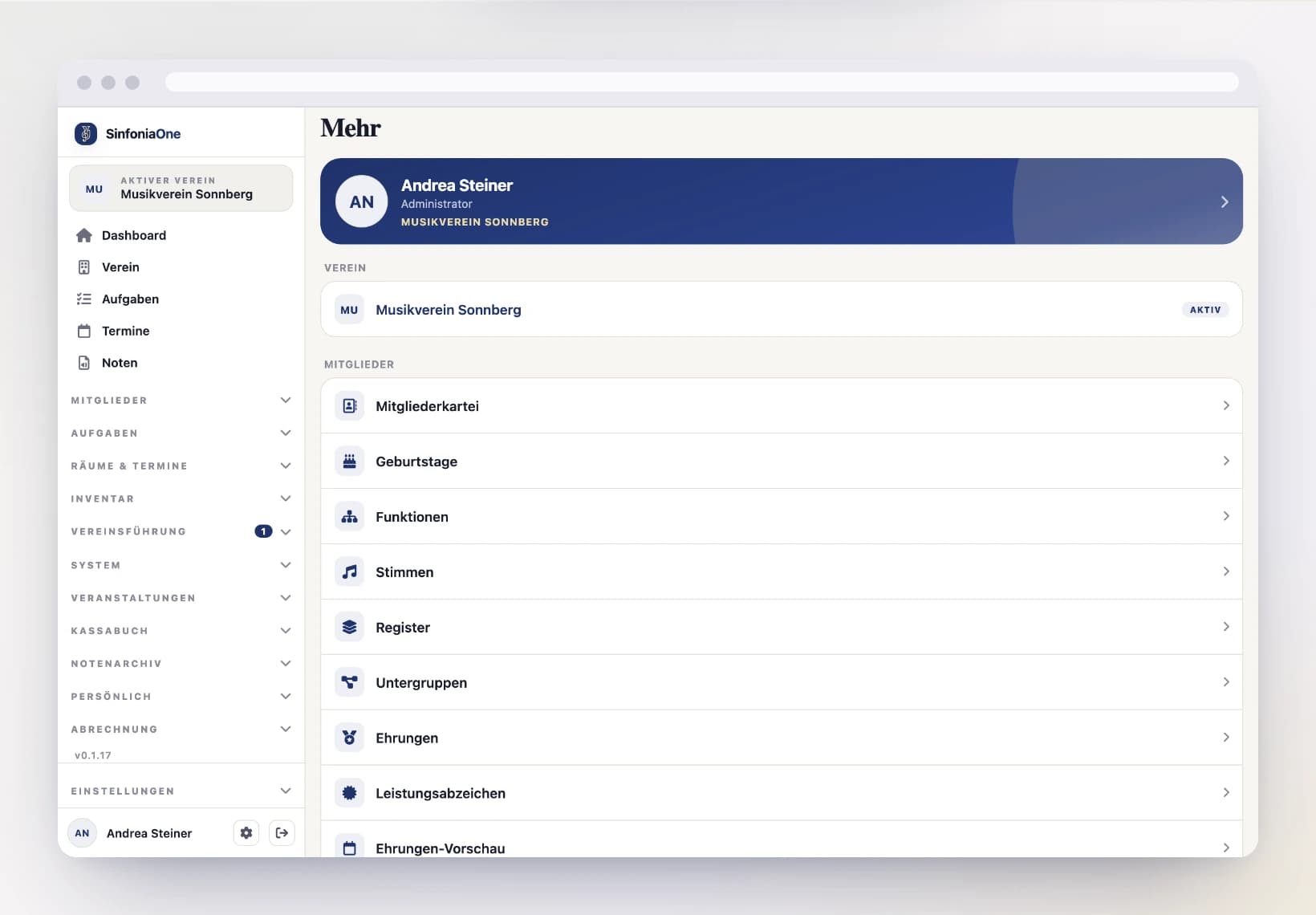
- On a smartphone: via the "More" tab – there you tap your club at the top and choose "Switch".
- On a computer: via the club switcher at the top of the sidebar.
Each club on its own
All data – sheet music, members, events, cash – always belongs to one club. If something's missing for you, first check whether the right club is selected at the top.
Leaving a club
If you want to leave a club, you'll find the option under "Discover clubs" or in the club overview at the respective club.
Deleting a club
Only the club's owner can delete it, from the club overview at the club in question.
Thirty days to save your data — and to change your mind
The club does not disappear straight away. It is closed and deleted for good 30 days later. During that time you can still read, open and download everything — that is what the period is for. Nothing new can be added or changed; a banner at the top of the club explains why. The owner can undo the deletion at any point, and everything carries on as before.
After that the data is gone from every copy
Once the period ends, the club's key is destroyed. Its sheet music, invoices and minutes become unusable in every copy — including the backups. From that point nobody can bring anything back.