Creating an account
Register with email and password and confirm your address.
Before you can use SinfoniaOne, you need a personal account. That's your login – regardless of which club (or how many clubs) you're a member of later.
How to set up your account
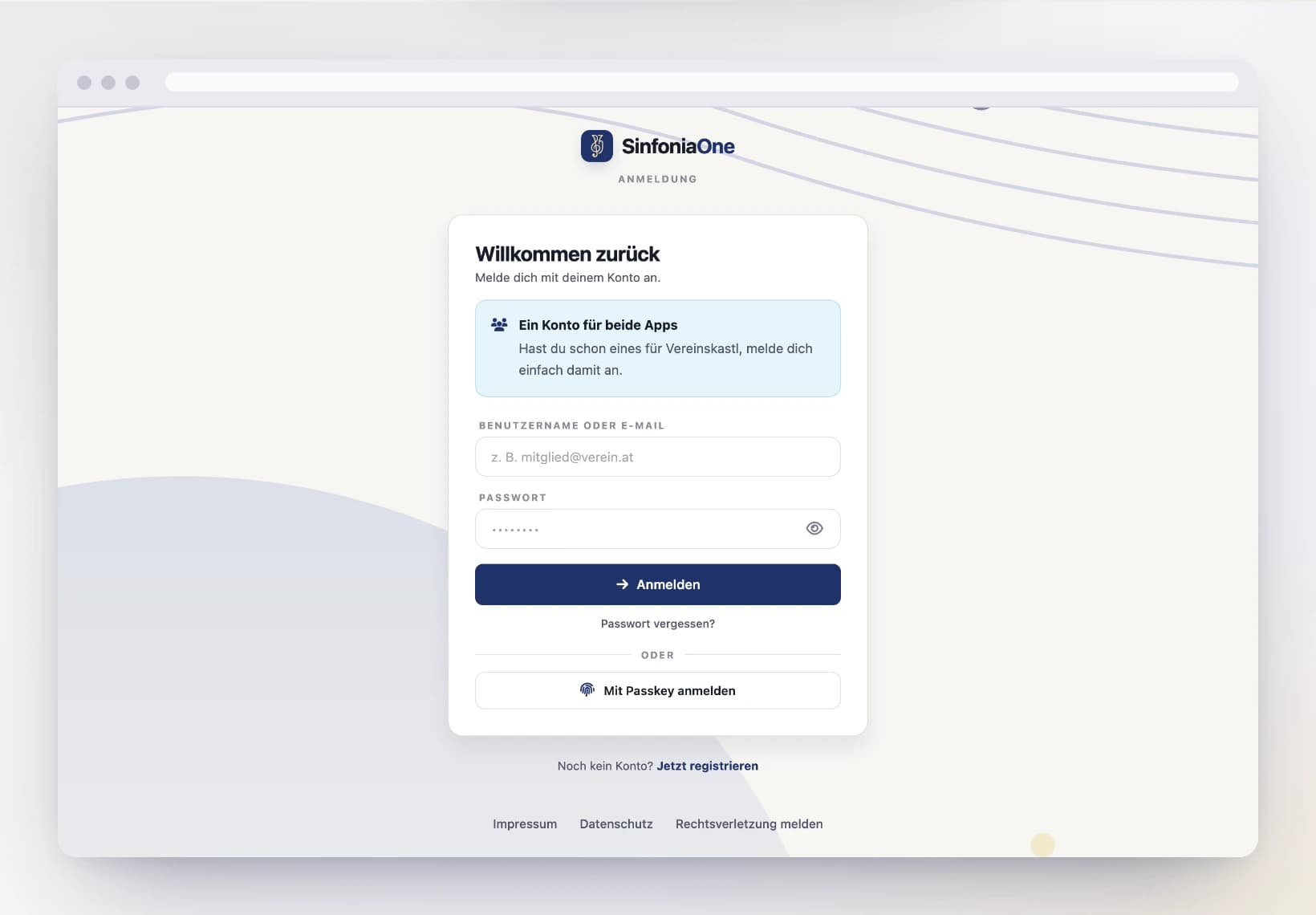
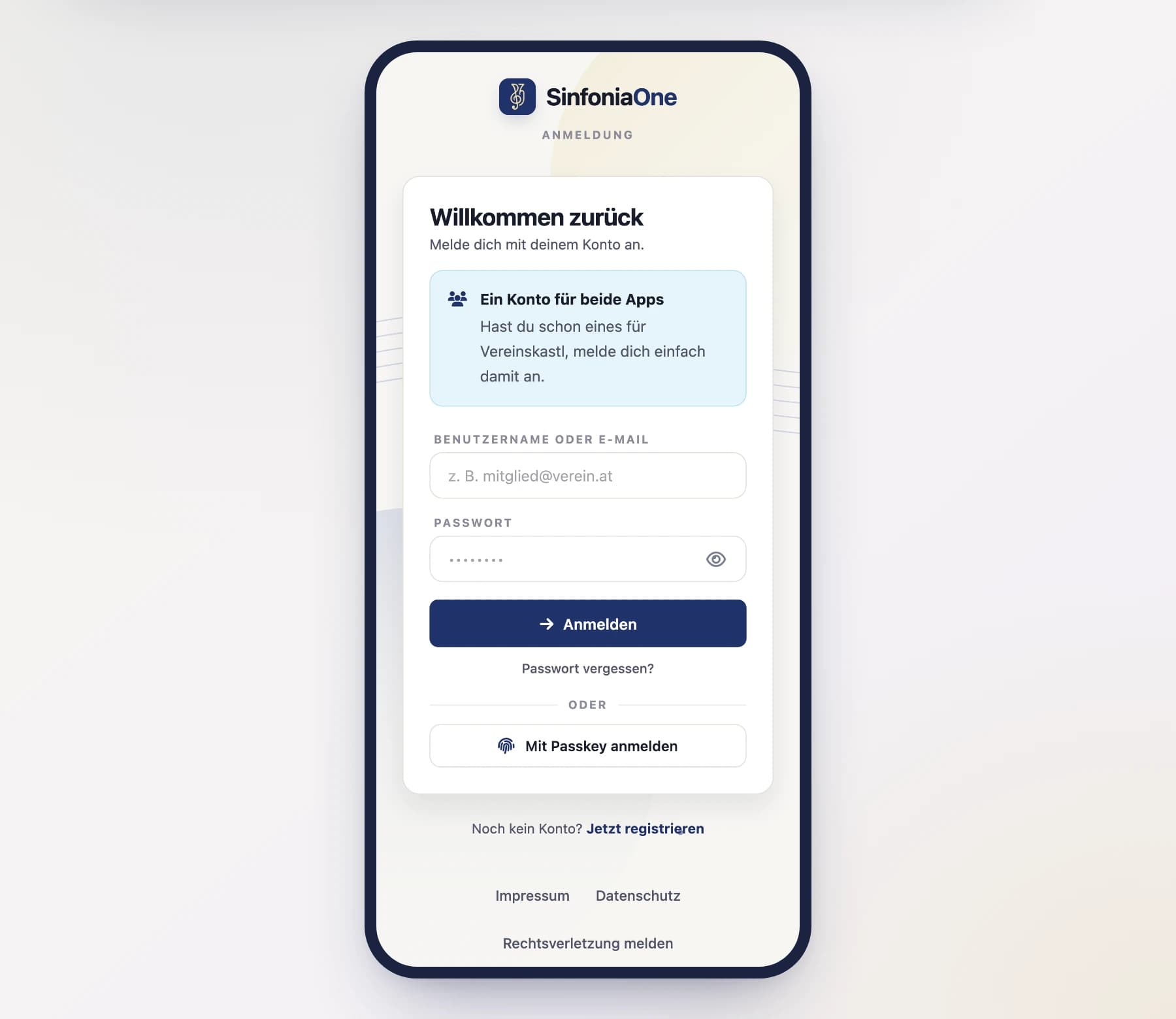
Enter email and password
Enter your email address and choose a password with at least 8 characters. Repeat the password in the second field to be safe.
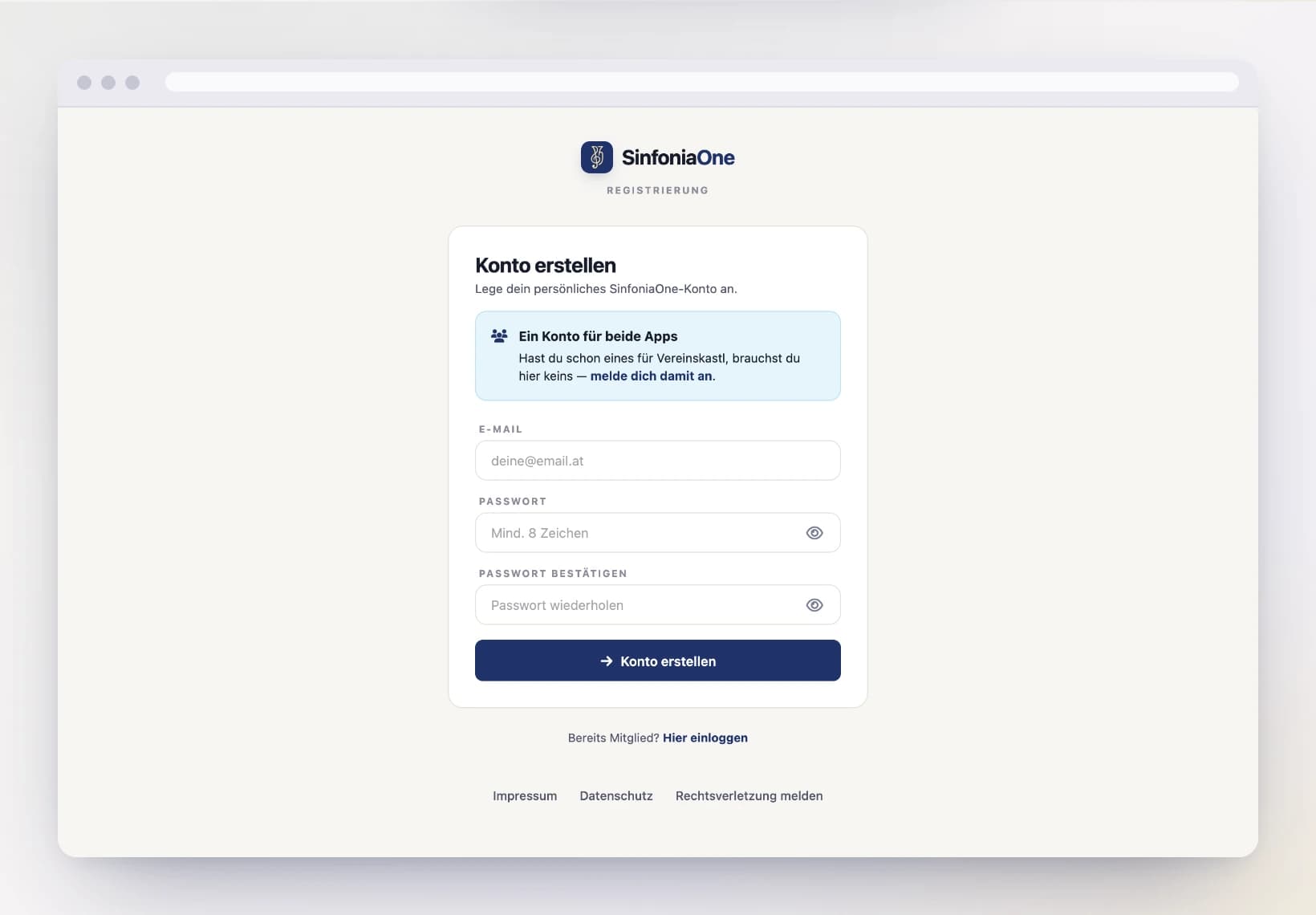
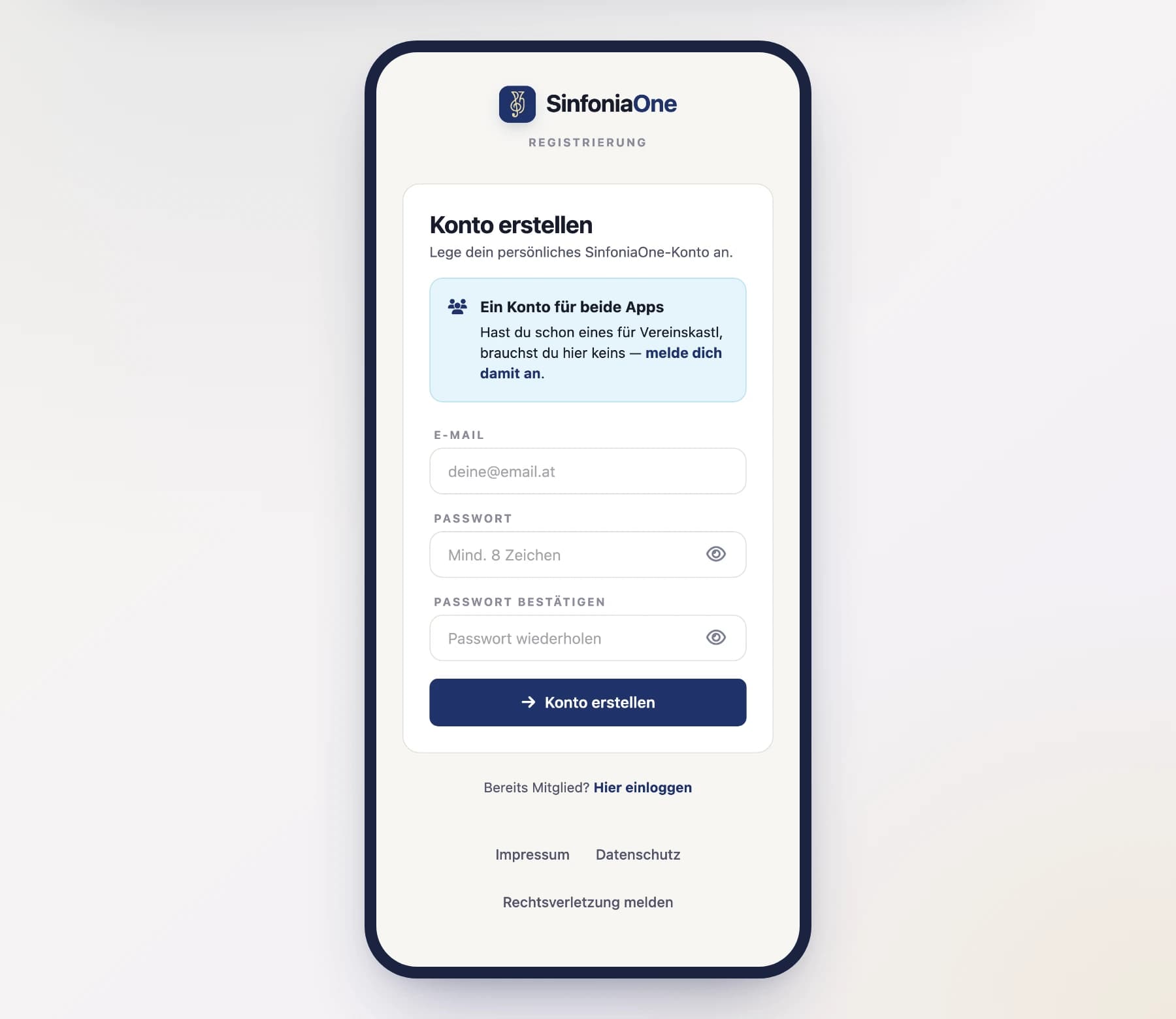
Remember the email address
You'll sign in with exactly this email address from now on. Ideally use an address you check regularly.
Finish registering
Tap "Register". SinfoniaOne now sends you an email with a confirmation link.
Confirm your email address
Open the email and tap the confirmation link. Only then is your account activated and you can sign in.
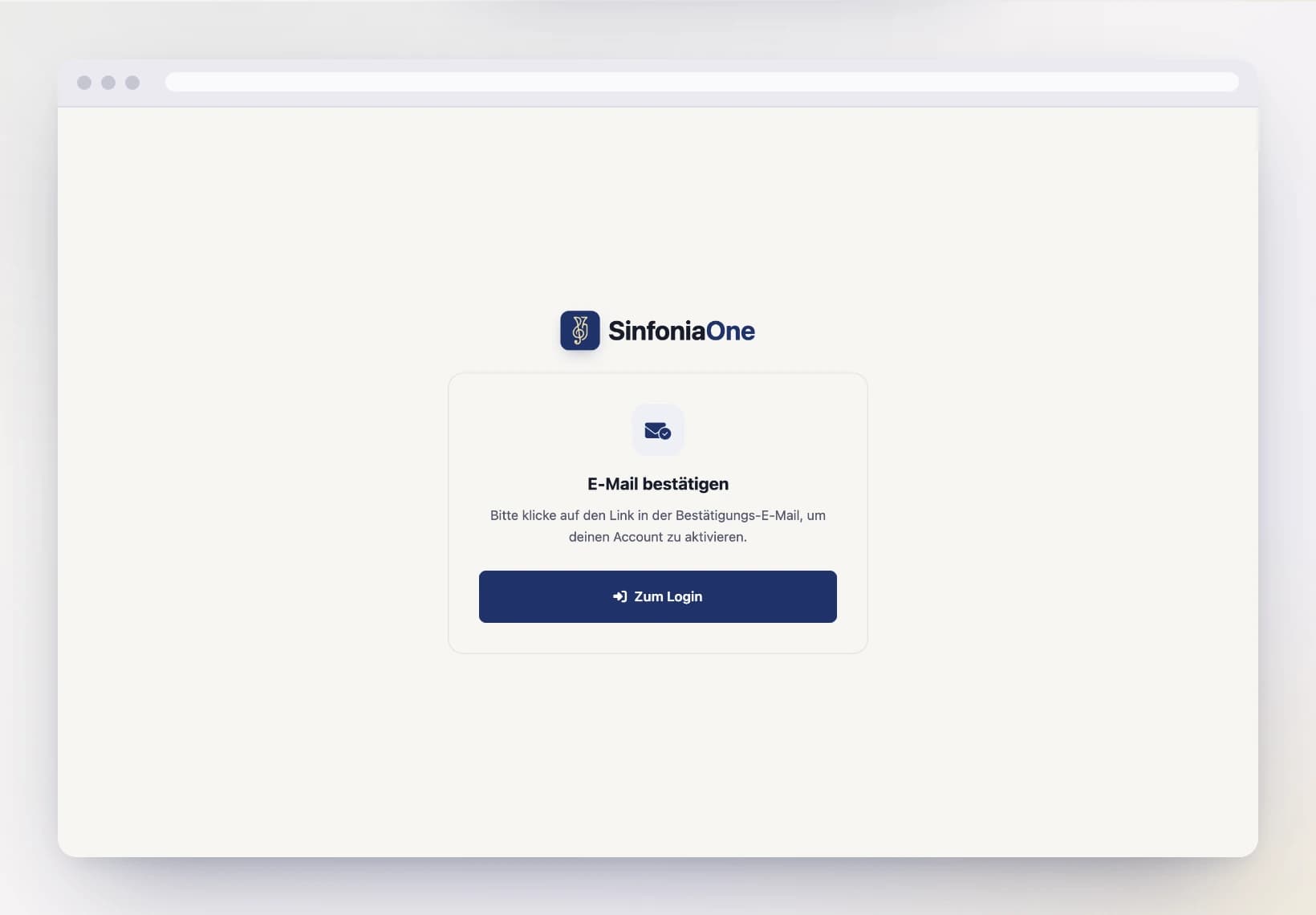
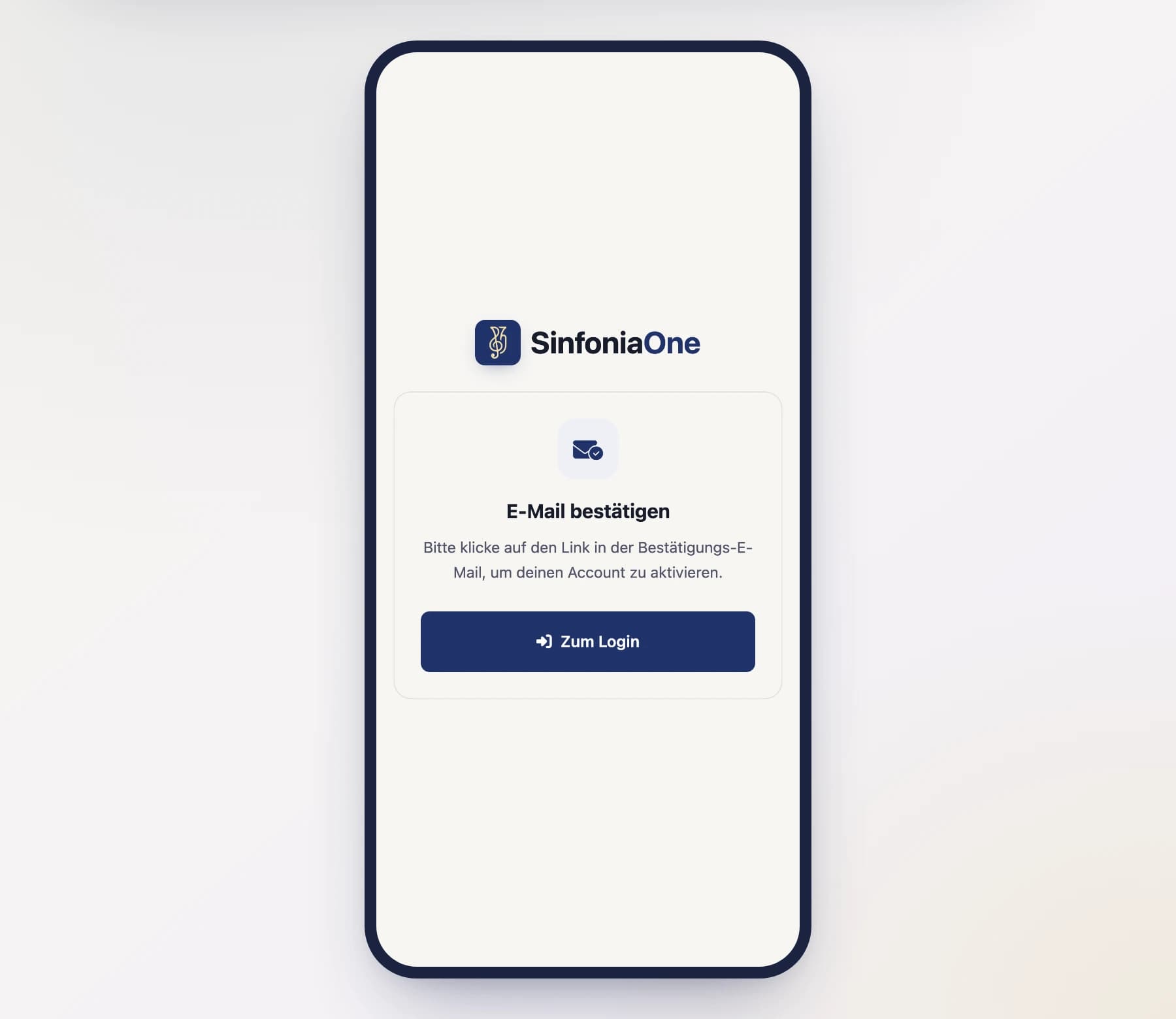
No sign-in without confirmation
Until you've confirmed the email, you can't log in yet. If needed, check your spam folder for the confirmation email.
Prefer Google, Apple or GitHub?
You can also skip setting up a password and sign in directly with an existing account. To learn how, read Signing in.
What's next?
Once your account is confirmed, you can sign in and then join your club.