POS & Finances
Record a festival's income and expenses as financial entries and export the statements as PDF.
In the end, what counts is what's left over. In a festival's POS you record all income and expenses as individual entries – from the entry cash desk to the music royalty fee. Then you export the finished statements as PDF.
Only visible with finance permission
The POS and all money amounts are only visible to people with finance permission – that is, the event lead and the board. Regular members who pitch in at the festival do not see the POS.
Recording a financial entry
A financial entry is a single item of income or expense around the festival.
Choose income or expense
Set whether it's an income (money coming in) or an expense (money going out), and enter the amount.
Assign a category
Assign the entry to a category so the statement stays clear later – for example:
- Admission
- Drinks
- Raffle
- Music royalties (fees for the music)
"Paid by" and receipt
For expenses, someone has often paid up front. Record:
- Paid by – who fronted the expense and gets the money back.
- Receipt – attach the invoice or till receipt so the statement stays traceable.
Save the entry
Tap "Save". The entry flows into the festival statement. The more entries you record, the more precise the final result becomes.
The cashbook card in the event
If your band also keeps a cashbook, the event shows a second finance card: Cashbook. It lists the bookings someone linked to this event – kept separate from the statement above it.
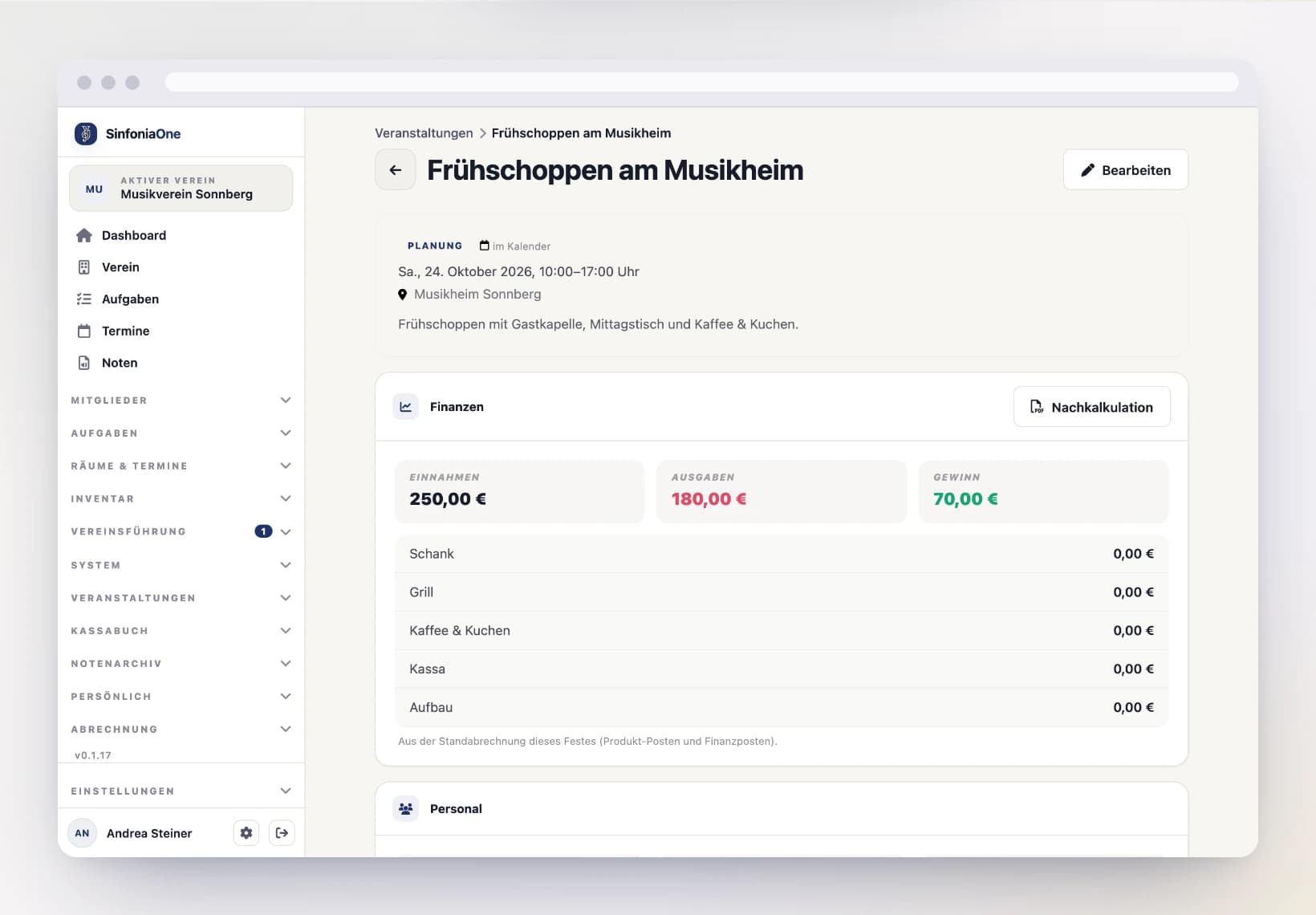
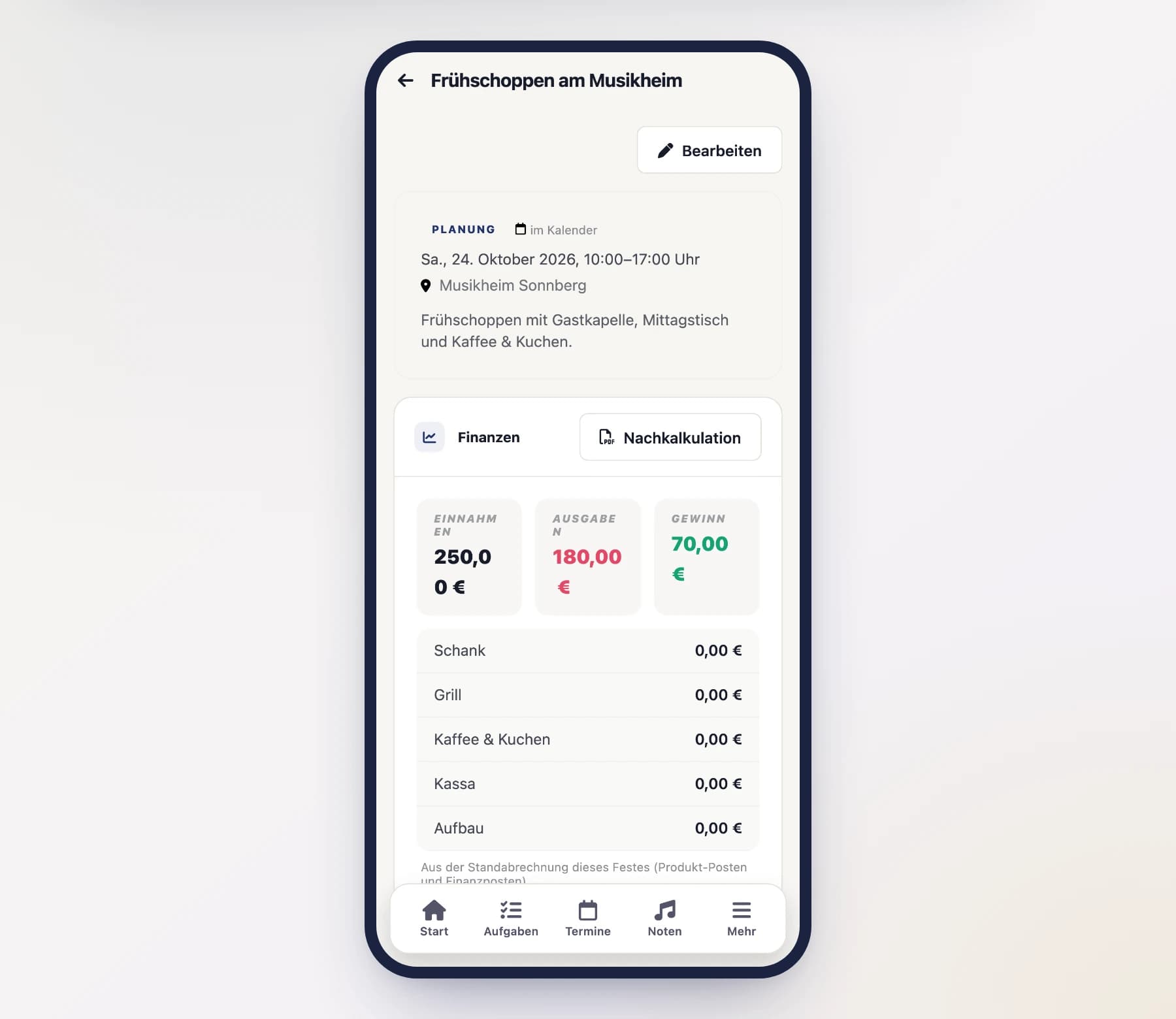
Two cards, two sources – do not add them up
The upper card shows the event's own statement (product items and financial items), the lower one the cashbook. If the bar takings were also booked, the same amount sits in both cards. That is why SinfoniaOne deliberately shows no combined total. More on this under Result per Event.
Only people with cashbook permission see the cashbook card – it stays hidden for the event management.
Statements as PDF
From the recorded figures, SinfoniaOne generates finished PDF documents:
- Final calculation – the complete statement of the festival with income, expenses and result. (only with finance permission)
- Shopping list – an overview of what needs to be purchased for the festival. (only with finance permission)
- Roster – the helper assignments without money amounts. This can also be exported by someone with no finance permission (more on this under Shifts).
Two views of the same festival
That keeps everything cleanly separated: the festival lead works with the final calculation and shopping list (with figures), the helpers get the roster (without figures).
What's next?
Once the festival is over and settled, it's worth looking back: the review compares your festival with earlier years and helps you plan the next purchase better.