Areas & Products
Break the festival into areas, build a product catalog with pack sizes, and plan per area what gets purchased and sold.
For a larger festival it helps to split the work into areas and plan for each area which products get purchased and sold. That way you can see exactly where how much was earned in the end – and you'll know for next year how much to buy.
Optional for small festivals
Areas and a product catalog pay off mainly for the big festival with drinks service and sales. For a small matinee, the simple POS with a few financial entries is often enough.
Creating areas
An area is a part of your festival – for example:
- Tap and bar – the drinks service.
- Grill / kitchen – the food.
- Cash desk and entry – the cash desk and admission.
- Raffle – the wheel of fortune or the prize draw.
- Setup/teardown – the setting up and tearing down around the festival.
For each area you define:
- an area lead – the person responsible for this area,
- a budget – how much this area is allowed to spend.
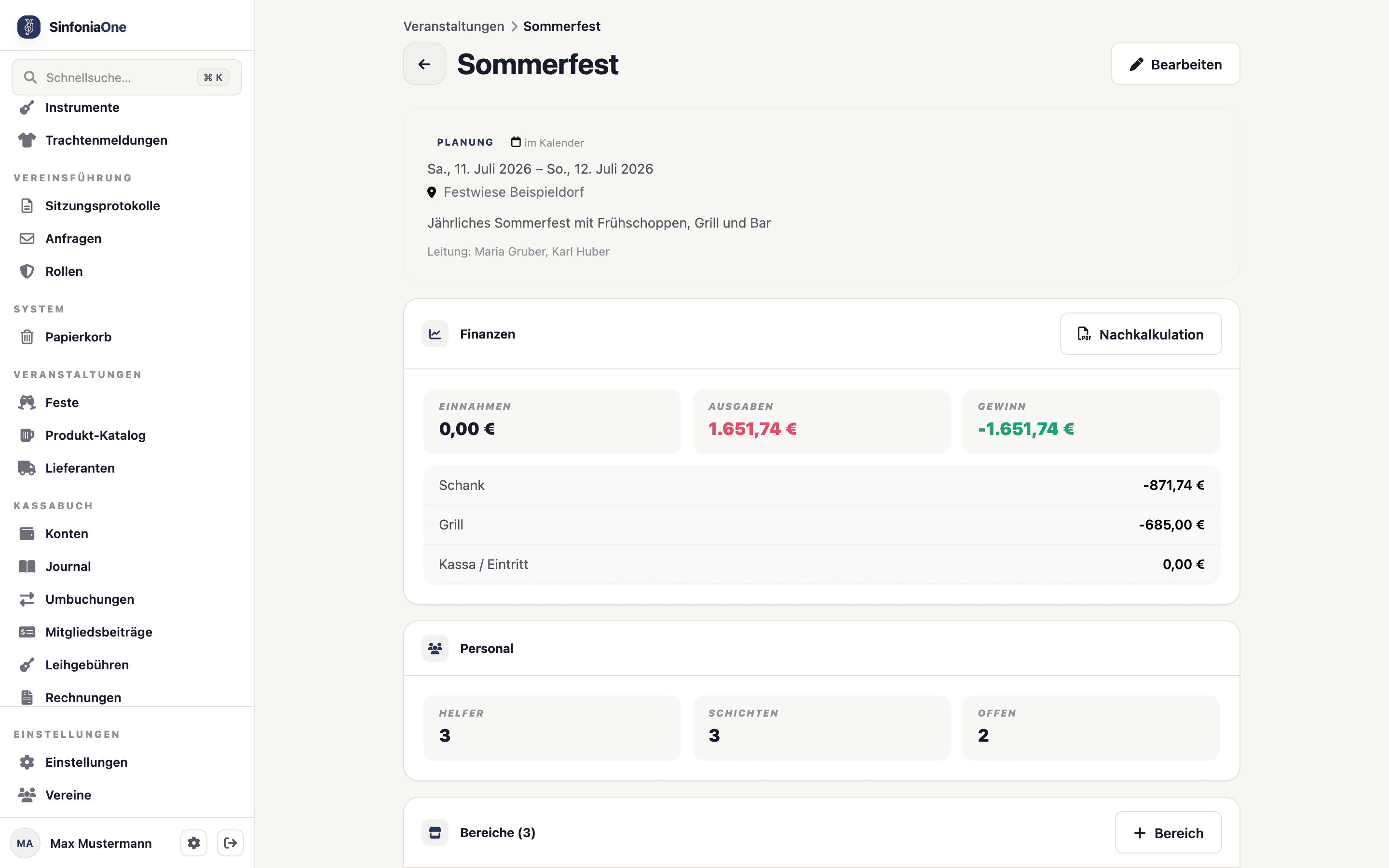
The area lead manages their area
Whoever is set as area lead may manage their own area – for example maintaining the product entries. Responsibility for the whole festival stays with the event lead and the board.
The product catalog
The product catalog is the list of everything your club sells at festivals – drinks, food, raffle tickets. The catalog applies club-wide: once created, you can reuse the products at every festival.
Each product includes:
- Sales unit – the portion you sell in, for example "small beer 0.3 l" or "bratwurst".
- Price – the standard sales price per unit.
- Deposit – if you charge a deposit on glasses or cups.
- Pack size – the conversion from purchasing to selling.
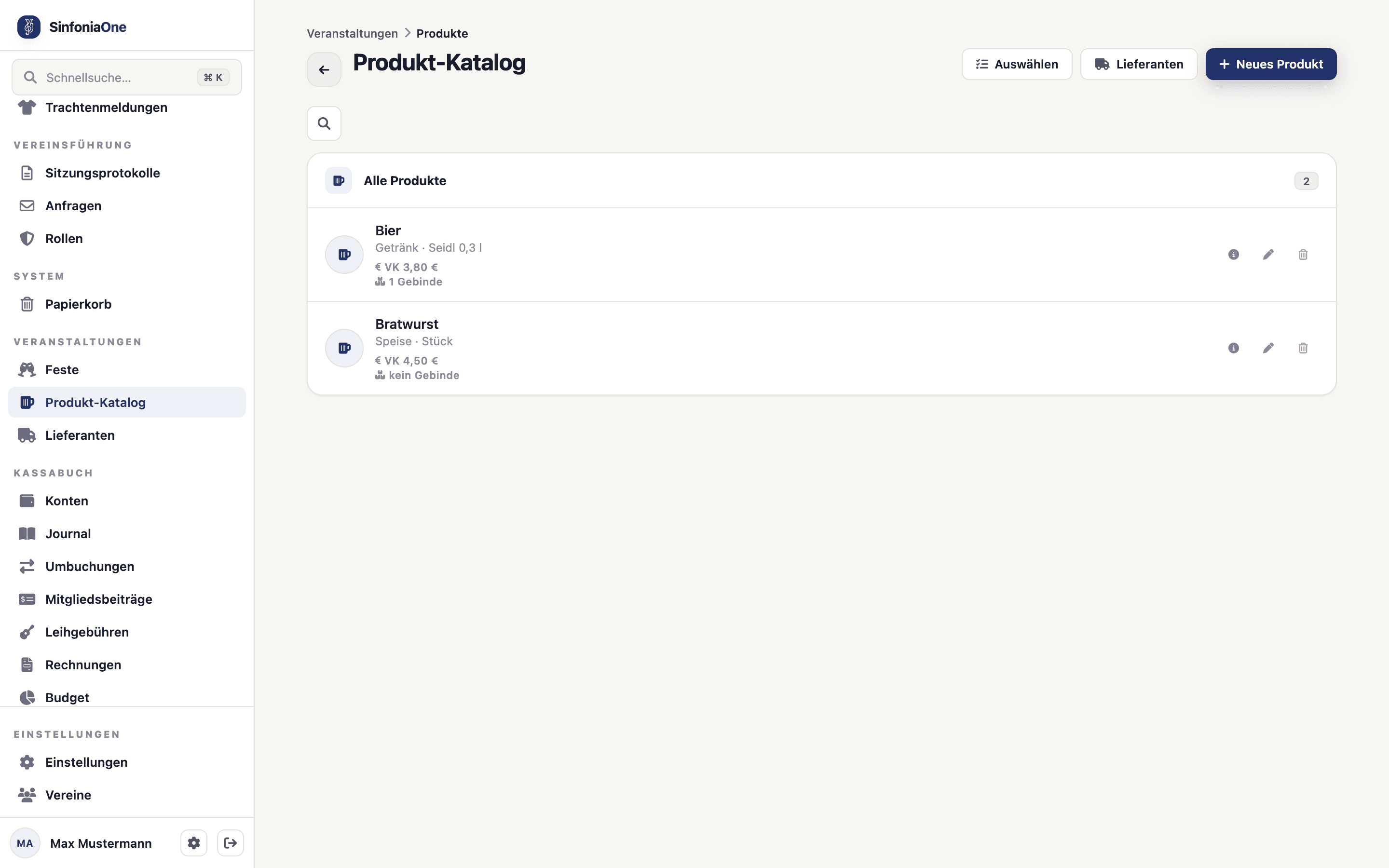
What a pack size is
You usually buy big and sell small. The pack size tells SinfoniaOne how many sales units are in one purchasing unit:
1 keg of beer = 167 small beers.
Once you enter the pack size, the app converts automatically: "3 kegs purchased" becomes 501 small beers you can sell. That way purchasing and selling always add up – and the review can work out how much was really used.
Suppliers
You can store suppliers for your products – that is, who you get the keg of beer or the sausages from. That way you have the right contacts on hand right when it's time to purchase for the next festival.
Product entries per area
A product entry connects a product from the catalog to an area. For each entry you record four quantities:
- Planned – how much you want to sell.
- Purchased – how much you actually got.
- Sold – how much went over the counter.
- Left over – what remained.
From these quantities SinfoniaOne automatically calculates the numbers that matter:
- Purchase value – what the purchase cost,
- Revenue – what you took in,
- Profit – what's left at the bottom line for this entry.
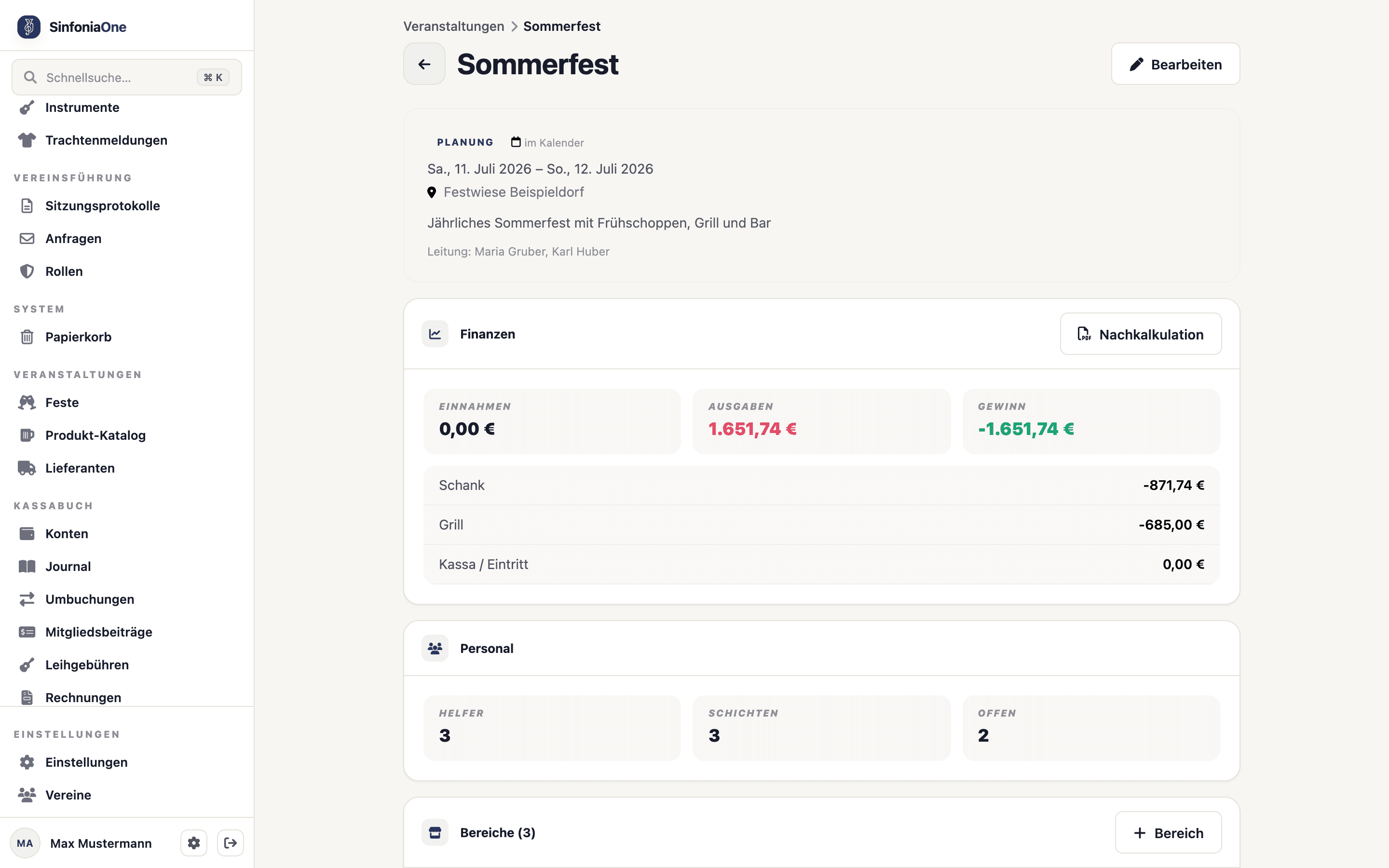
Financial figures only with permission
Revenue, purchase value and profit are financial figures. They're only visible to people with finance permission – that is, the event lead and the board. Members who only pitch in see the areas and products, but no money amounts.
What's next?
Once areas and products are in place, the next thing you assign are the helpers: