Notifications
Announcements are notices about the app – where they live, how long they stay, and what the colors mean.
Every now and then there's an announcement: a notice about the app itself – a maintenance window, a new feature, an outage.
Announcements come to you
You don't have to do anything to receive announcements – they appear on their own when there's something. You can read them, but not create them yourself.
Your inbox
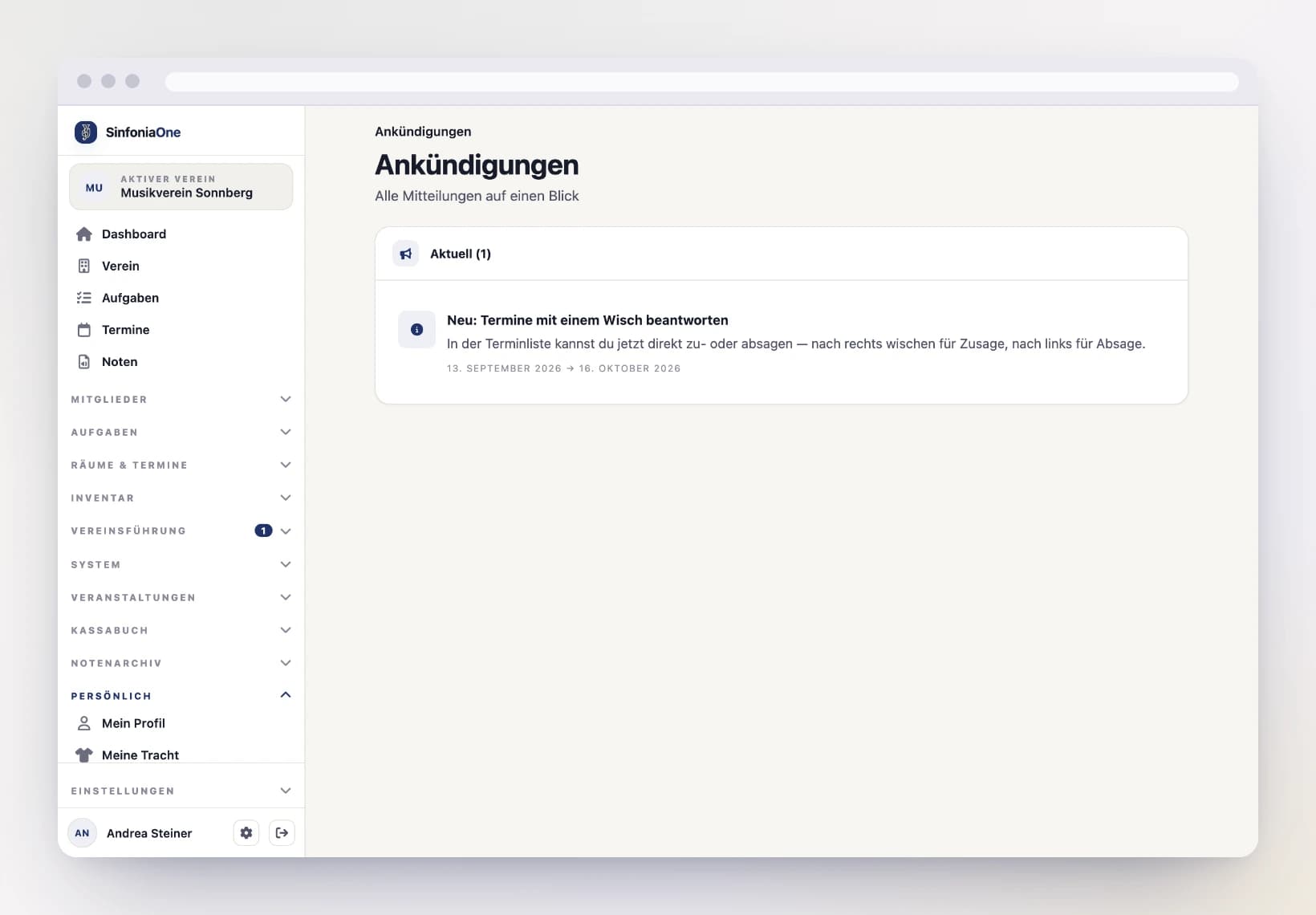
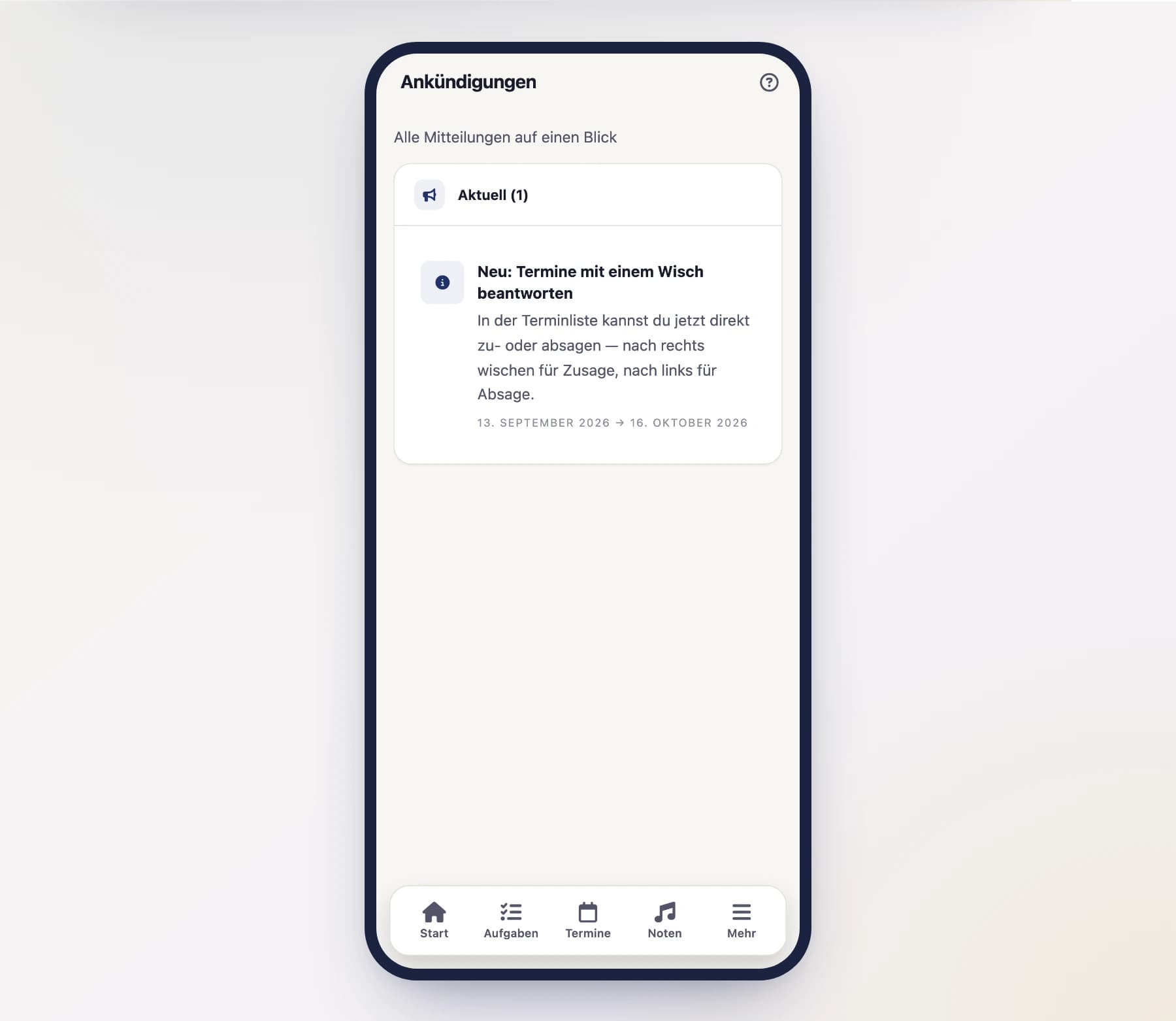
All messages live under My account → Announcements:
- Anything you haven't read yet sits at the top under New and has a colored stripe on its left edge. The menu entry shows how many are still open.
- The inbox counts as read once you leave it again – then the counter drops to zero, on all your devices. While you're reading, everything stays put.
- The inbox goes back one year.
- Anything that no longer applies stays readable and is marked “no longer current”.
When something is urgent
Only explicitly urgent notices additionally step in front of the screen – as a window in the middle on a computer, as a panel sliding up from the bottom on a phone. Everything else waits in the inbox instead of interrupting your work.
You can always close such a window. It won't come back afterwards, not even on another device – you'll still find it in the inbox.
How you can tell how urgent it is
The stripe and the sign in front of the title show you at a glance how urgent a message is: yellow with a triangle for an important notice, red with an exclamation mark for a critical one, green with a tick for good news, otherwise a dot in the app's color. In the window for urgent notices the button has that color too.
The button below the message
Some announcements have a button. It either takes you straight to the relevant place in the app or opens a page in your browser.
You only see what applies to you
Some notices only apply to certain devices – a note about a new version in the App Store, for example, only on an iPhone. Anything that doesn't apply to your device isn't shown to you at all.
Announcements come from the operator, not from your club
Announcements are general notices from the app, not messages from your club. What your club sends you is under “Messages” in the menu – see Club messages. On top of that there are events, tasks, and – if your club keeps them – meeting minutes.